Search suggestions will appear below the field as you type

Browse via device topic
I can't use my tablet as a Wi-Fi hotspot
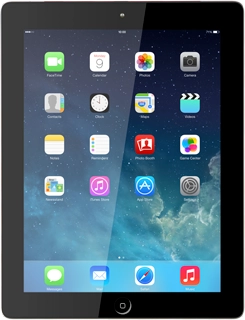
If you can't use your tablet as a Wi-Fi hotspot, follow these instructions to solve the problem.
If you can't use your tablet as a Wi-Fi hotspot, follow these instructions to solve the problem.