If Do Not Disturb is turned on, your tablet is set to silent mode for a specified period of time.
Solution: Use Do Not Disturb
1. Find "Do Not Disturb"
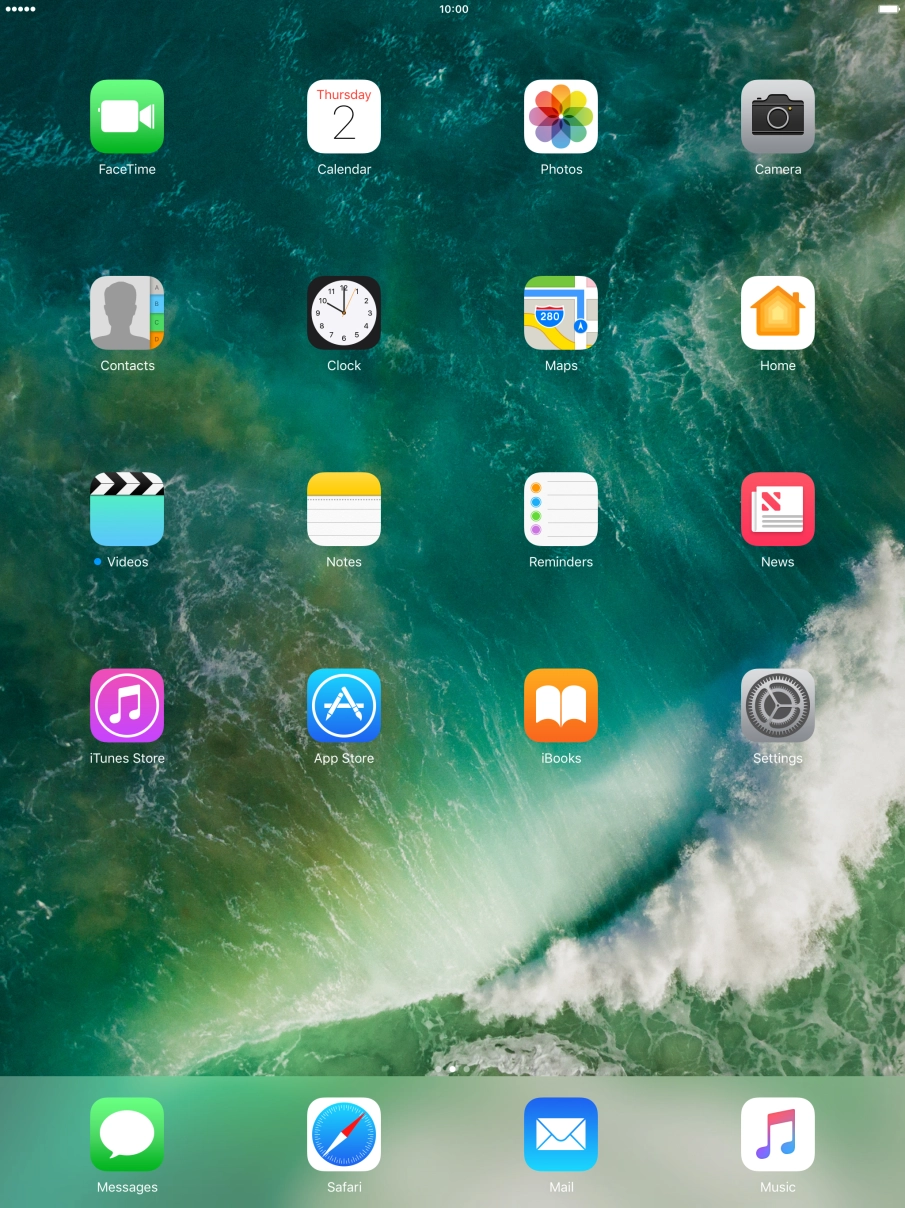
Press Settings.
Press Settings.
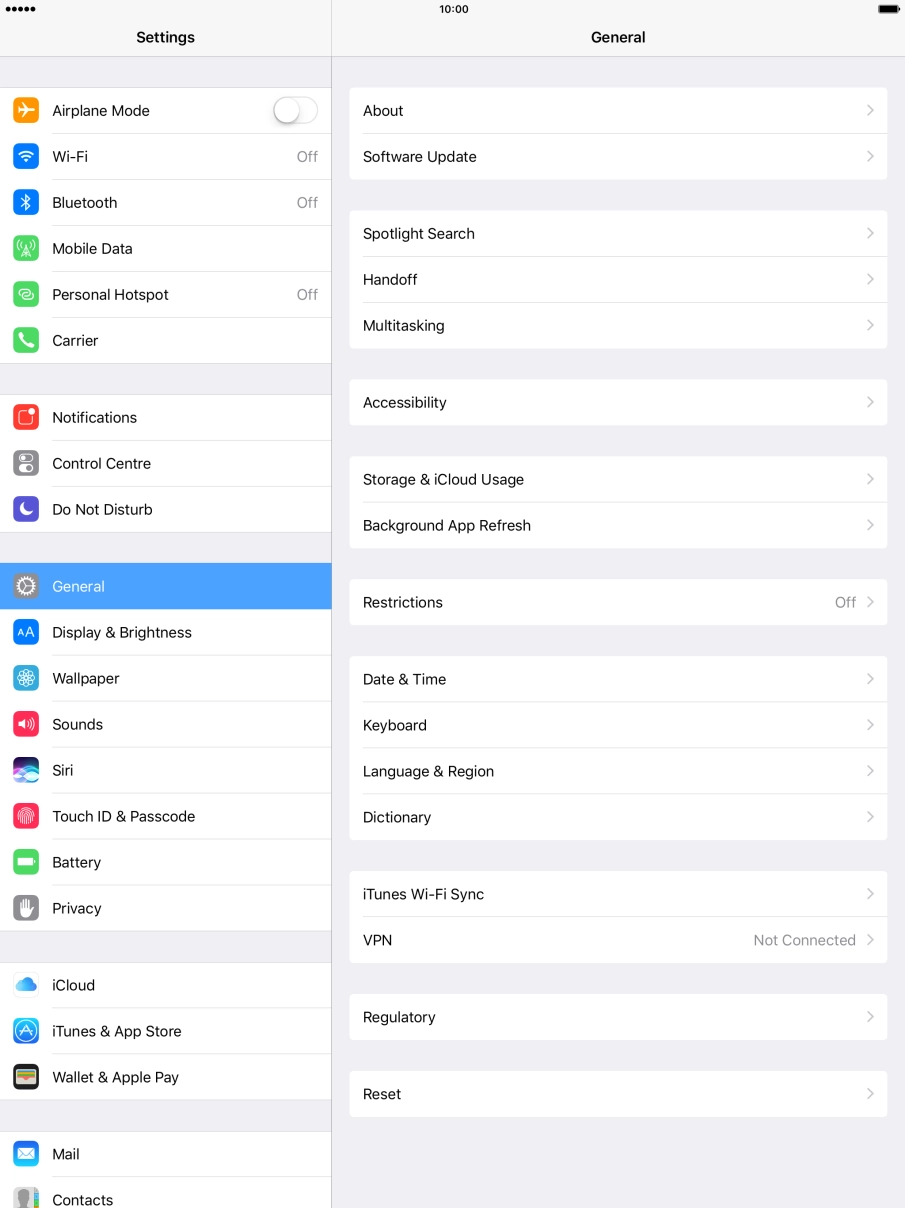
Press Do Not Disturb.
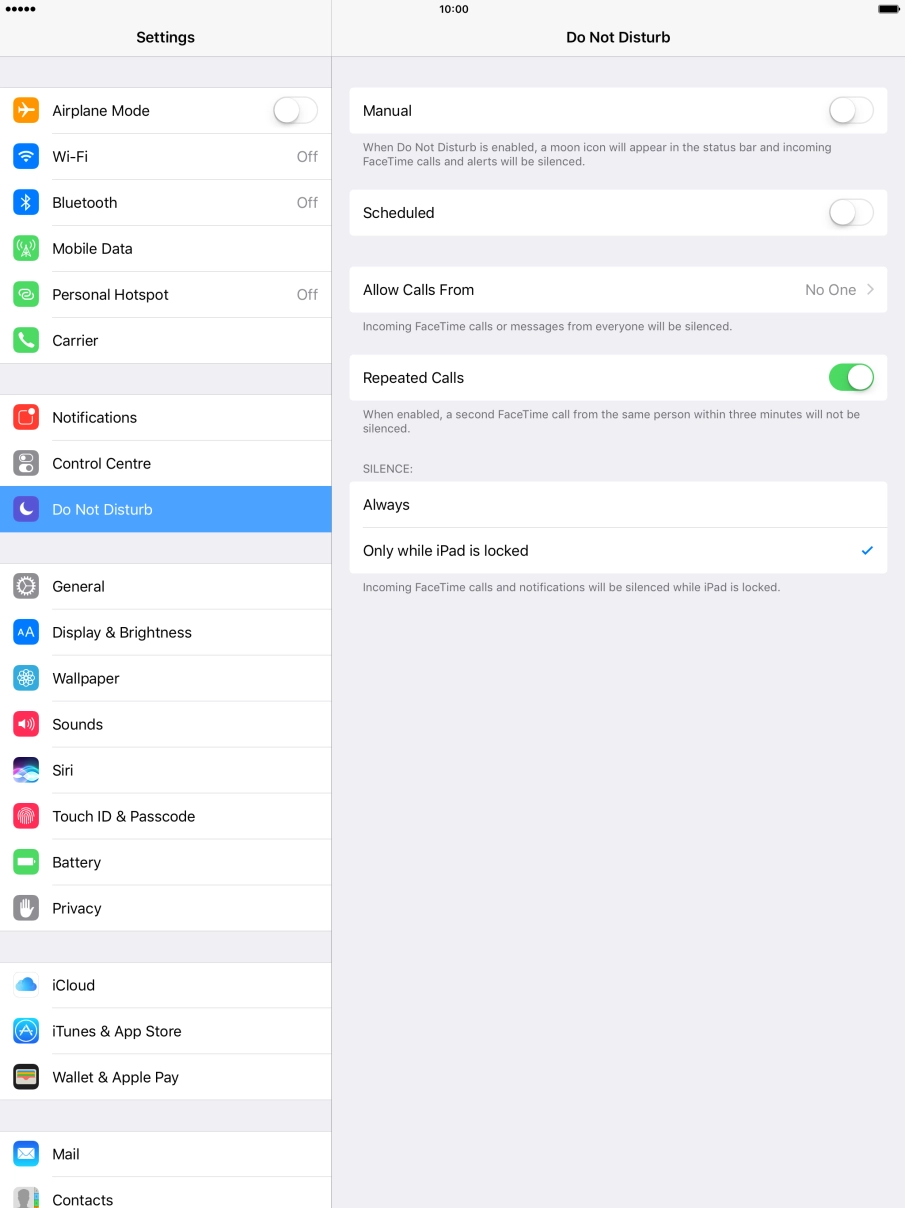
Press the indicator next to "Manual" to turn the function on or off.
Press the indicator next to "Scheduled" and follow the instructions on the screen to select the required period for Do Not Disturb.
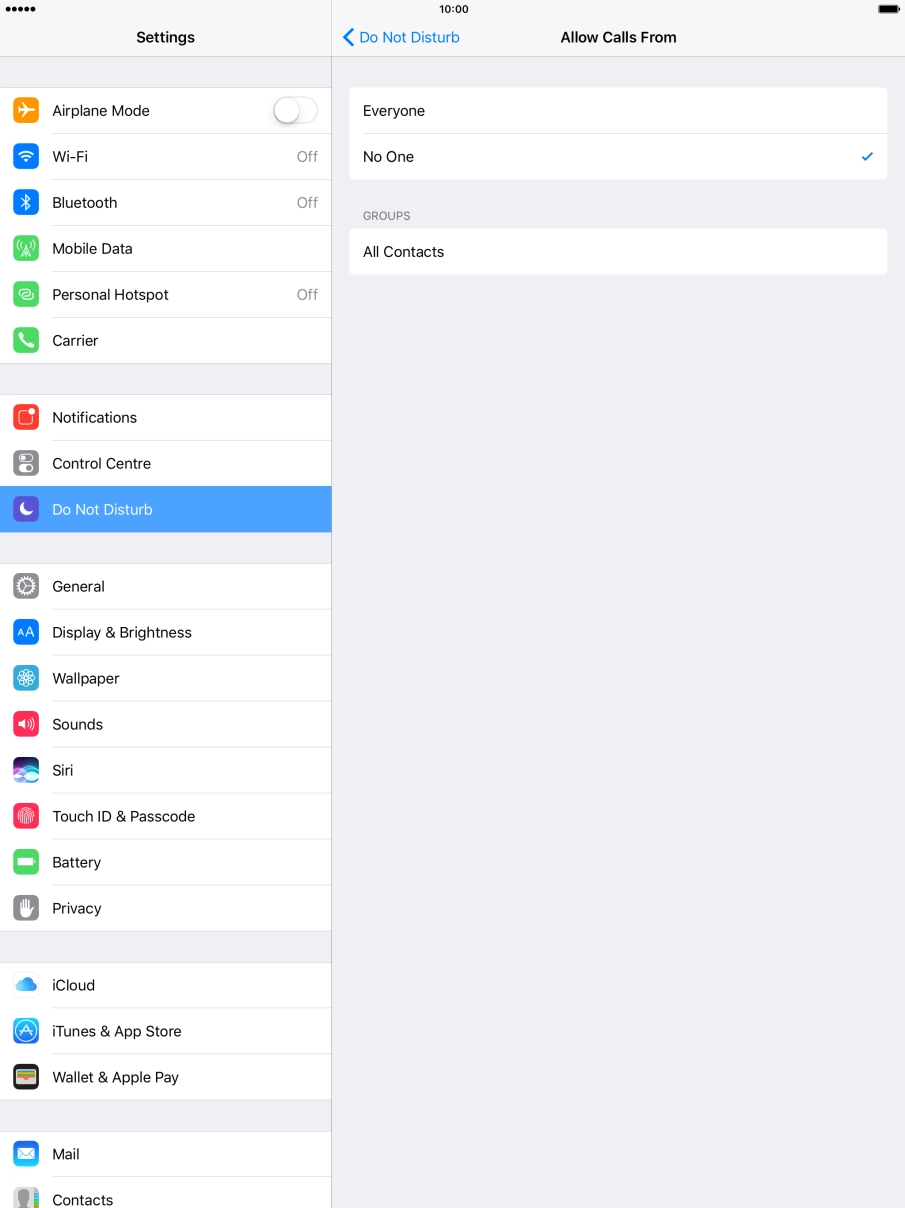
Press Allow Calls From.
Press the required setting to select which contacts can call you even though Do Not Disturb is turned on.
Press arrow left.
Press the indicator next to "Repeated Calls" to turn the function on or off.
Press Always if you want to set your tablet to silent mode permanently.
Press Only while iPad is locked if you want to set your tablet to silent mode only when the screen lock is turned on.
Press the Home key to return to the home screen.