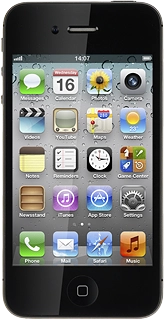
Press + in the top right corner of the display.
Press First and key in the required first name.
Press Last and key in the required last name.
Press Phone and key in the required phone number.
Press the field next to the phone number.
Press the required number type or Add Custom Label.
If you select Add Custom Label:
Key in the required text and press Save.
Press Email and key in the required email address.
Press the field next to the email address.
Press the required email type or Add Custom Label.
If you select Add Custom Label:
Key in the required text and press Save.
You can add more information to the contact. The following steps show two examples.
Select one of the following options:
Assign picture, go to 5a.
Assign ring tone, go to 5b.
Point the camera lens at the required object and press the camera icon.
Go to the required folder.
Press the required picture.
Press the different ring tones to listen to them.
Once you've found a ring tone you like, press Save.
Press the Home key to return to standby mode.