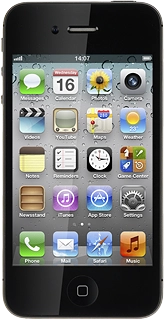
Follow the steps below to use the calendar.
Press one of the following options at the bottom of the display:
Press + in the top right corner of the display.
Press Title and key in a subject for the appointment.
Follow the instructions on the display to key in more information about the appointment , such as location, duration and reminder.
Press the required appointment to view the appointment details.
Press the field in the top left corner of the display to return to the list of appointments.
Key in a name for the calendar.
To select the colour for appointments in the calendar:
Press the required colour.
Press Done repeatedly to return to the calendar.
Go to www.icloud.com on your computer.
Log on to iCloud using your Apple ID.
Select the edit icon next to the required calendar.
Select Private Calendar or Public Calendar.
If you select Private Calendar:
Key in the required email address.
If required, select Email me when this calendar is changed.
When the menu item is ticked (V), the function is turned on.
If you select Public Calendar:
Press the Home key to return to standby mode.