Search suggestions will appear below the field as you type
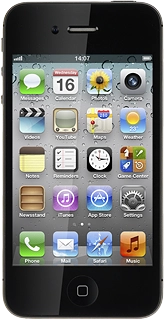
Browse via device topic
Use tethering (Personal Hotspot)
You can use your phone to create an internet connection from a laptop or desktop. Follow these instructions to use tethering.
You need to activate data connections before you can use tethering. Click here for information on how to activate data connections.
Step 1 of 8
Step 1 of 8
1. Connect phone and computer
Connect the data cable to the socket at the bottom of your phone and to your computer's USB port.