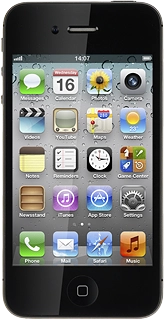
Press Mail, Contacts, Calendars.
Press the required provider.
If your provider isn't on the list:
Press Name and key in the name you want to use as sender name in your email.
Press Address and key in your email address.
Press Password and key in the password for your email account.
Press Description and key in a name for your email account (such as "Private" or "Work").
If this image is displayed:
Follow steps 8 through 10.
If this image is displayed:
Follow steps 11 through 17.
Press the indicator next to the required data type to turn synchronisation of the specific data type on or off, if required.
Press the indicator next to Push to turn the function on or off.
Press the required period or Manually.
To select settings for a specific email account:
Press the required email account.
Press the Home key to return to standby mode.
Press Host Name below Incoming Mail Server and key in the name of your email provider's incoming server.
Press User Name below Incoming Mail Server and key in the username for your email account.
Press Host Name below Outgoing Mail Server and key in the name of your email provider's outgoing server.
Please wait while the email account is created.
If you're asked, if you want to continue the setup without using SSL, select Yes.
Press the indicator next to Push to turn the function on or off.
Press the required period or Manually.
To select settings for a specific email account:
Press the required email account.
Press the Home key to return to standby mode.