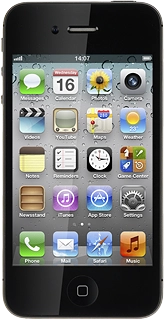
Help & support guides for your Apple iPhone 4S (iOS5)
If your phone gets slow, there may be several causes of the problem.
Solution: End active applications
1. End active applications
Press the Home key twice.
Solution: Restart your phone
1. Restart your phone
Press and hold On/Off and the Home key simultaneously for about ten seconds.