Search suggestions will appear below the field as you type
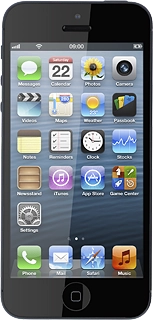
Browse via device topic
Use Twitter
Twitter is a social network allowing you to write your own and read others' status updates in messages not exceeding 140 characters. The status updates are displayed in your profile and are received by people who follow you. You decide who you want to receive status updates from. Follow these instructions to use Twitter.
Before you can use Twitter, you need a Twitter profile. If you don't have a profile, you can create one at www.twitter.com.
You also need to install Twitter. Click here for information on how to install Twitter.
If you don't want to use the Twitter application, you can use your phone's browser: open the browser and connect to http://mobile.twitter.com.

Step 1 of 27
Step 1 of 27
1. Find "Twitter"
Press Twitter.