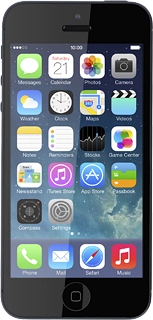
Press Notification Center.
Press the indicator next to "Notifications View" or the indicator next to "Today View" to turn the function on or off.
Press the indicator next to the required menu item to turn the function on or off.
Press Sort Manually or Sort By Time.
Press the required menu item.
To change display format:
Press the required format below "ALERT STYLE".
To turn display of the selected notification on or off:
Press the indicator next to "Show in Notification Center" to turn the function on or off.
To select the number of notifications to display:
Press the required setting.
Press the field in the top left corner of the display.
Depending on the menu item selected, more settings may be available. Follow the instructions on the display to select the required settings.
Press Back to save the settings.
Press and hold the organise icon next to the required menu item.
Drag the menu item to the required position and press Done.
Press Settings to save the settings.
Press the Home key to return to the home screen.
Press and drag the status bar at the top of the display downwards.
Press the required notification.
Follow the instructions on the display to use the selected function.
Press the Home key to return to the home screen.