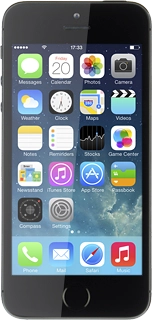
Select one of the following options:
Enter destination, go to 2a.
Select favourite destination, go to 2b.
Select a previously used destination, go to 2c.
Select a contact address as destination, go to 2d.
Press Search or enter an address.
Key in the required destination and press Search.
Press the select destination icon.
Press the required destination.
Press the select destination icon.
Press the required destination.
Press the select destination icon.
Press the required contact.
The selected destination is displayed as a point on the map.
Press the start navigation icon.
The navigation window with information about your route is displayed.
The time of arrival, the travel time, the travel distance and the next route detail are displayed at the top of the display.
Follow the verbal instructions or the instructions on the display to go to the selected destination.
If required, press anywhere on the display.
Press the Home key to return to the home screen.