If GPS position usage for applications is turned on, your phone will use mobile data when an application uses GPS to determine your position and is not connected to a Wi-Fi-network.
Solution: Turn GPS on or off
1. Find "Location"
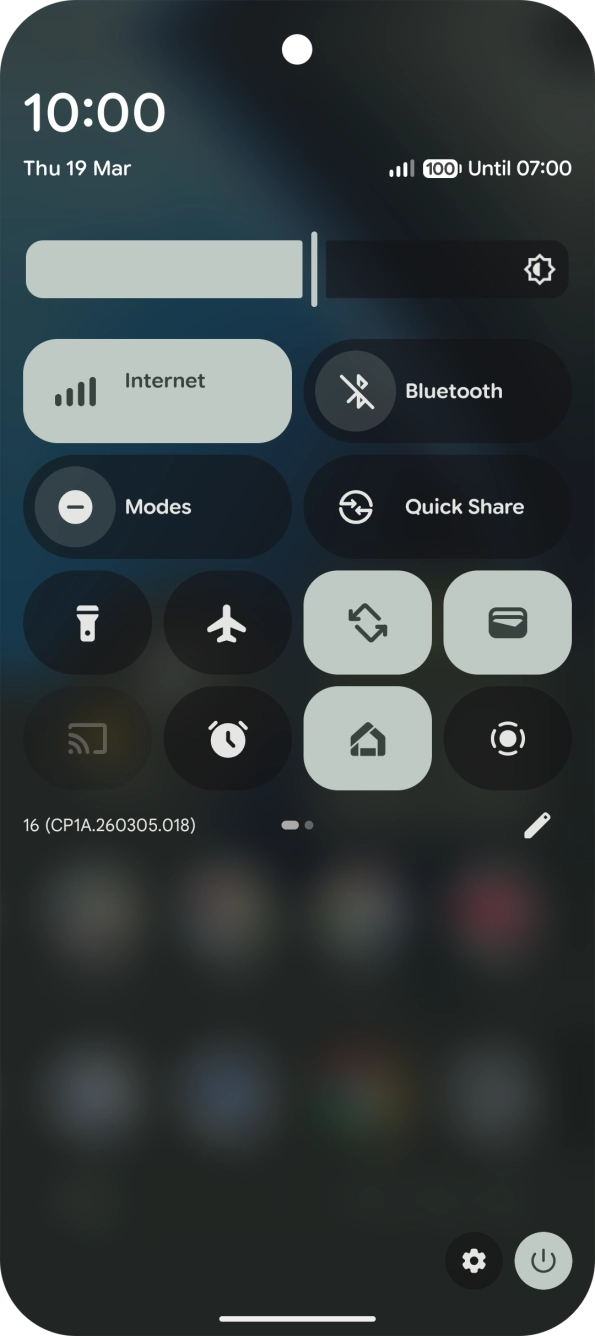
Slide two fingers downwards starting from the top of the screen.
Slide two fingers downwards starting from the top of the screen.
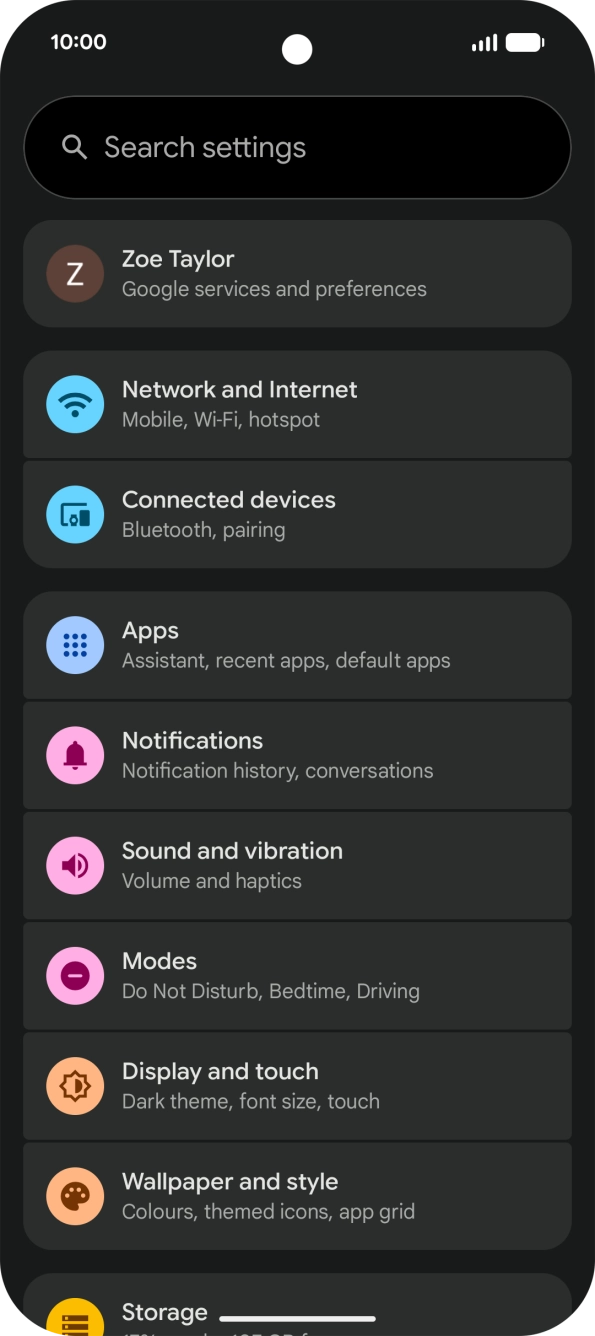
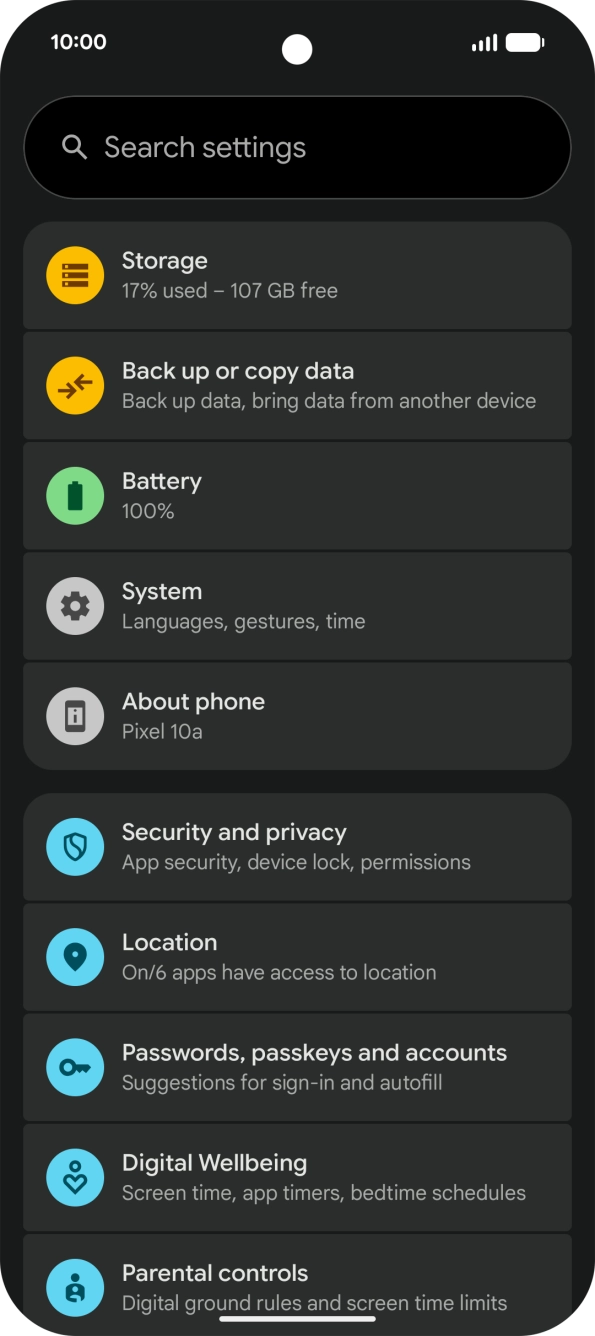
Press the settings icon.
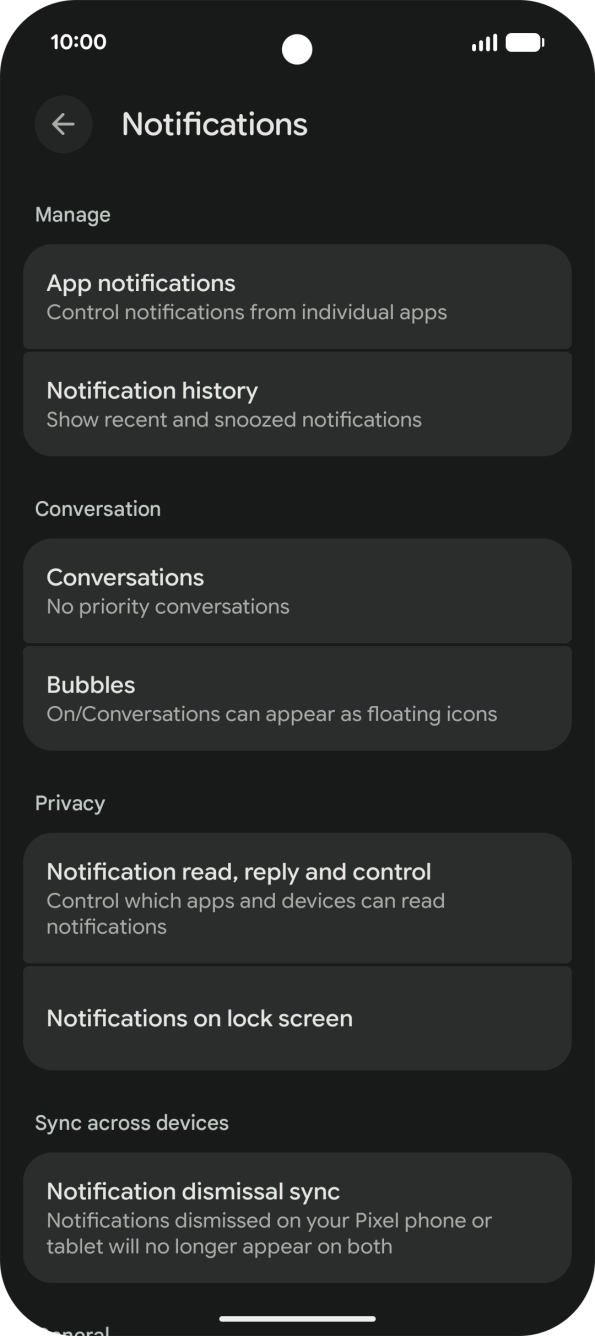
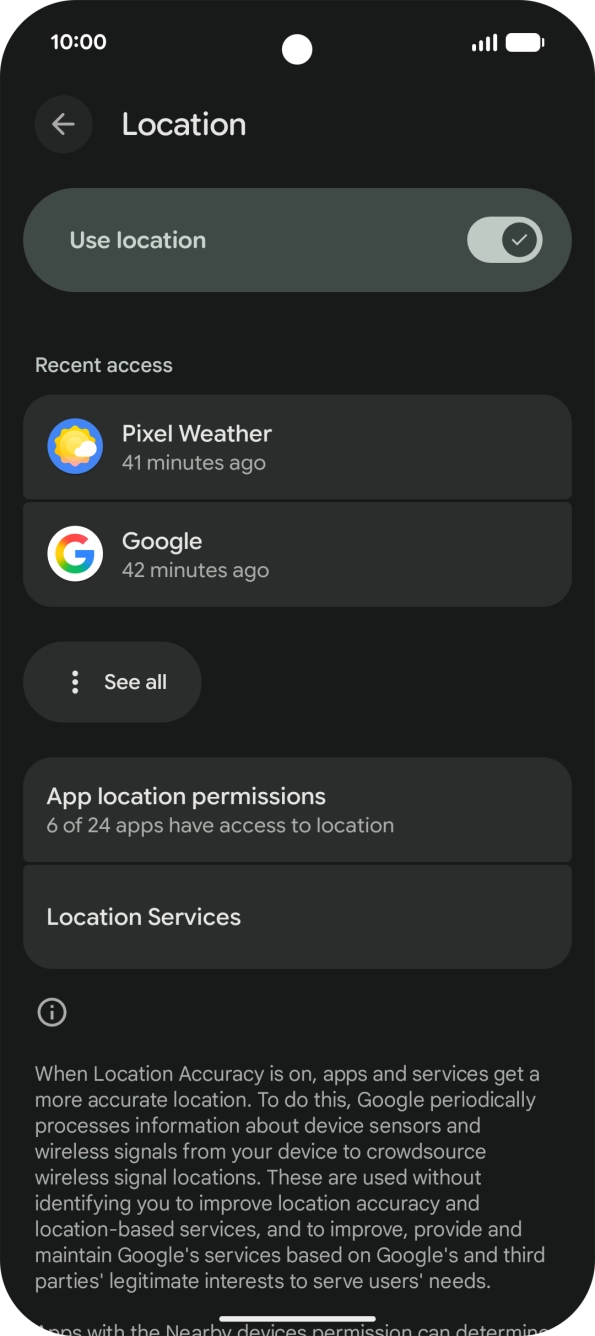
Press Location.
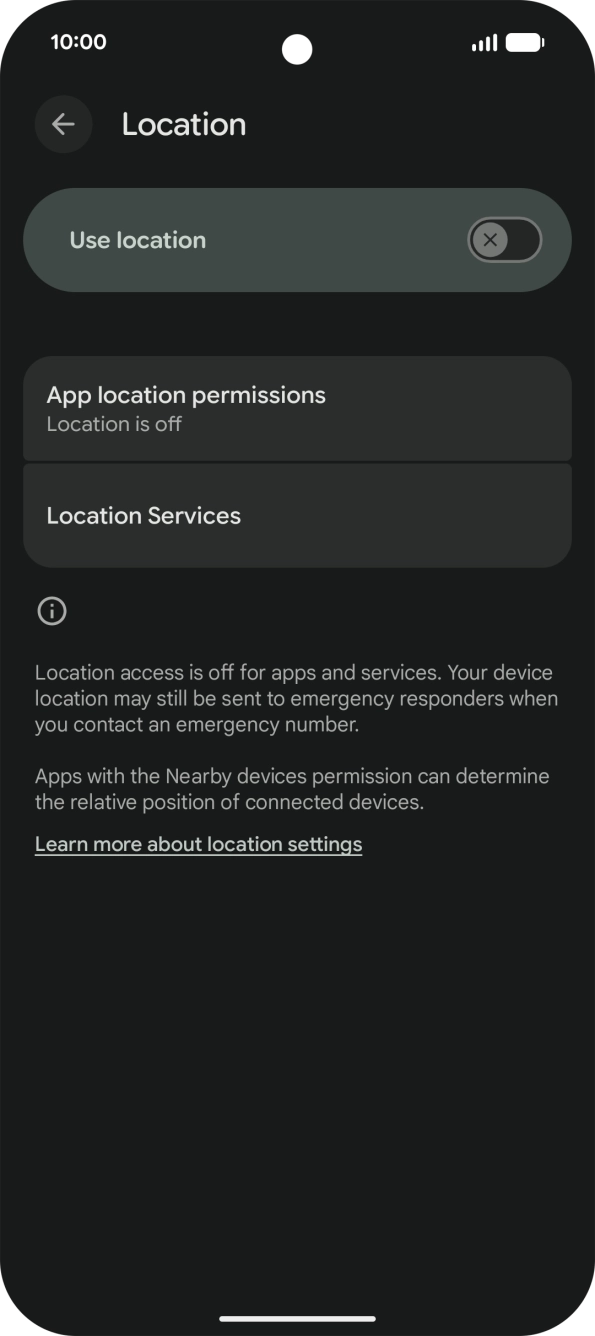
Press the indicator next to "Use location" to turn the function on or off.
If you turn on geotagging, your phone can find your position using GPS. If you turn off the function, you can't use any GPS functions on your phone.
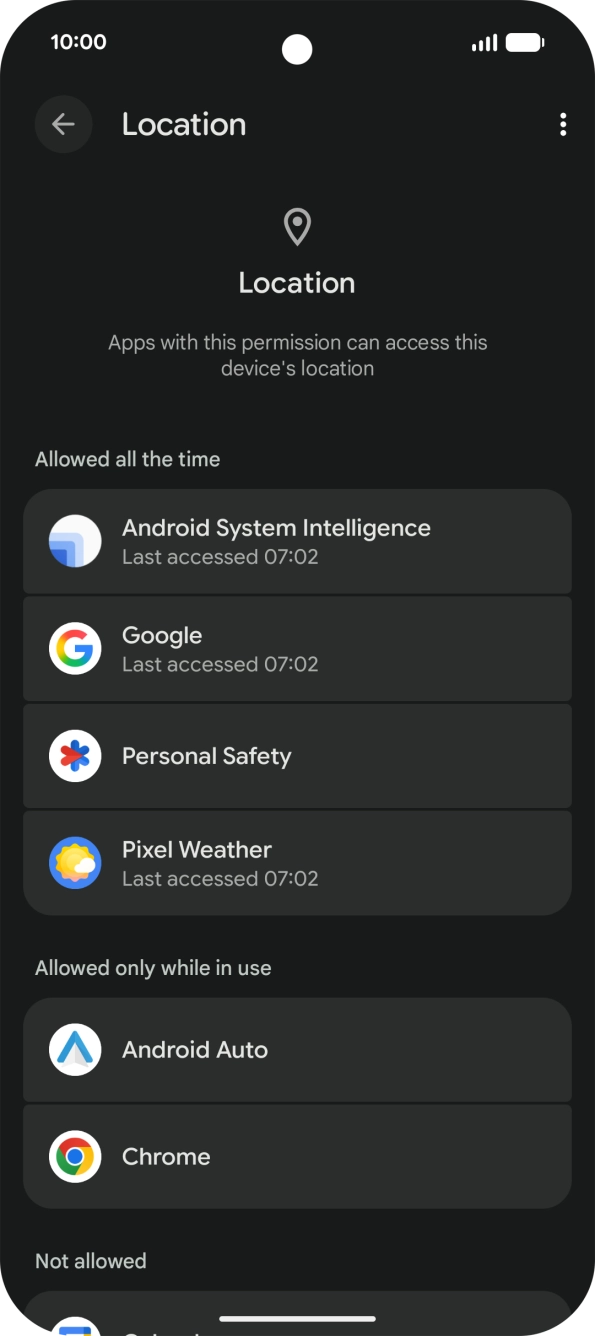
Press App location permissions.
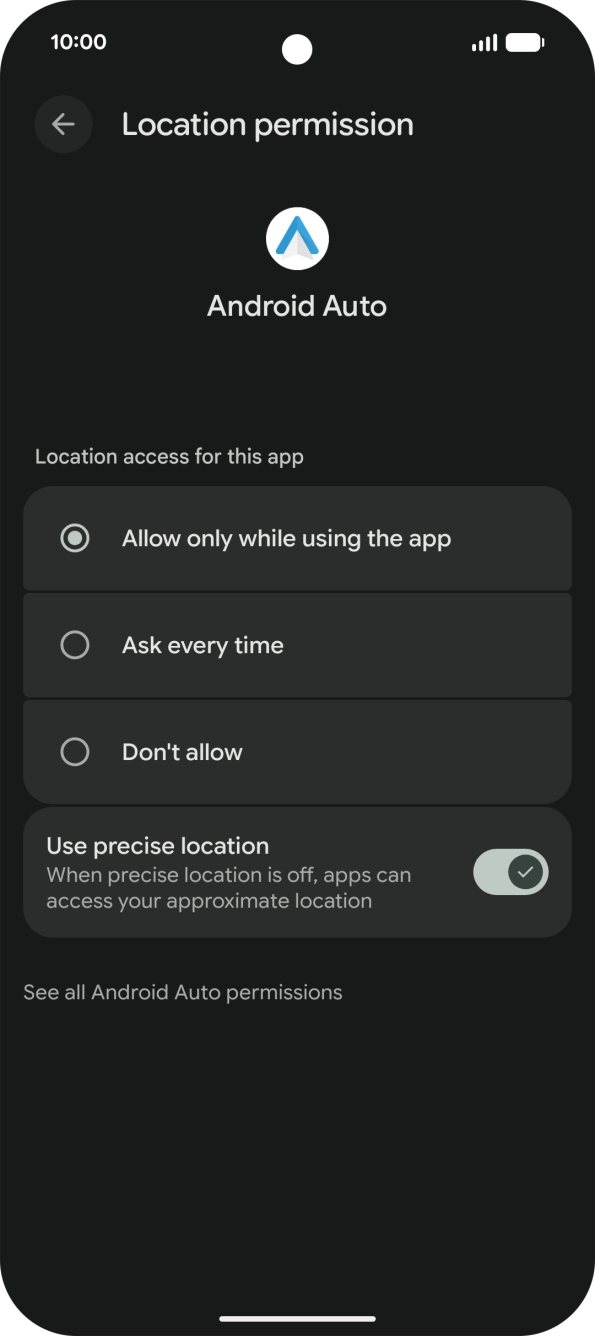
Press the required app.
Press the required setting.
Press arrow left twice.
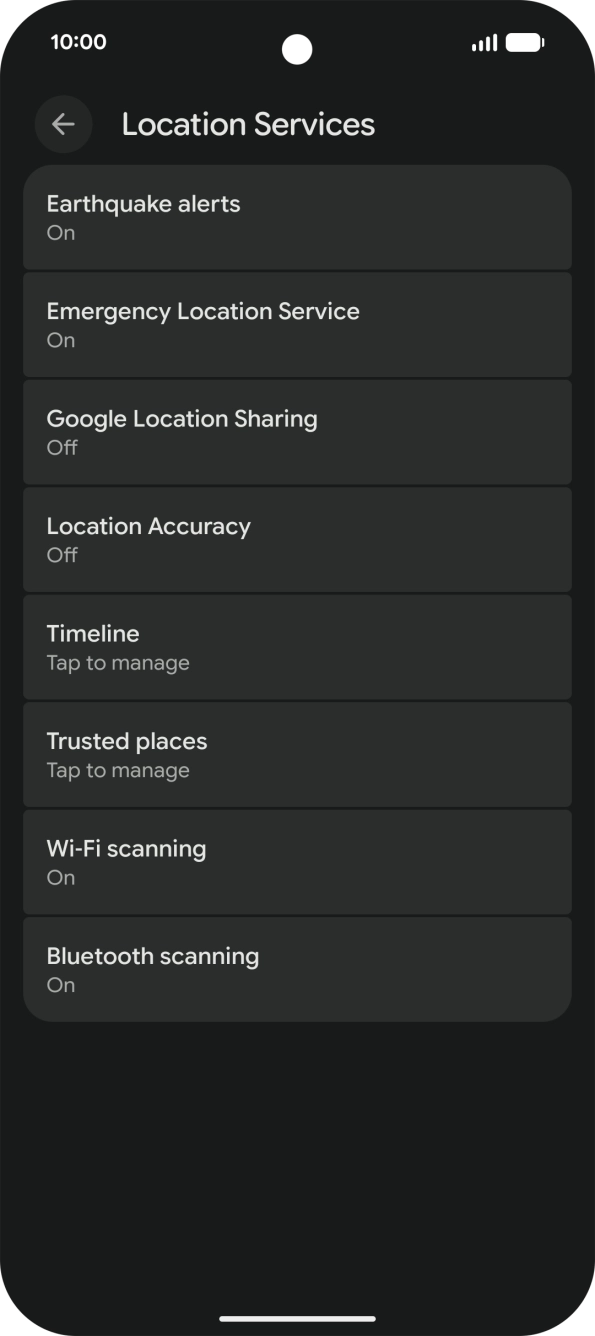
Press Location Services.
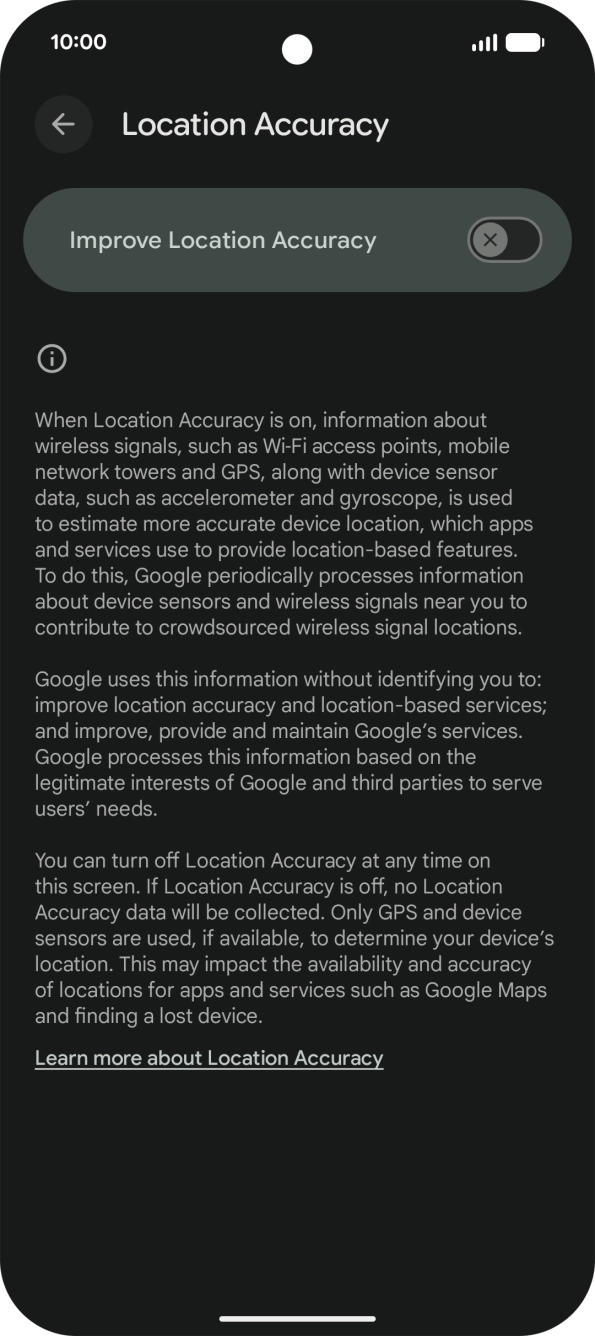
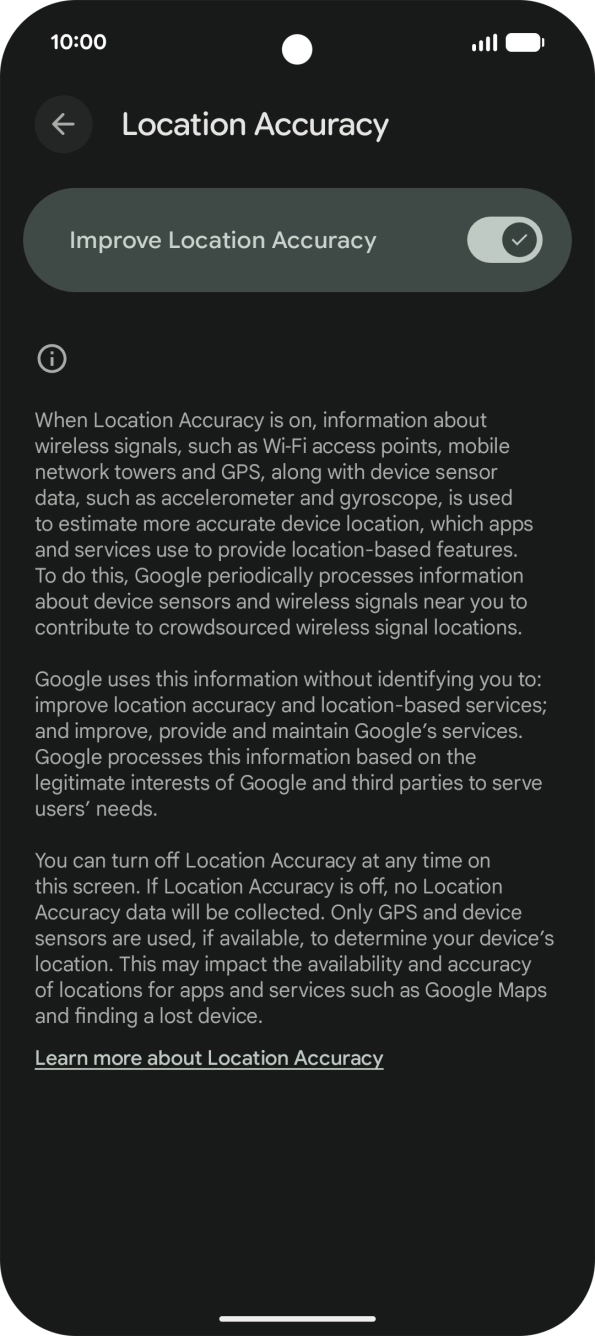
Press Location Accuracy.
If you press the indicator next to "Improve Location Accuracy" to turn on the function, your phone can find your exact position using the GPS satellites, the mobile network and nearby Wi-Fi networks. Satellite-based GPS requires a clear view of the sky.
If you press the indicator next to "Improve Location Accuracy" to turn off the function, your phone can find your exact position using the GPS satellites but it may take longer as there is no access to supplementary information from the mobile network or nearby Wi-Fi networks.
Slide your finger upwards starting from the bottom of the screen to return to the home screen.