Home
/
Device Help
/
Motorola
/
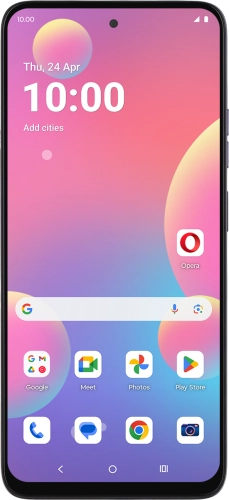
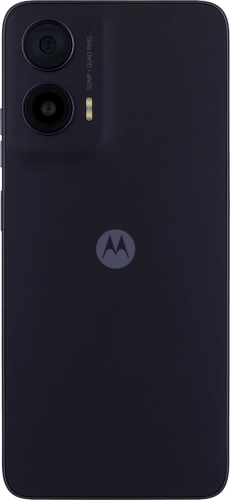
Motorola G35 5G
Select operating system
Android 14
Choose another device
Search for a solution
Search suggestions will appear below the field as you type
Slide 1 is active
Quick links to popular guides
Restart your phone
Insert SIM
Update phone software
Turn silent mode on or off
Transfer content from another phone
Activate phone
Browse via device topic
Help & support guides for your Motorola G35 5G
Getting started
Basic functions
Calls & contacts
Messaging & email
Internet & entertainment
Data & wireless
Calls & contacts
Troubleshooting
I can't receive messages on my MessageBank®
I can't check my MessageBank®
I can't make voice calls
I can't receive any voice calls
Network
Select network
Select network mode
Turn flight mode on or off
Reset network settings
Making calls
Turn call waiting on or off
Turn your own caller identification on or off
Voicemail
Save MessageBank® number
Divert calls to MessageBank®
Cancel all diverts
Rather get in touch? Let’s get you connected
Online help & support
Get help
Chat with our team
Contact us
My Telstra app
Download My Telstra