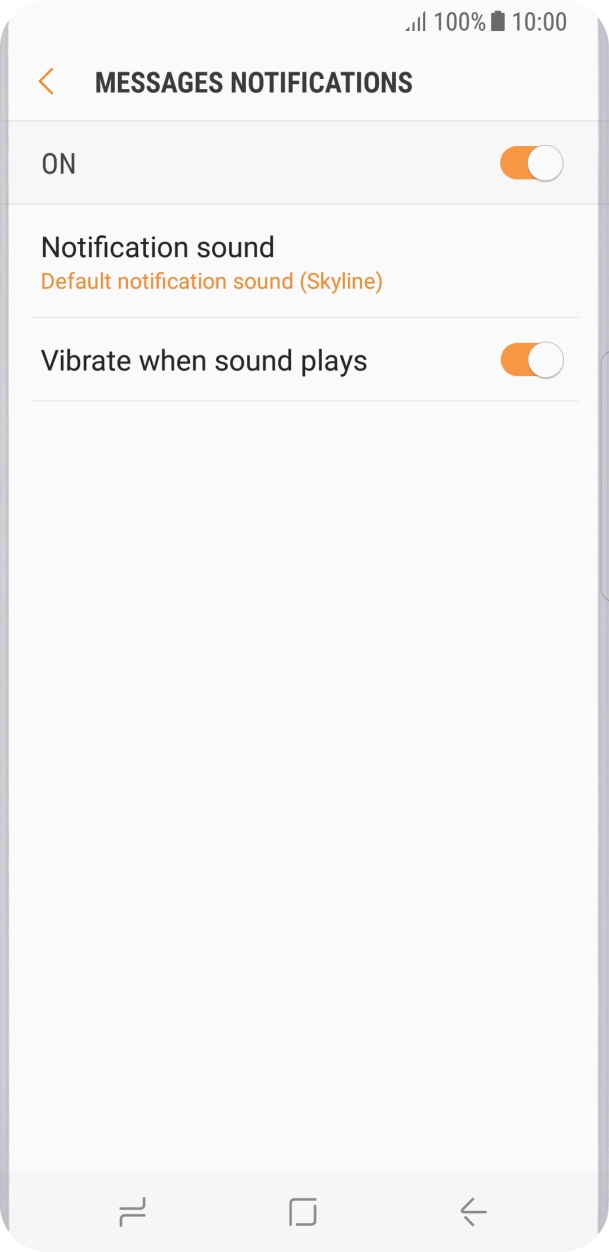
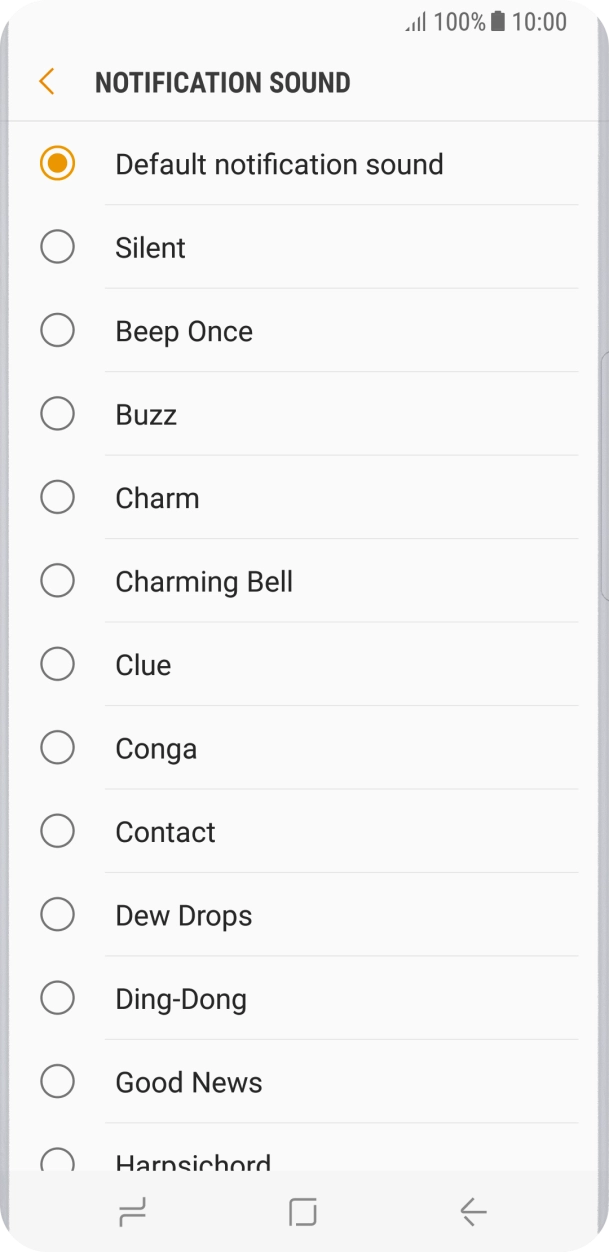
To hear the message tone when you get a message, the message tone needs to be turned on.
Solution: Select message tone
1. Find "Messages notifications"
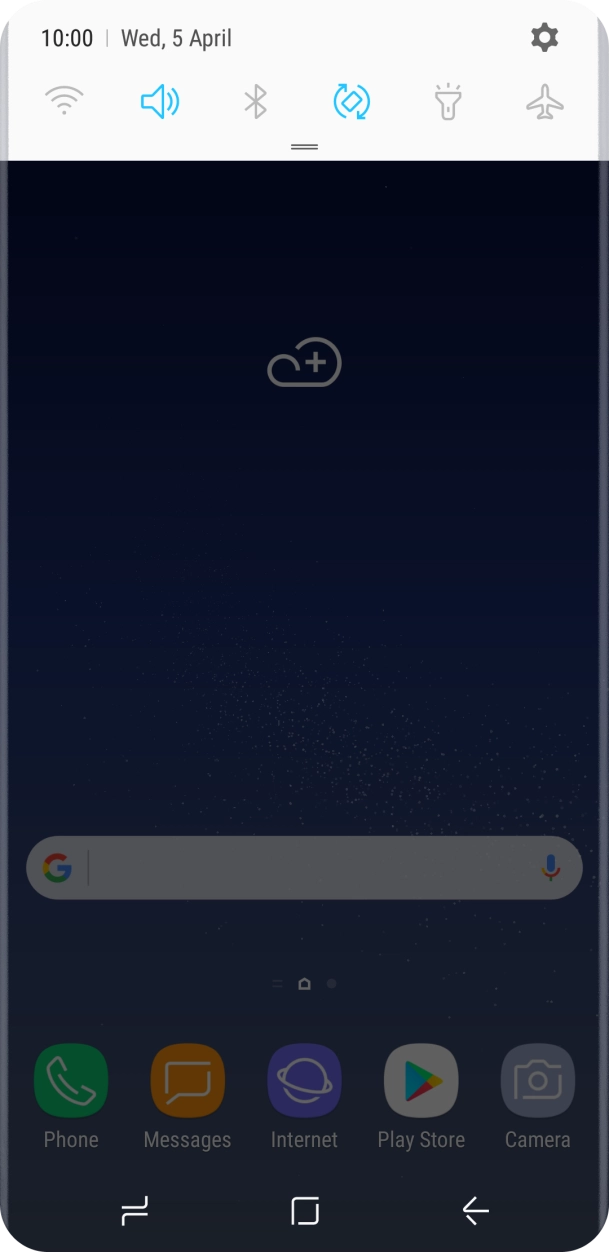
Slide your finger downwards starting from the top of the screen.
Slide your finger downwards starting from the top of the screen.
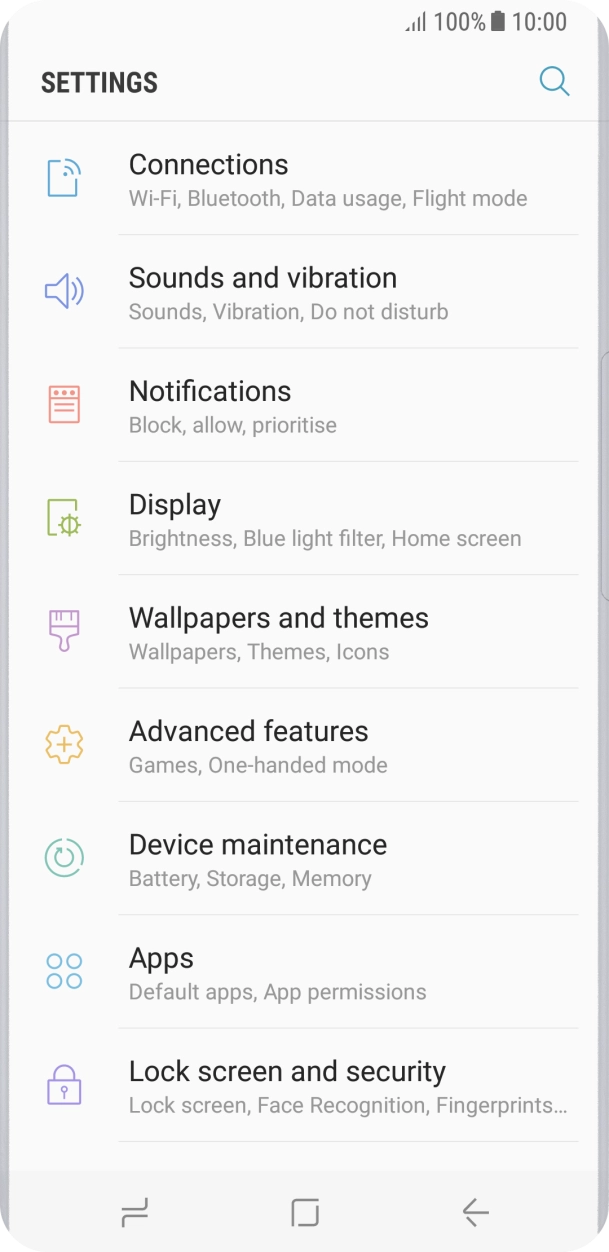
Press the settings icon.
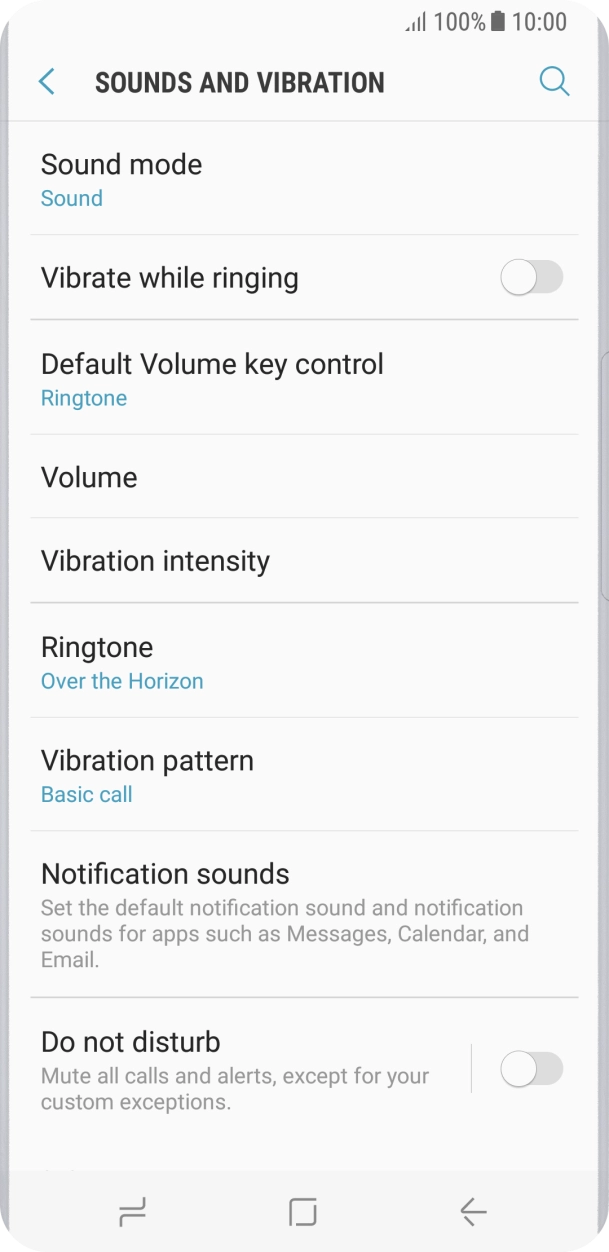
Press Sounds and vibration.
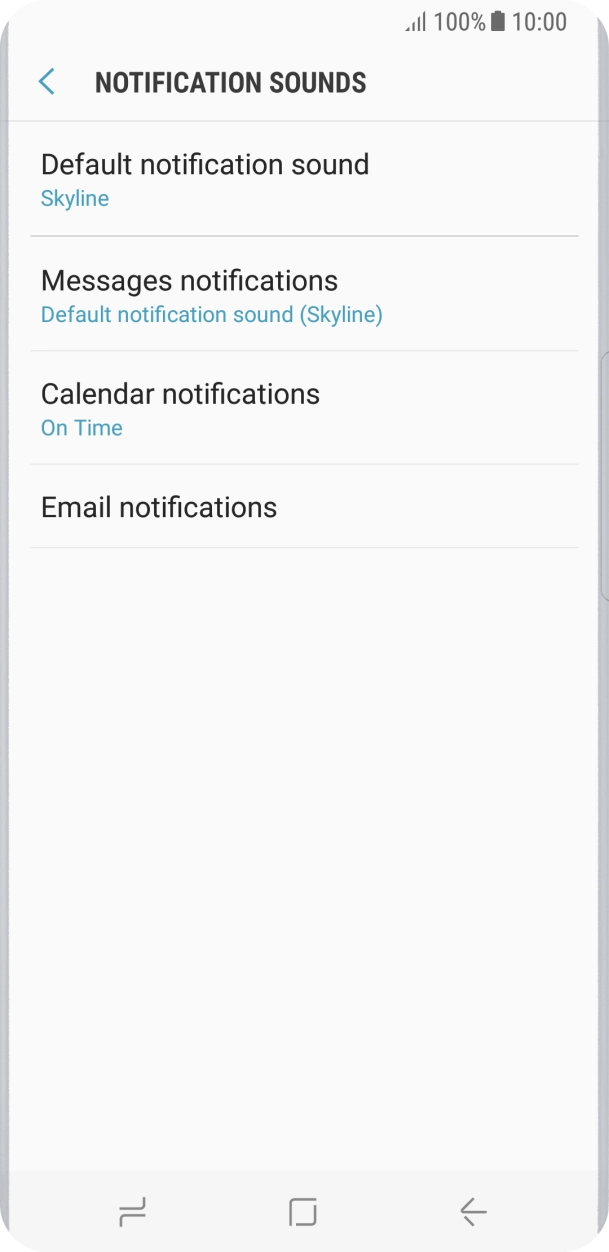
Press Notification sounds.
Press Messages notifications.
Press the indicator below "Messages notifications" to turn on the function.
Press Notification sound.
Press the different message tones to hear them.
Once you've found a message tone you like, press the Return key.
Press the Home key to return to the home screen.