Samsung Galaxy Tab A 8.0
Choose another device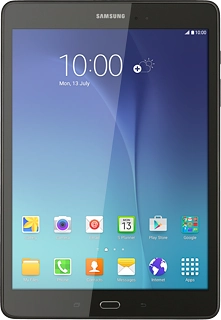
Browse via device topic
I can't make voice calls
If you can't make voice calls, follow these instructions to solve the problem.
Solution: Try again later when you're in an area with better network coverage.
View our network coverage map.
Solution: Try making a call to another number. If you can make a call to another number, the error is most likely at the receiving end.
Solution: Try again later or when you're in another area.
Solution: Select network mode

1. Find "Network mode"
Slide your finger down the display starting from the top edge of your tablet.
Solution: Find your nearest Telstra Shop or contact customer service.
Solution: You need to activate roaming in your price plan.
Solution: Select network
1. Find "Network operators"
Slide your finger down the display starting from the top edge of your tablet.
Solution: Turn flight mode on or off
Solution: Top up your prepaid card.