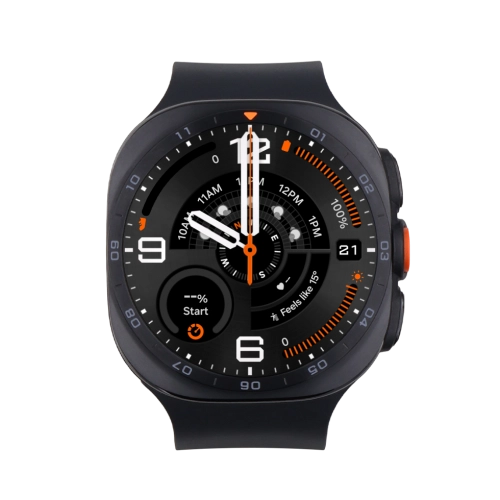
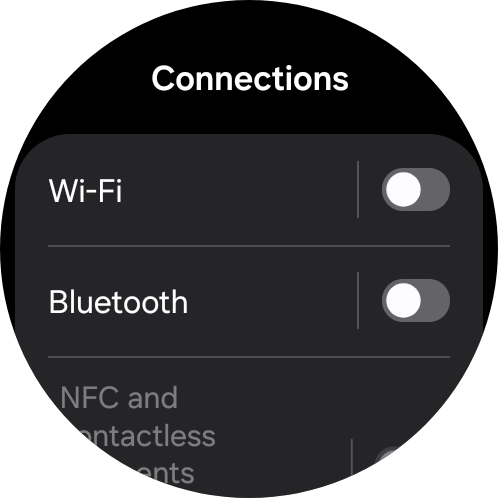
Samsung Galaxy Watch Ultra2

Choose another device

Browse via device topic

I can't connect to another Bluetooth device

If you can't establish a connection to another Bluetooth device, there may be several causes of the problem.
To connect to another Bluetooth device, Bluetooth pairing mode needs to be turned on on the other device.

Solution: Turn on Bluetooth pairing mode on the other device.

To connect to another Bluetooth device, the device needs to be compatible with your smartwatch.

Solution: Check the user manual for the other device to see if it's compatible with your smartwatch.

To establish a connection to another Bluetooth device, the devices need to be within range of the wireless Bluetooth signal.

Solution: Place the devices within 10 metres of each other.

If you're having problems connecting to a specific Bluetooth device, the error might be on the other device.

Solution: Try establishing a connection to another Bluetooth device.

To use Bluetooth, you need to turn on Bluetooth on your smartwatch.

Solution: Turn Bluetooth on or off

To connect to another Bluetooth device, Bluetooth needs to be turned on on the other device.

Solution: Turn on Bluetooth on the other device.

Rather get in touch? Let’s get you connected

Online help & supportGet help
Chat with our teamContact us
My Telstra appDownload My Telstra