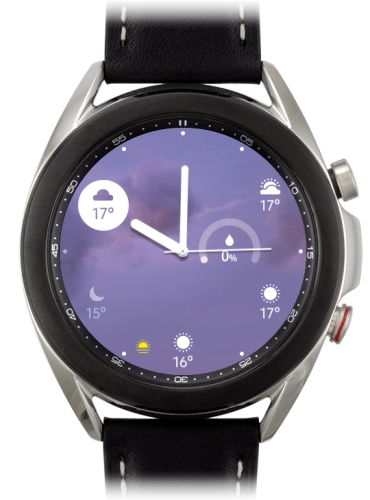
Samsung Galaxy Watch3

Choose another device

Browse via device topic

I can't use mobile data on my smartwatch

If you can't use mobile data on your smartwatch, there may be several causes of the problem.
Several functions on your smartwatch use mobile data, e.g. when making or receiving calls, sending email and listening to music on streaming services.

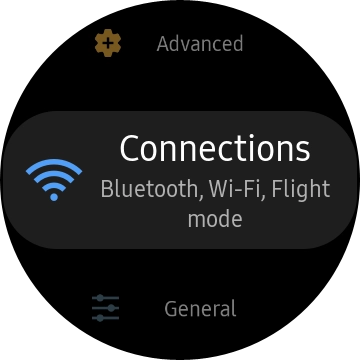
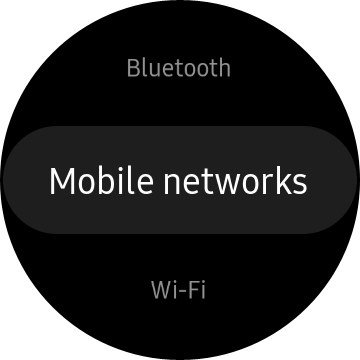
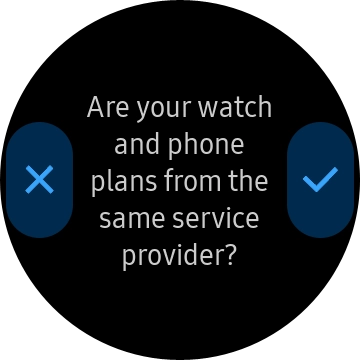
Solution: Set up mobile data on your smartwatch

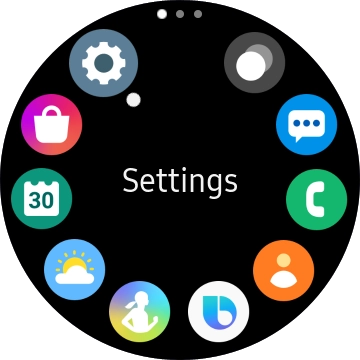
Press the Home key.

Step 1 of -

Step 1 of -

Slide 1 is active

To use mobile data on your smartwatch, data needs to be included in your service.

Solution: Contact Customer Service for more information.

If mobile data doesn't work on your smartwatch, it may help restarting it.

Solution: Restart your smartwatch

Press and hold the Home key until your smartwatch restarts.

Step 1 of -

Step 1 of -

Slide 1 is active

When flight mode is turned on, all wireless smartwatch connections are turned off, including the mobile network connection.

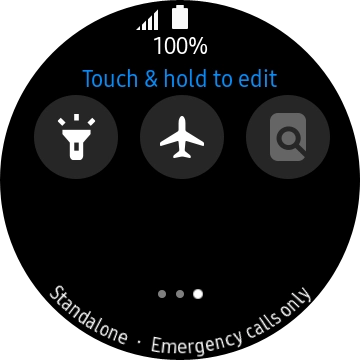
Solution: Turn flight mode on or off

Slide your finger downwards starting from the top of the screen.

Step 1 of -

Step 1 of -

Slide 1 is active

Rather get in touch? Let’s get you connected

Online help & supportGet help
Chat with our teamContact us
My Telstra appDownload My Telstra