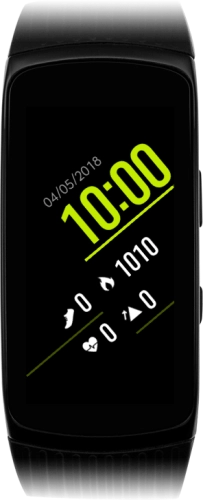
Samsung Gear Fit2 Pro

Choose another device

Browse via device topic

I can't receive any voice calls

If you have problems receiving voice calls, there may be several causes of the problem.
Your missed calls are diverted after a specified number of seconds. If your calls are diverted too fast, you need to select a longer period of time.

Solution: Set call forwarding delay on the paired phone.

If all calls are diverted, you won't be able to receive any calls on your smartwatch.

Solution: Cancel all diverts on the paired phone.

If you can't receive calls when someone calls you, it may be caused by an unknown connection error.

Solution: Restart your smartwatch

If barring of incoming calls is turned on, you won't be able to receive any calls on your smartwatch.

Solution: Turn off call barring on the paired phone.

If your smartwatch isn't correctly paired with your phone, you may have problems receiving calls on your smartwatch.

Solution: Unpair your smartwatch and your phone and then go through the activation of your smartwatch again.

Rather get in touch? Let’s get you connected

Online help & supportGet help
Chat with our teamContact us
My Telstra appDownload My Telstra