Sony Xperia E4

Choose another device

Browse via device topic

I can't turn on my phone

If you can't turn on your phone, there may be several causes of the problem.
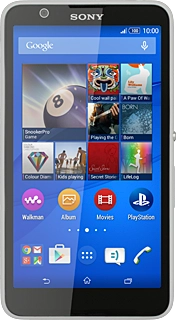
Solution: Turn use of phone lock code on or off

Solution: Turn your phone on and off

Solution: Before you can use a Telstra SIM, you'll need to unlock your phone using an unlock code. To get the unlock code, contact the operator that locked your phone.

Solution: Before you can use a Telstra SIM, you need to unlock your phone using an unlock code. To get the unlock code, contact the operator that locked your phone.

Solution: Insert SIM

Solution: To retrieve your PUK please use our online form.

Solution: Please contact us to have a new SIM sent to you.

Solution: Turn your phone on and off

Solution: Please contact us to have a new SIM sent to you.

Solution: Charge the battery

Rather get in touch? Let’s get you connected

Online help & supportGet help
Chat with our teamContact us
My Telstra appDownload My Telstra