Help & support guides for your Telstra 4GX USB Modem 2
Guide to the USB modem LEDs
The USB modem LEDs show different settings and events.
Step 1 of 6
Step 1 of 6
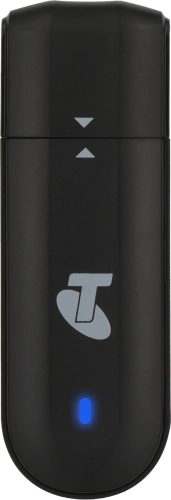
1. The LED
When the LED turns solid blue, you have a 4G network connection.
When the LED turns solid blue, you have a 4G network connection.
When the LED flashes blue, you have a 4G network connection and data is being transferred.
When the LED turns solid green, you have a 3G network connection.
When the LED flashes green, you have a 3G network connection and data is being transferred.
When the LED turns purple, your USB modem is updating the firmware. Leave your USB modem in the USB port of the turned on device until the update is complete.
When the LED turns red, a SIM is either not inserted or no network connection has been established.