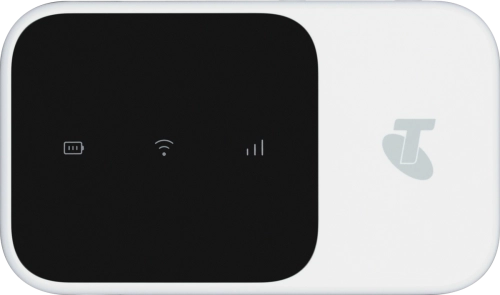
Your router can't find a network if no SIM or a SIM from another operator has been inserted in your router.
Solution: Insert SIM and battery
1. Remove the back cover
Turn the back of your router towards you. Take hold of the bottom left corner of the back cover and remove it.
Turn the back of your router towards you. Take hold of the bottom left corner of the back cover and remove it.
Place your SIM as illustrated next to the SIM holder.
Please note that your router only supports nano SIMs.
Slide your SIM into the SIM holder.
Place the battery in your router (left side first), matching the battery contacts with the router contacts, and press the battery into place.
Place the back cover on your router and press it into place.