Search suggestions will appear below the field as you type
Browse via device topic
Optimise Wi-Fi signal
Your router continuously tries to maintain an optimum wireless internet connection to your devices. If the wireless connection to your Wi-Fi hotspot is still unstable, try optimising the Wi-Fi signal.
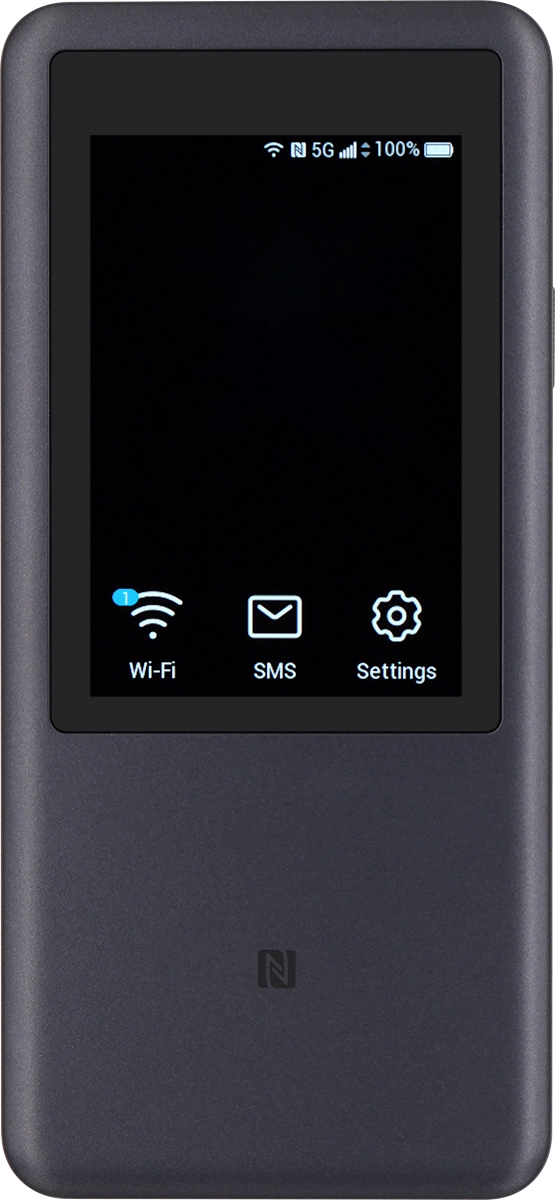
Step 1 of 5
Step 1 of 5
1. Optimise Wi-Fi signal
Do not place your router in drawers and cupboards or near windows and mirrors.