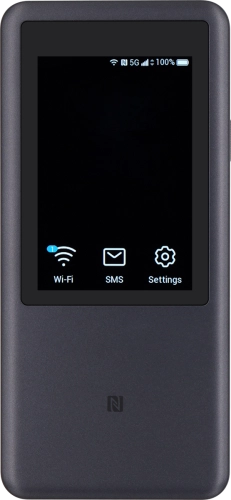
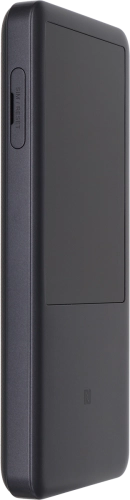
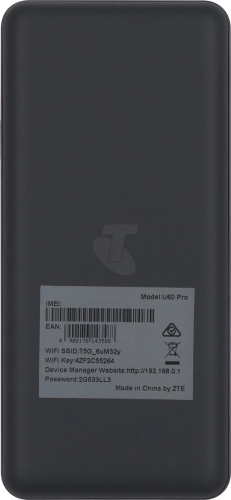
Telstra 5G Hotspot 2

Choose another device

Browse via device topic

The router can't find a network

If your router can't find a network, there may be several causes of the problem.

You can check if your SIM is faulty by inserting it in a phone.

Solution: Contact Customer Service to have a new SIM sent to you.

Your router can't find a network if no SIM or a SIM from another operator has been inserted in your router.

Solution: Insert SIM

Take hold of the SIM holder cover and remove it.

Step 1 of -

Step 1 of -

Slide 1 is active

If you've set your router to use a specific network, it can't get a network connection if the selected network is out of range.

Solution: Select network

Click Mobile Network.

Step 1 of -

Step 1 of -

Slide 1 is active

Rather get in touch? Let’s get you connected

Online help & supportGet help
Chat with our teamContact us
My Telstra appDownload My Telstra