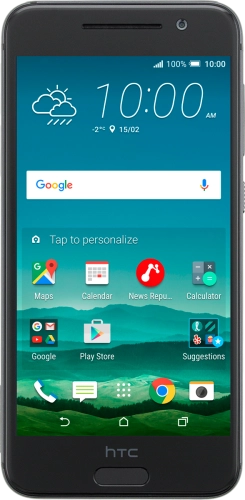
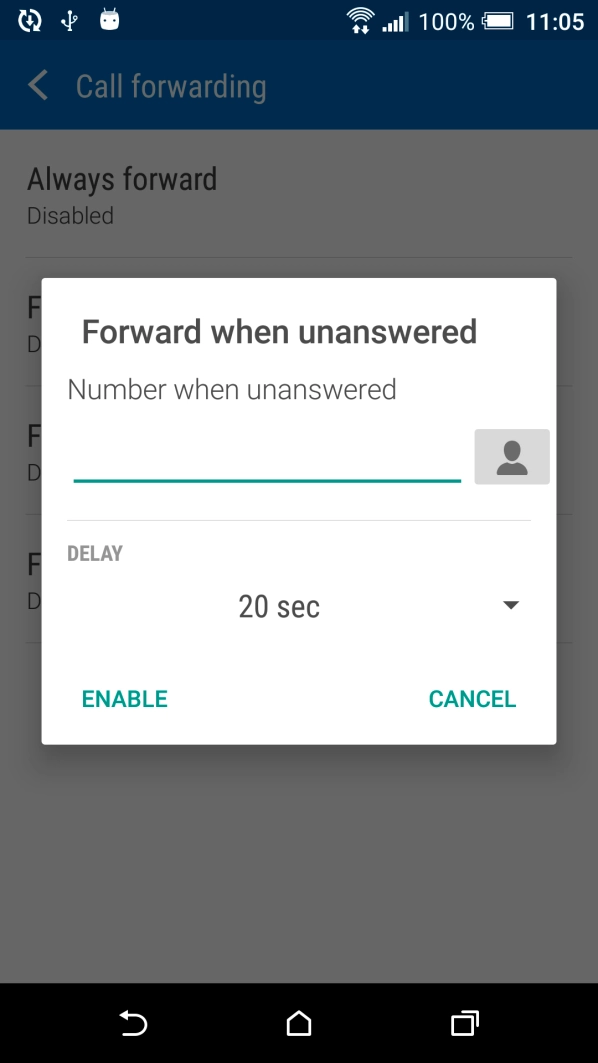
Your missed calls are diverted after a specified number of seconds. If your calls are diverted too fast, you need to select a longer period of time.
Solution: Divert calls to MessageBank®
1. Find "Call forwarding"
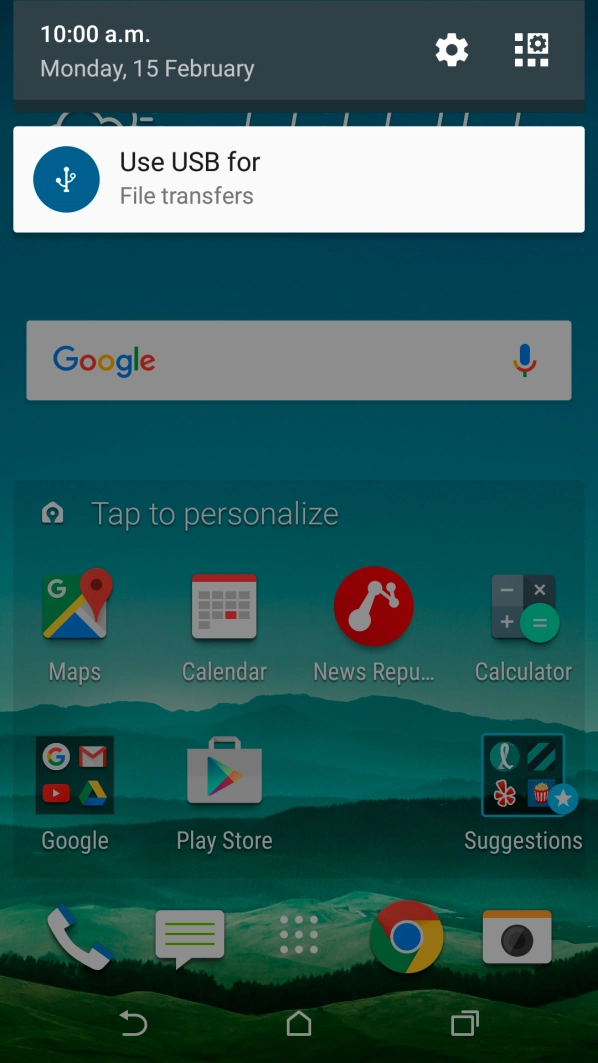
Slide your finger downwards starting from the top of the screen.
Slide your finger downwards starting from the top of the screen.
Press the settings icon.
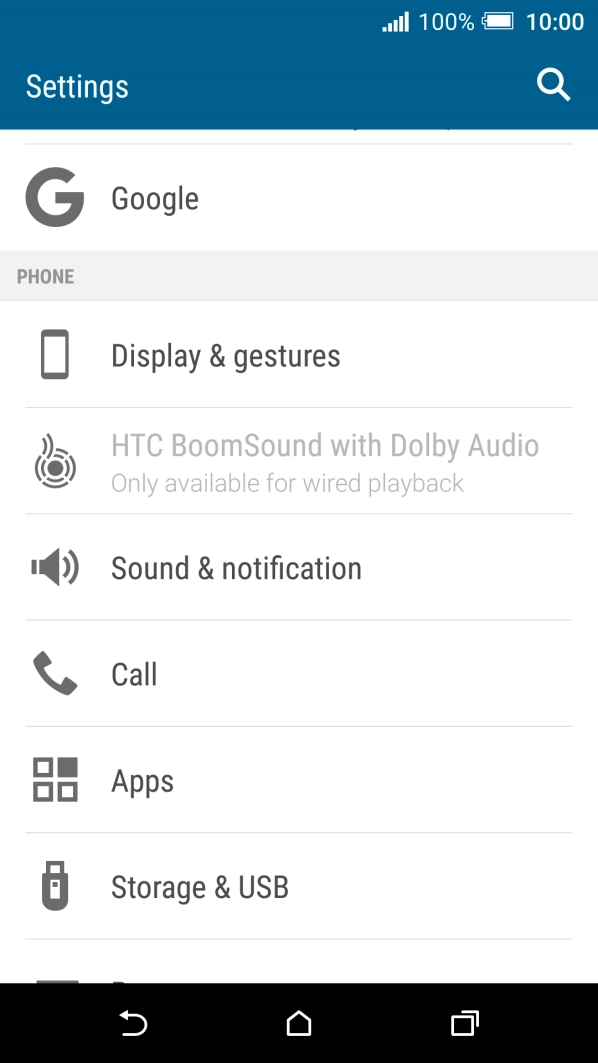
Press Call.
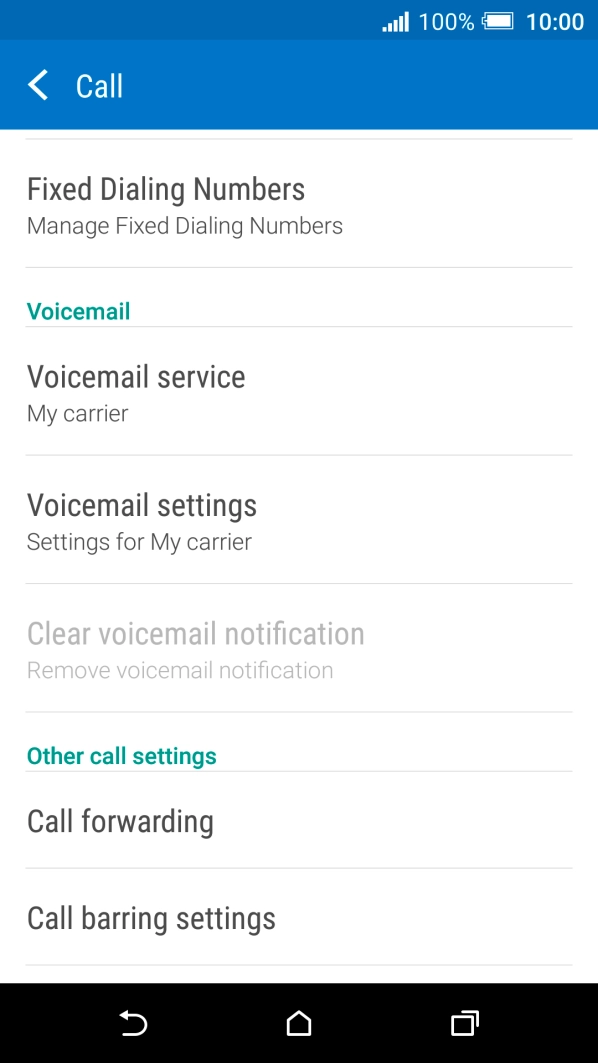
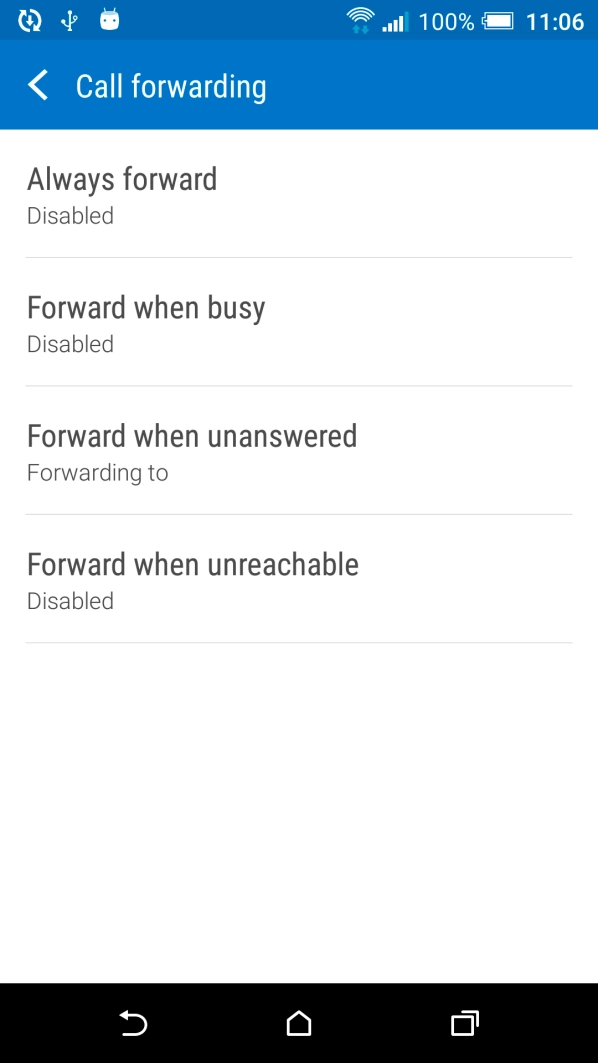
Press Call forwarding.
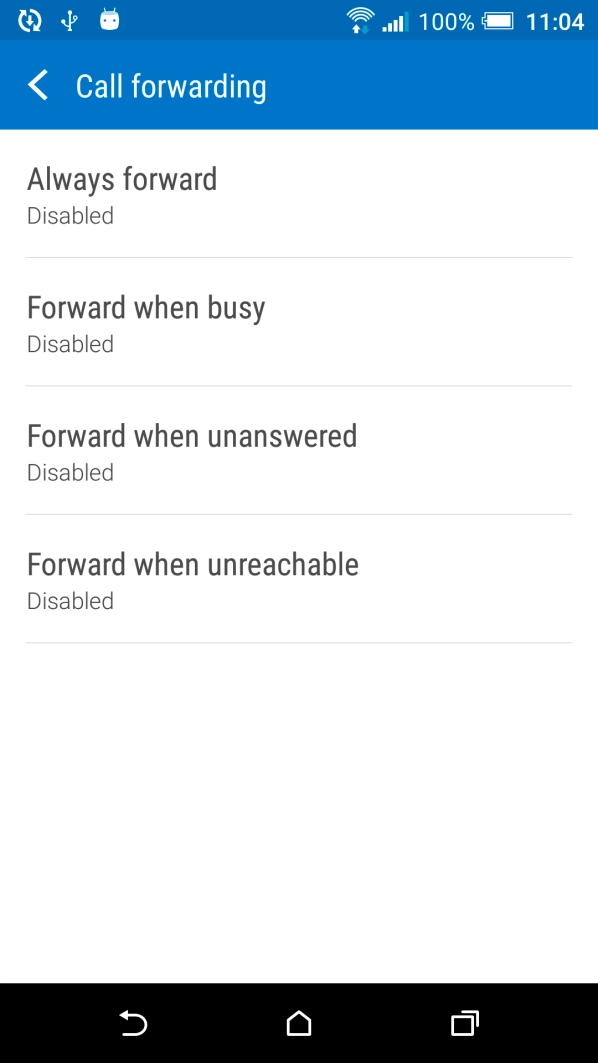
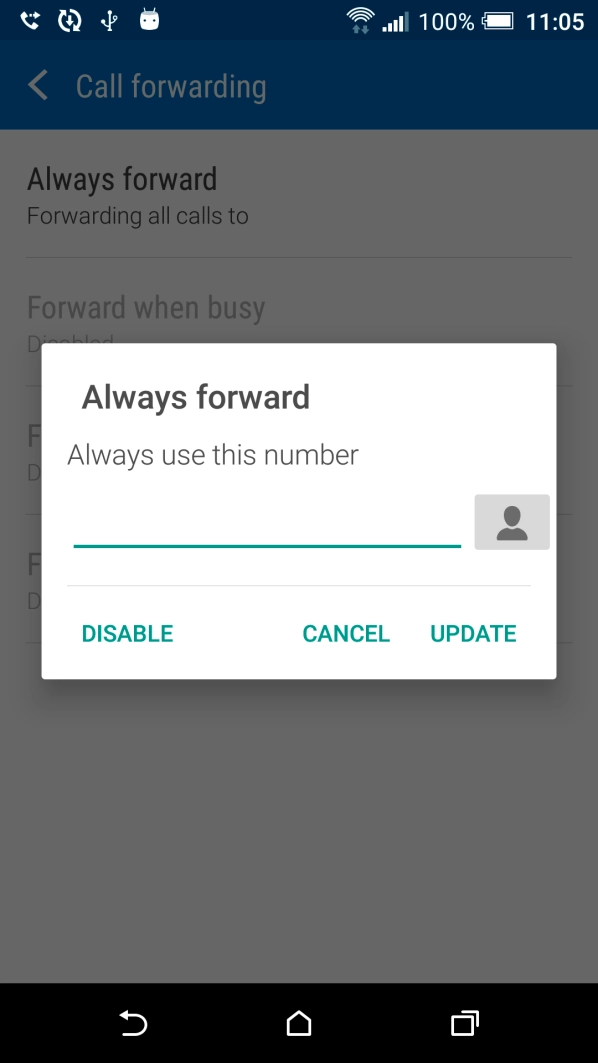
Press the required divert type.
If you divert missed calls, you need to select a delay for the divert. Press the drop down list below "DELAY" and follow the instructions on the screen to select a delay for the divert.
Key in +61101 and press ENABLE.
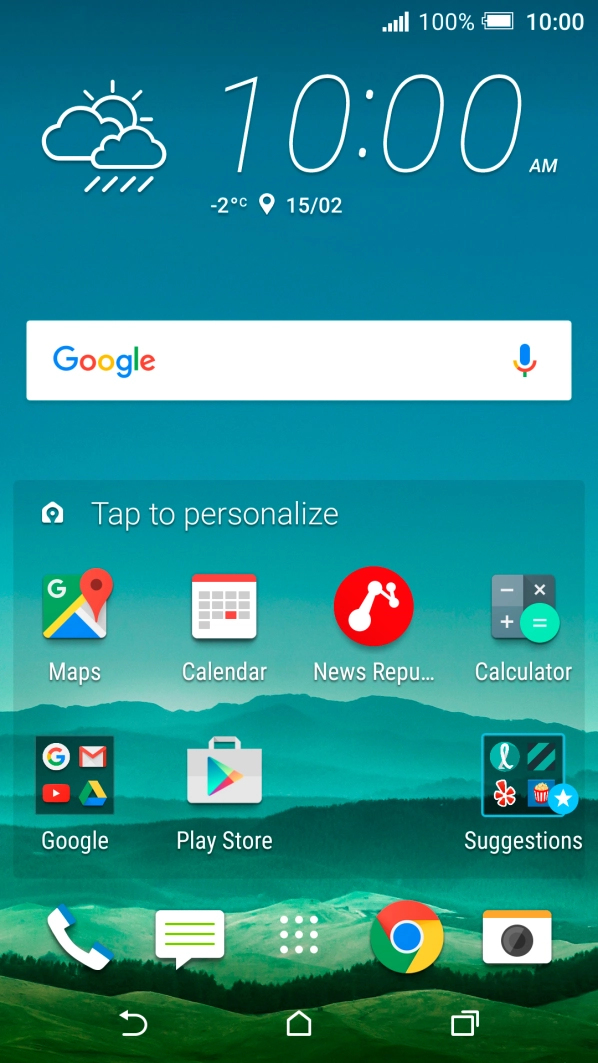
Press the Home key to return to the home screen.