Home
/
Device Help
/
Telstra
/
Telstra Smart Modem 4
Select operating system
Windows 11
Choose another device
Search for a solution
Search suggestions will appear below the field as you type
Slide 1 is active
Quick links to popular guides
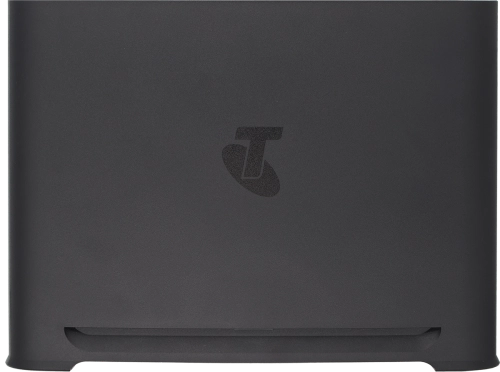
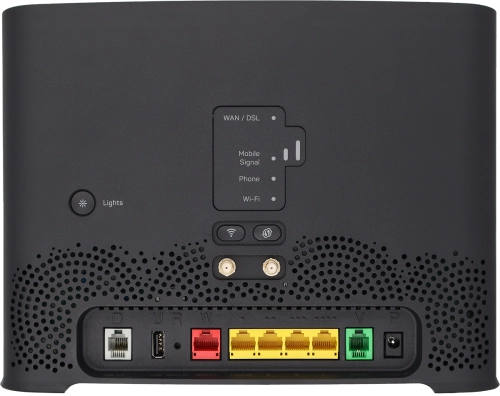
Guide to modem keys and sockets
Establish a connection to the modem web interface
View connected devices
Restore factory default settings
Guide to the modem LEDs
View modem information
Browse via device topic
Help & support guides for your Telstra Smart Modem 4
Installation
Connectivity
Specifications
Connectivity
Troubleshooting
I can't use my modem as a Wi-Fi hotspot
The speed of the internet connection is lower than expected
I can't use my internet browser
I can't establish a wireless connection to my modem
The internet connection is intermittent
Connection settings
Change Wi-Fi hotspot name
Change Wi-Fi hotspot channel
Change Wi-Fi hotspot password
Optimise Wi-Fi signal
Block web pages
Set up port forwarding
Set up guest network
Establish a wireless connection to the internet
Establish a connection to the modem web interface
View internet connection information
View Wi-Fi hotspot password
View connected devices
Rather get in touch? Let’s get you connected
Online help & support
Get help
Chat with our team
Contact us
My Telstra app
Download My Telstra