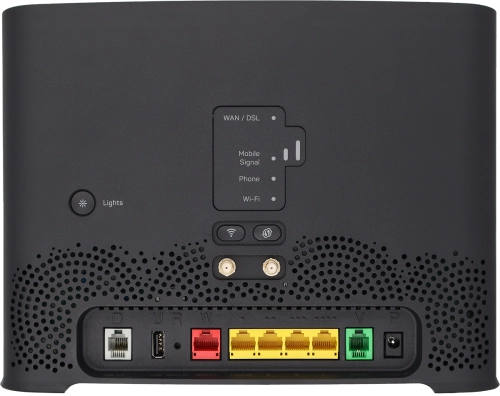
Telstra Smart Modem 4

Choose another device

Browse via device topic

The internet connection is intermittent

If the internet connection is intermittent, there may be several causes of the problem.
If the quality of the internet line is low, you may experience an unstable internet connection.

Solution: Contact Customer Service for information on planned or unforeseen events, such as maintenance or outages, which may affect the quality of the internet line.

If your wireless connection is intermittent, you will experience internet connection dropouts.

Solution: Change Wi-Fi hotspot channel

Click Wi-Fi Settings.

Step 1 of -

Step 1 of -

Slide 1 is active

In some cases, you may experience an intermittent internet connection when you're using a wireless connection to your modem instead of a cable connection.

Solution: Try establishing a connection to your modem using an Ethernet cable instead.

If the location of your modem isn't optimum, this may lead to an intermittent wireless connection.

Solution: Optimise Wi-Fi signal

Do not place your modem in drawers and cupboards.

Step 1 of -

Step 1 of -

Slide 1 is active

If you experience problems with the internet connection, it may help restarting your modem and the connected devices.

Solution: Restart modem

Disconnect the power supply from the power plug to turn off your modem. Wait for 30 seconds.

Step 1 of -

Step 1 of -

Slide 1 is active

Rather get in touch? Let’s get you connected

Online help & supportGet help
Chat with our teamContact us
My Telstra appDownload My Telstra