Home
/
Device Help
/
Telstra
/
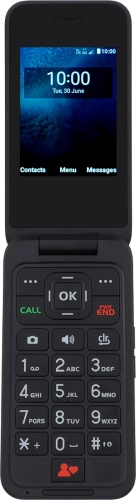
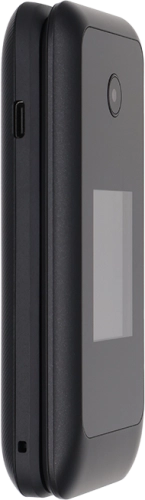
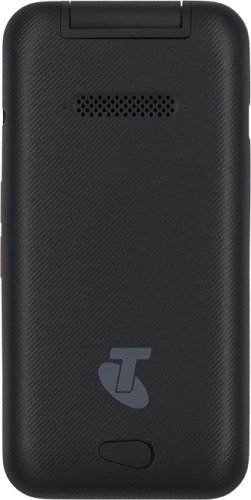
Telstra T-Flip 5G
Select operating system
Proprietary OS
Choose another device
Search for a solution
Search suggestions will appear below the field as you type
Slide 1 is active
Quick links to popular guides
Set up your phone for internet
Set up your phone for text messaging
Turn your phone on and off
Restore factory default settings
Insert SIM
Select ring tone
Browse via device topic
Help & support guides for your Telstra T-Flip 5G
Getting started
Basic functions
Calls & contacts
Messaging & email
Internet & entertainment
Data & wireless
Specifications
Getting started
Troubleshooting
I can't turn on my phone
I can't start my phone
First use
Insert SIM
Change battery
Charge the battery
Turn your phone on and off
Using your phone
Restart your phone
Take screenshot
Rather get in touch? Let’s get you connected
Online help & support
Get help
Chat with our team
Contact us
My Telstra app
Download My Telstra