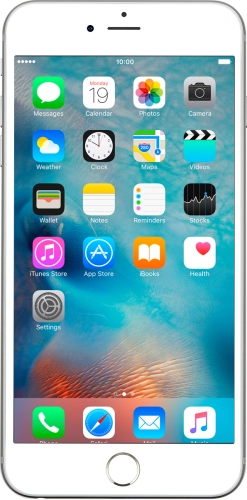
If GPS position usage for applications is turned on, your phone will use mobile data when an application uses GPS to determine your position and is not connected to a Wi-Fi-network.
Solution: Turn GPS on or off
1. Find "Location Services"
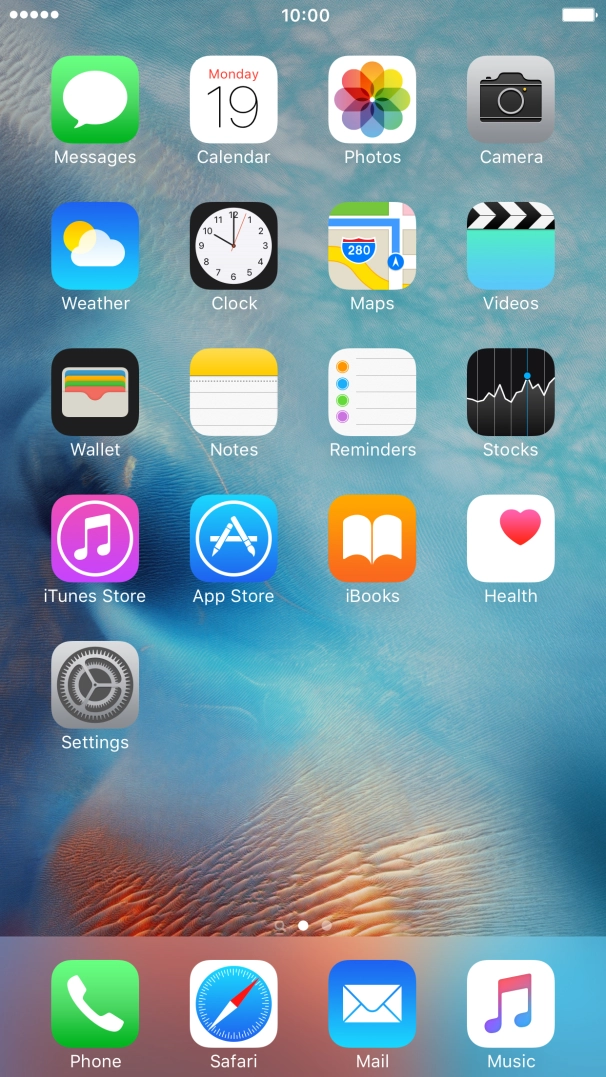
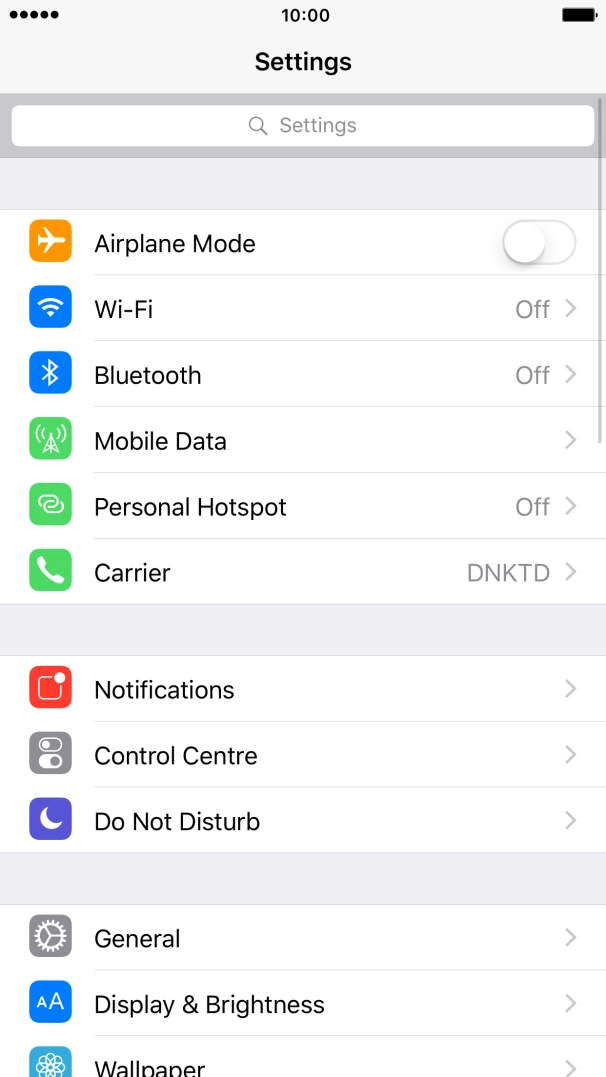
Press Settings.
Press Settings.
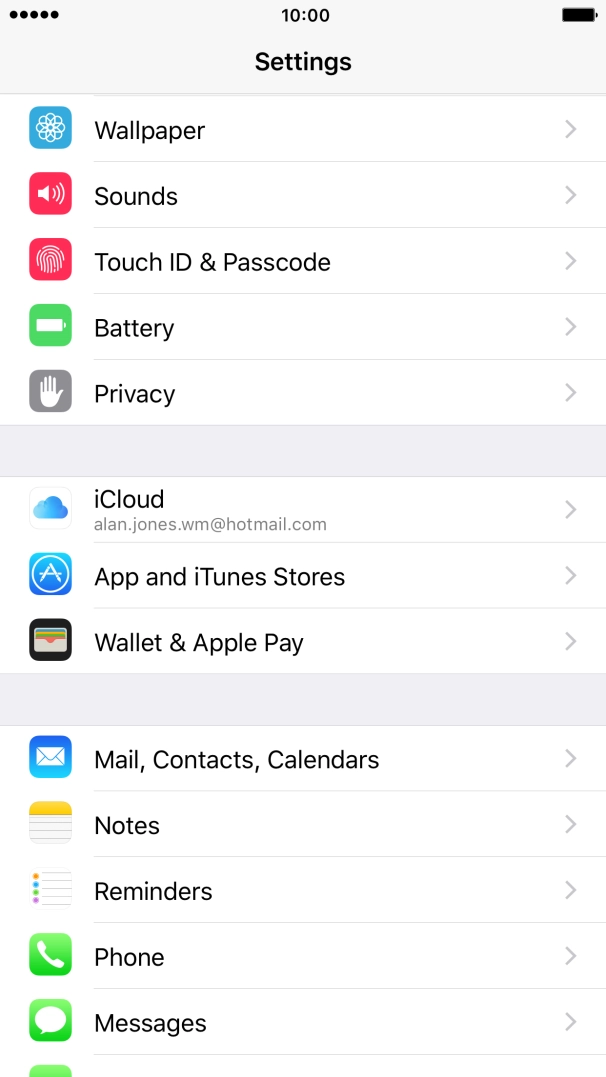
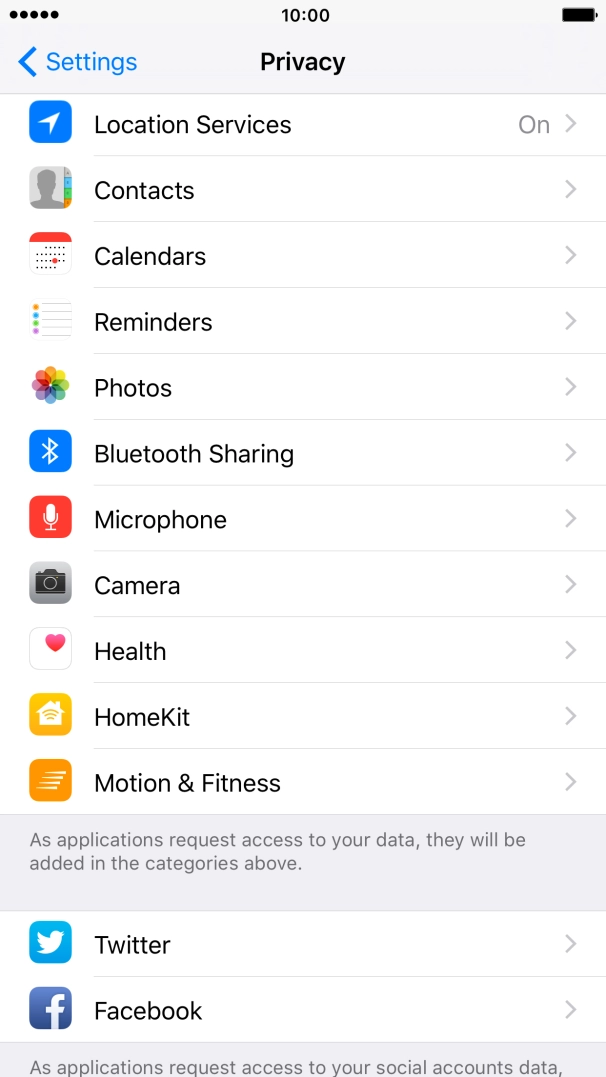
Press Privacy.
Press Location Services.
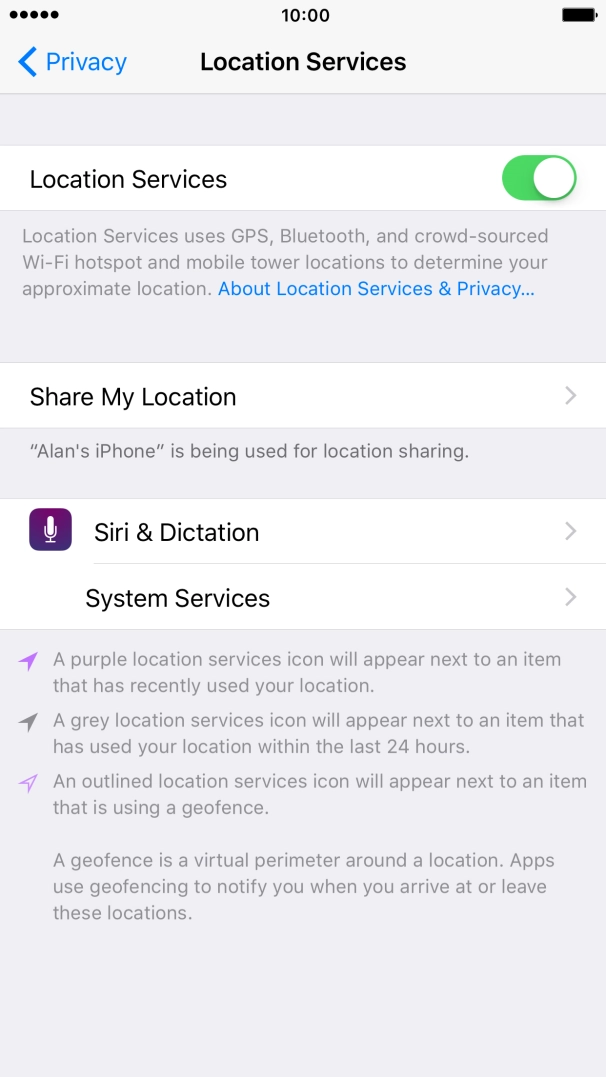
Press the indicator next to "Location Services" to turn the function on or off.
If you turn on this function, your phone can find your exact position using GPS. If you turn off the function, you can't use any GPS functions on your phone.
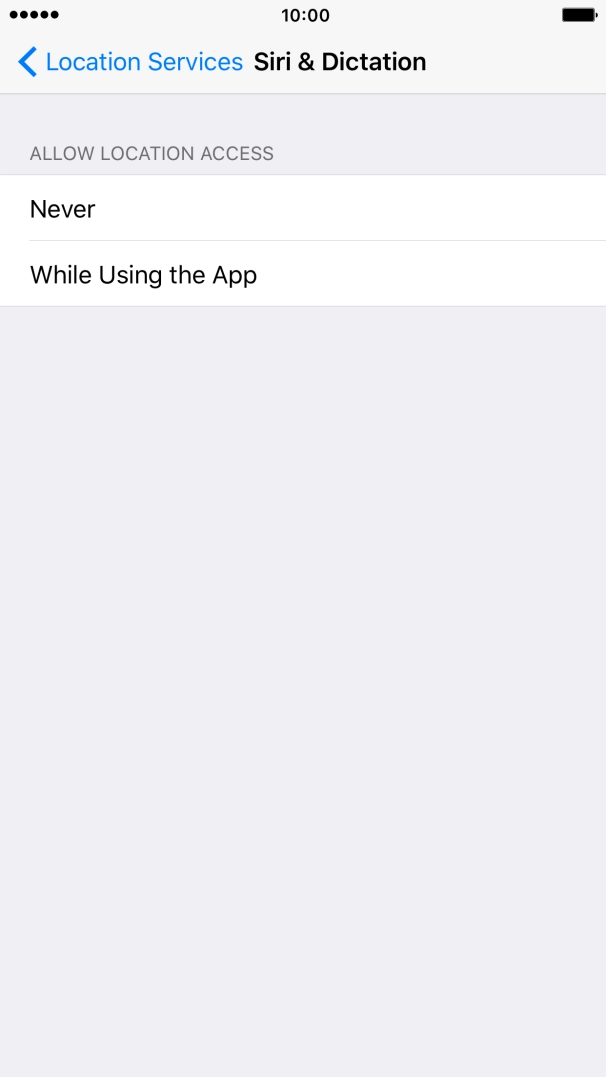
Press the required application.
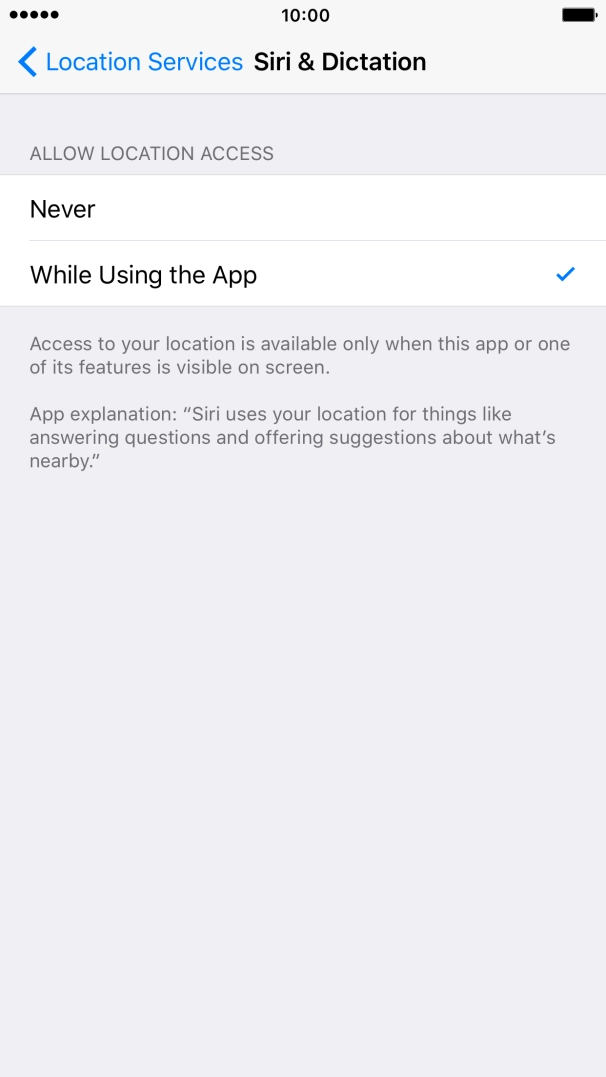
Press the required setting to turn the function on or off.
Press Location Services.
Press the Home key to return to the home screen.