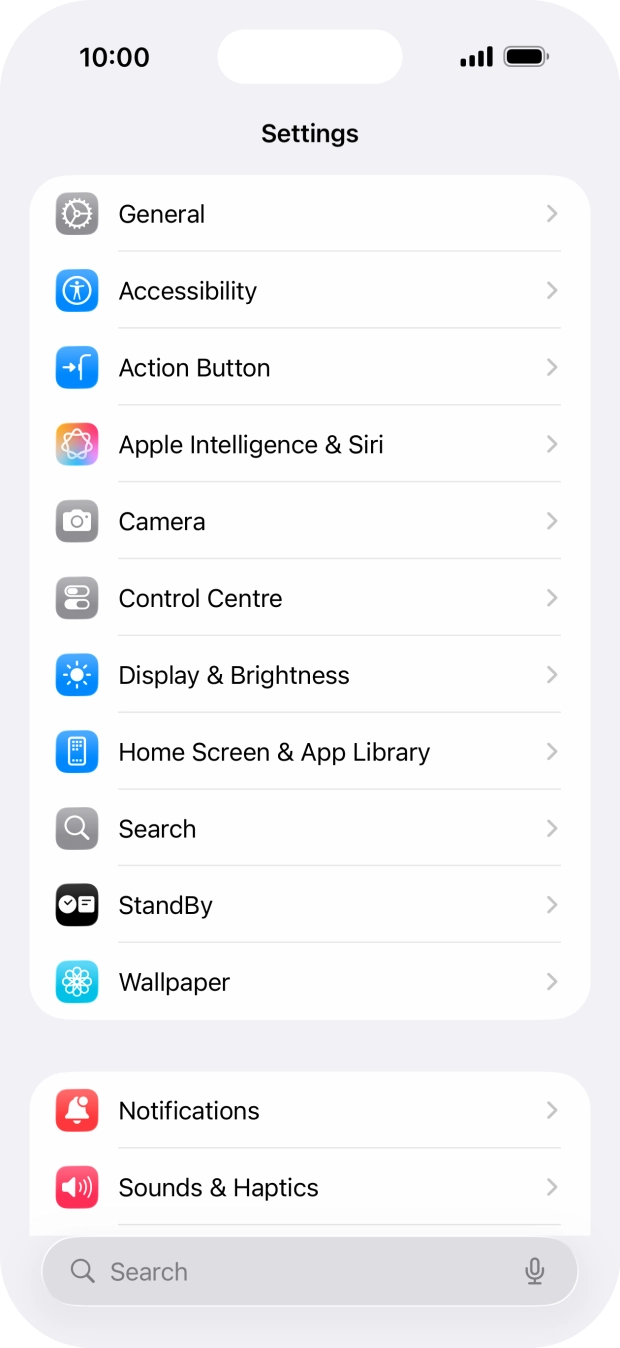
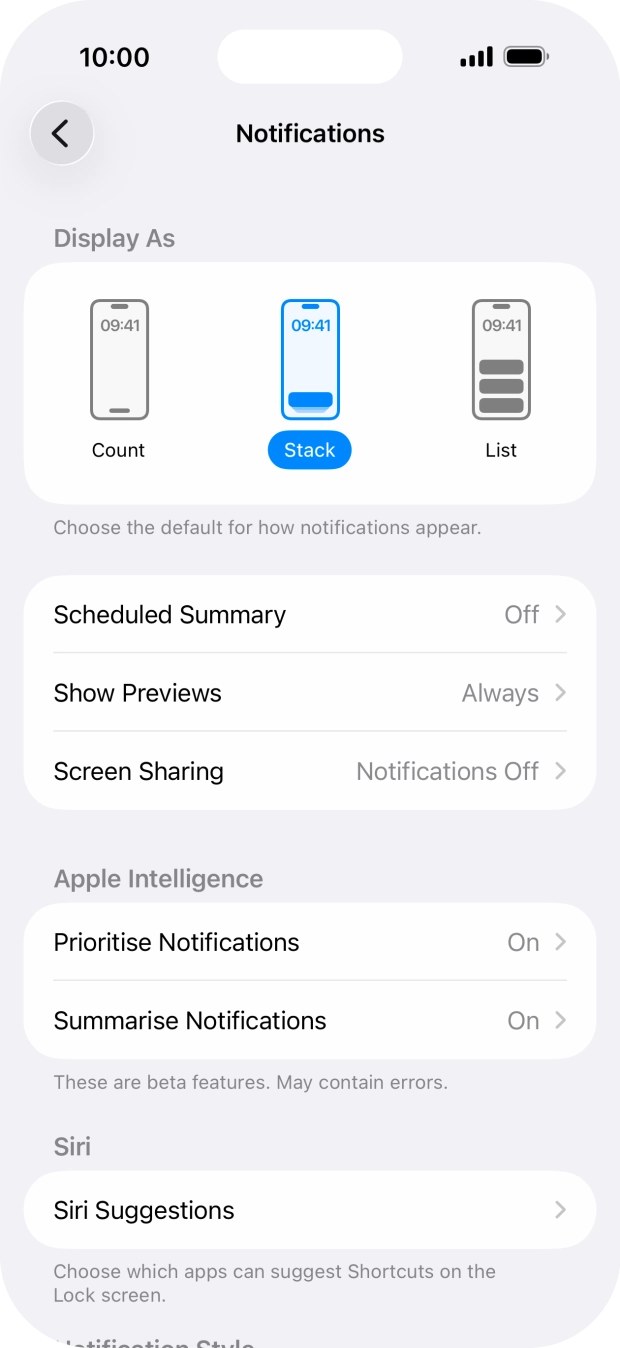
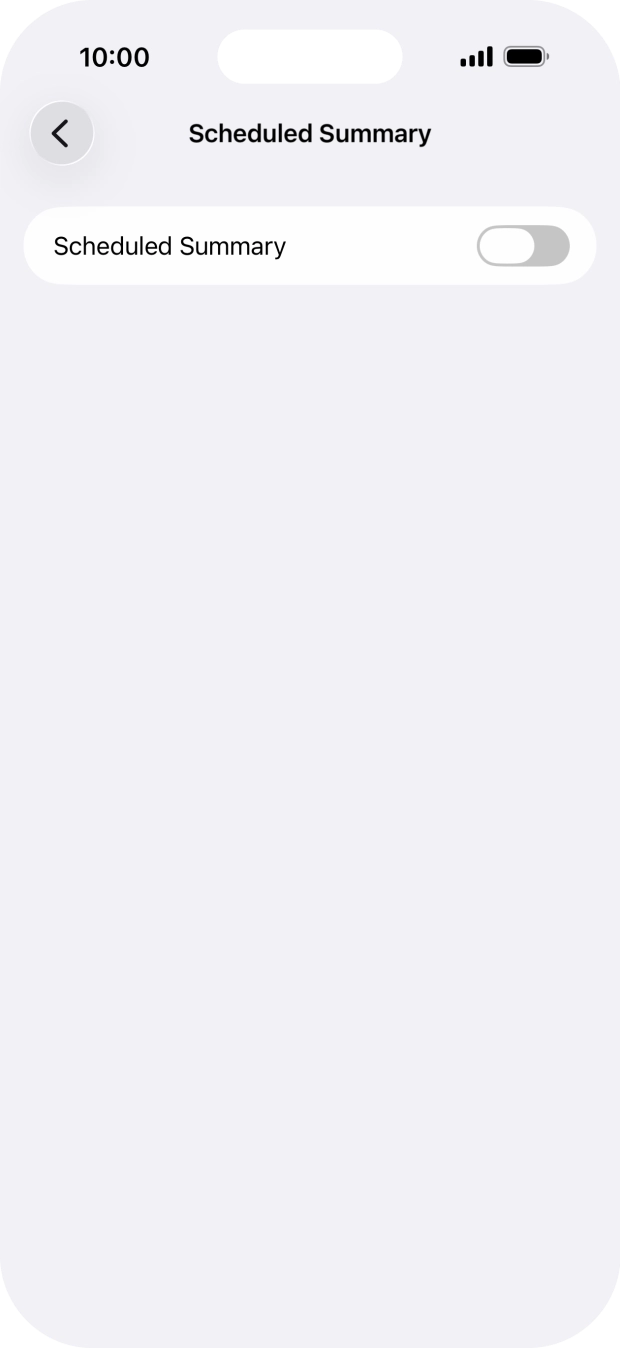
Press the indicator next to "Scheduled Summary" to turn on the function and follow the instructions on the screen to set the push notification summary.
You can set your phone to give you a personalised push notification summary at a time of your choosing.
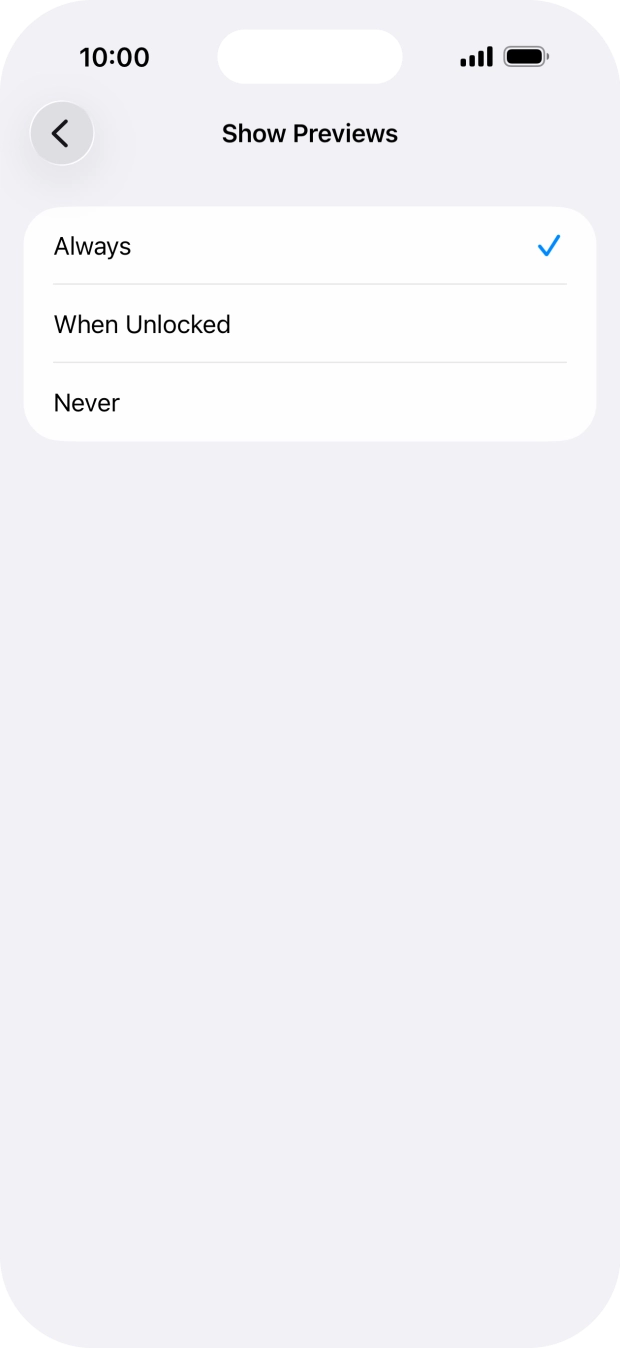
To select push notification preview on the lock screen, press Always.
To select push notification preview only when your phone is unlocked, press When Unlocked.
To turn off push notification preview, press Never.
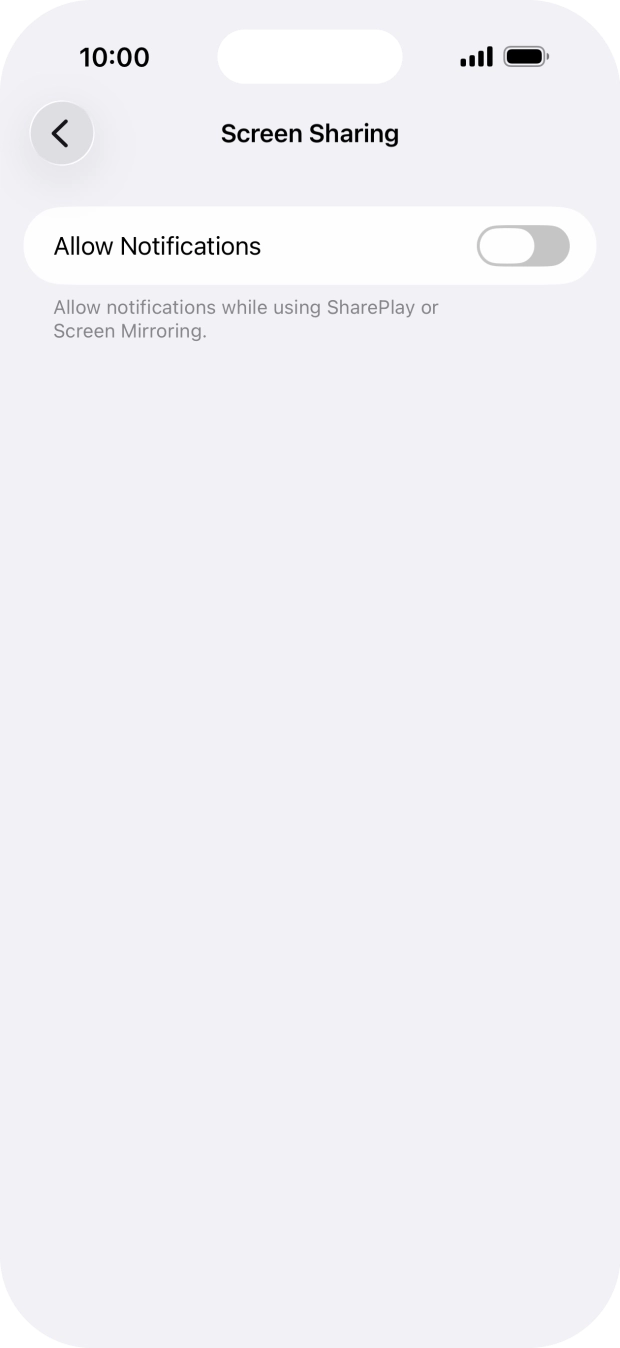
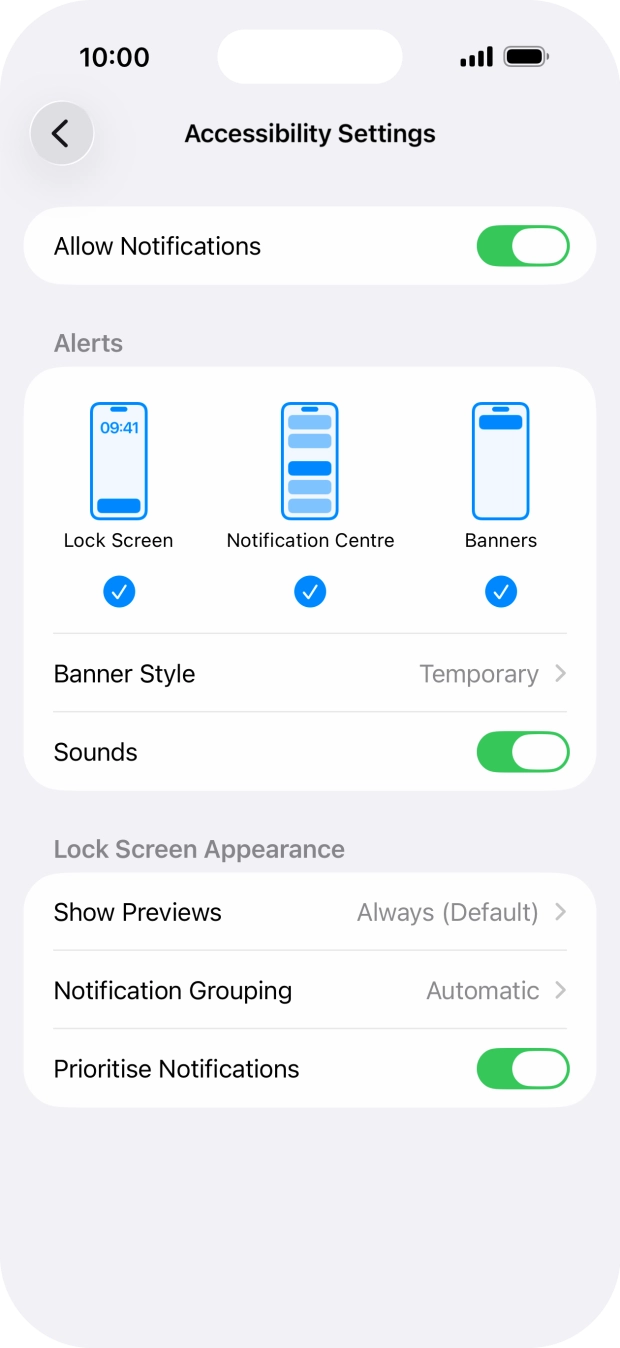
Press the indicator next to "Allow Notifications" to turn the function on or off.
You can turn display of push notifications when using SharePlay or Screen Mirroring on or off.
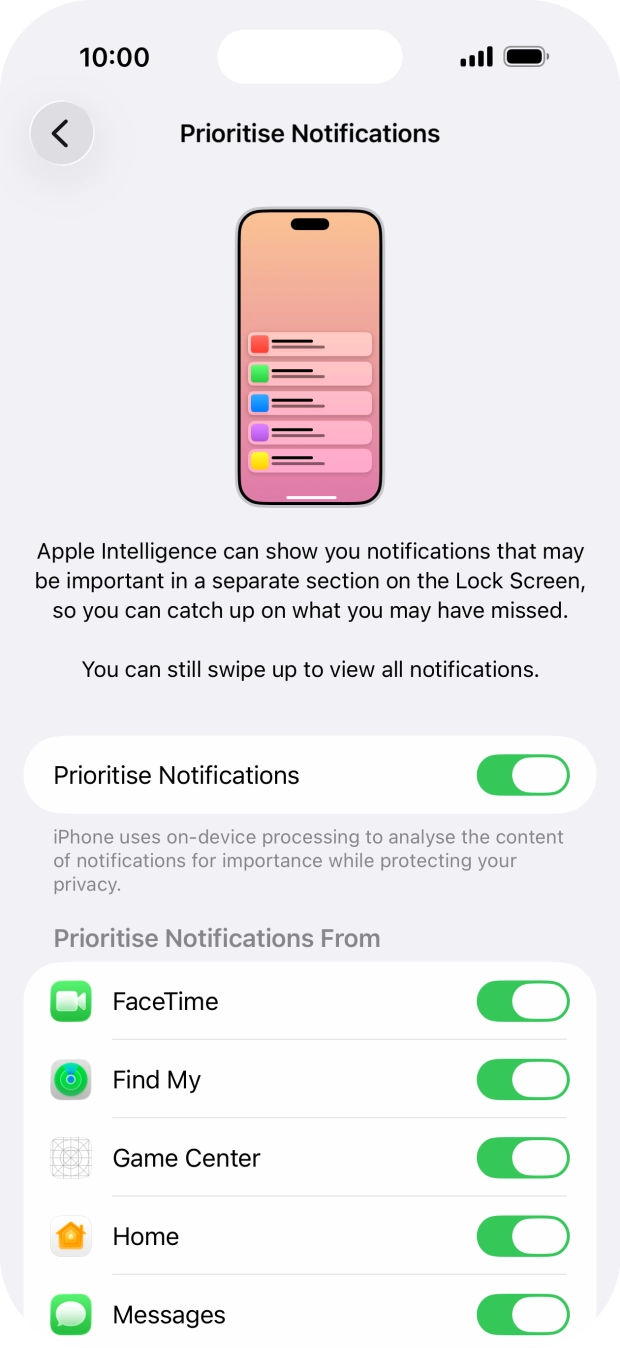
Press Prioritise Notifications.
You can use Apple Intelligence to prioritise important and time-sensitive push notifications. High priority push notifications appear at the top of the notification list. To use the function, you need to turn on Apple Intelligence.
Press the indicator next to "Prioritise Notifications" to turn the function on or off.
If you turn on the function, follow the instructions on the screen to select more settings.
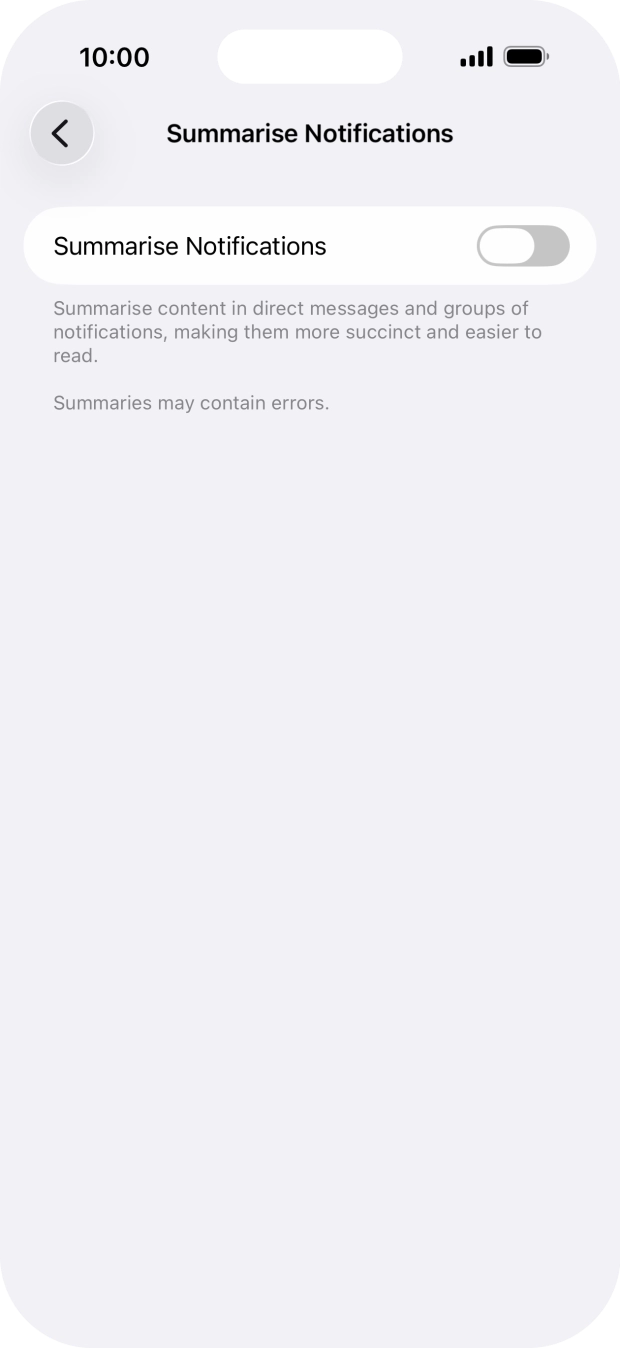
Press Summarise Notifications.
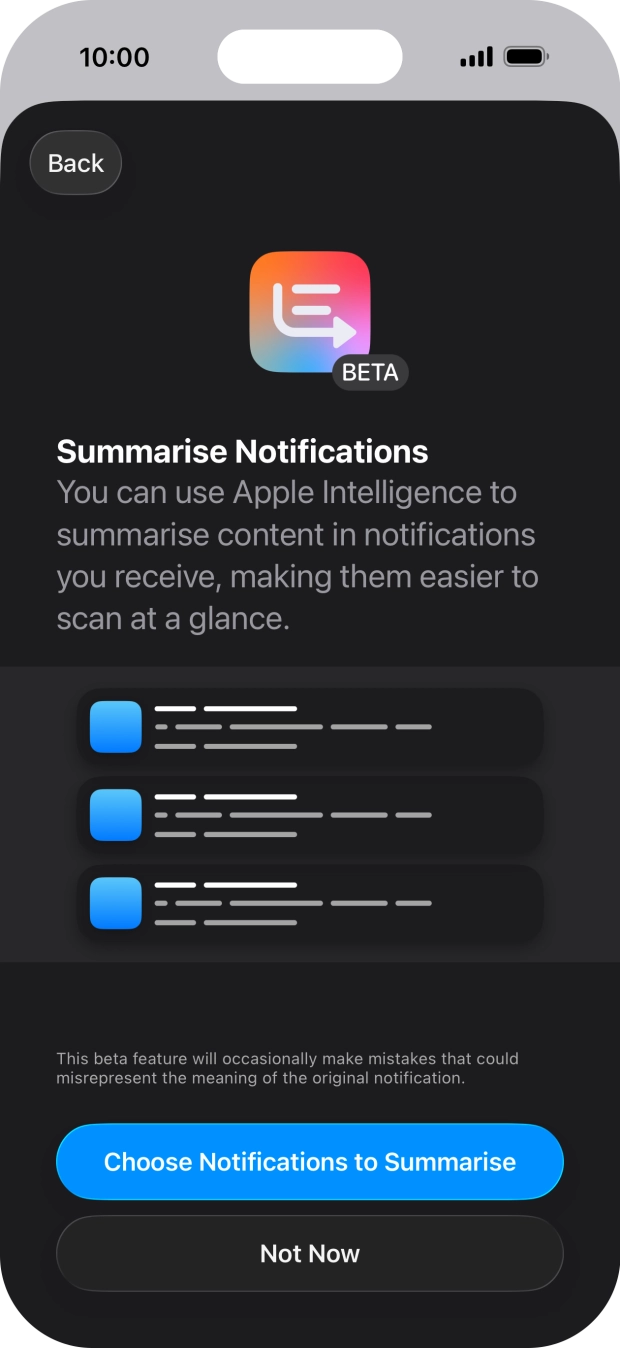
You can use Apple Intelligence to summarise push notifications so you can quickly see the information that is most important to you. To use the function, you need to turn on Apple Intelligence.
Press the indicator next to "Summarise Notifications" to turn the function on or off.
If you turn on the function, follow the instructions on the screen to select more settings.
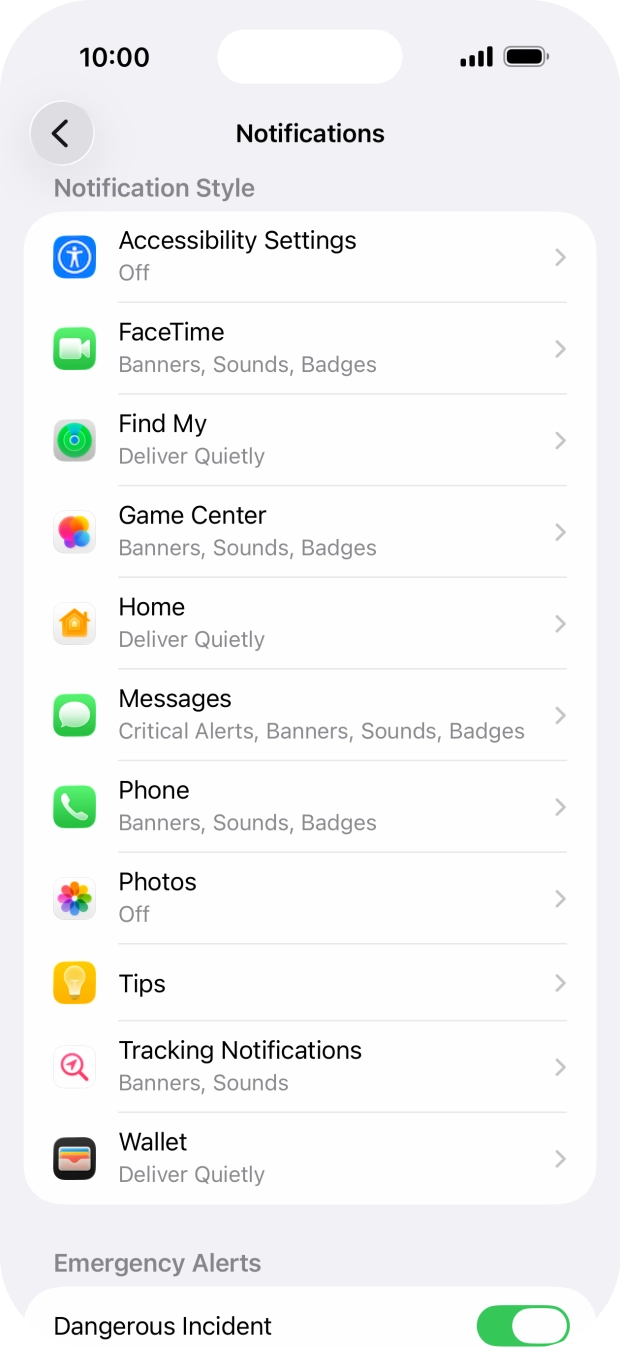
Press the required application.
Press the indicator next to "Allow Notifications" to turn push notifications for the selected application on or off.
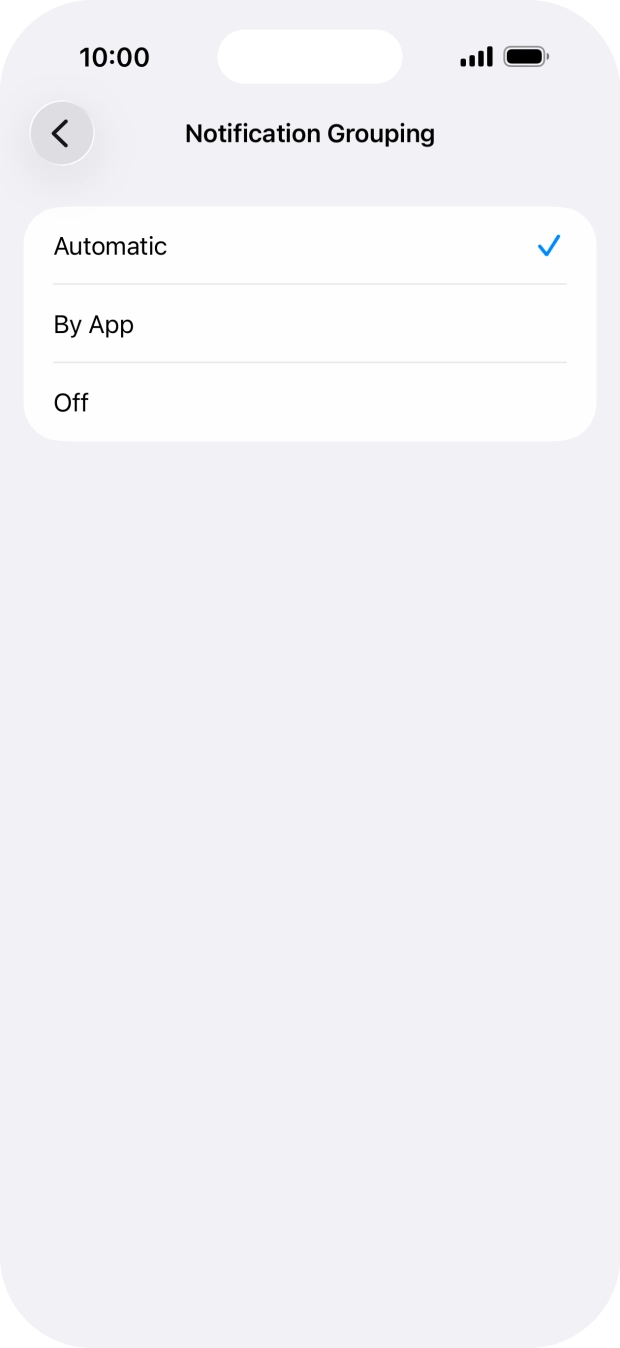
Press Notification Grouping.
This function enables you to select whether push notifications should be grouped or be displayed individually.
Press the required setting.
Slide your finger upwards starting from the bottom of the screen to return to the home screen.
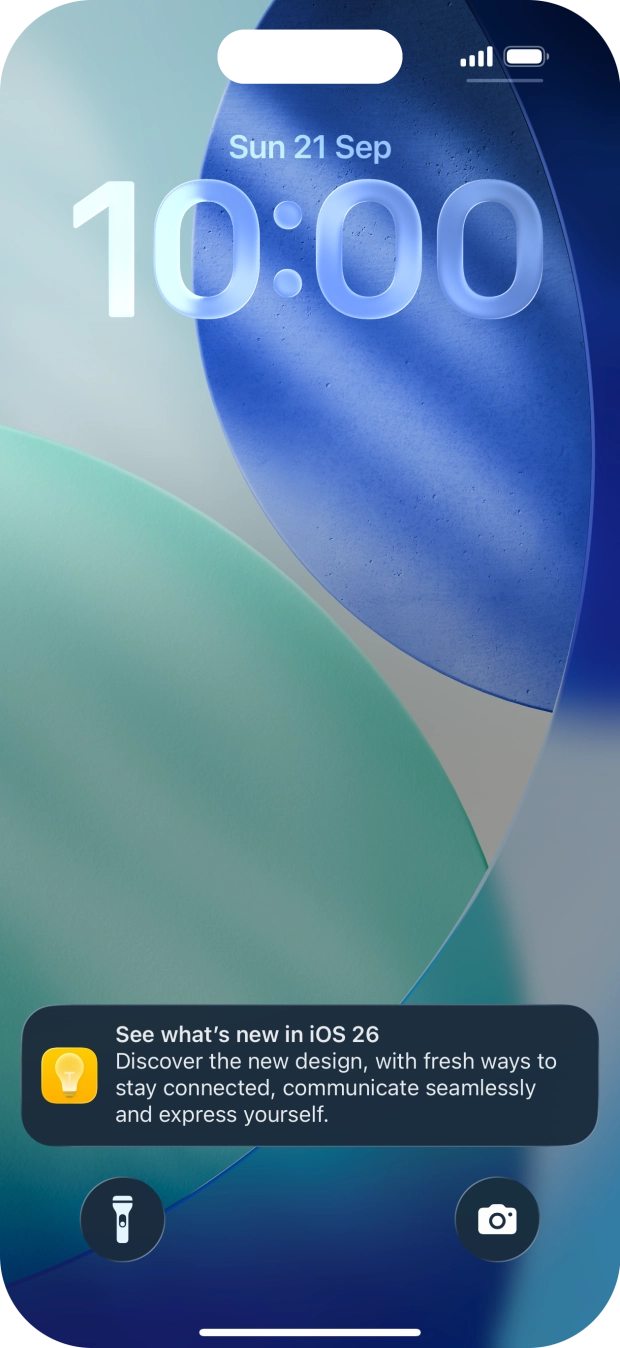
Slide your finger downwards starting from the top of the screen.
Press the required notification and follow the instructions on the screen to use the selected function.
Slide your finger upwards starting from the bottom of the screen to return to the home screen.