Search suggestions will appear below the field as you type
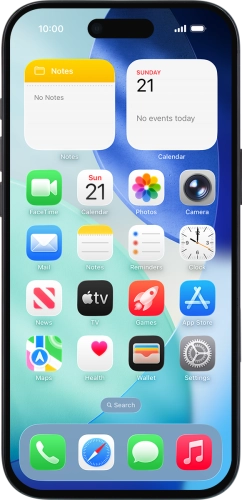

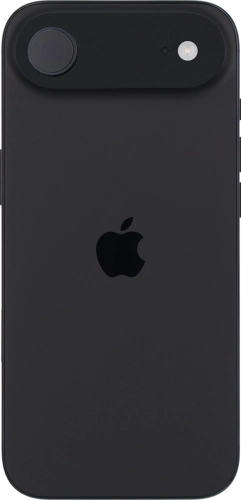
Browse via device topic
Take screenshot
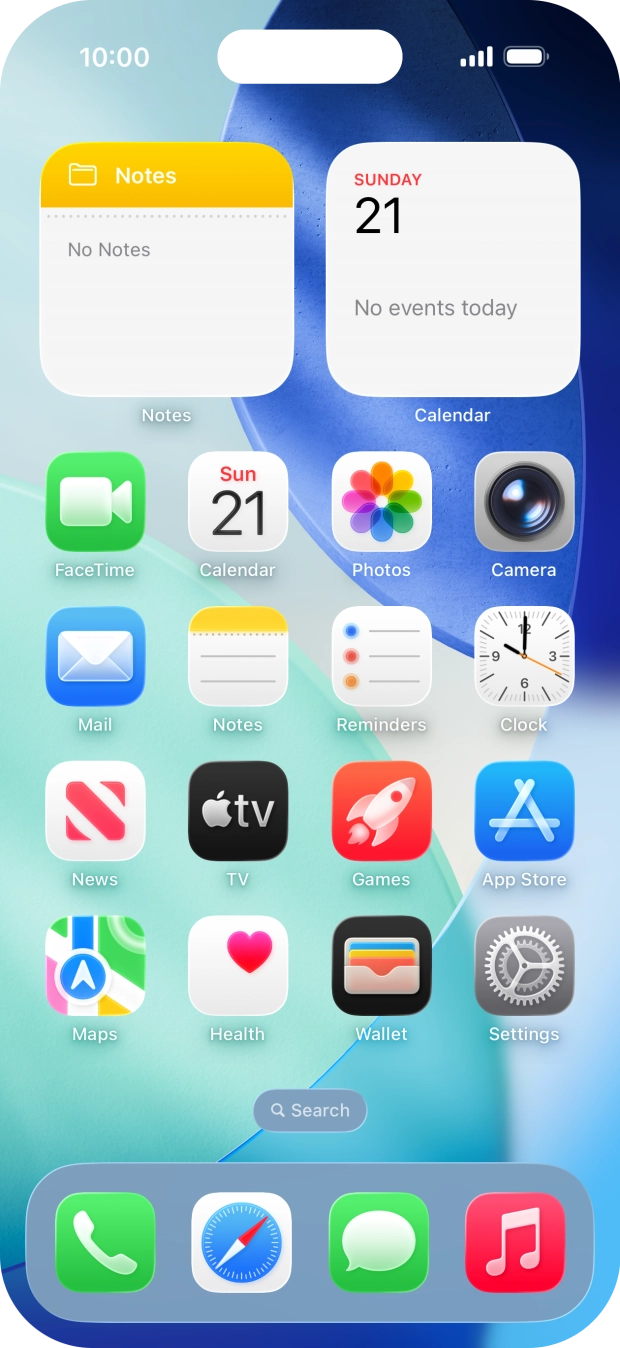
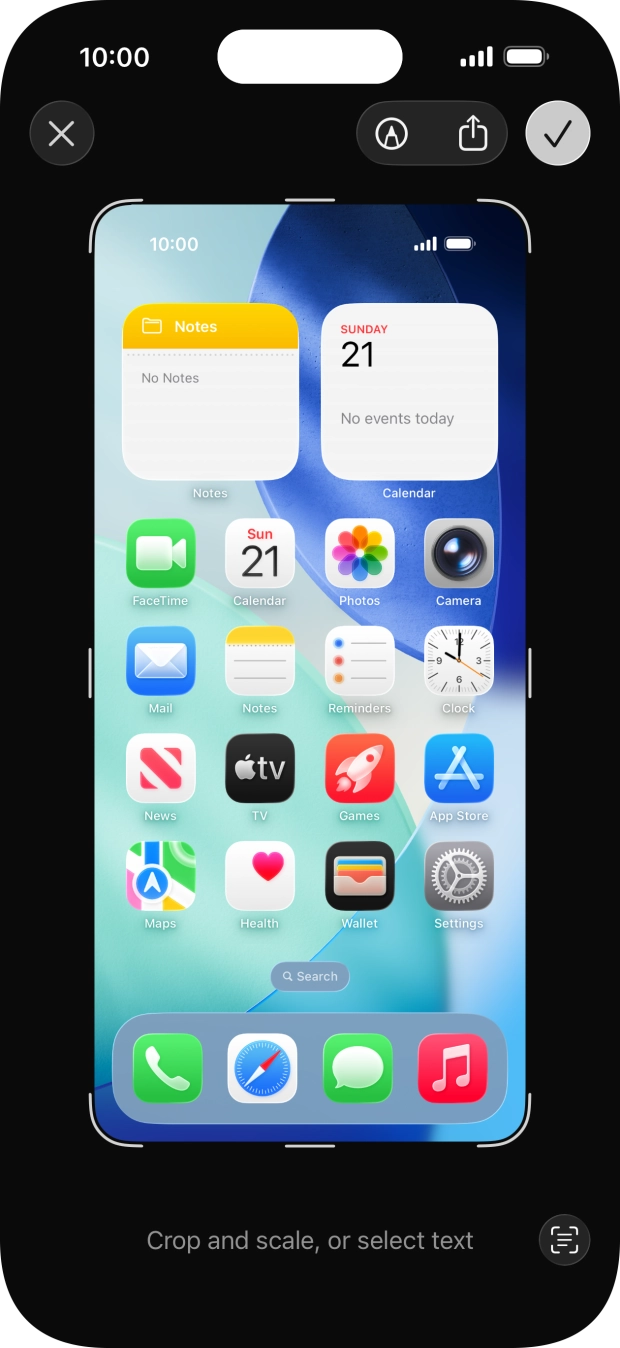
You can take a picture of your screen if you want to share something with your friends or save the picture for later use.
Step 1 of 2
Step 1 of 2
1. Take screenshot
Simultaneously, press the Side button and the Top volume key to take a screenshot.