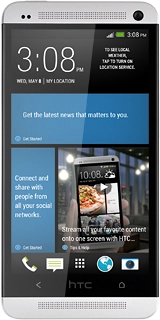
HTC One
Choose another deviceSearch suggestions will appear below the field as you type
Browse via device topic
Set date and time
Follow these instructions to set the date and time.
Step 1 of 6
Step 1 of 6
1. Find "Date & time"
Slide your finger down the display starting from the top edge of your phone.