Several functions on the phone require an internet connection, e.g. when you use the internet browser, send email and install apps.
Solution: Set up your phone for internet
1. Find "Access Point Names"
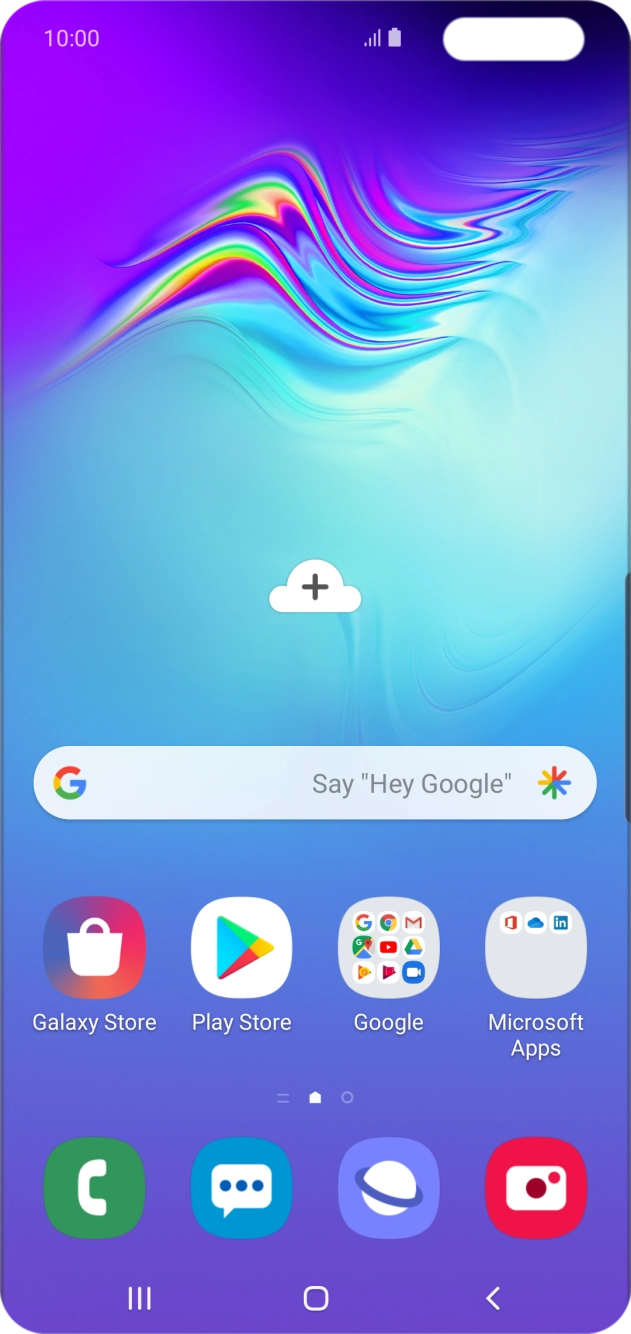
Slide two fingers downwards starting from the top of the screen.
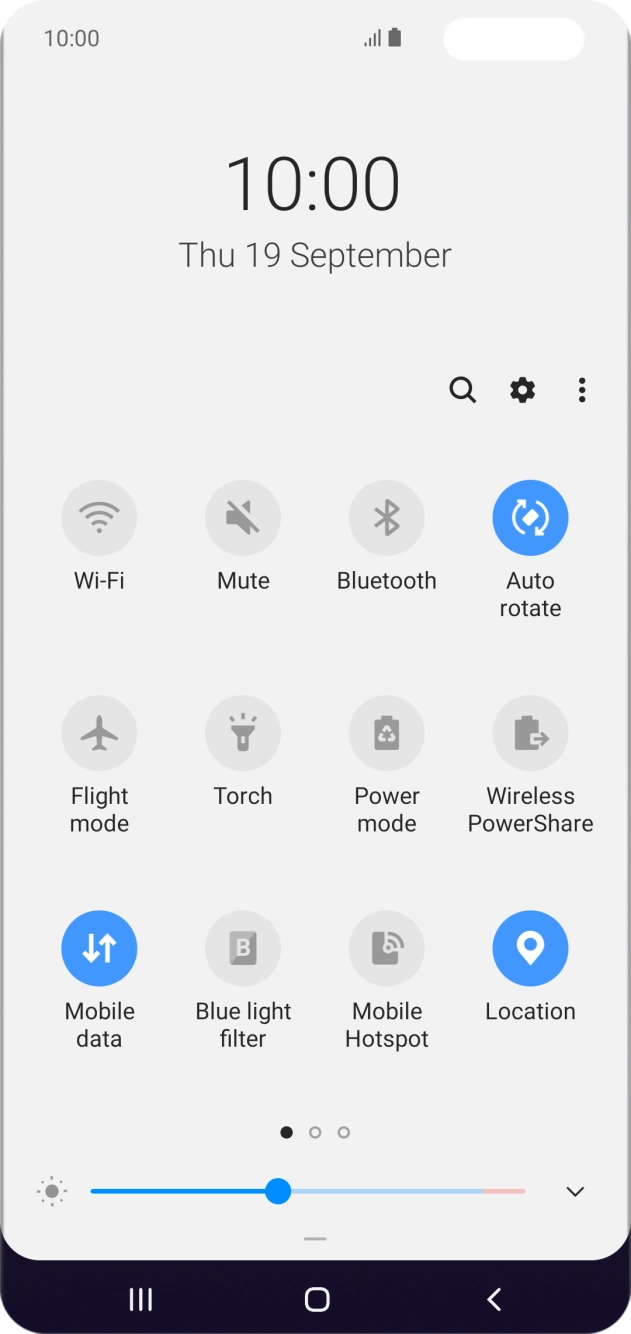
Slide two fingers downwards starting from the top of the screen.
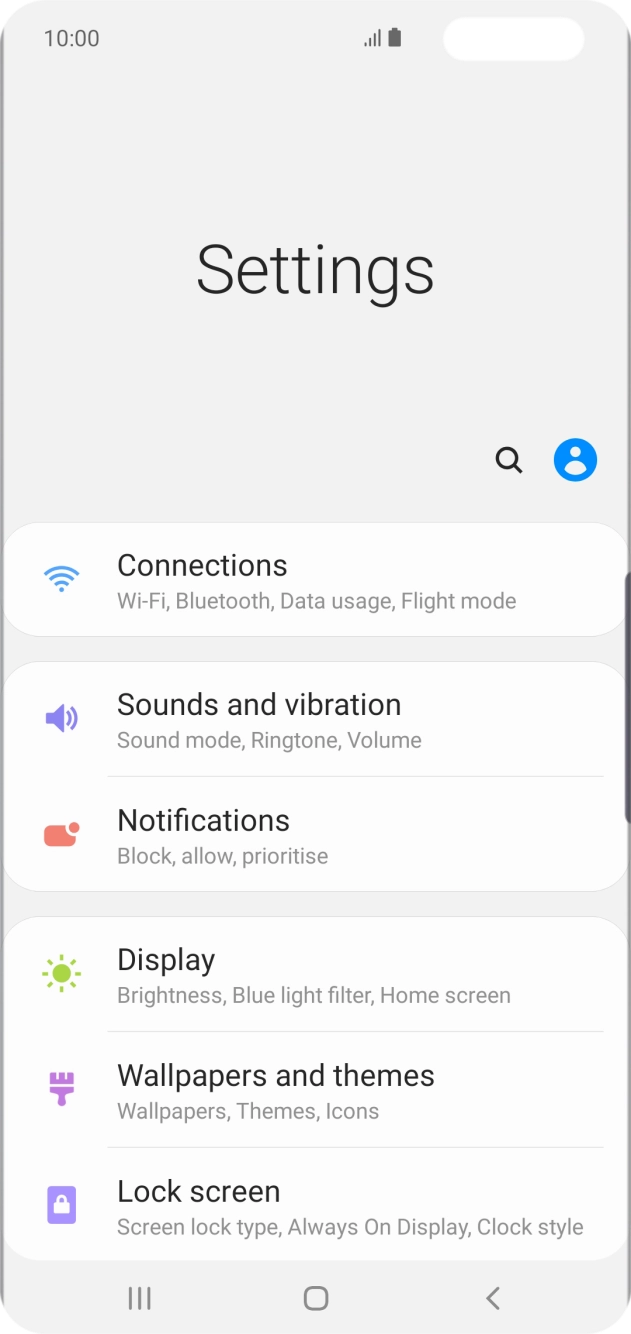
Press the settings icon.
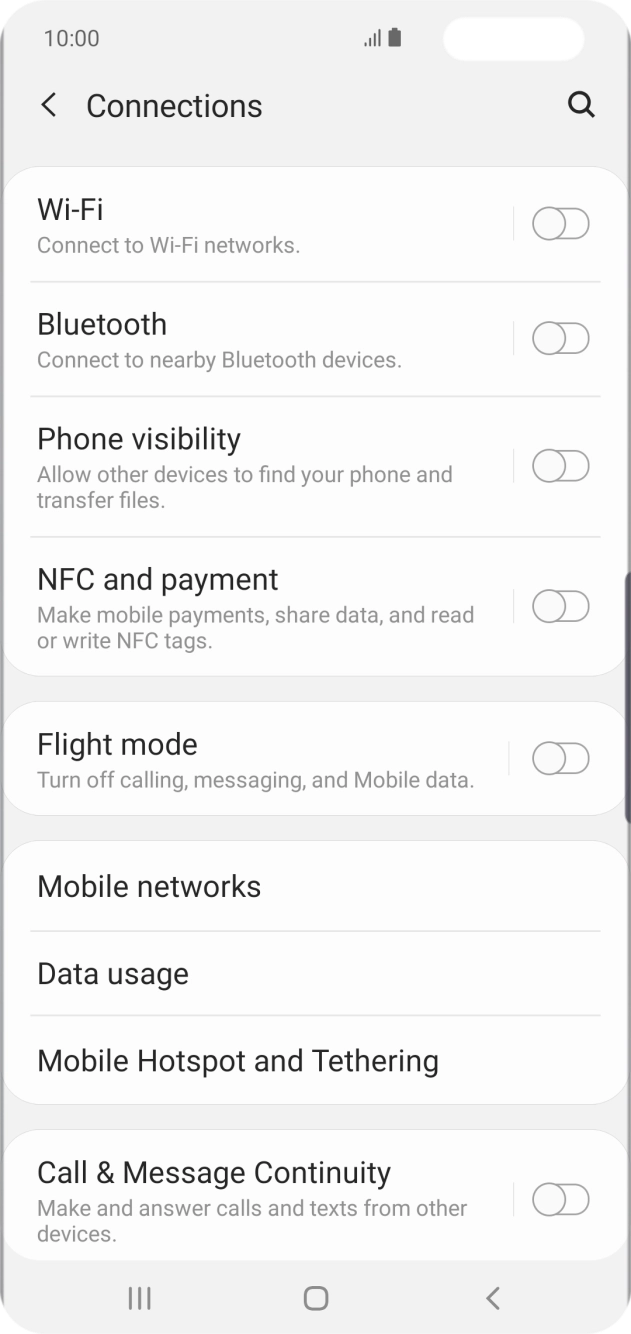
Press Connections.
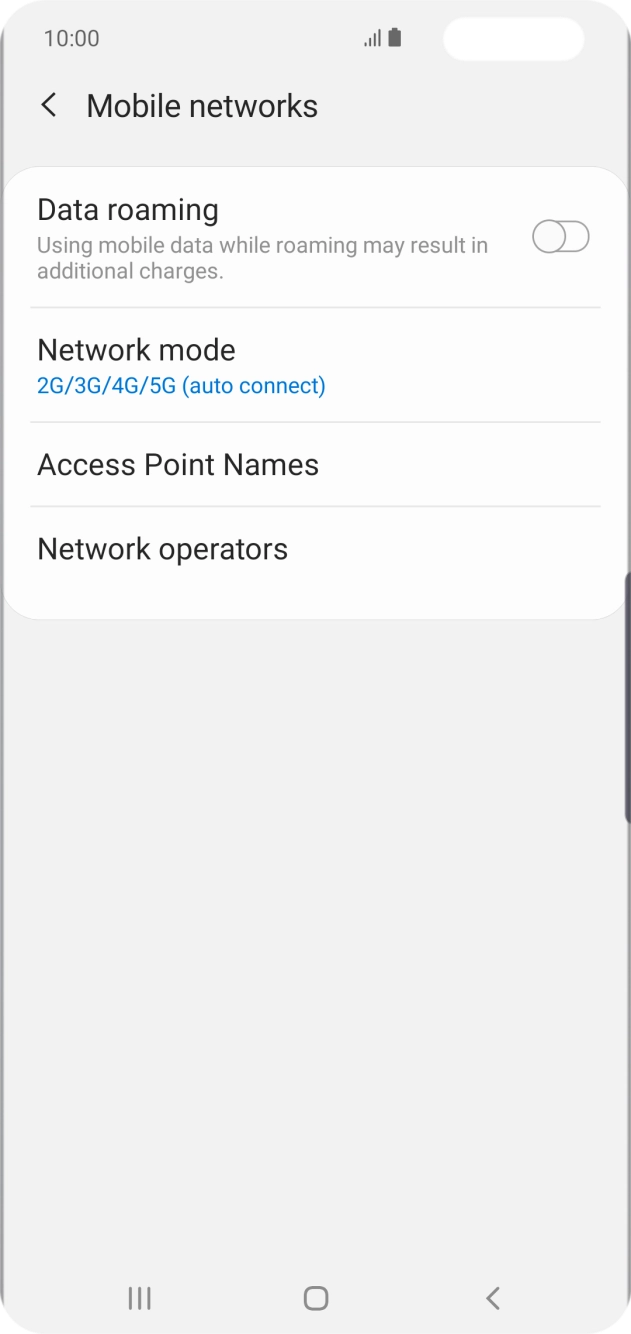
Press Mobile networks.
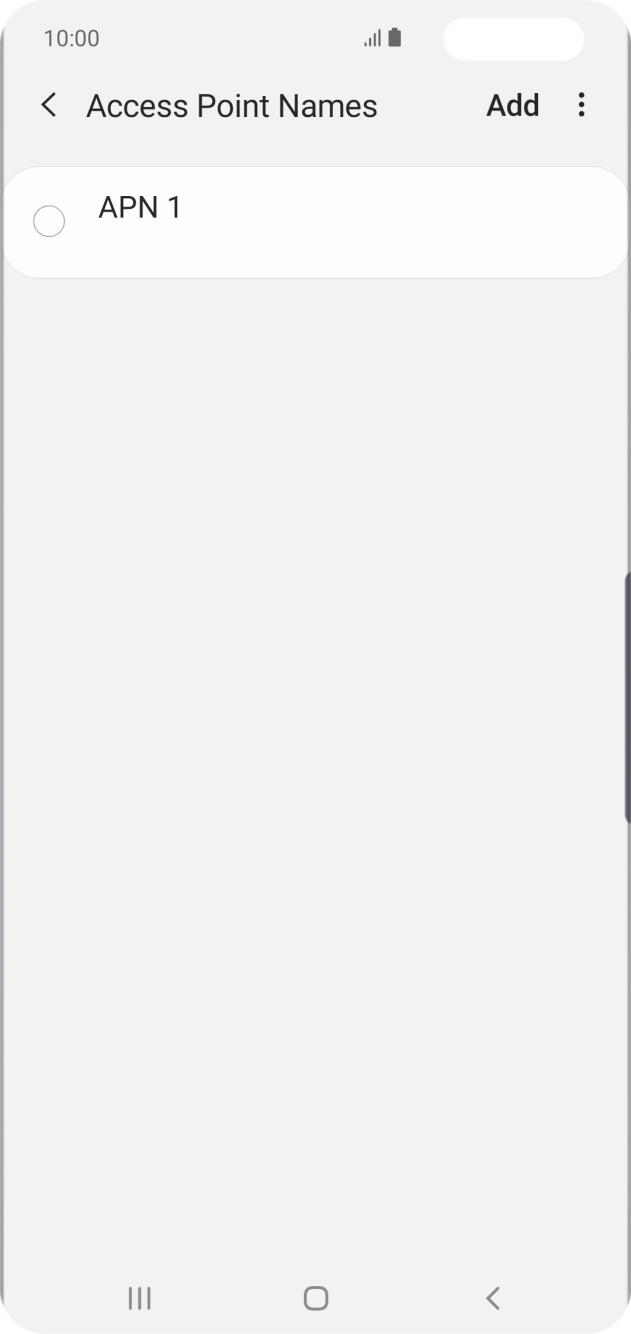
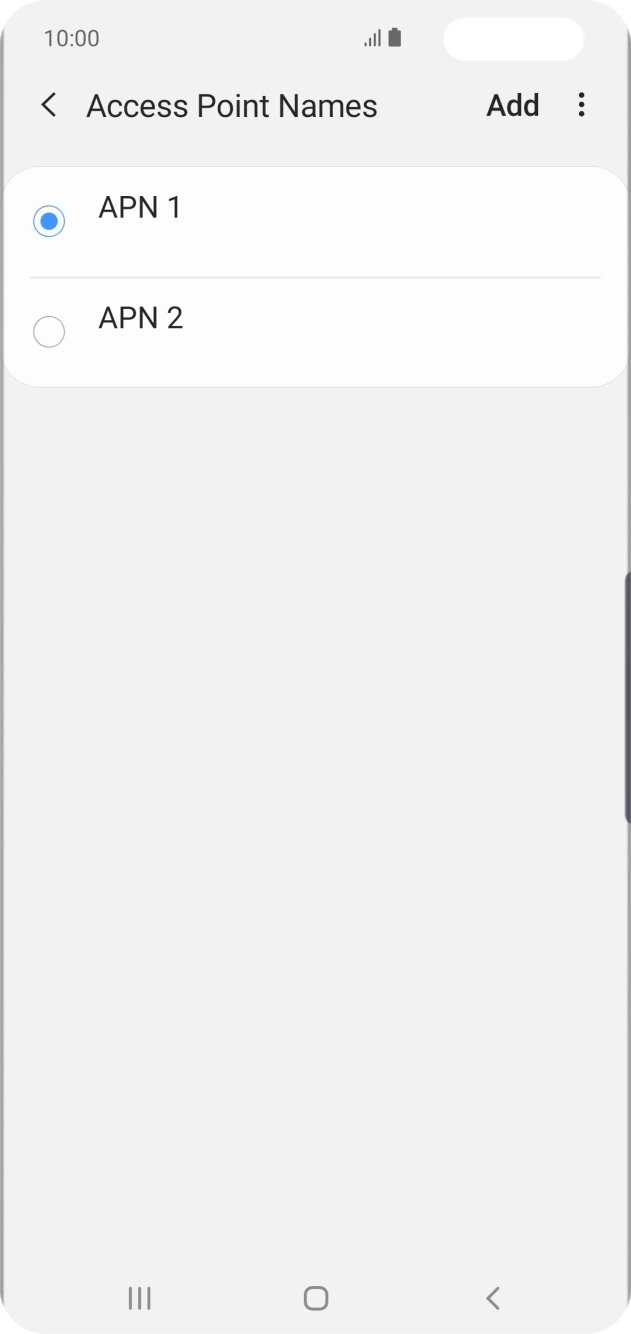
Press Access Point Names.
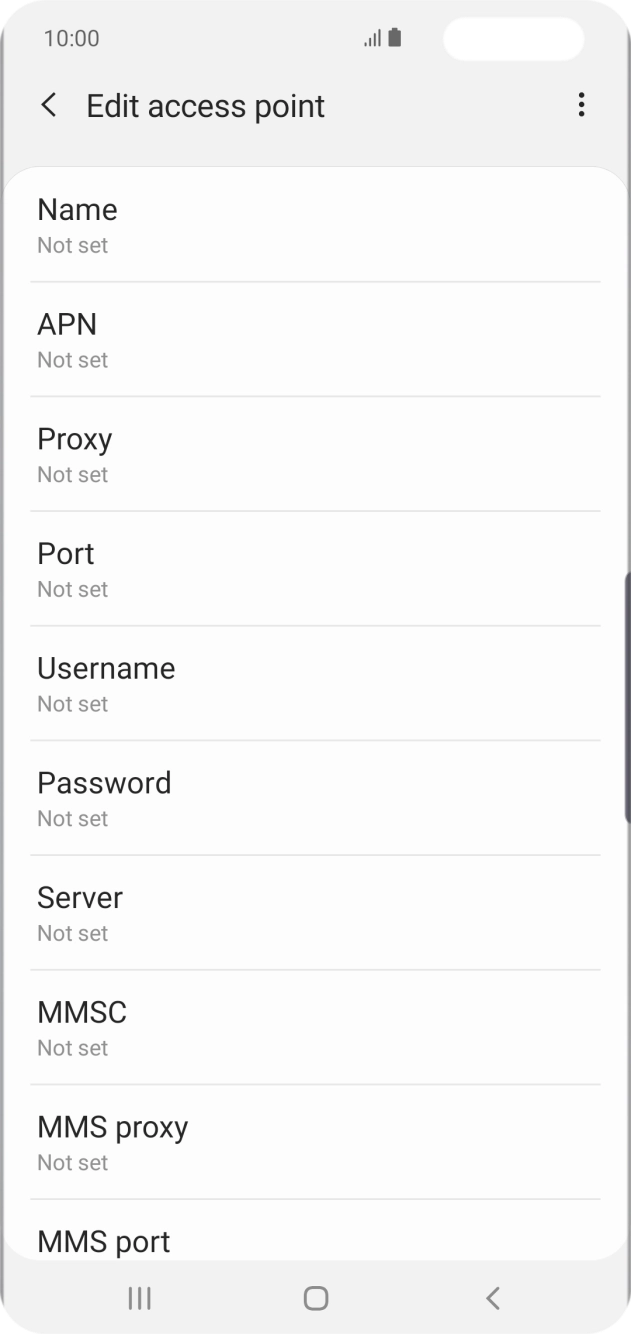
Press Add.
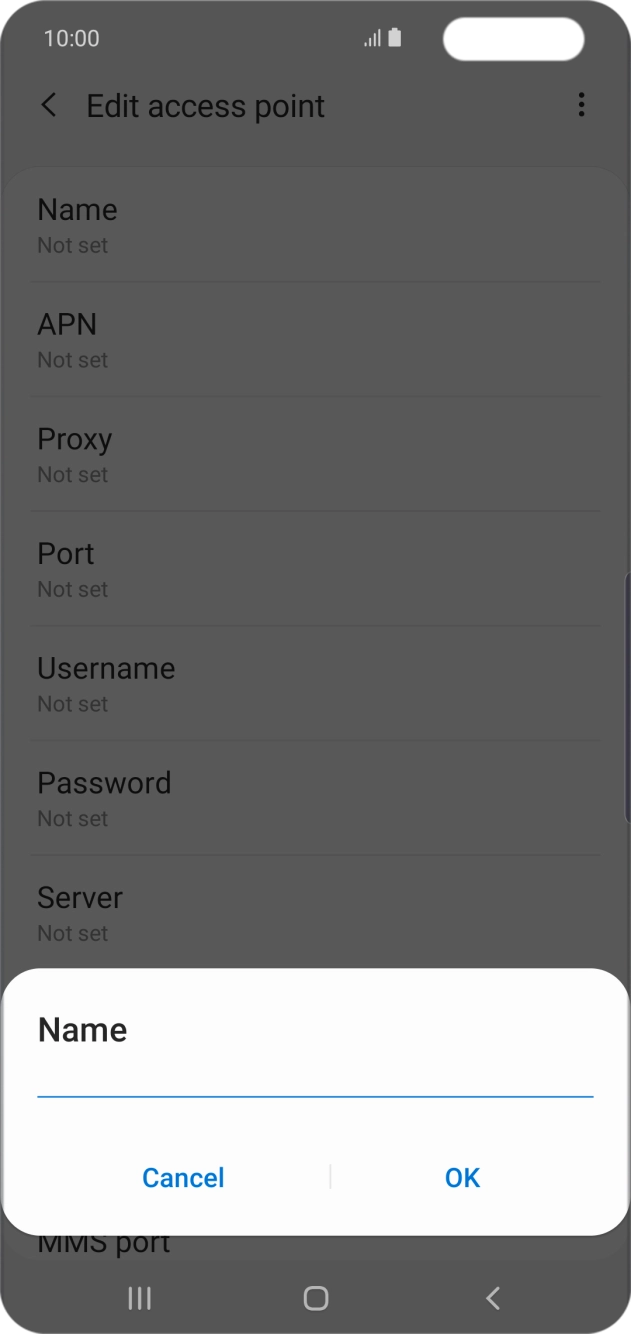
Press Name.
Key in Telstra Internet and press OK.
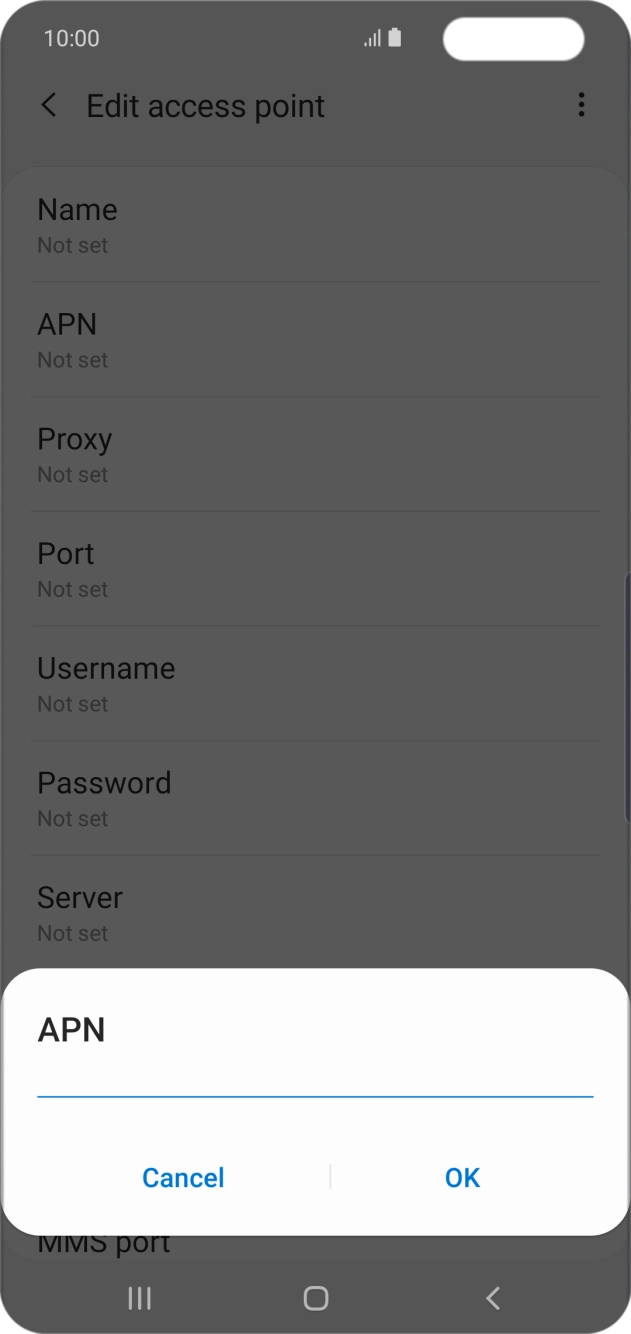
Press APN.
Key in telstra.wap and press OK.
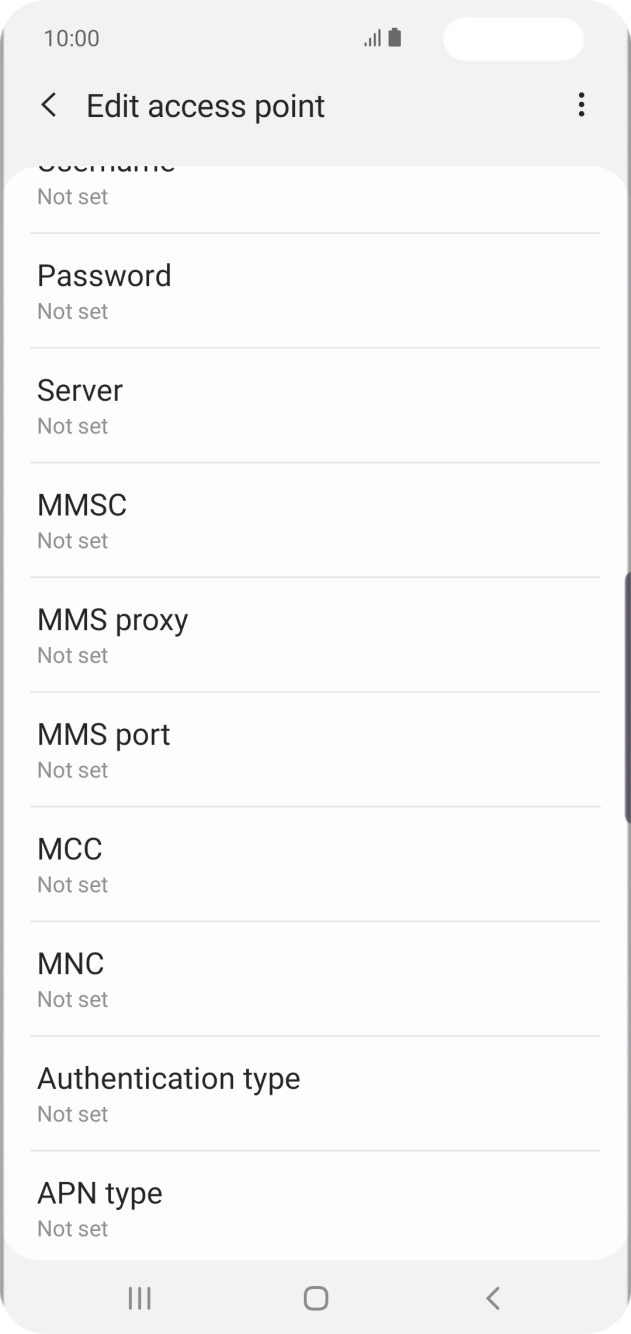
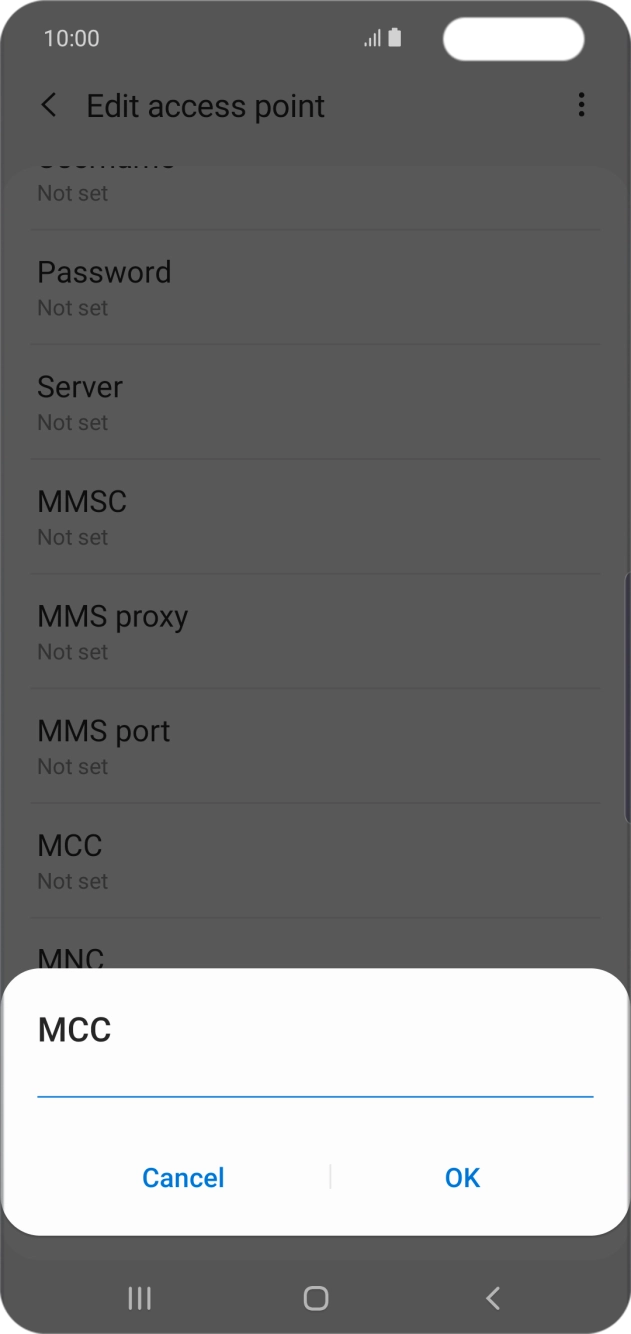
Press MCC.
Key in 505 and press OK.
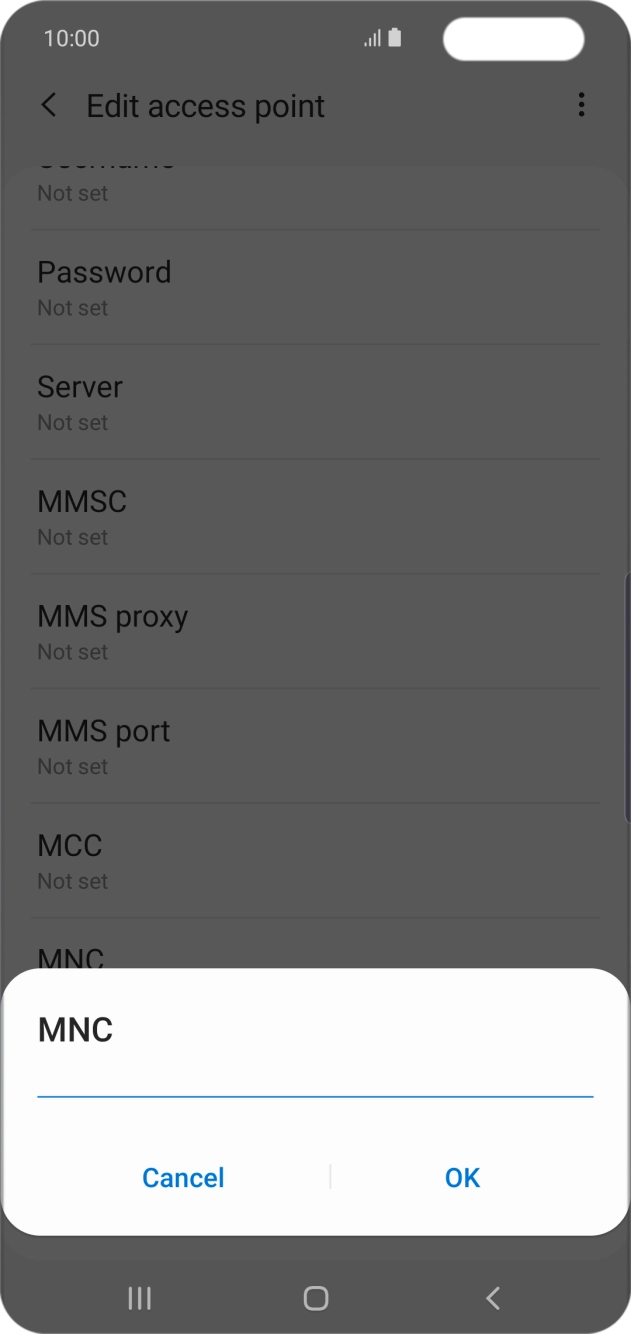
Press MNC.
Key in 01 and press OK.
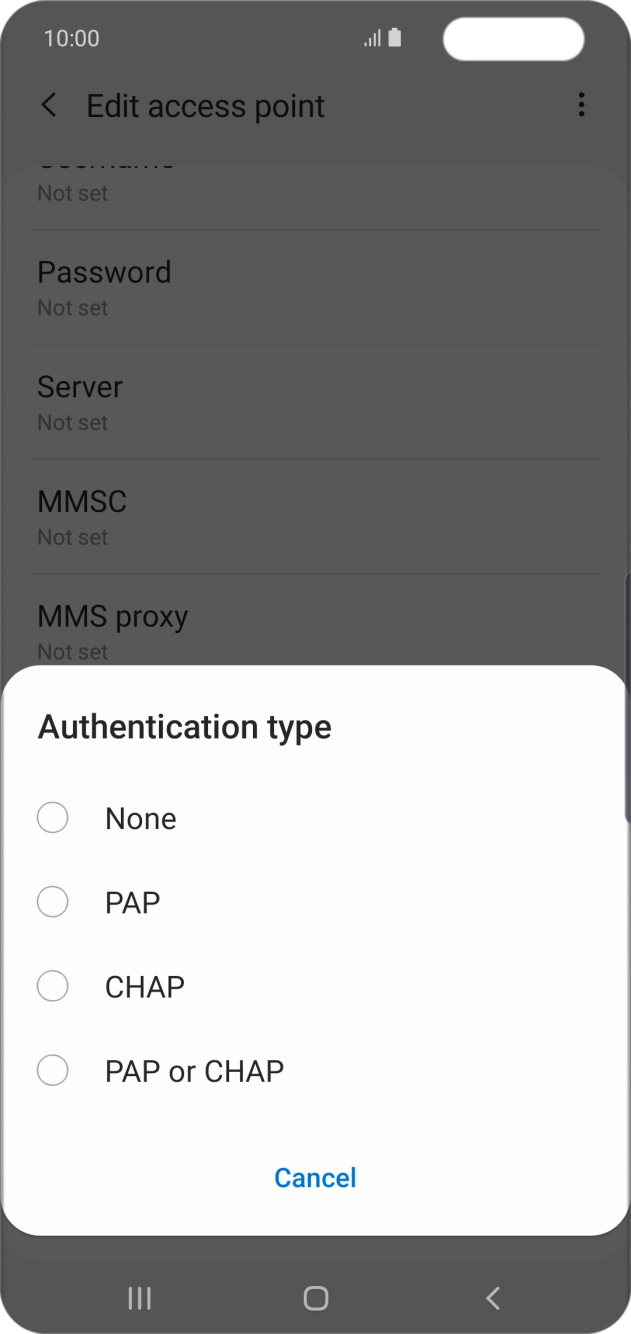
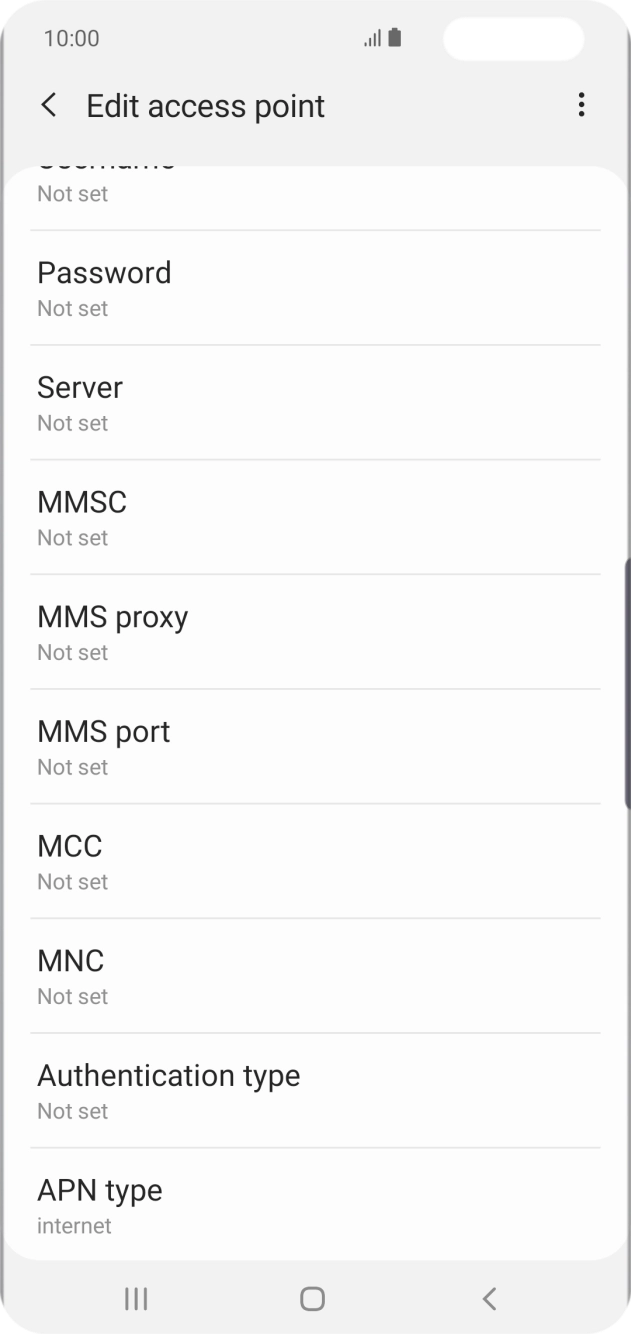
Press Authentication type.
Press None.
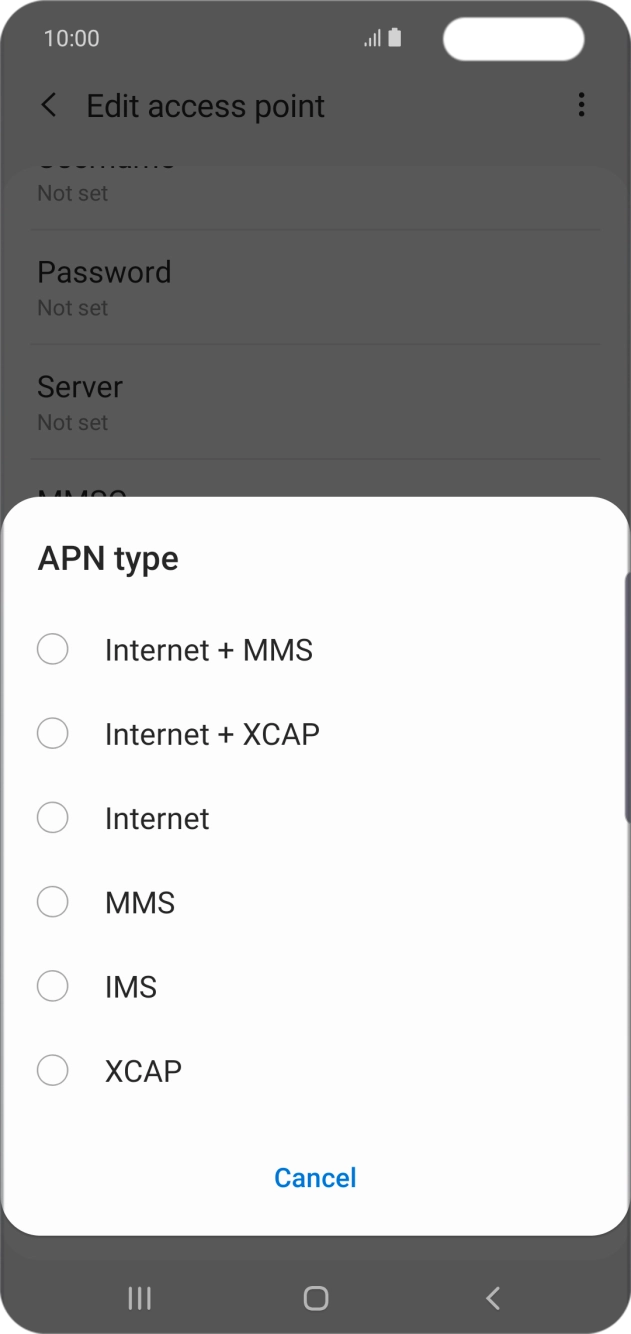
Press APN type.
Press Internet.
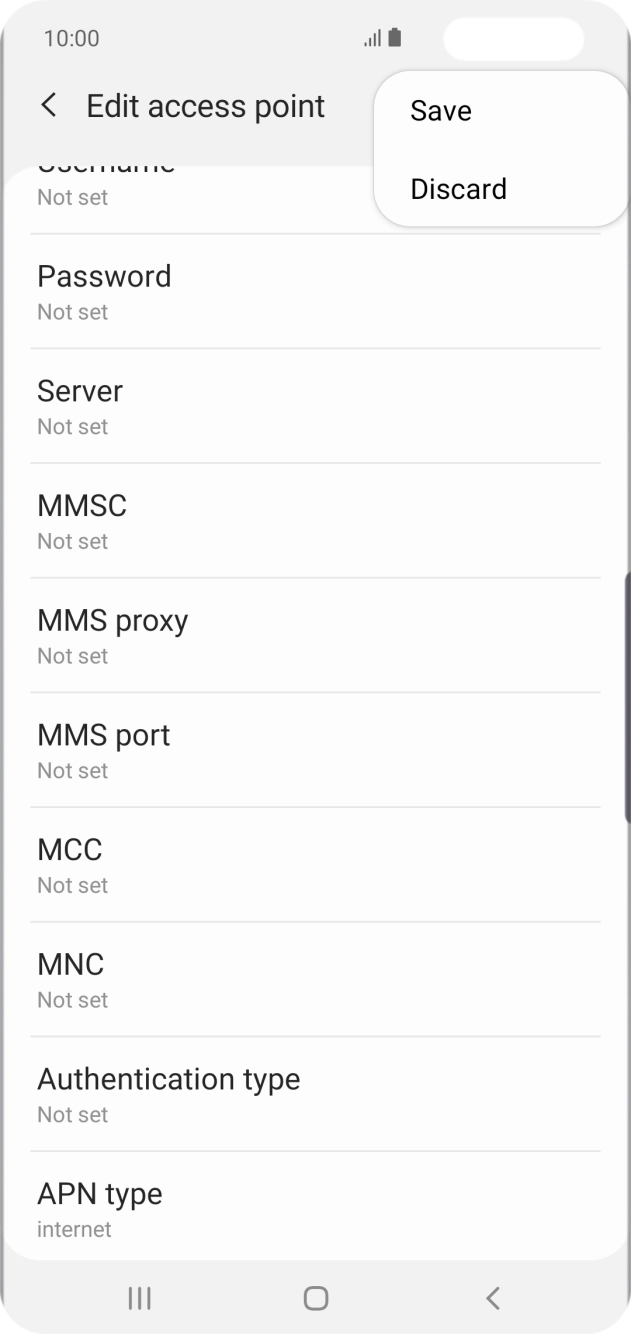
Press the menu icon.
Press Save.
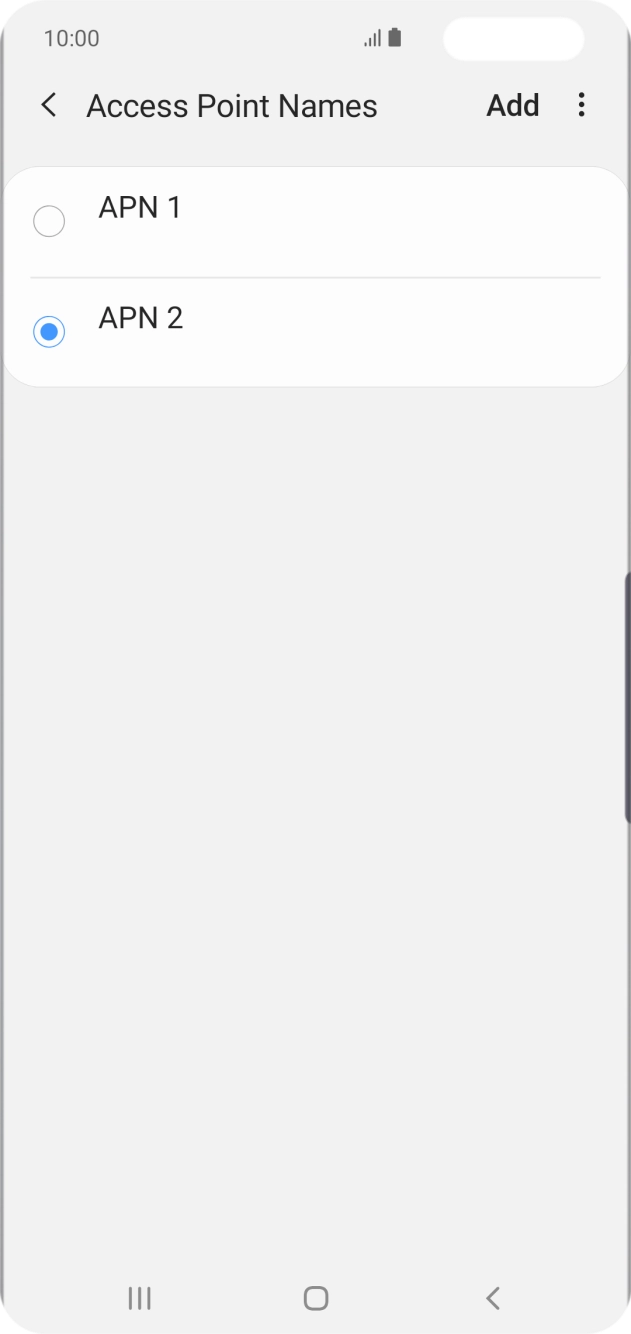
Press the field next to the data connection to activate it.
Press the Home key to return to the home screen.