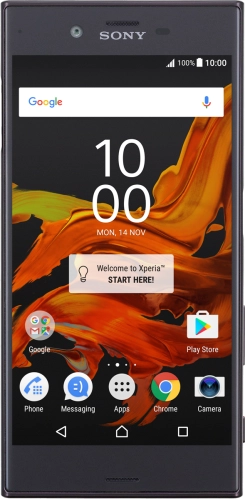
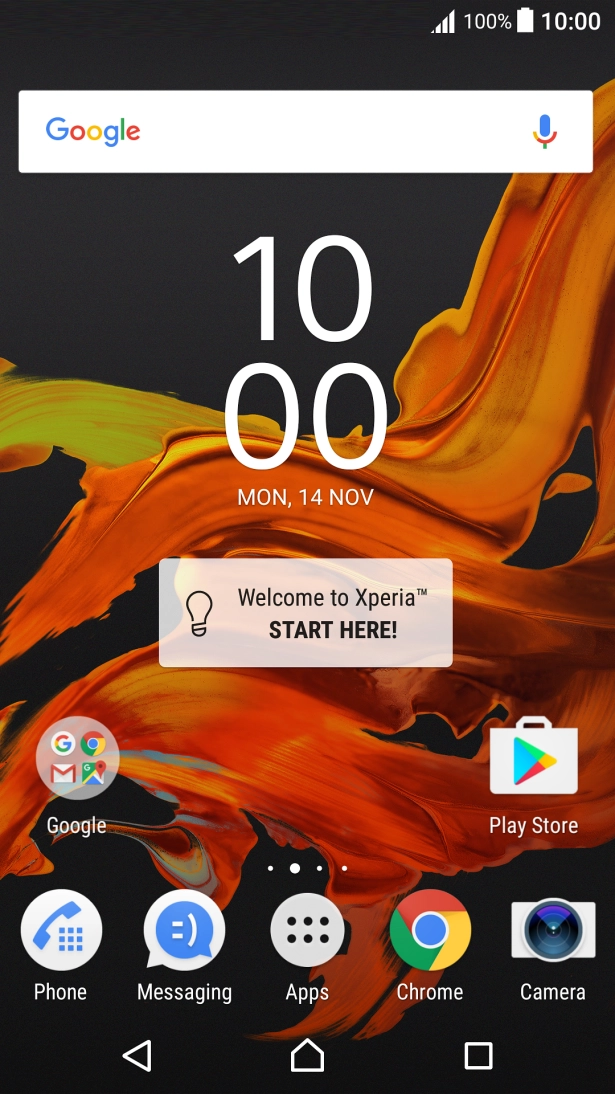
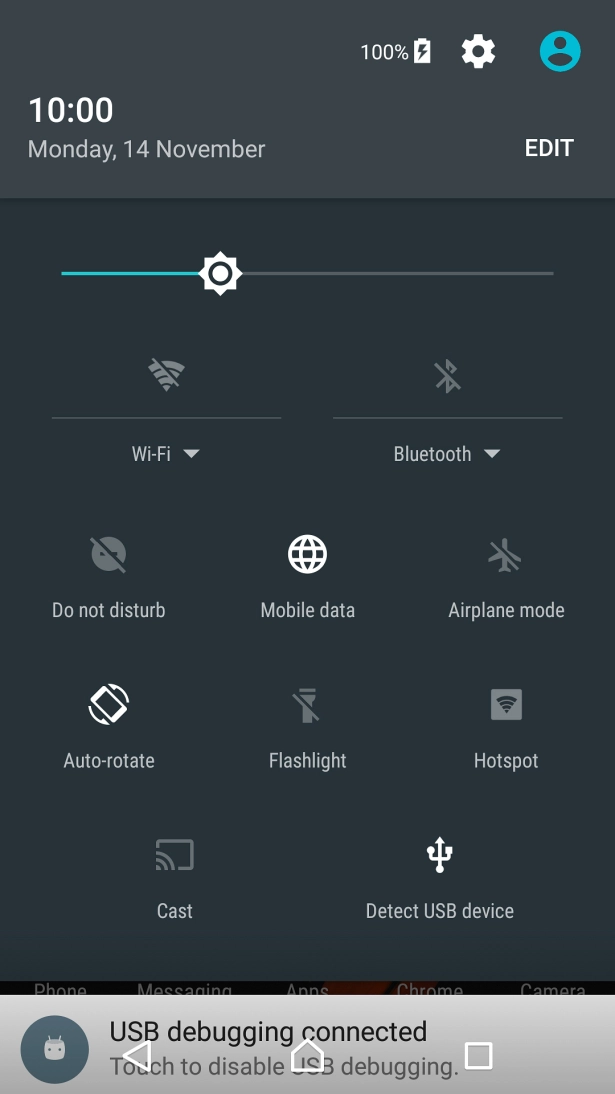
Slide two fingers downwards starting from the top of the screen.
Press the settings icon.
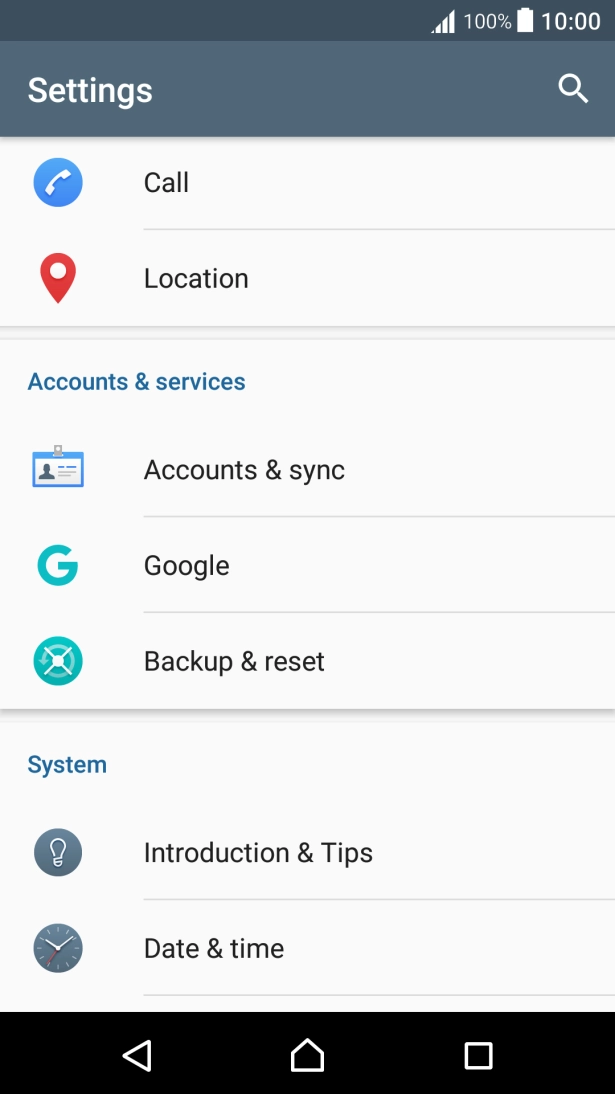
Press Accounts & sync.
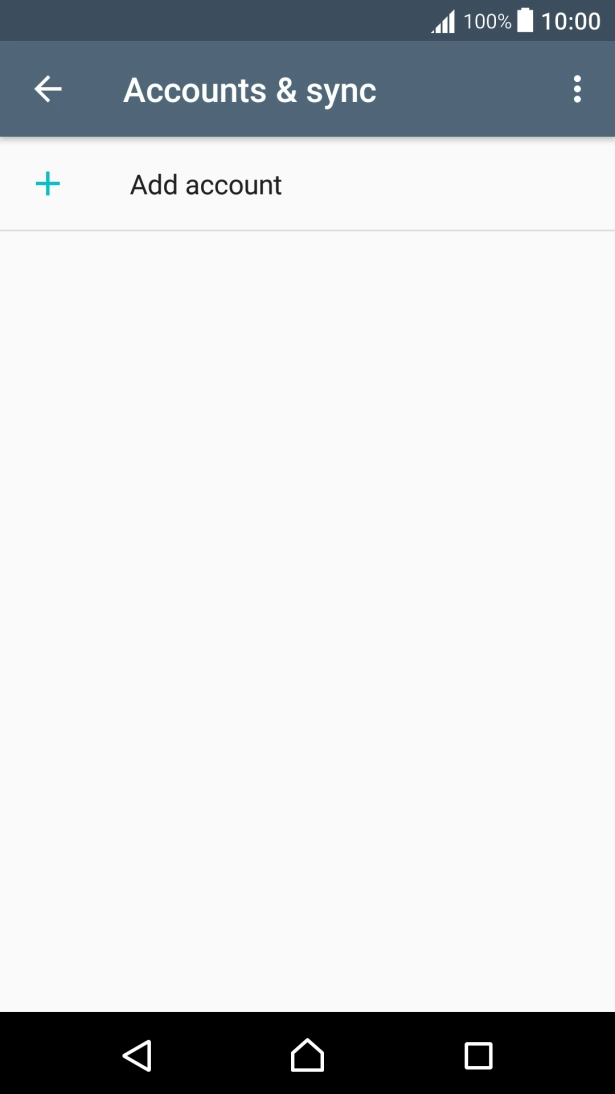
Press Add account.
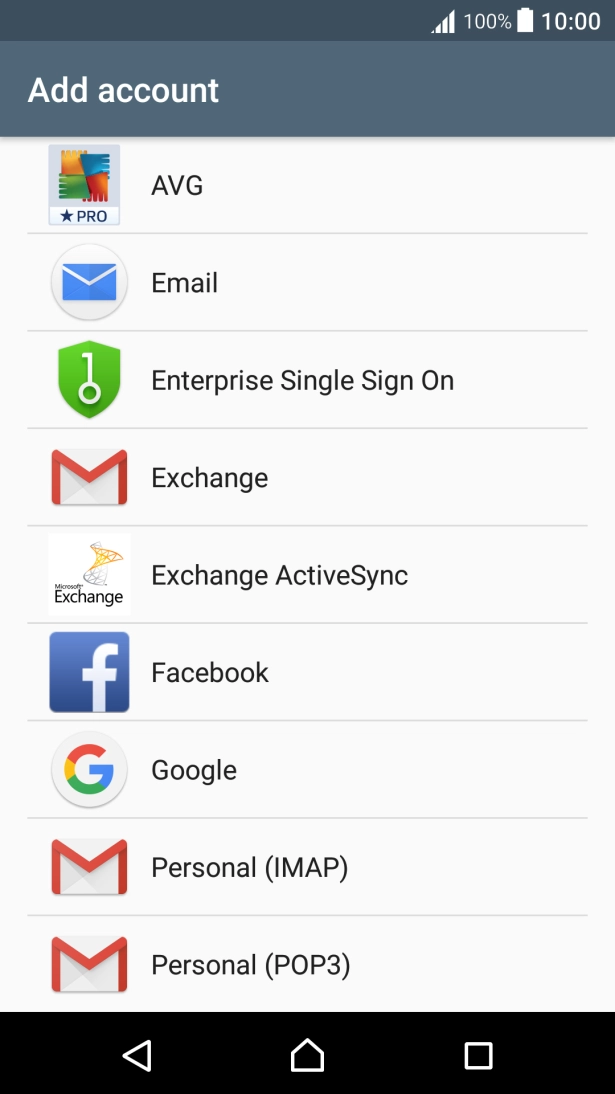
Press Email.
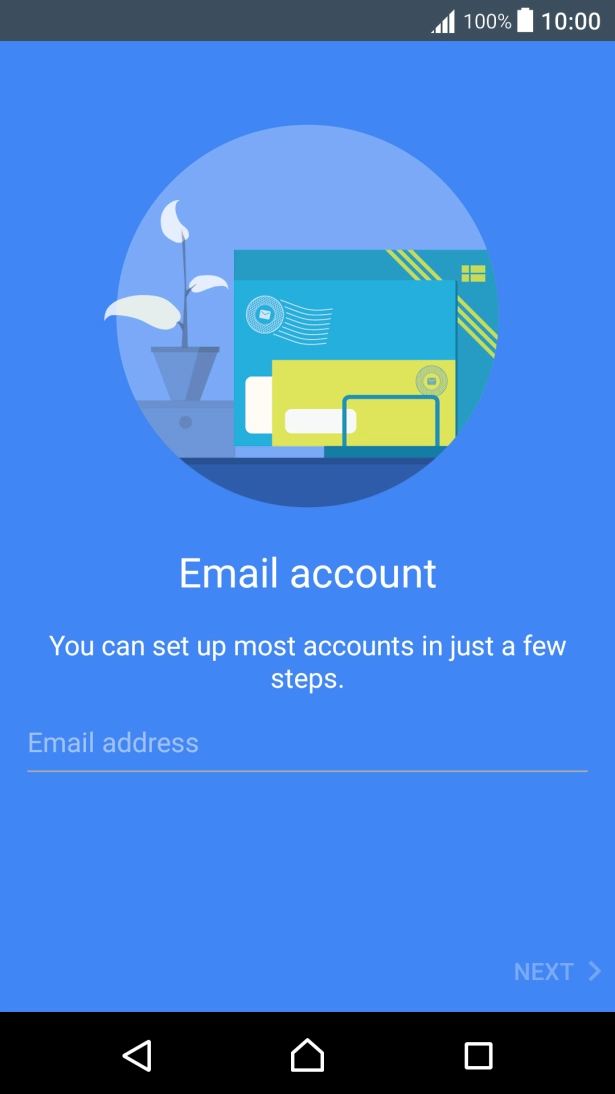
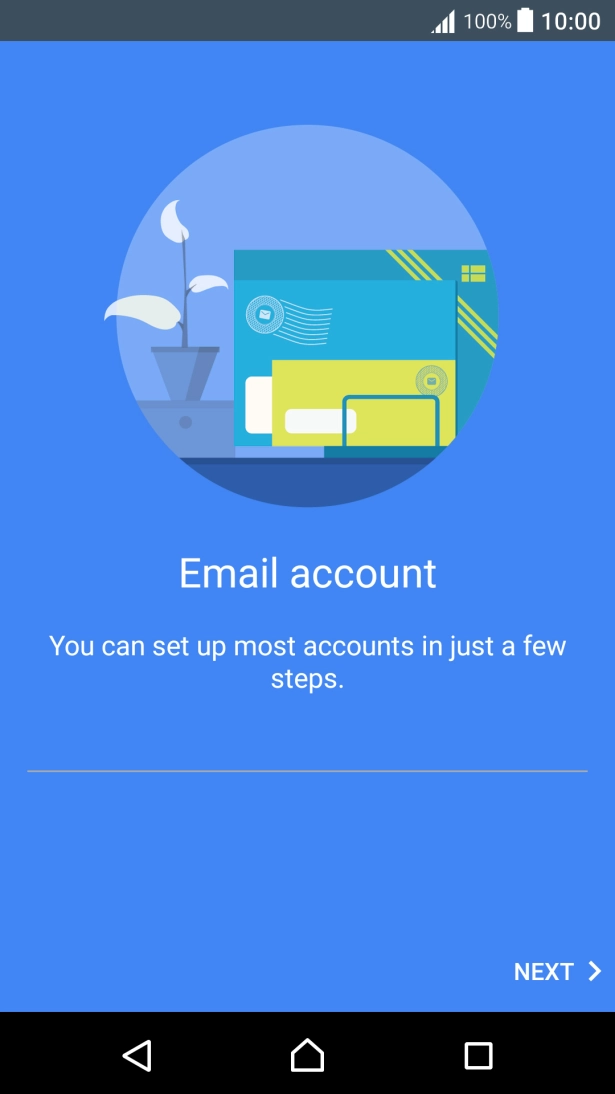
Press Email address and key in your Telstra email address.
E.g. user@bigpond.com, user@bigpond.net.au or user@telstra.com.
Press NEXT.
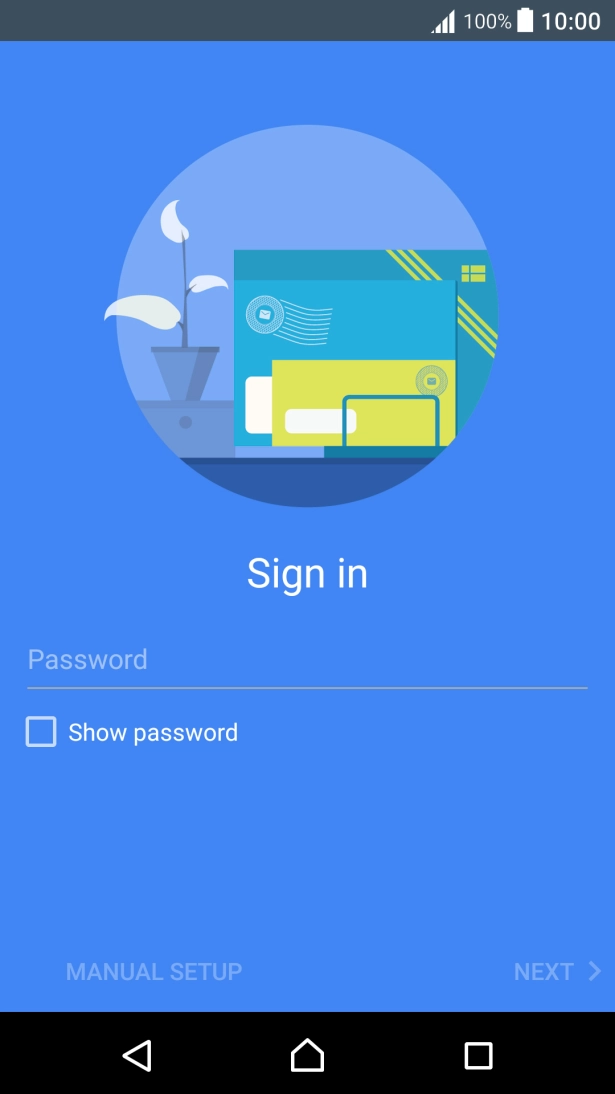
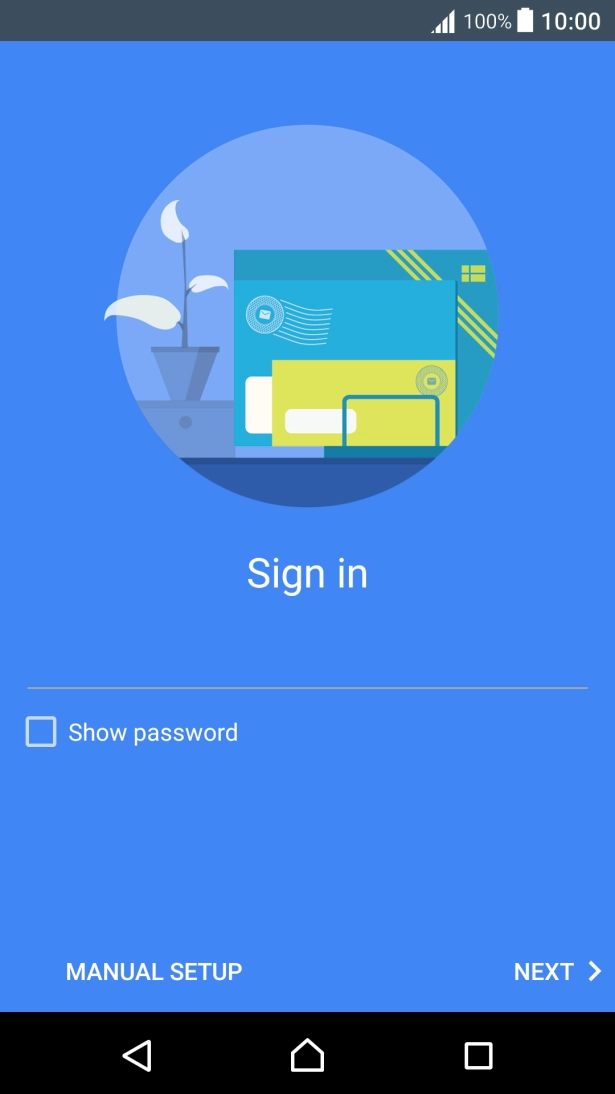
Press Password and key in the password for your Telstra email account.
Press NEXT.
If this screen is displayed, you email account has been recognised and set up automatically. Follow the instructions on the screen to key in more information and finish setting up your phone.
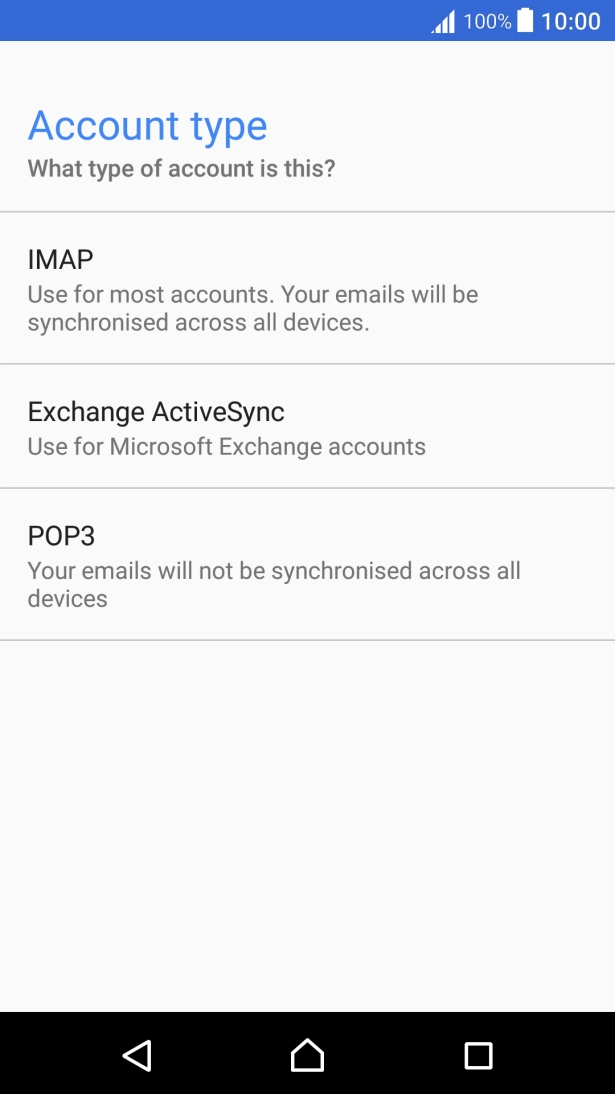
Press IMAP.
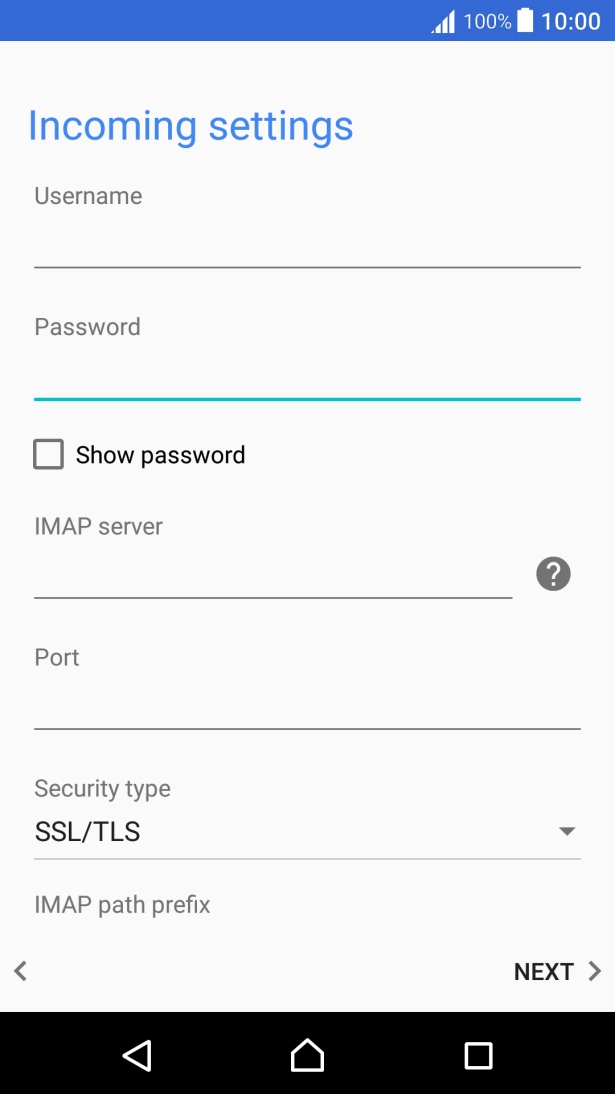
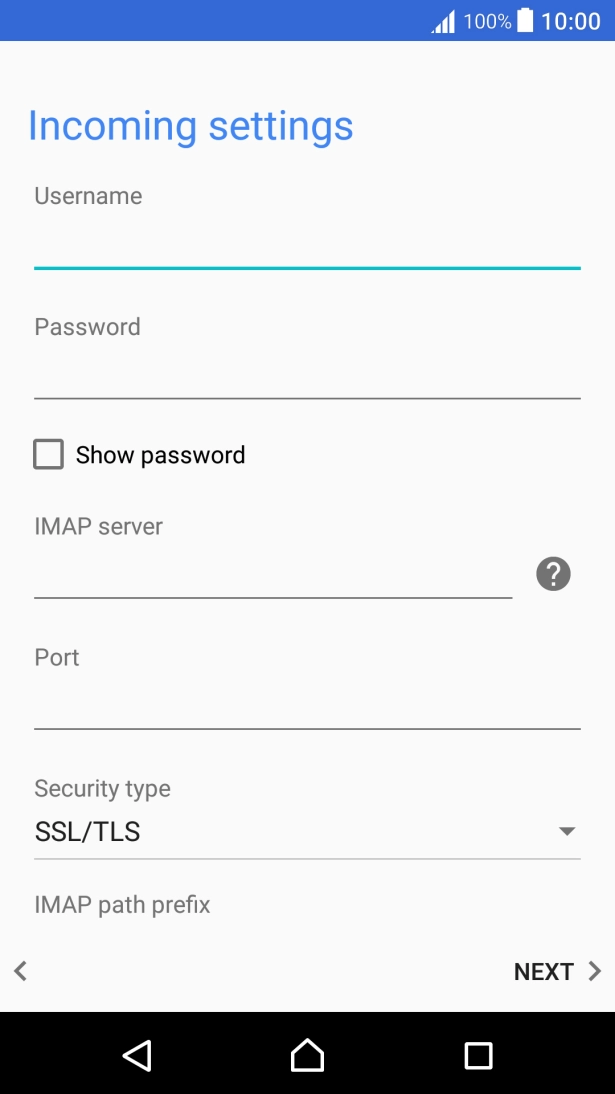
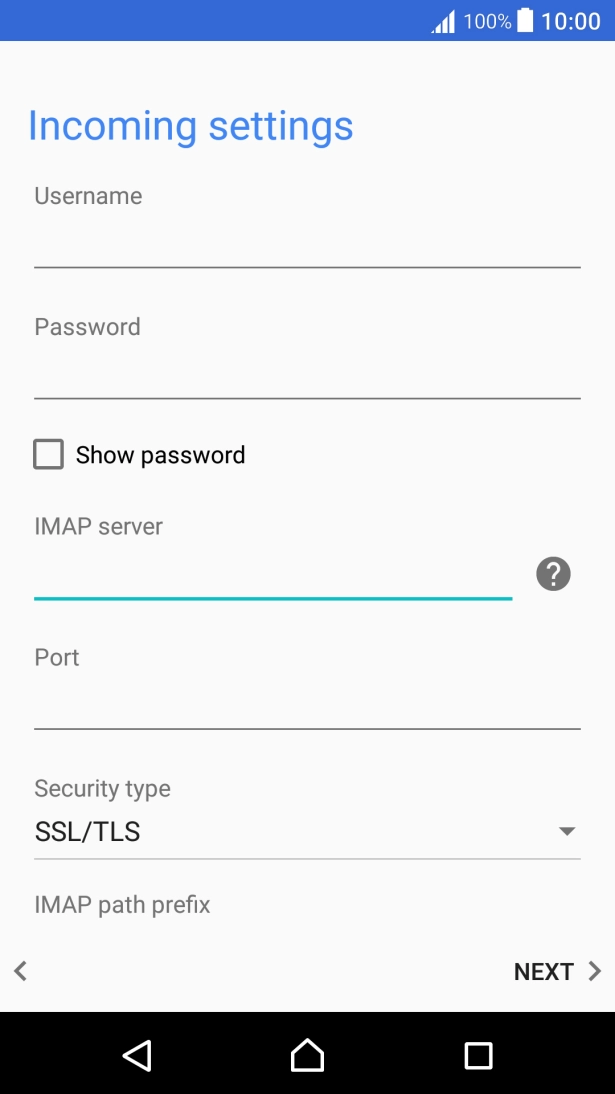
Press the field below "Username" and key in the username for your Telstra email account.
The username for your Telstra email account is your email address, e.g. user@bigpond.com, user@bigpond.net.au or user@telstra.com.
Press the field below "IMAP server" and key in the name of your email provider's incoming server.
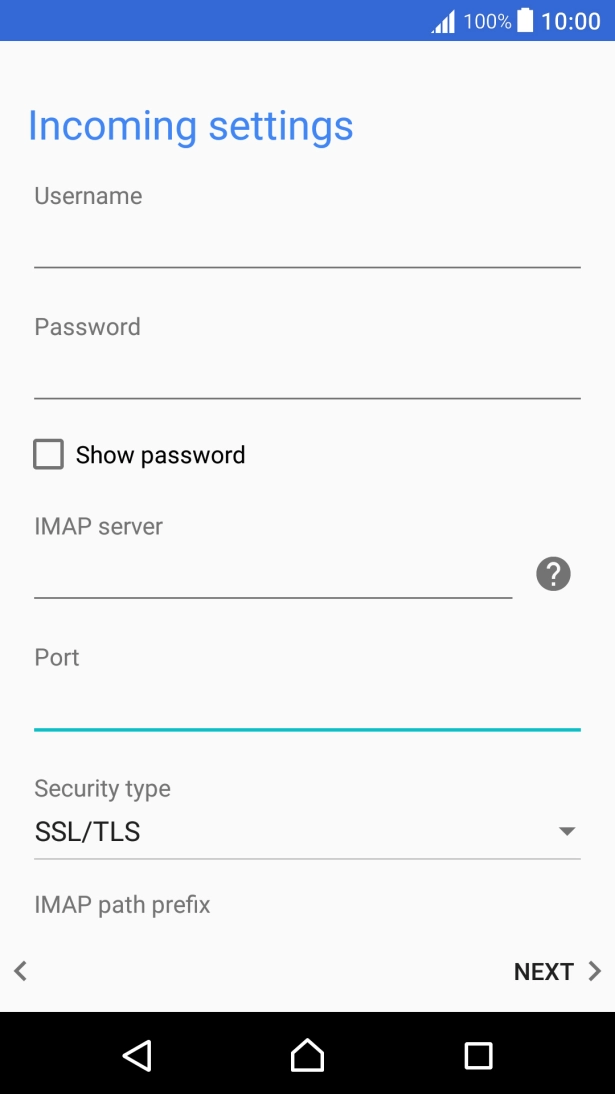
Press the field below "Port" and key in 993.
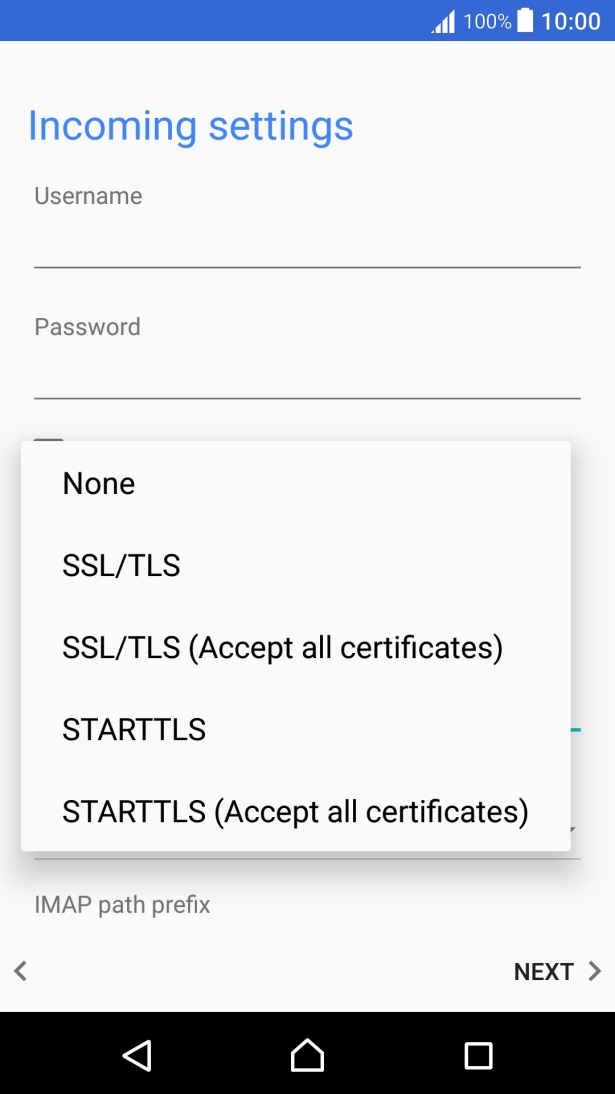
Press the drop down list below "Security type".
Press SSL/TLS to turn on the function.
Press NEXT.
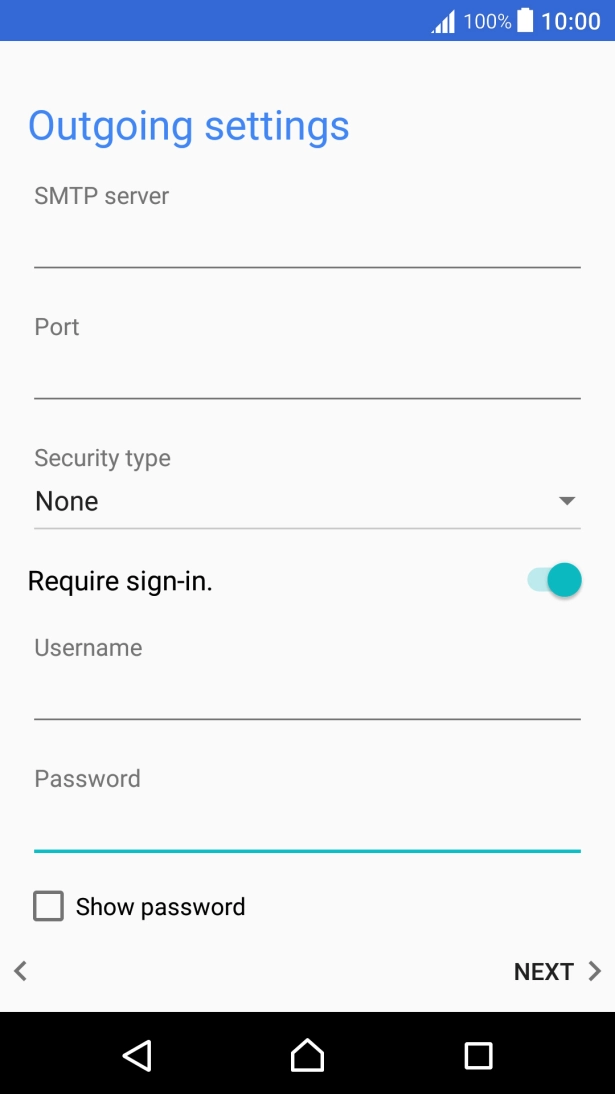
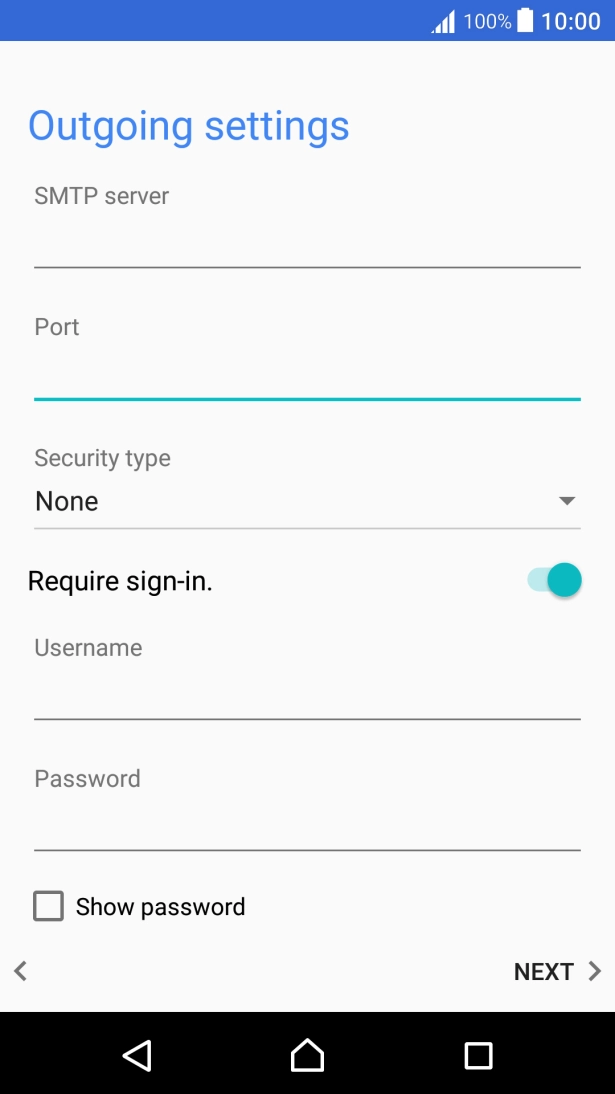
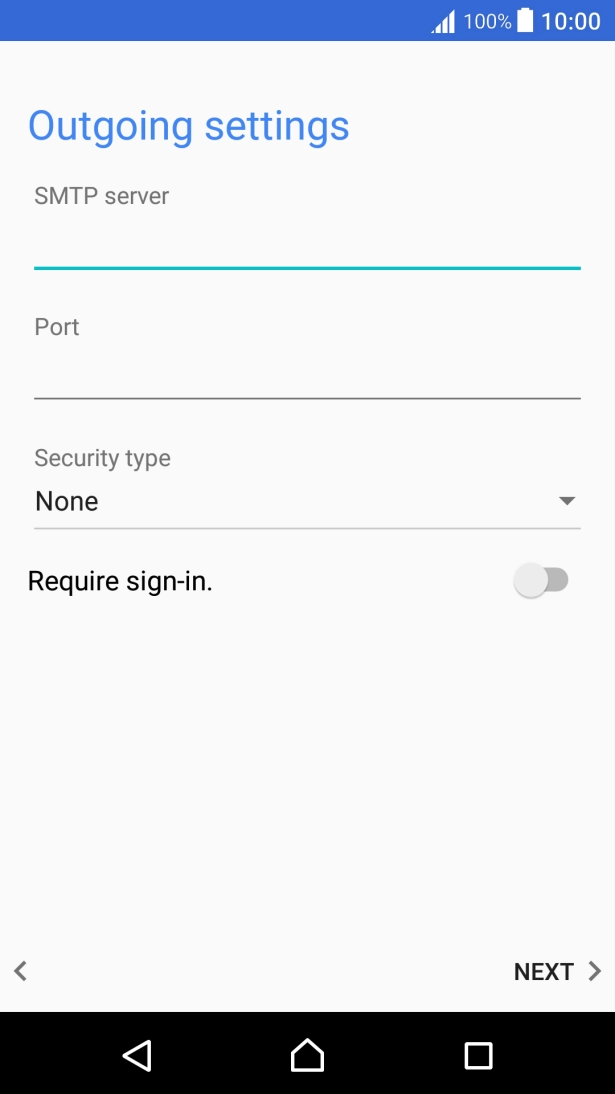
Press the field below "SMTP server" and key in the name of your email provider's outgoing server.
Press the field below "Port" and key in 465.
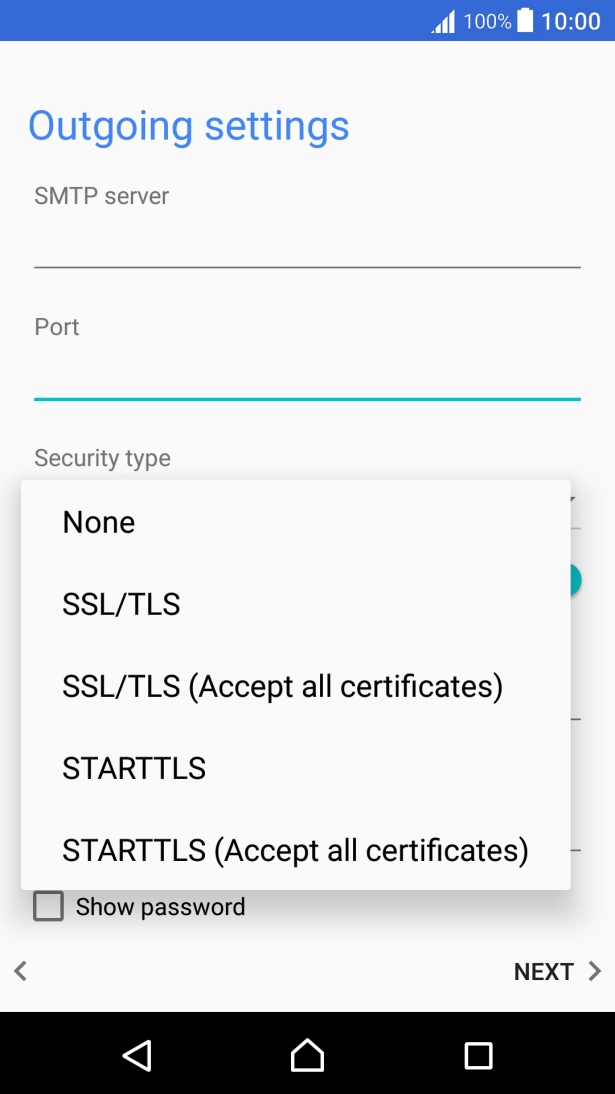
Press the drop down list below "Security type".
Press SSL/TLS to turn on the function.
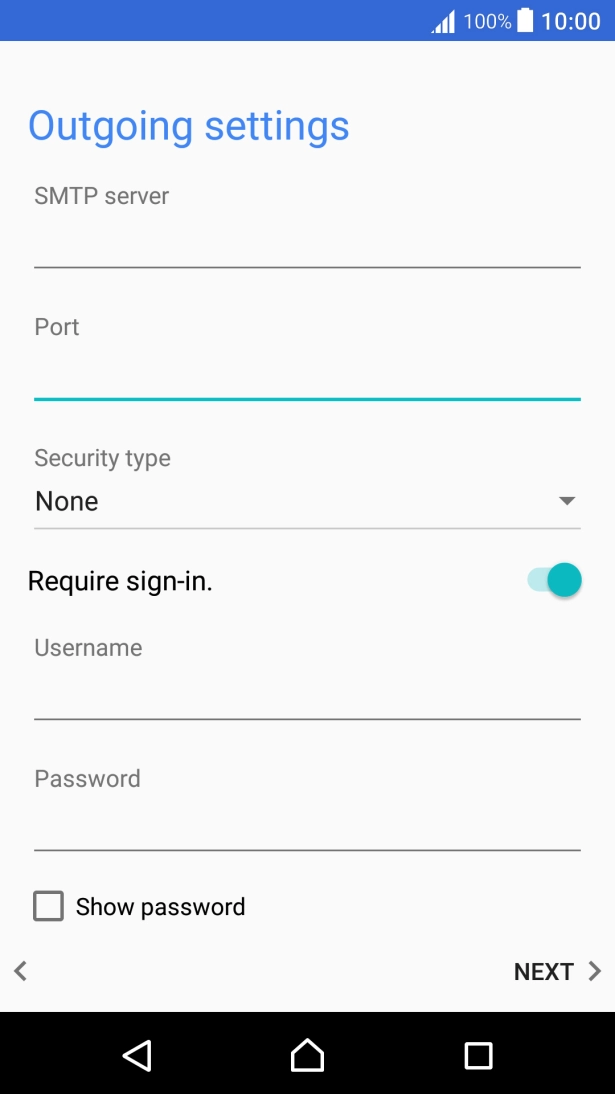
Press the indicator next to "Require sign-in." to turn on the function.
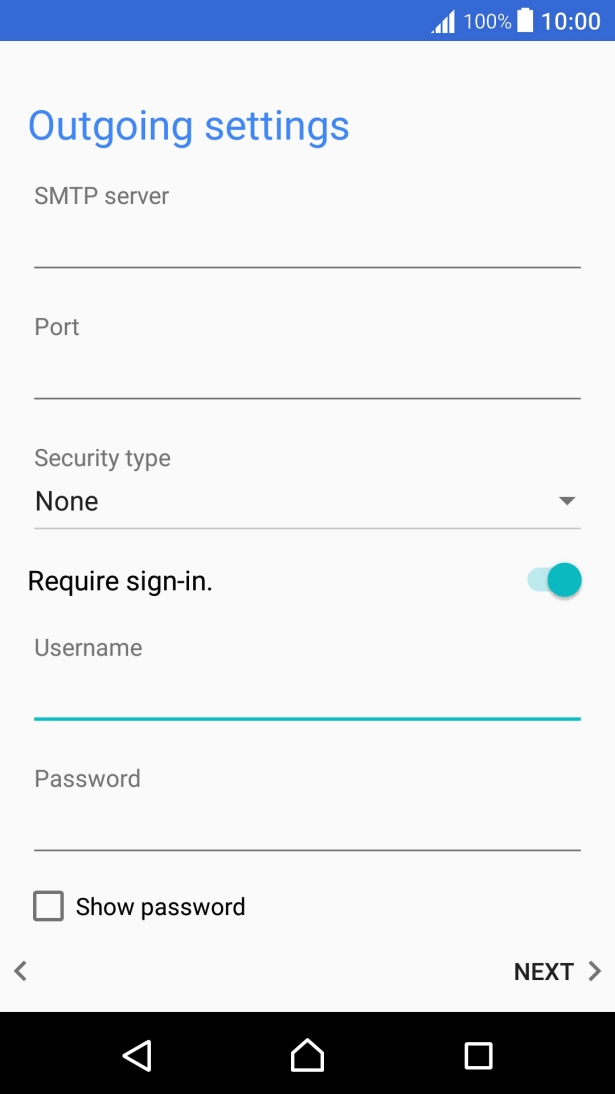
Press the field below "Username" and key in the username for your Telstra email account.
The username for your Telstra email account is your email address, e.g. user@bigpond.com, user@bigpond.net.au or user@telstra.com.
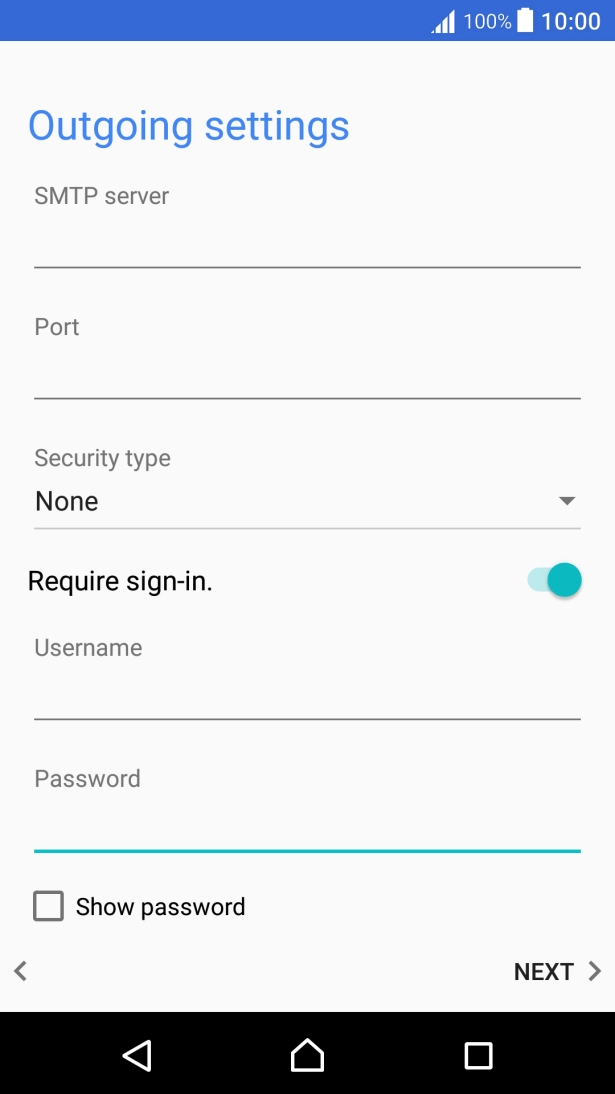
Press the field below "Password" and key in the password for your Telstra email account.
Press NEXT.
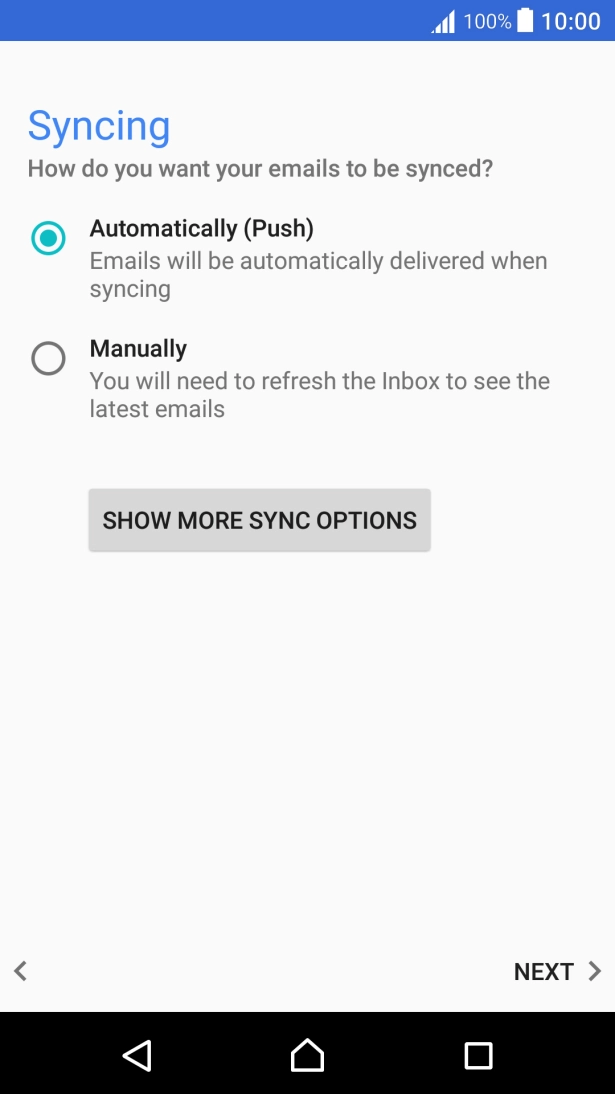
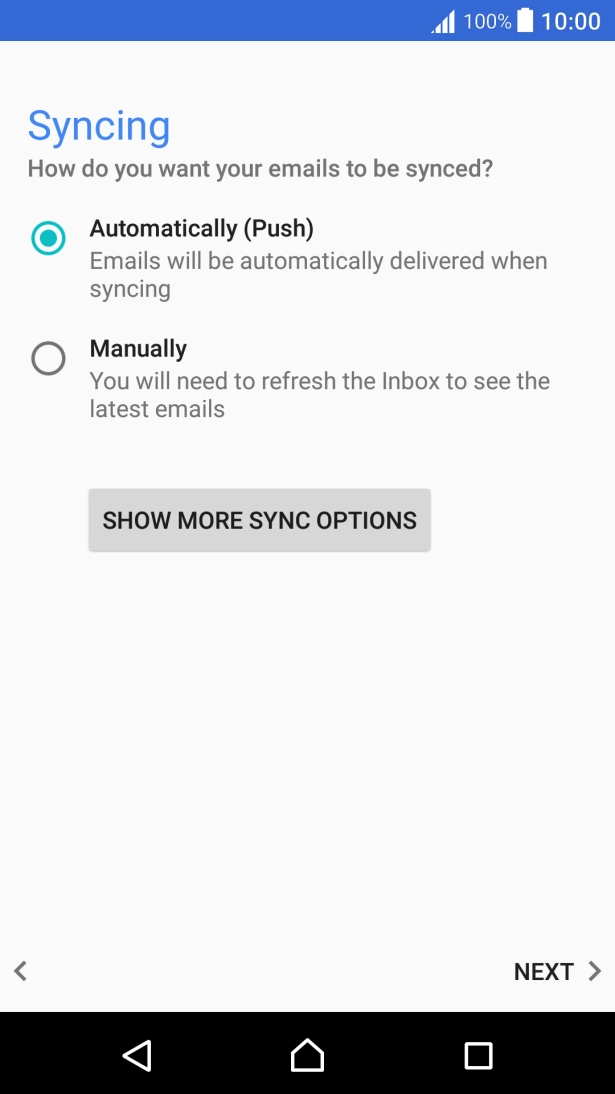
Press SHOW MORE SYNC OPTIONS.
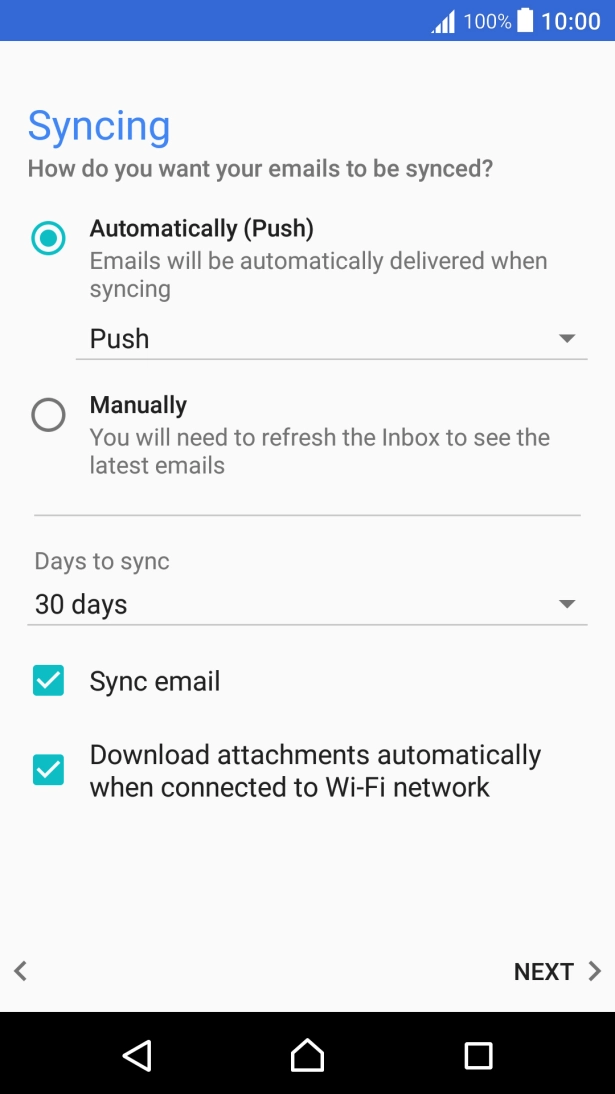
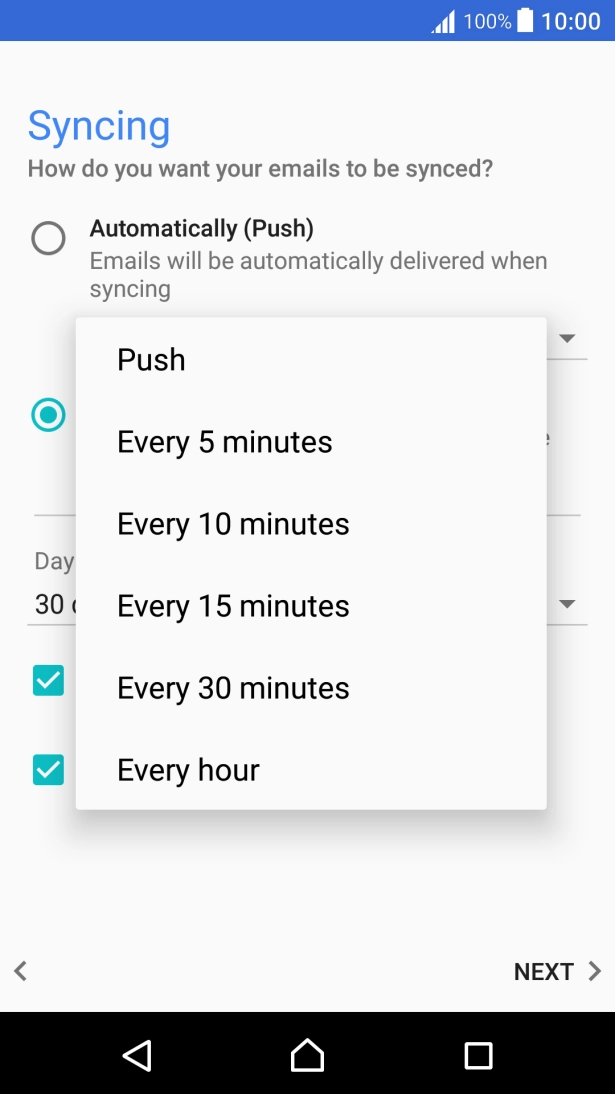
Press the drop down list below "Automatically (Push)".
Press the required setting.
To turn on manual retrieval of email, press Manually.
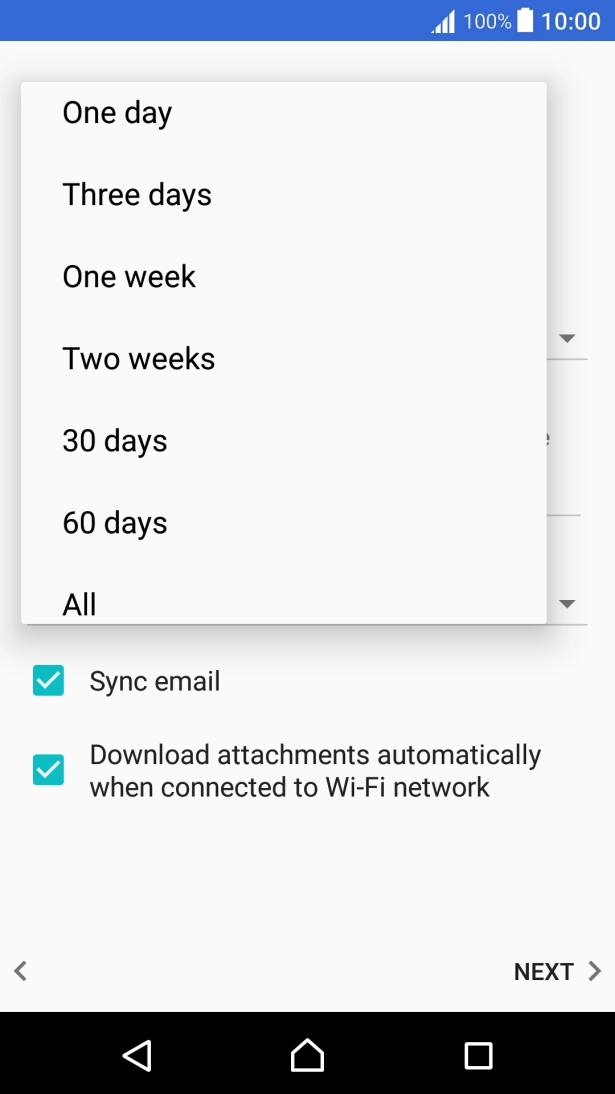
Press the drop down list below "Days to sync".
Press the required setting.
Press Sync email to turn on the function.
Press NEXT.
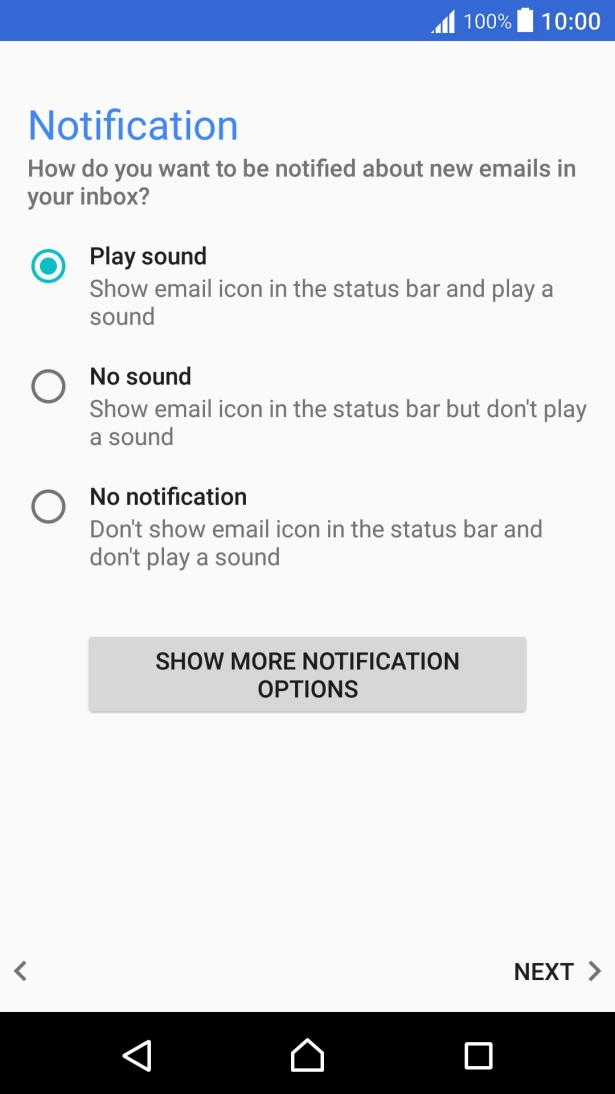
Press the required setting.
Press NEXT.
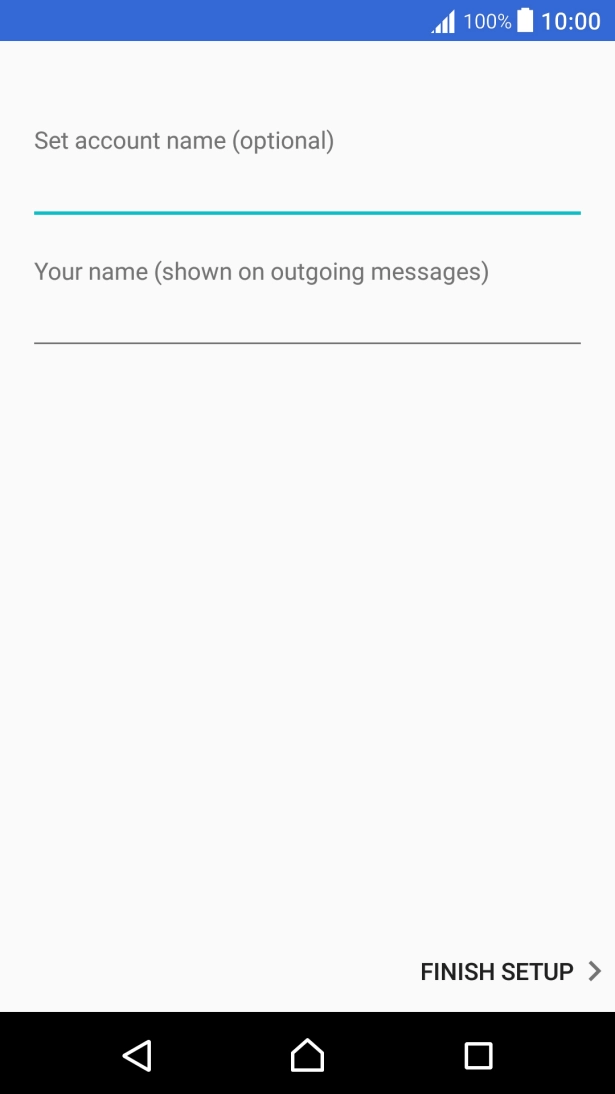
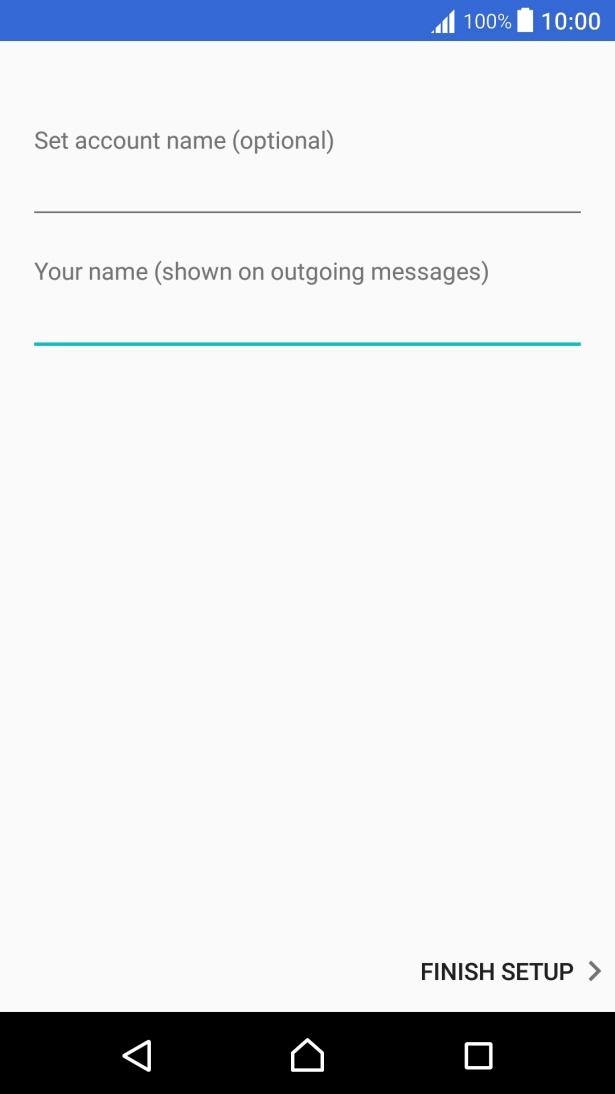
Press the field below "Set account name (optional)" and key in the required name.
Press the field below "Your name (shown on outgoing messages)" and key in the required sender name.
Press FINISH SETUP.
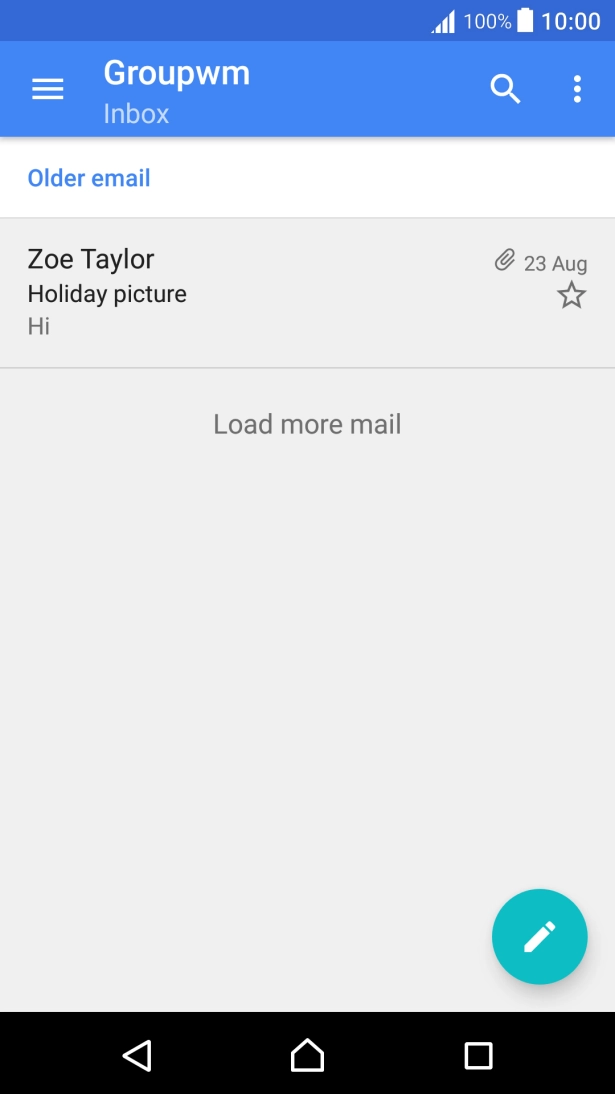
Press the Home key to return to the home screen.