Help & support guides for your Sony Xperia Z5
If your phone gets slow, there may be several causes of the problem.
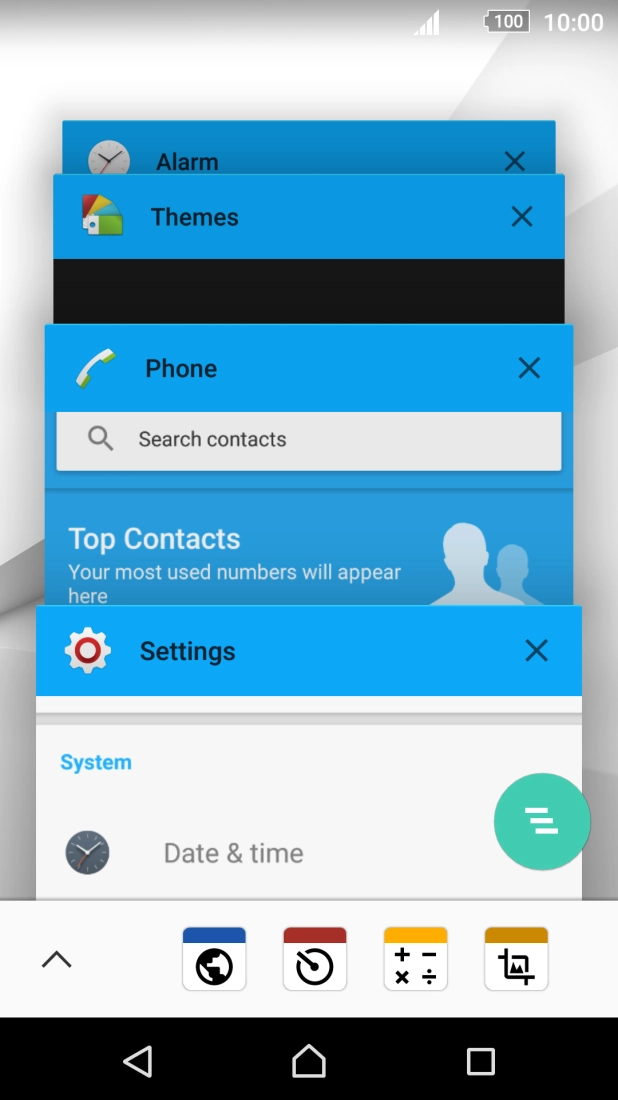
If you've used many apps on the phone, it may get slow because the apps keep running in the background.
Solution: End running applications
1. End running applications
Press the Application key.
If the phone is slow for no apparent reason, it may help restarting it.
Solution: Restart your phone
1. Restart your phone
Press and hold On/Off.