Help & support guides for your Sony Xperia Z5
You can take pictures with your phone's camera.
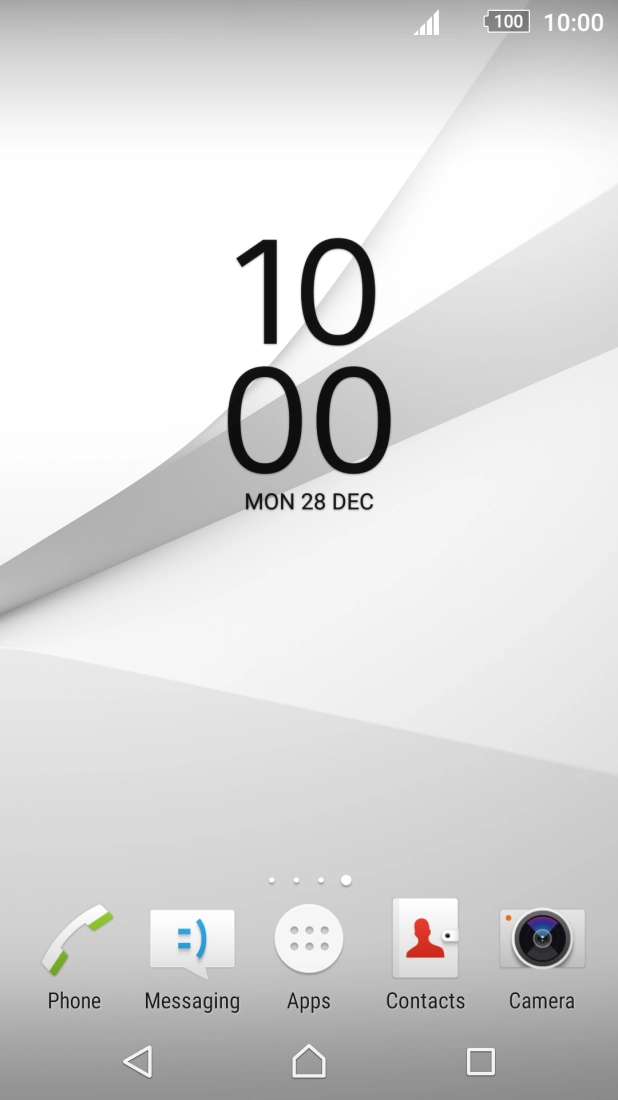
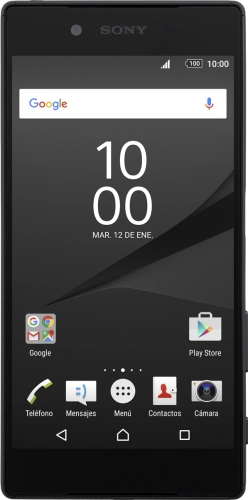
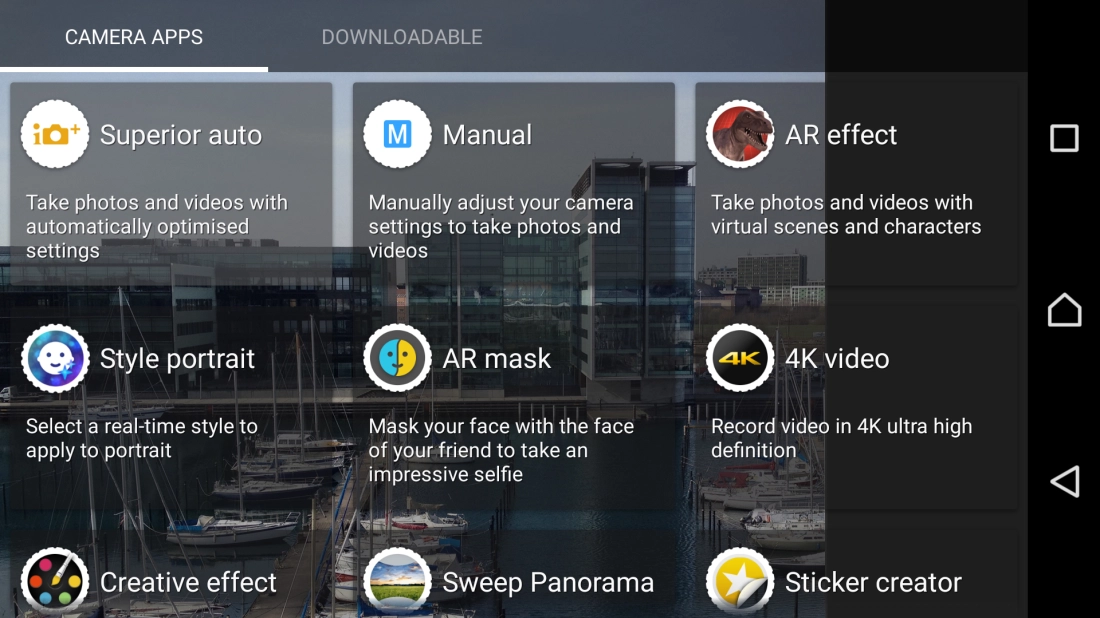
Press Camera.
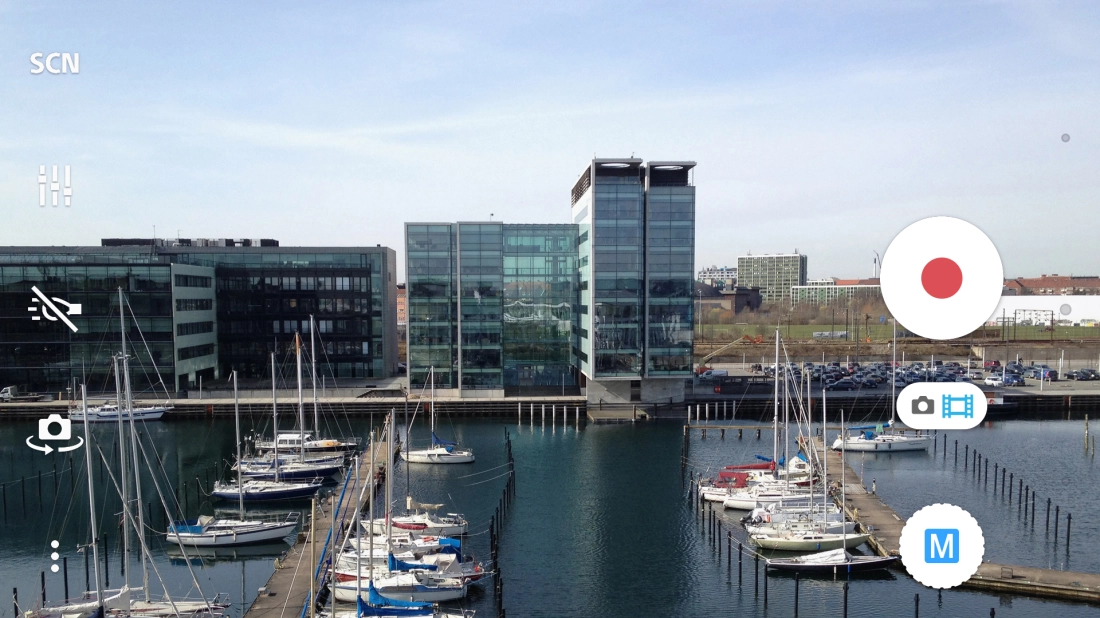
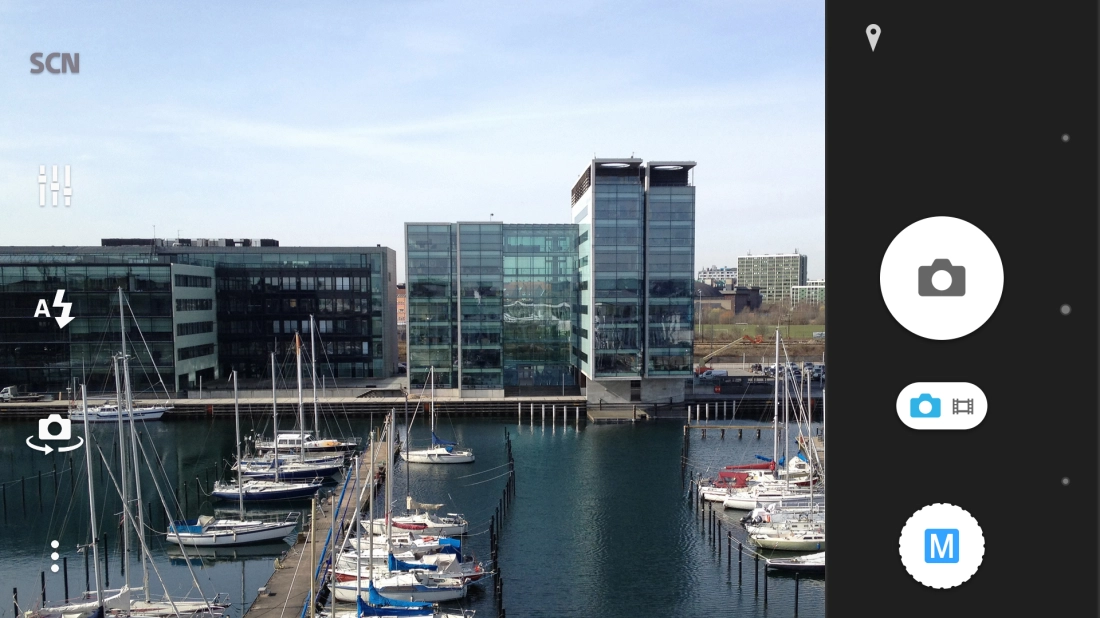
If the video camera is turned on, press the camera mode indicator.
Press the camera mode icon.
Press Manual.
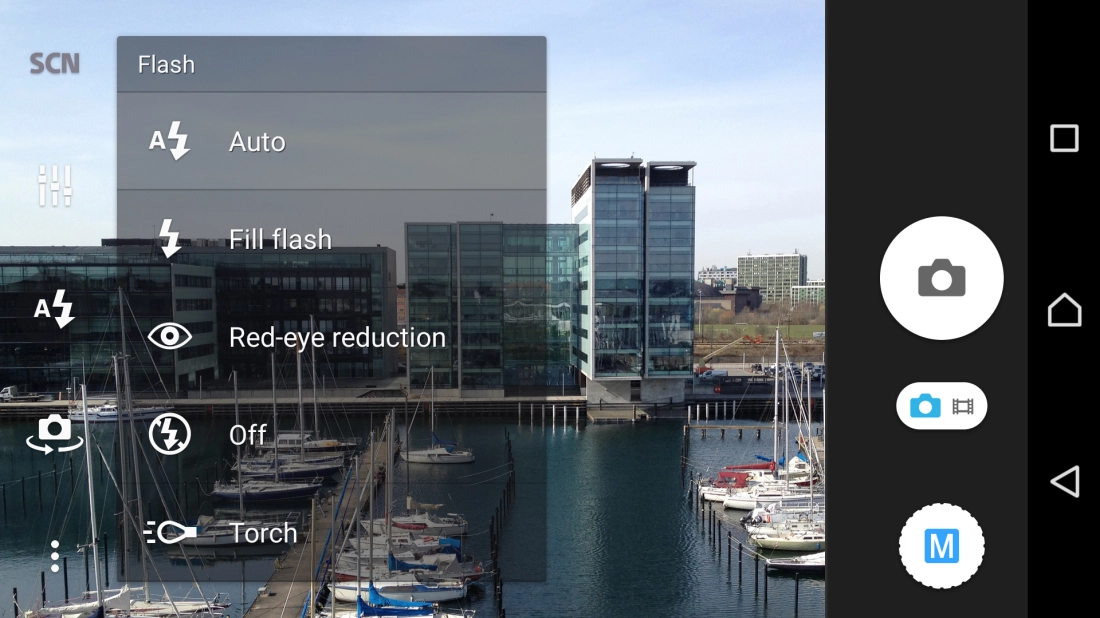
Press the flash icon.
Press the required setting.
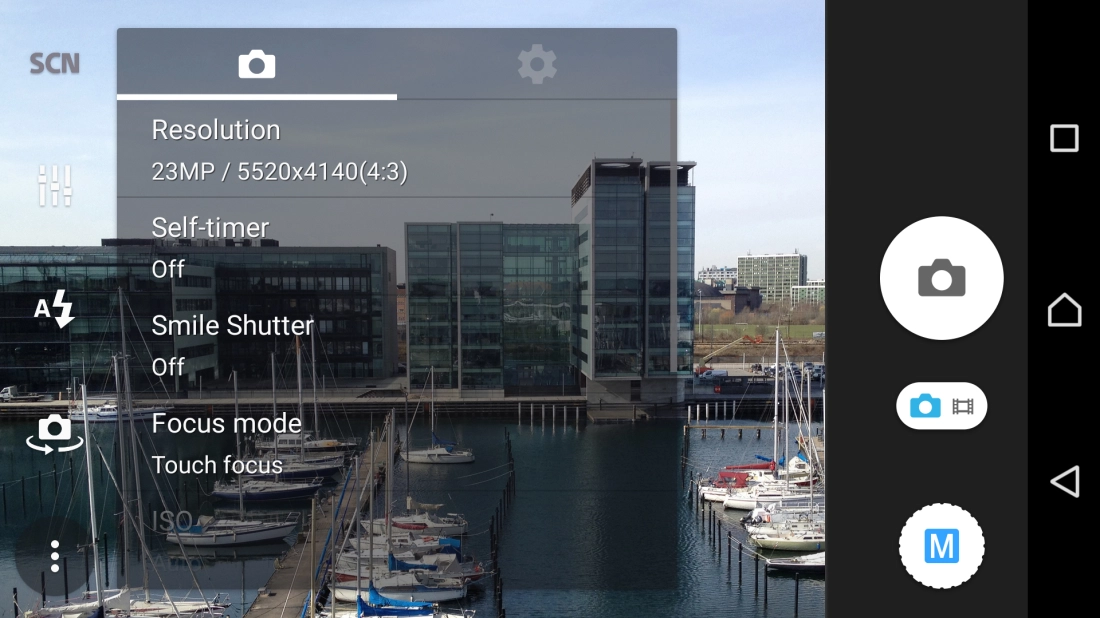
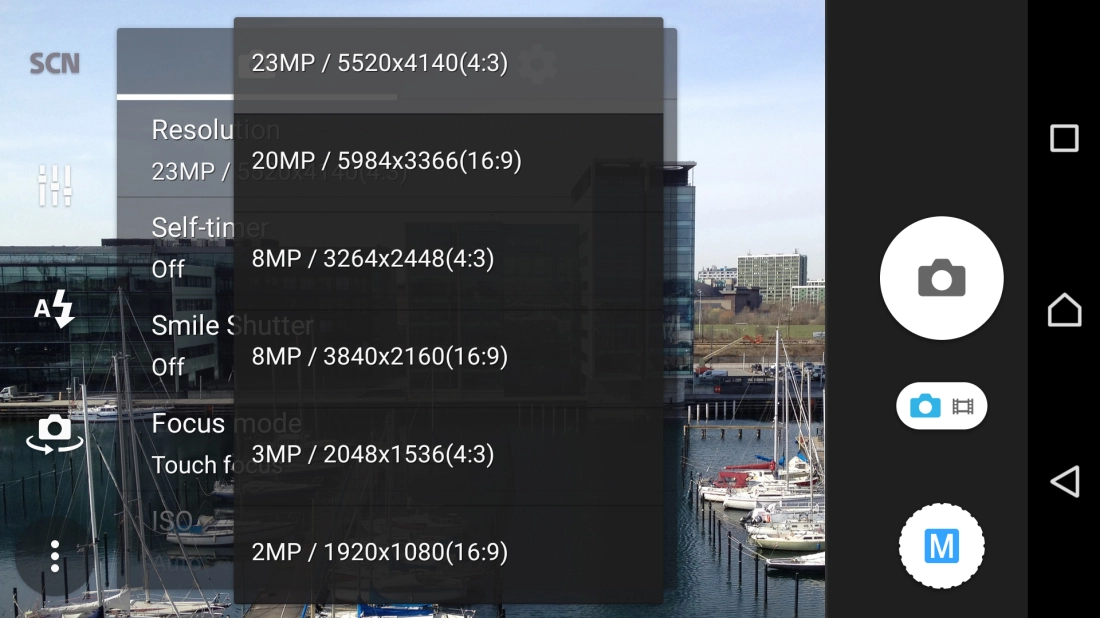
Press the menu icon.
Press Resolution.
Press the required resolution.
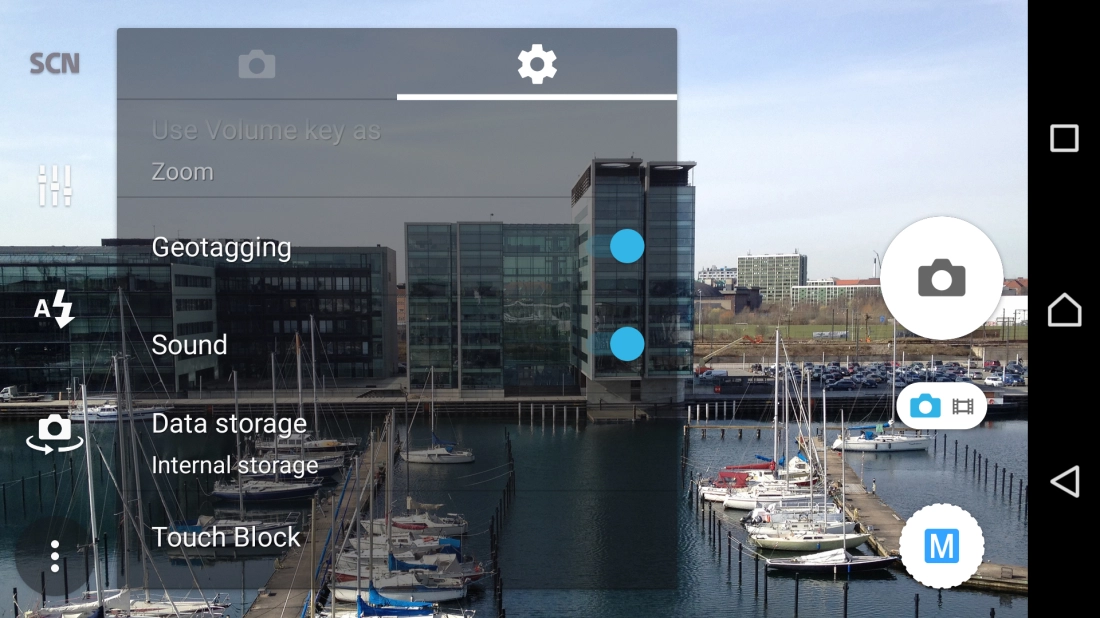
Press the settings icon.
Press the indicator next to "Geotagging" to turn the function on or off.
If you turn on geotagging, the GPS position for the pictures you take is saved.
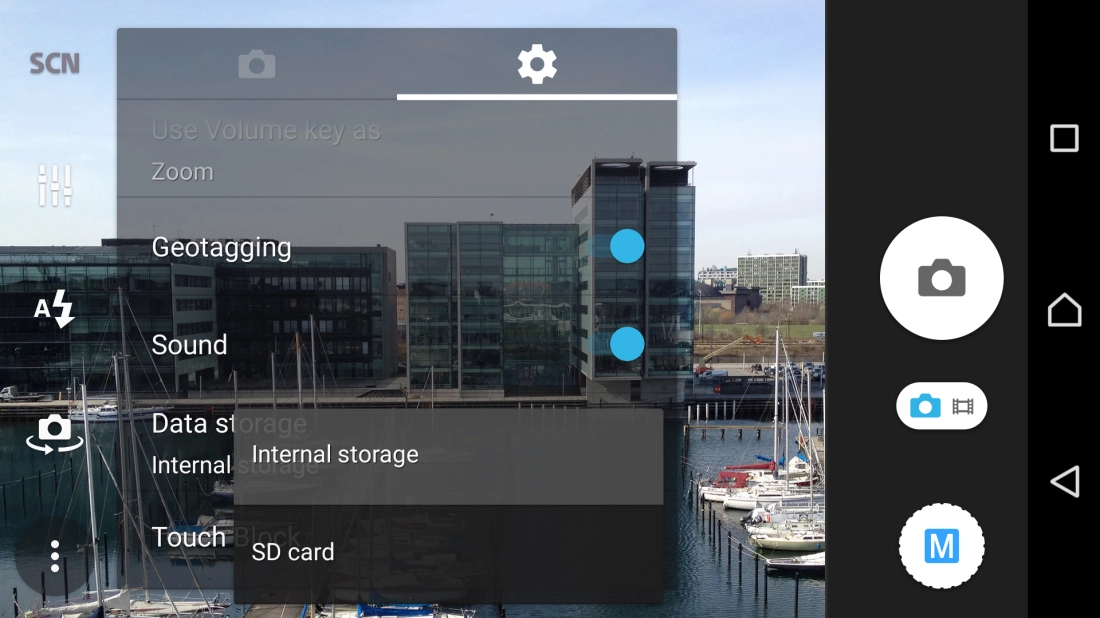
Press Data storage.
Press Internal storage to save your pictures in the phone memory.
Press SD card to save your pictures on the memory card.
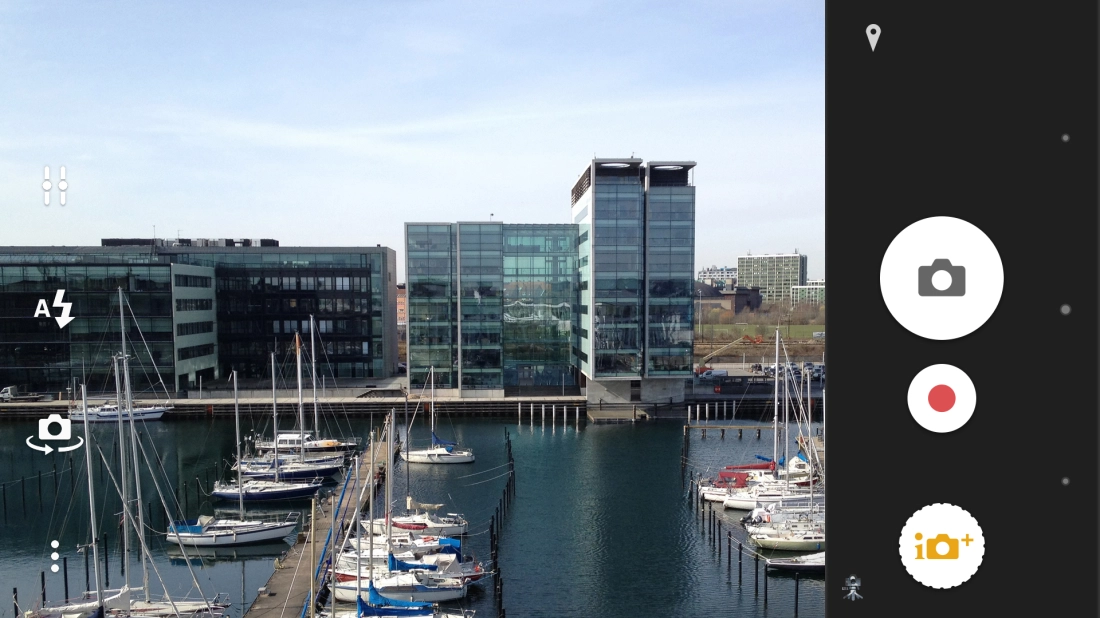
Point the camera lens at the back of your phone at the required object.
Press the camera icon to take a picture.
Press the dot in the middle to return to the home screen.
Step 1 of -