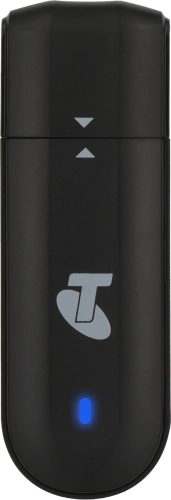
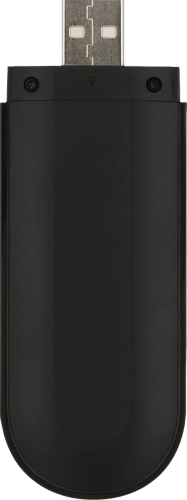
Help & support guides for your Telstra 4GX USB Modem 2
Before you can use your USB modem, you need to insert your SIM.
1. Remove the back cover
Turn the back of your USB modem towards you. Slide the back cover downwards and remove it.