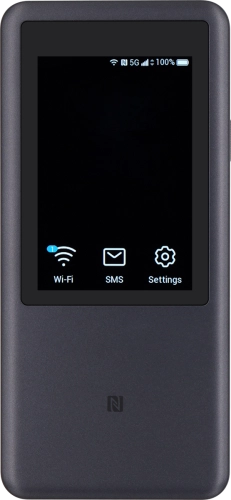
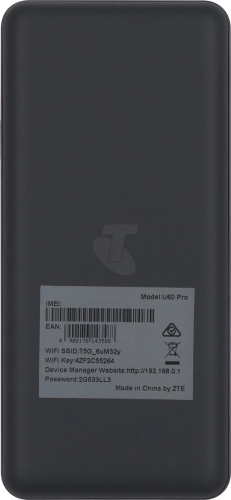
Telstra 5G Hotspot 2

Choose another device

Browse via device topic

I can't turn on my router

If you can't turn on your router, there may be several causes of the problem.
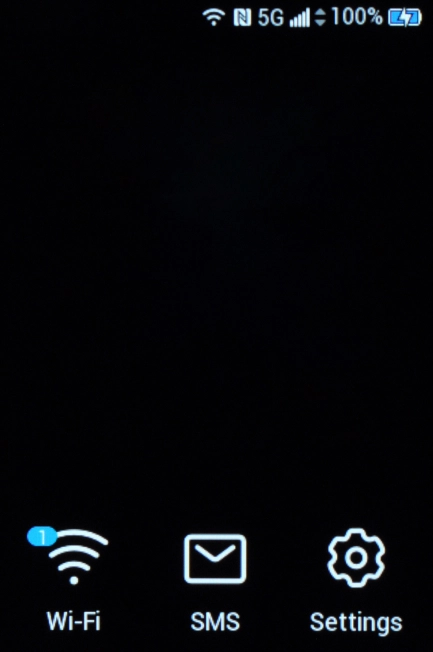
To use your router, the battery must be charged.

Solution: Charge the battery

Connect the charger to the socket and to a wall socket.

Step 1 of -

Step 1 of -

Slide 1 is active

To turn on your router, it needs to be assembled correctly.

Solution: Start using your router

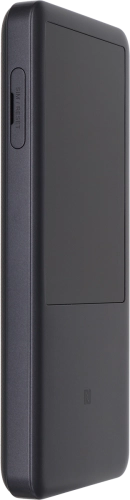
Take hold of the SIM holder cover and remove it.

Step 1 of -

Step 1 of -

Slide 1 is active

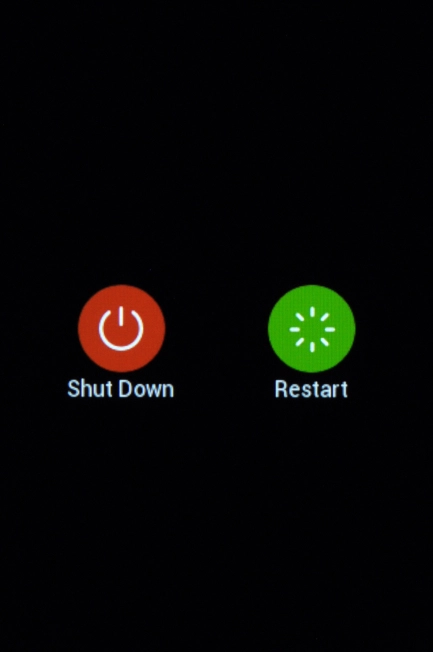
To be able to turn on your router, it needs to be done correctly.

Solution: Turn your router on and off

Press and hold On/Off to turn on your router.

Step 1 of -

Step 1 of -

Slide 1 is active

Rather get in touch? Let’s get you connected

Online help & supportGet help
Chat with our teamContact us
My Telstra appDownload My Telstra