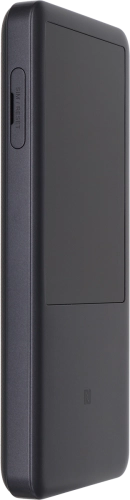
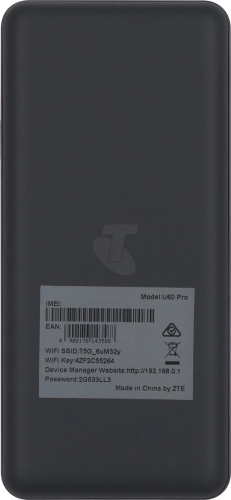
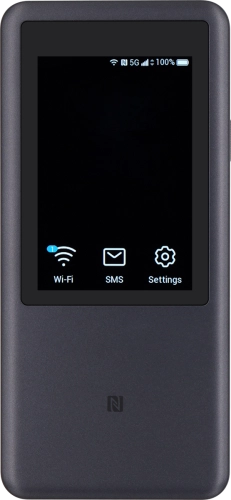
Telstra 5G Hotspot 2

Choose another device

Browse via device topic

Insert SIM

Before you can use your router, you need to insert your SIM.

Take hold of the SIM holder cover and remove it.
Step 1 of -

Step 1 of -

Slide 1 is active

Rather get in touch? Let’s get you connected

Online help & supportGet help
Chat with our teamContact us
My Telstra appDownload My Telstra