Search suggestions will appear below the field as you type


Browse via device topic
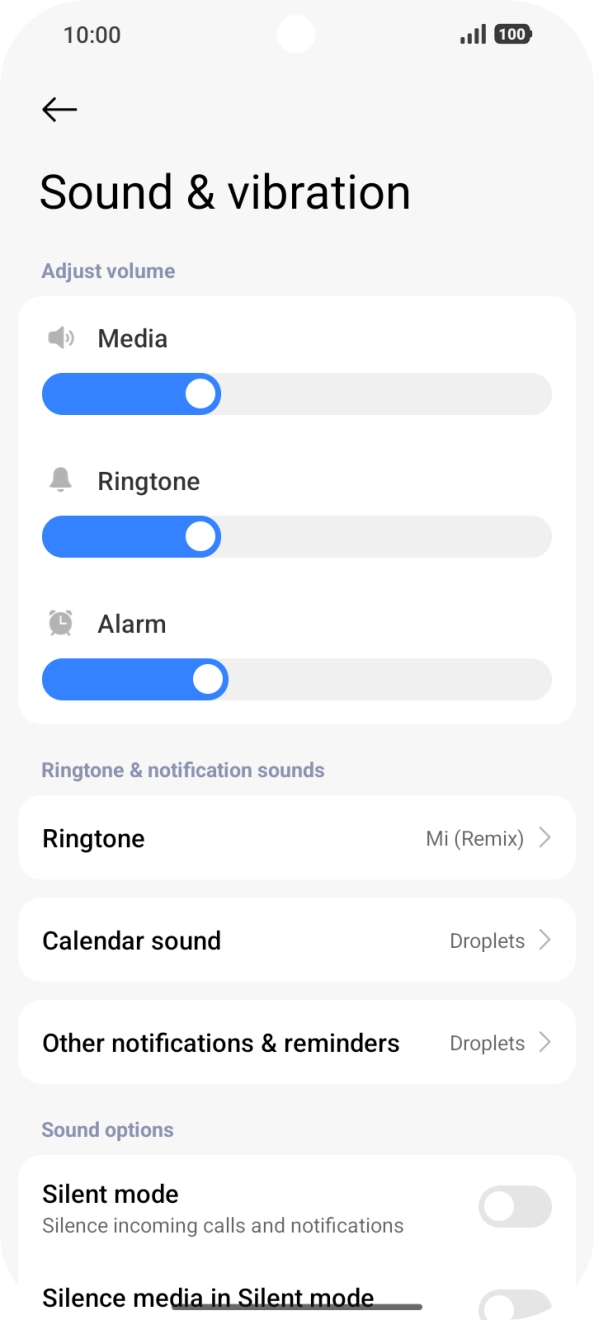
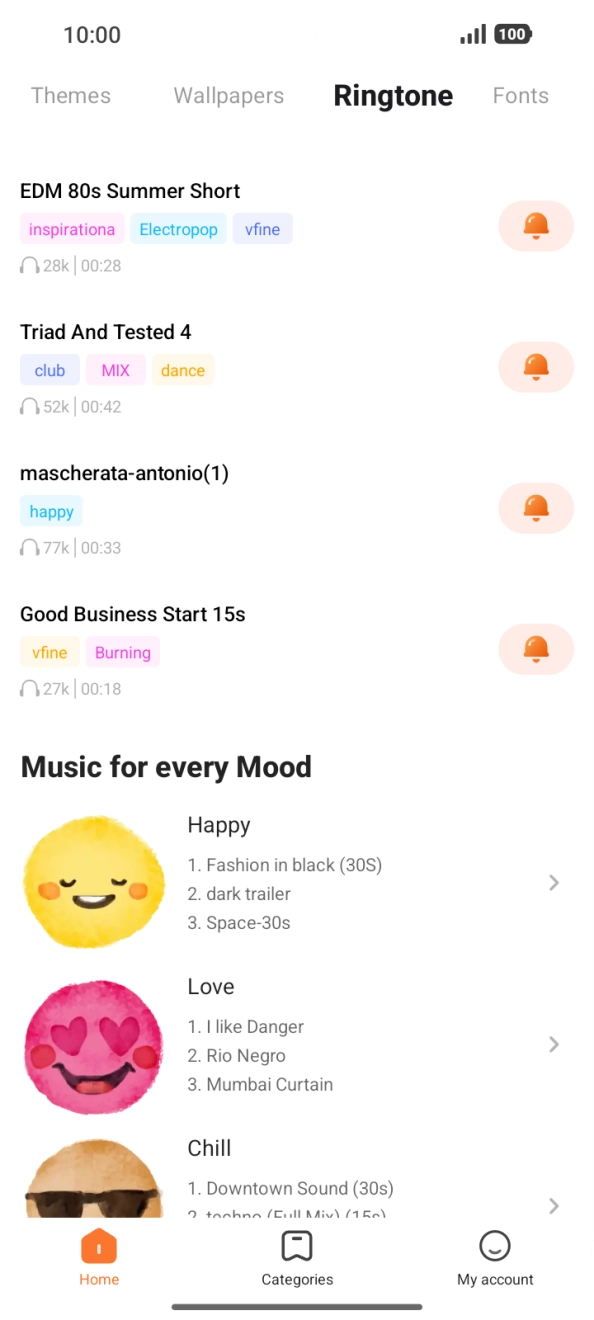
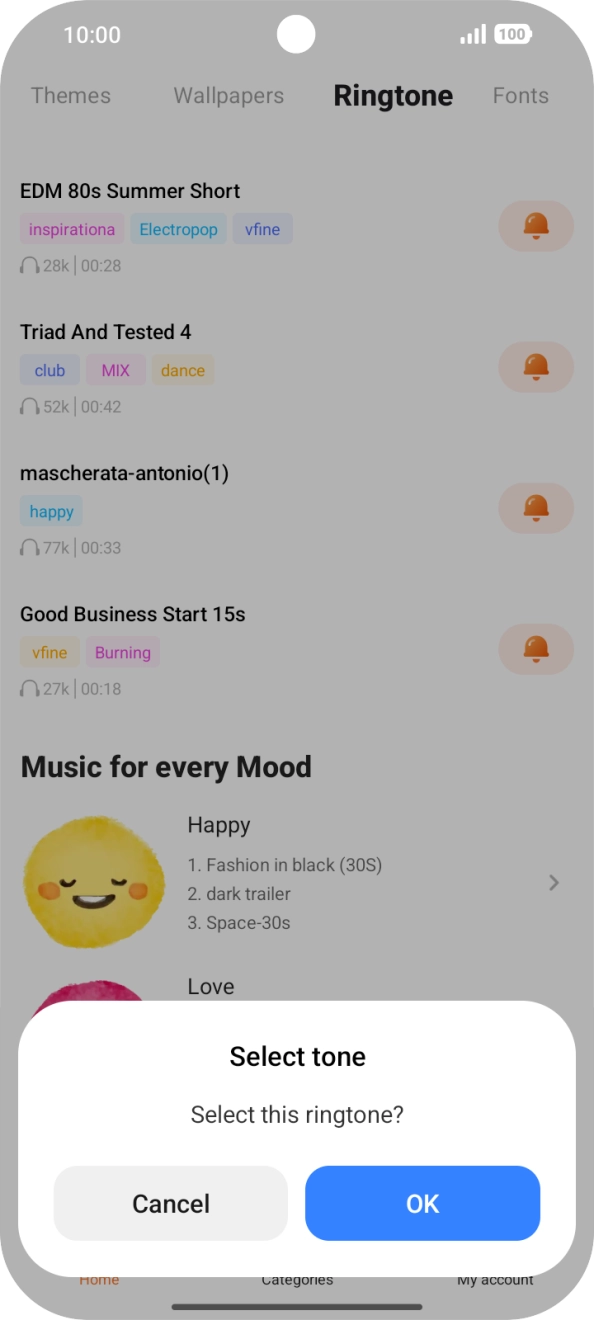
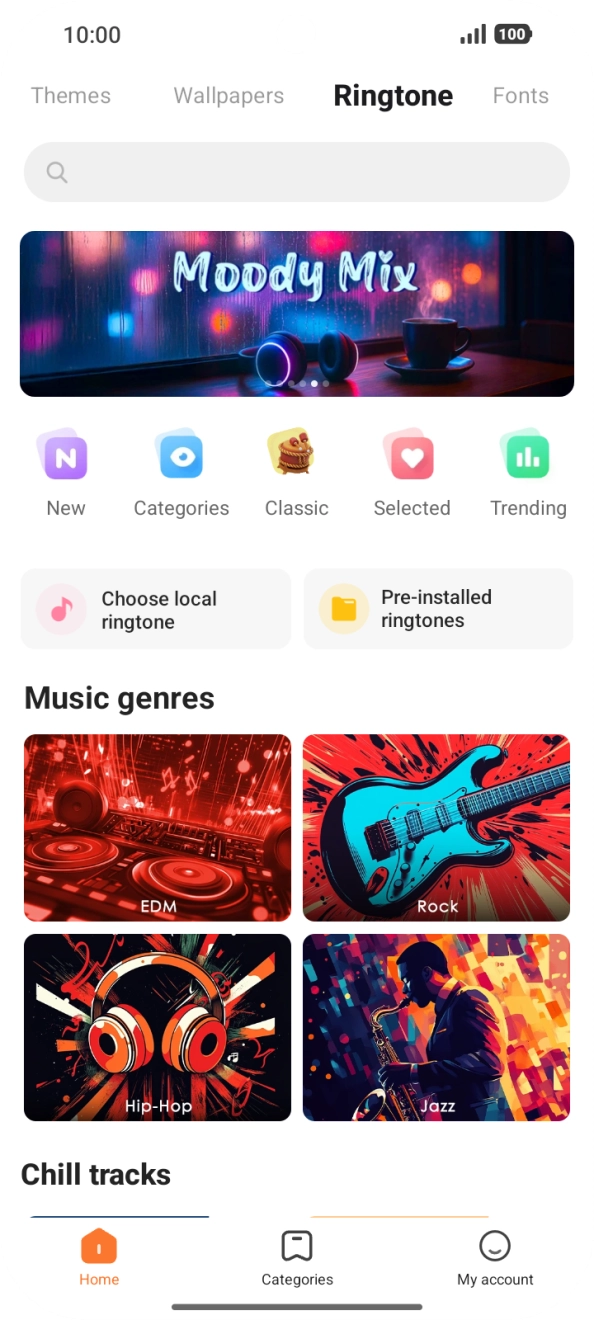
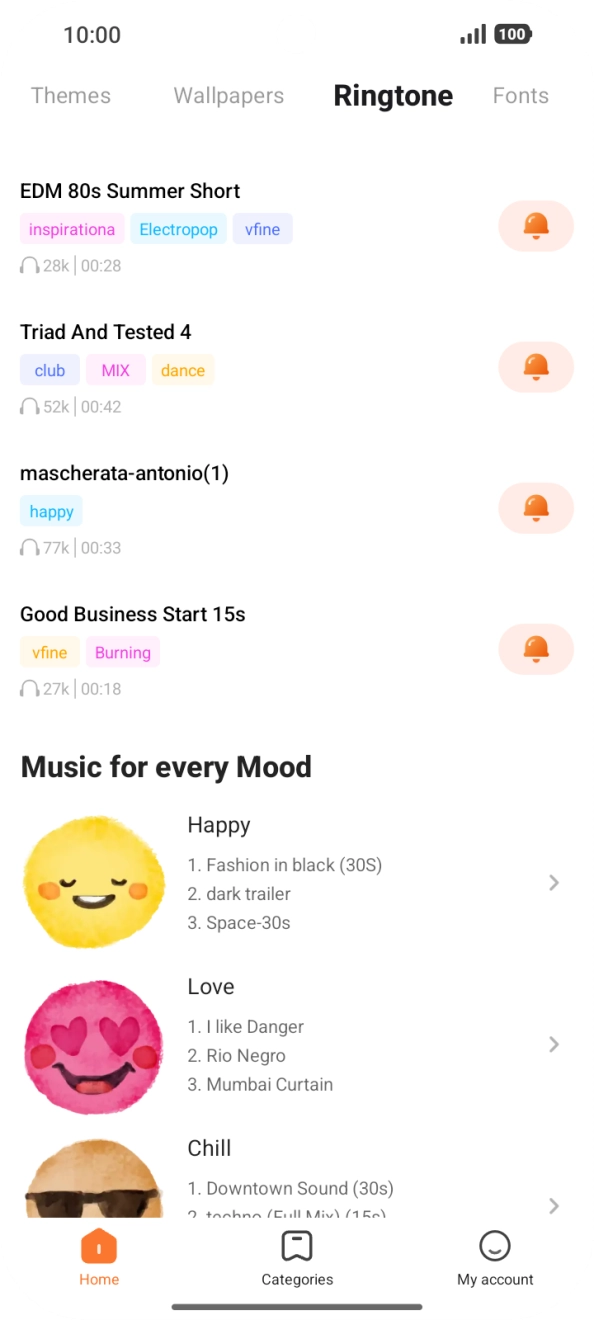
Select ring tone
You can select the ring tone you want to hear when you get a call.
Step 1 of 9
Step 1 of 9
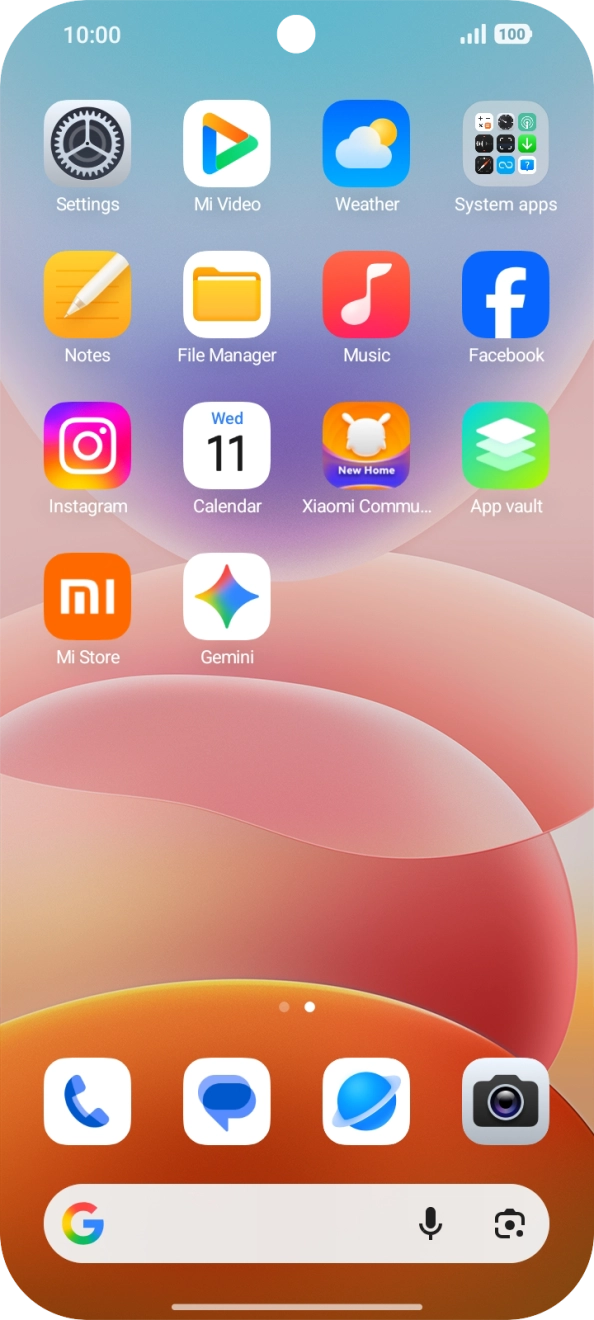
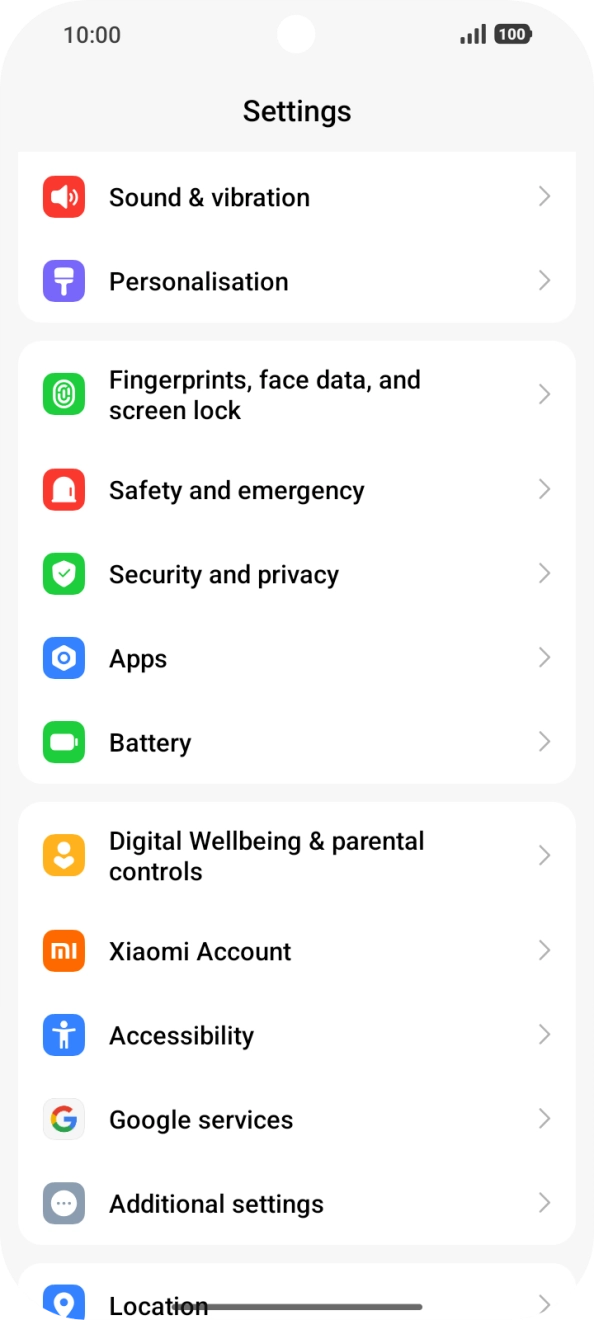
1. Find "Ringtone"
Press Settings.
You can select the ring tone you want to hear when you get a call.
1. Find "Ringtone"
Press Settings.