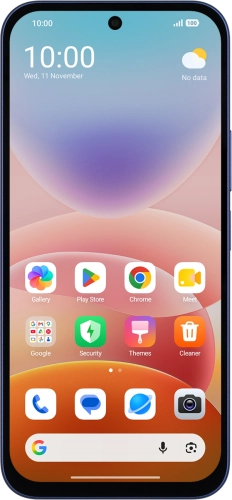
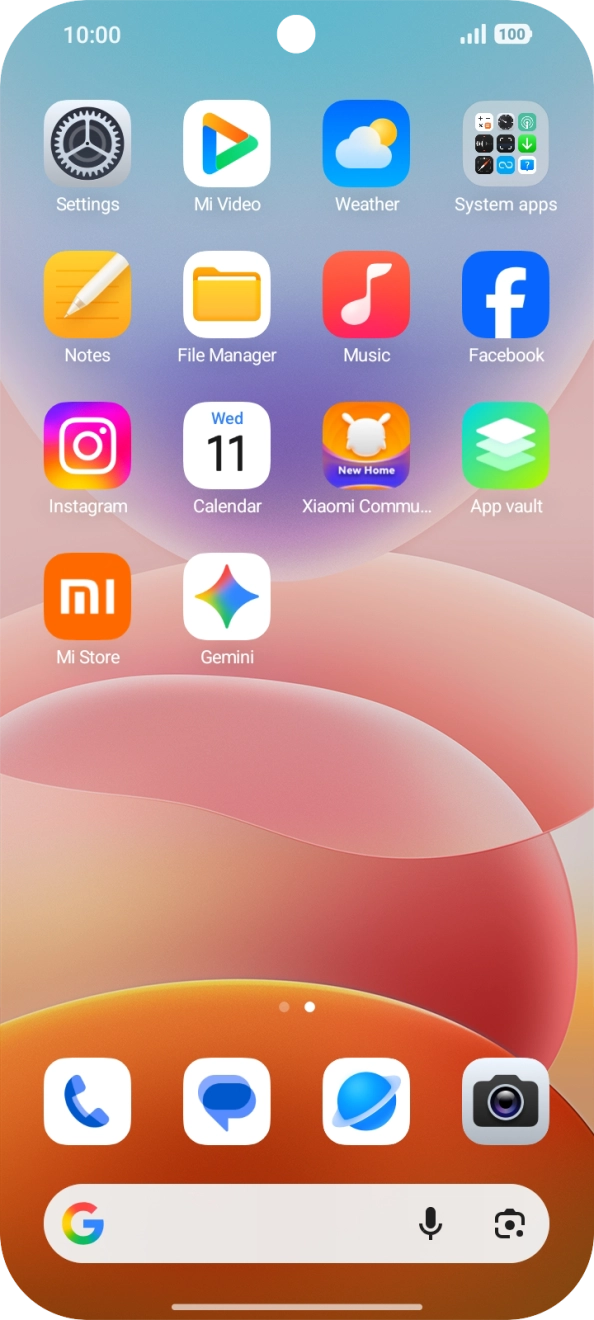
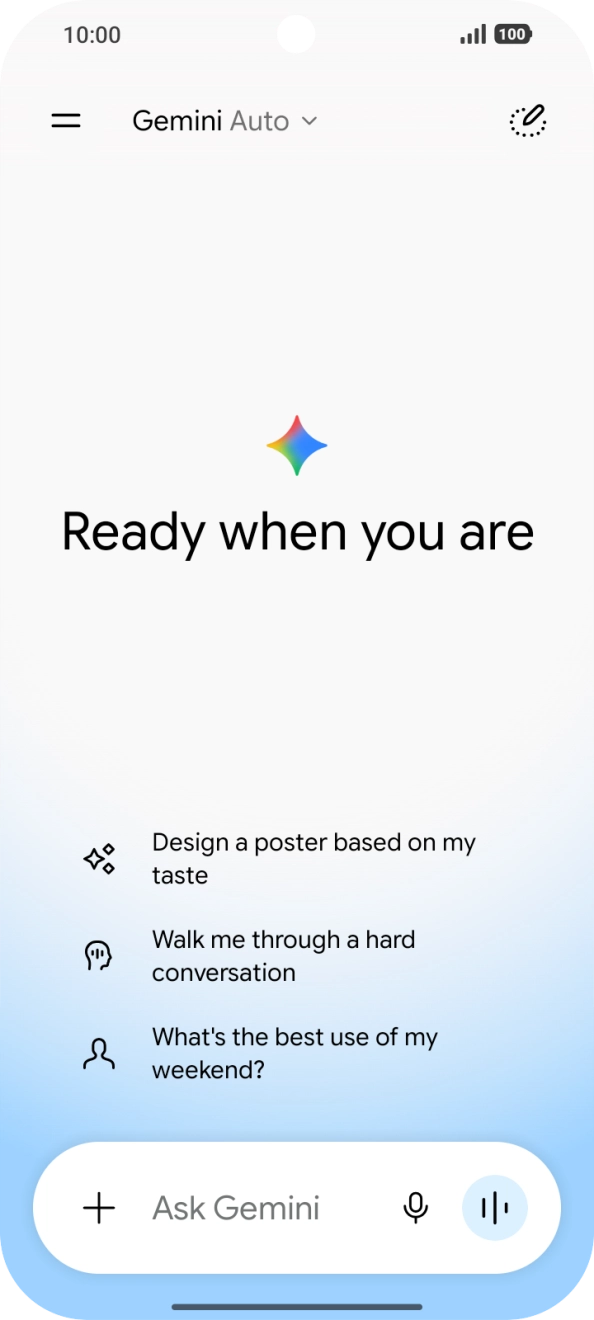
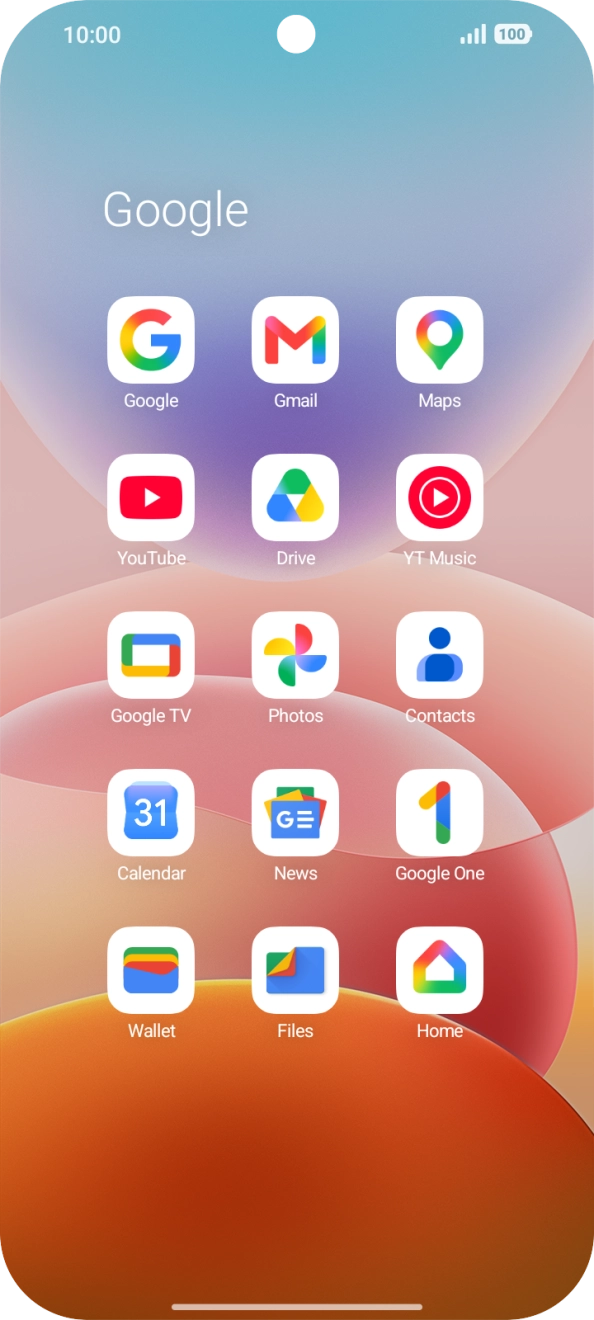
Press Gemini. If prompted, follow the instructions on the screen to turn on the function.
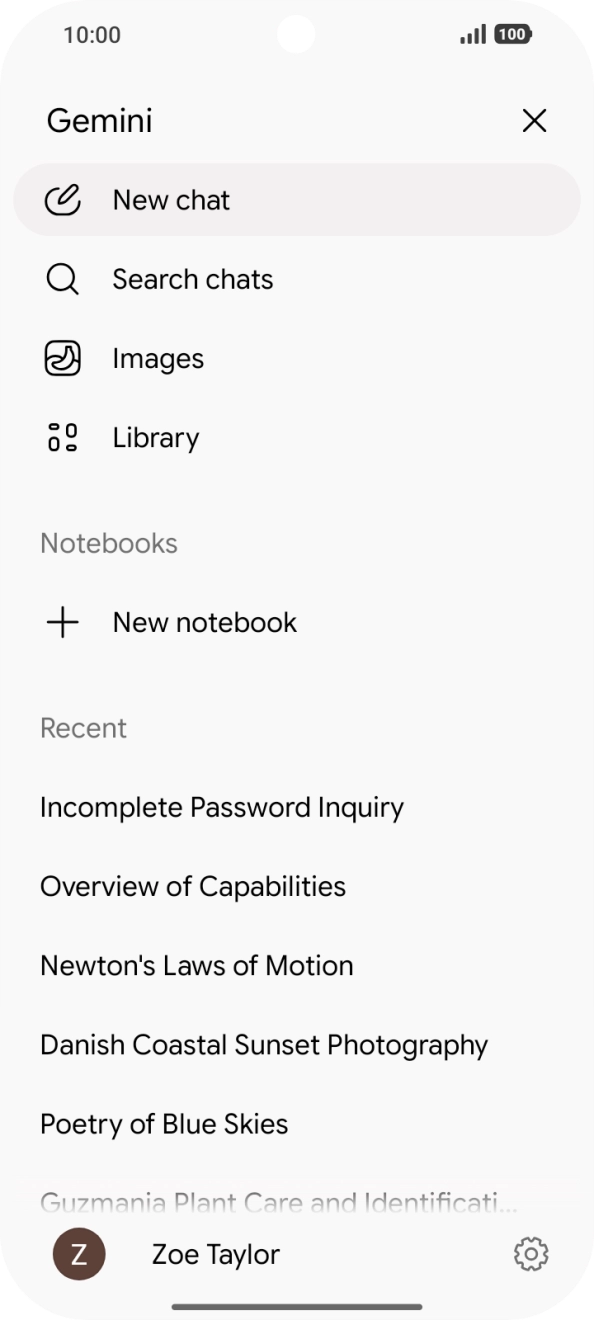
Press the menu icon.
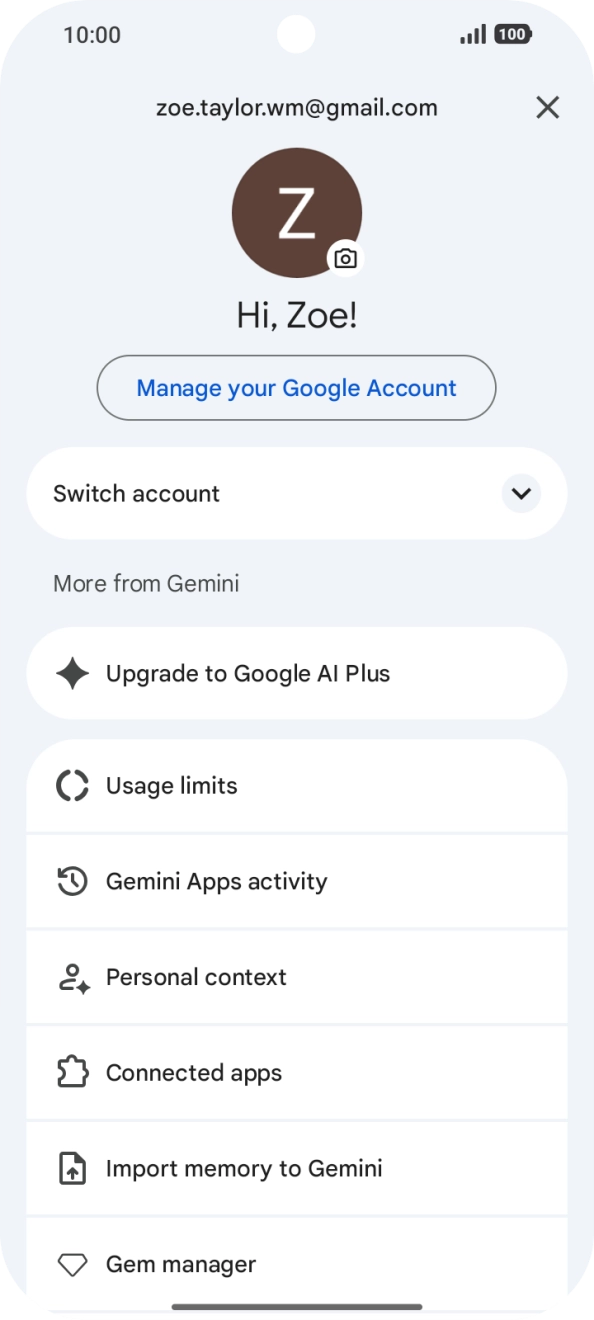
Press the profile icon.
Follow the instructions on the screen to select the required settings.
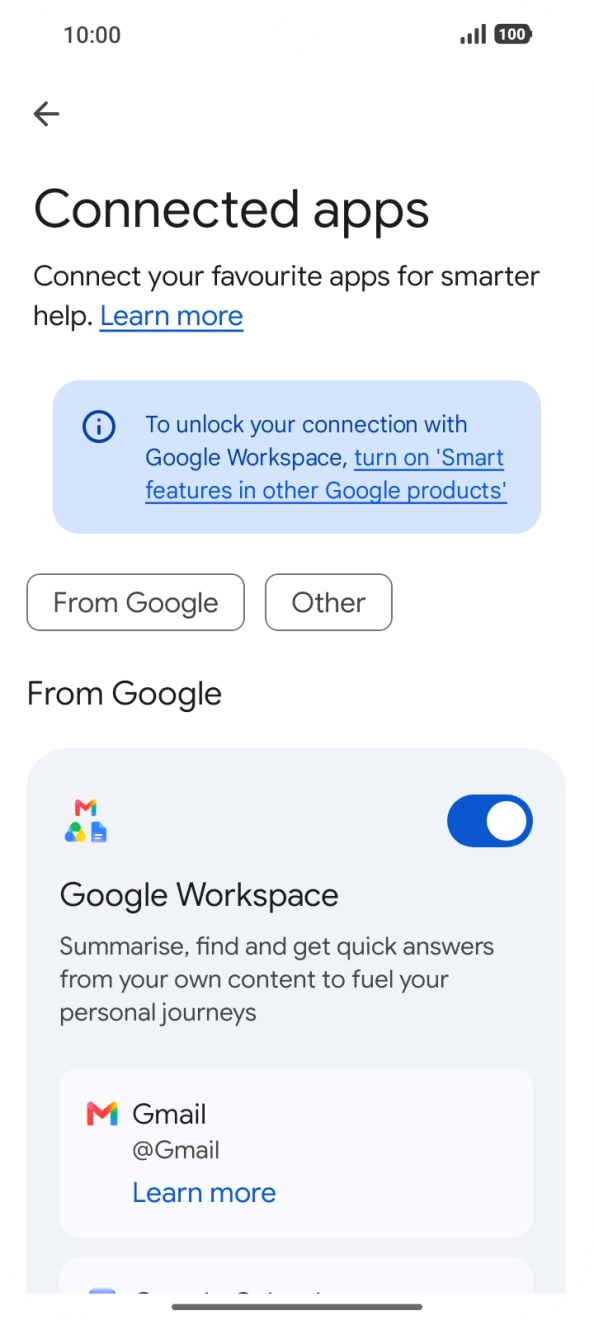
Press Connected apps.
Press the indicator next to the required extension to turn on the function.
If you turn on extensions, Gemini can interact with other apps and services to give you answers to your questions and respond to your commands for the selected app or service.
Press arrow left to return to Gemini.
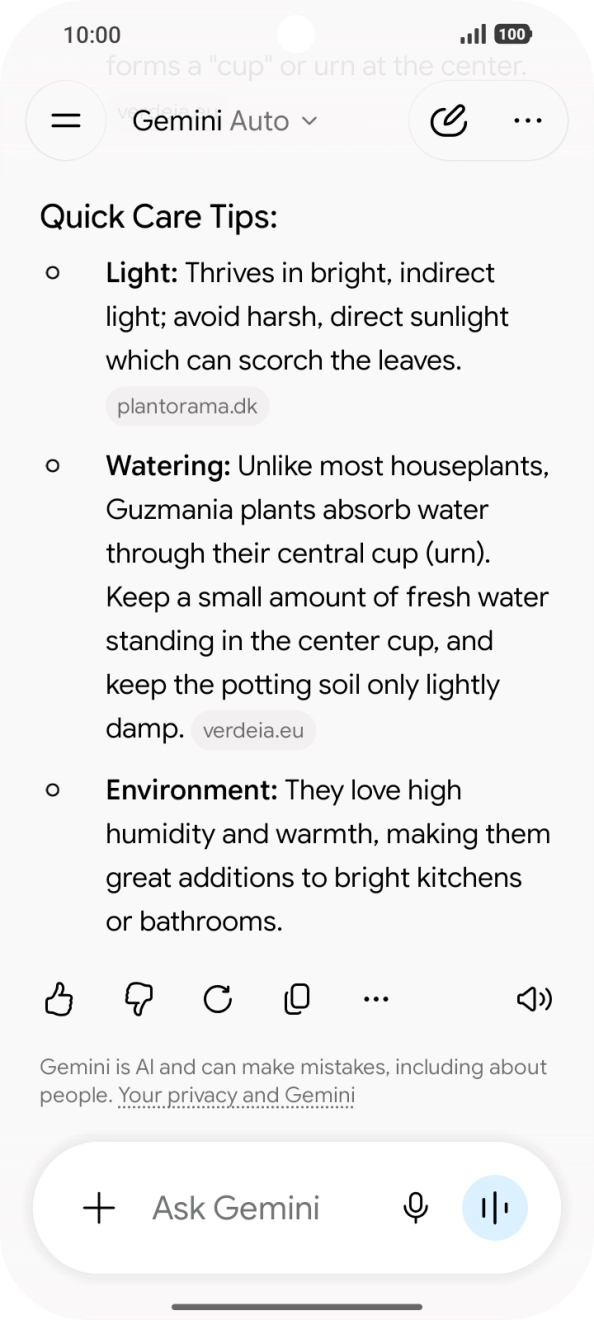
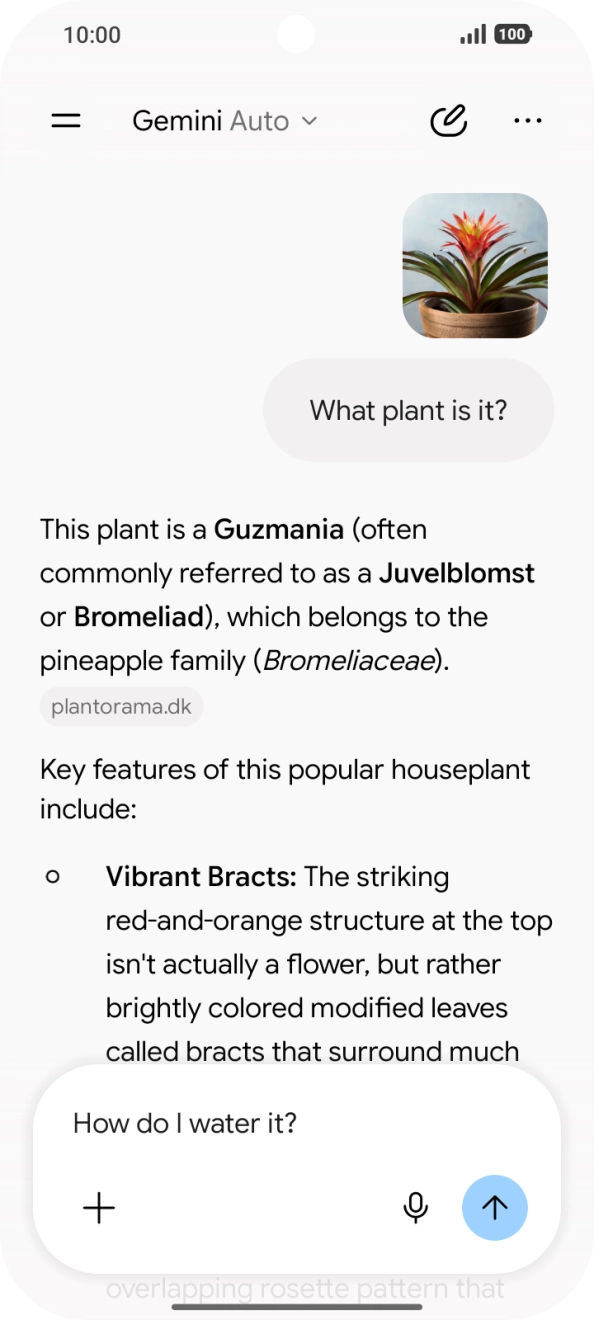
Follow the instructions on the screen to type or speak the required question. You can also attach pictures or documents and ask questions to them.
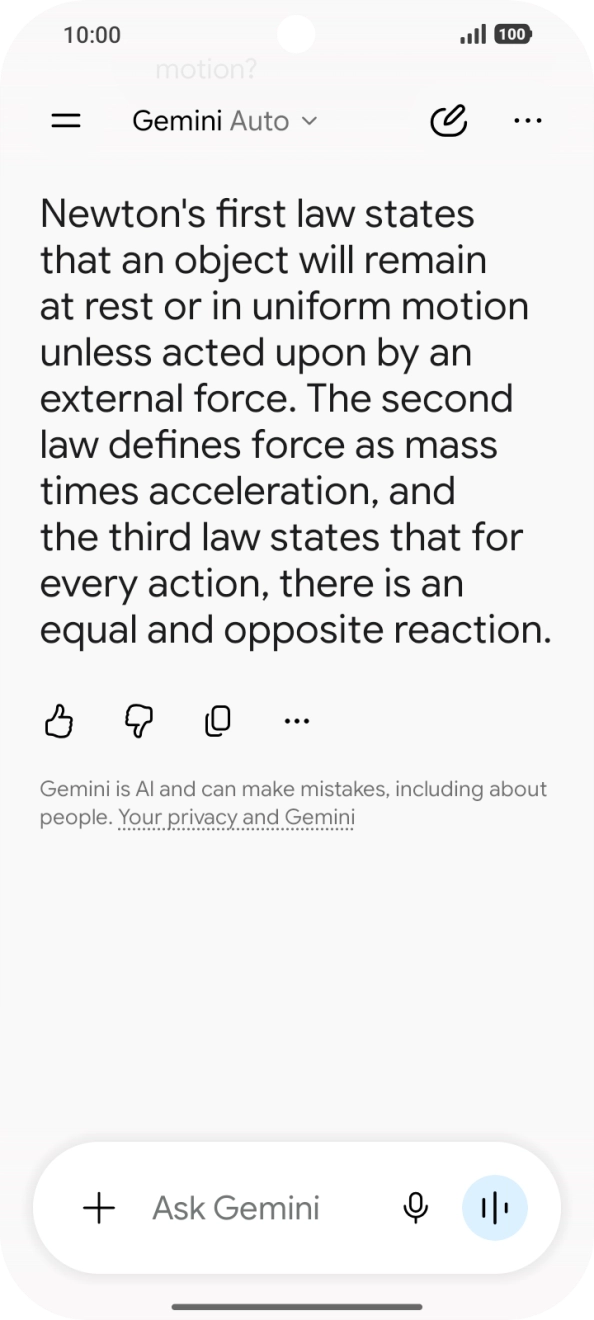
The answer from Gemini to your question is displayed.
Press the speaker icon to play back the answer from Gemini.
Follow the instructions on the screen to type or speak more questions to continue the conversation.
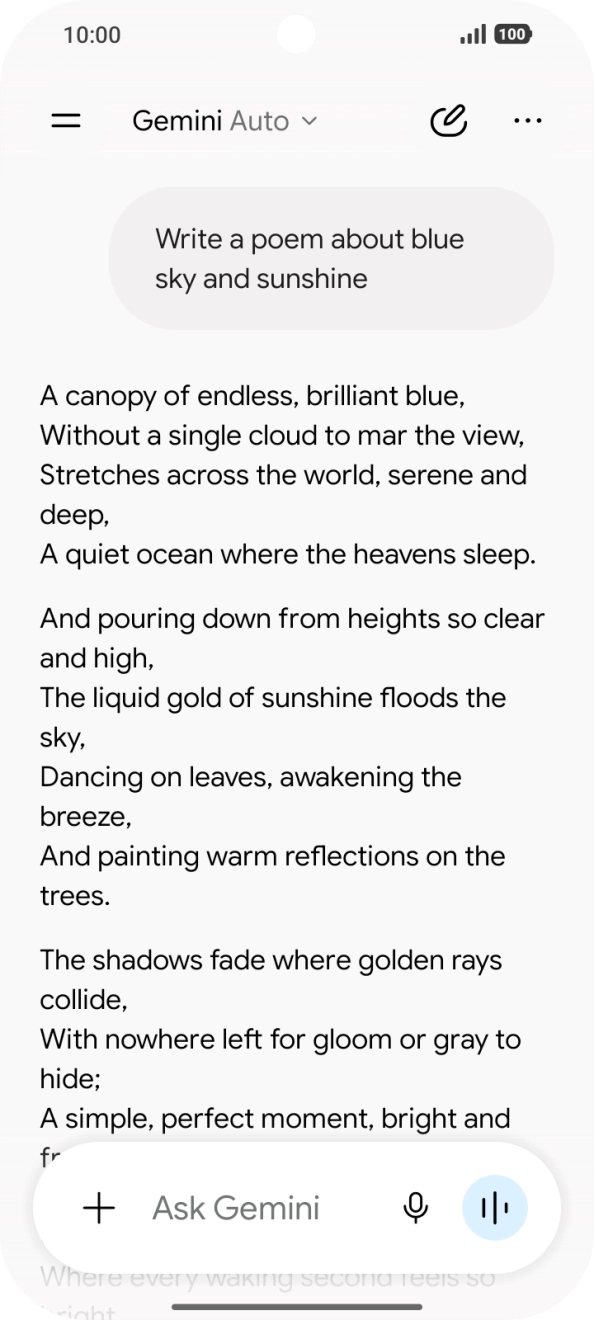
You can ask Gemini to generate a text based on your description.
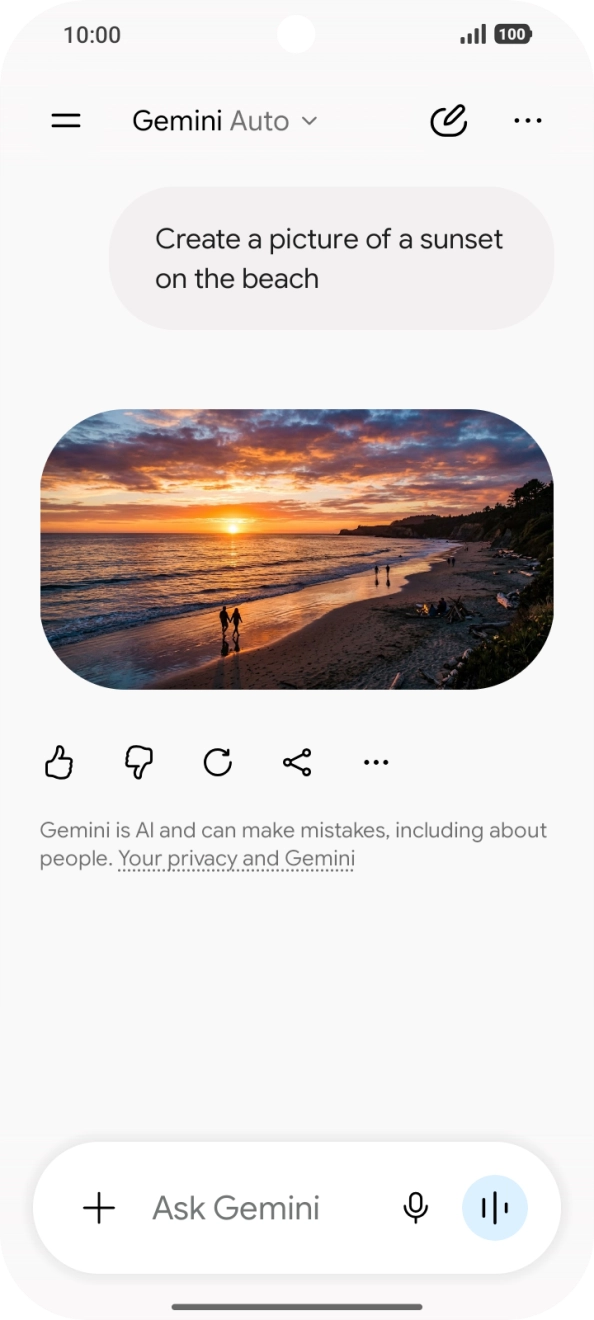
You can also ask Gemini to generate a picture based on your description.
Slide your finger right on the screen to leave the conversation.
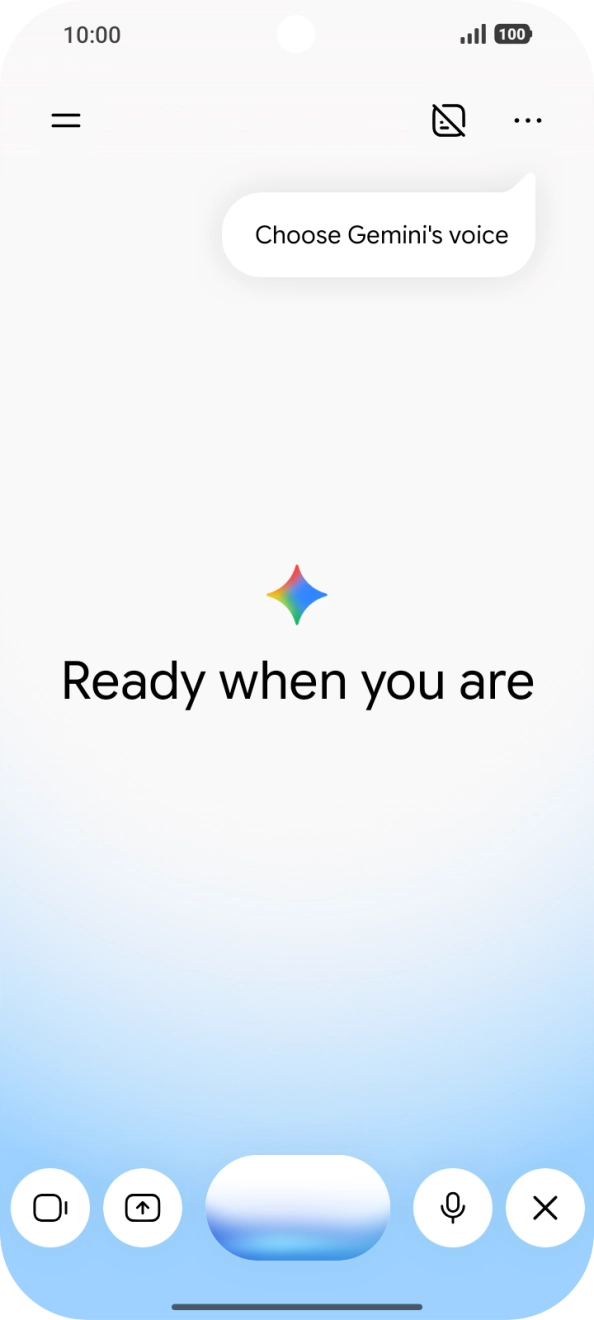
Press the Gemini Live icon. If prompted, follow the instructions on the screen to turn on the function.
Talk to Gemini about the required topic.
You can have a direct conversation with Gemini without having to write anything.
Press the camera icon and point the camera lens at the required subject or object to ask questions about it.
Press the share icon and follow the instructions on the screen to go to and share the required content on the phone screen with Gemini.
To end the conversation, press the stop icon.
Transcription of the conversation with Gemini Live is now displayed.
Slide your finger right on the screen to return to Gemini.
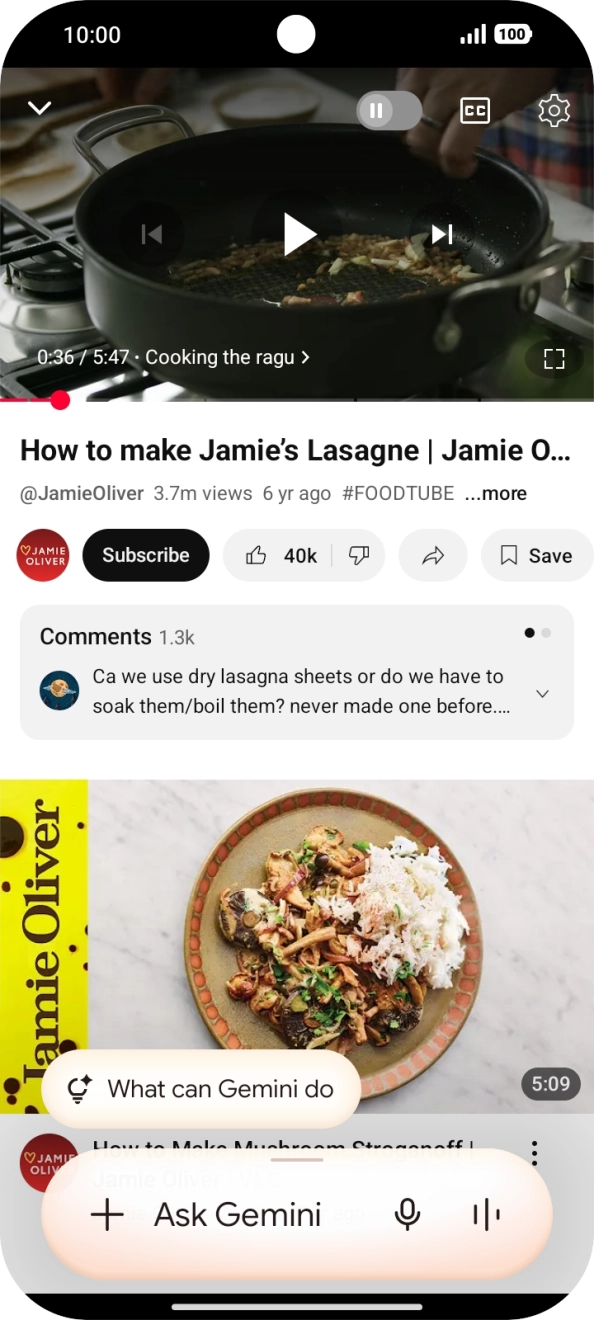
Open YouTube and go to the required video.
Using Gemini, you can ask questions about the content of a YouTube video.
Press and hold the Side key to activate Gemini.
If you've turned on automatic activation, you can say "Hey Google" to activate Gemini.
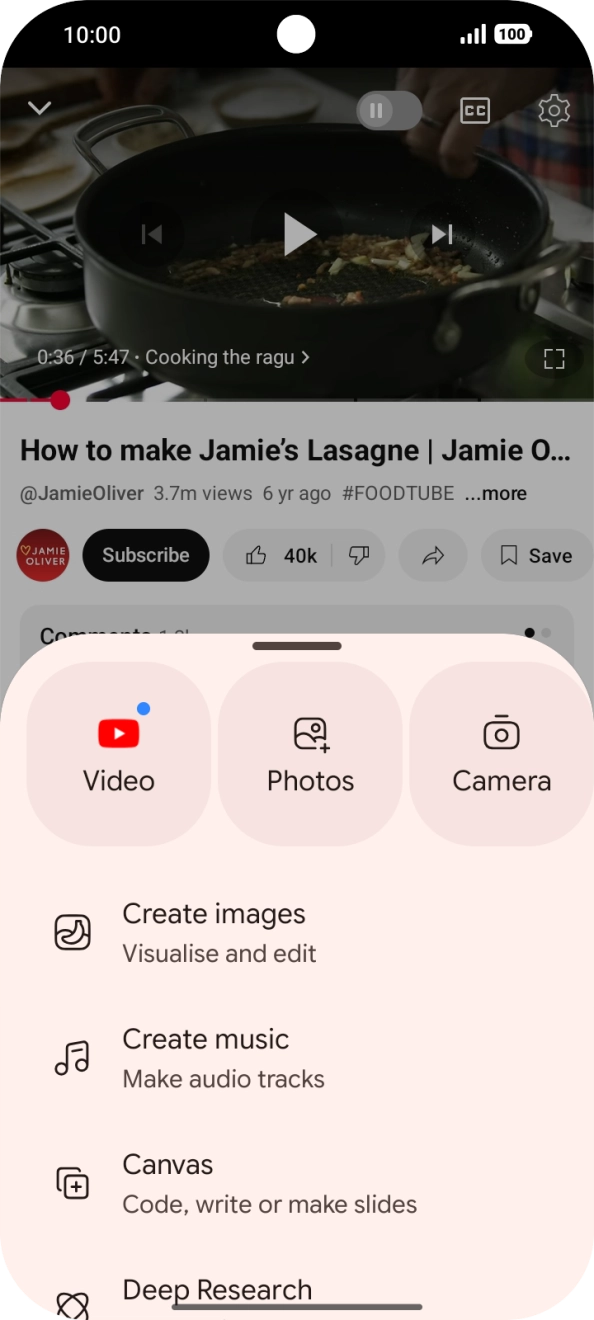
Press the add icon.
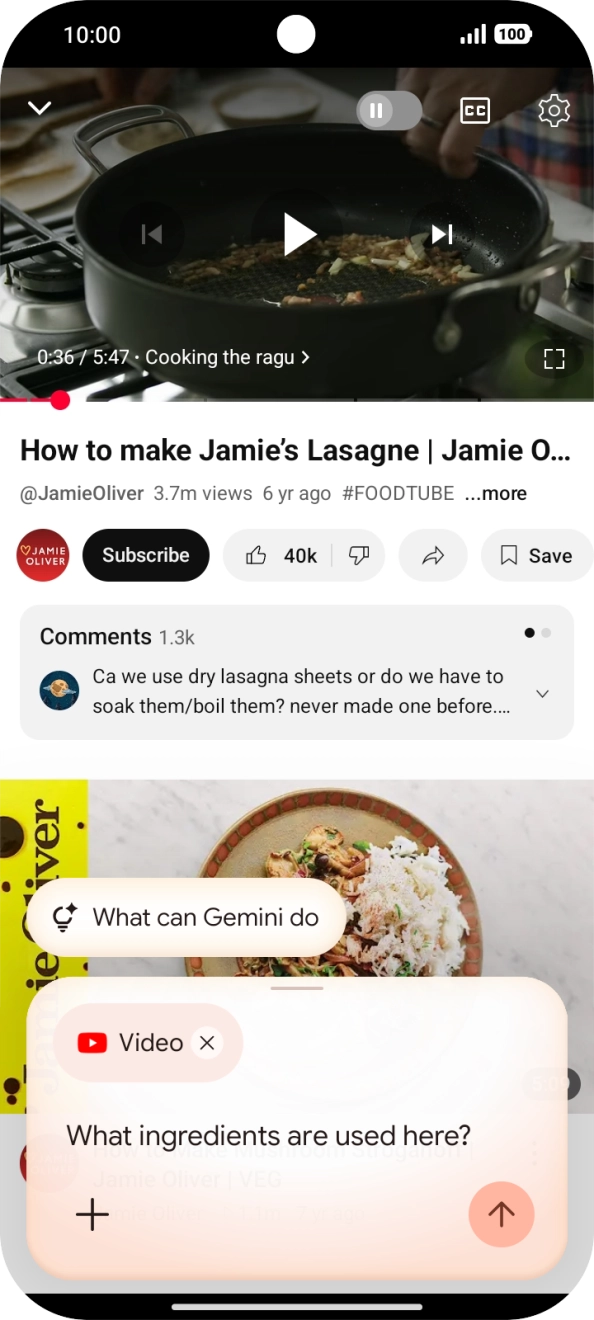
Press Video.
Follow the instructions on the screen to type or speak the required question for the video.
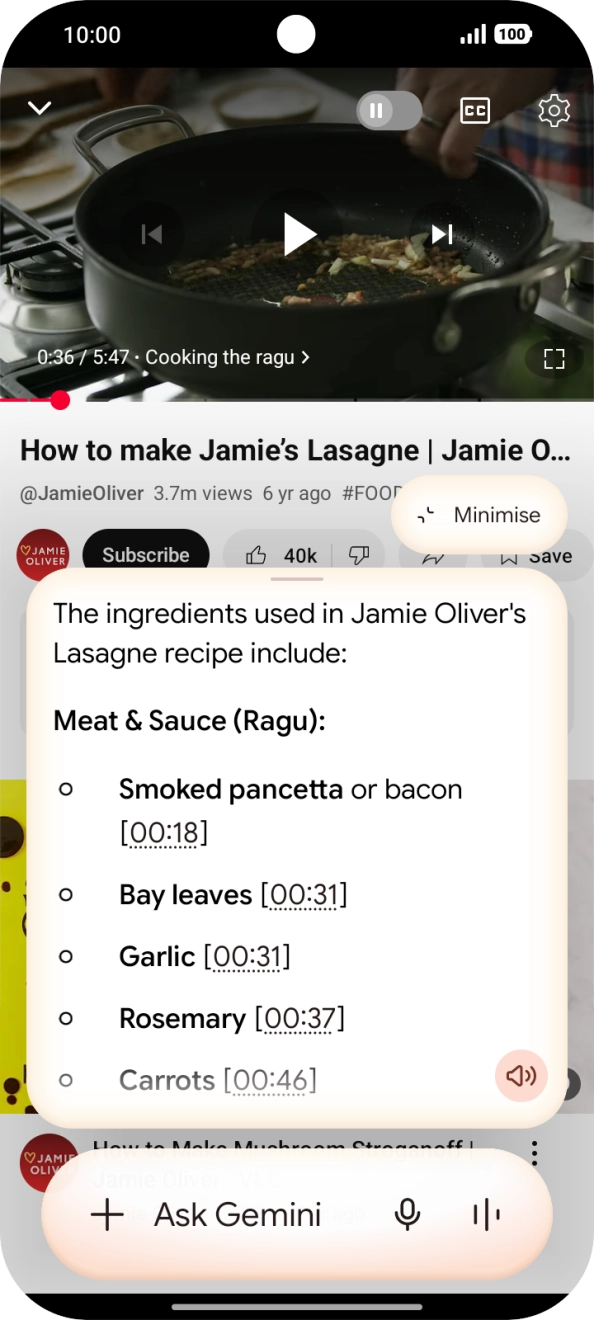
The answer from Gemini to your question is displayed.
Slide your finger right on the screen to return to the video.