Search suggestions will appear below the field as you type

Browse via device topic
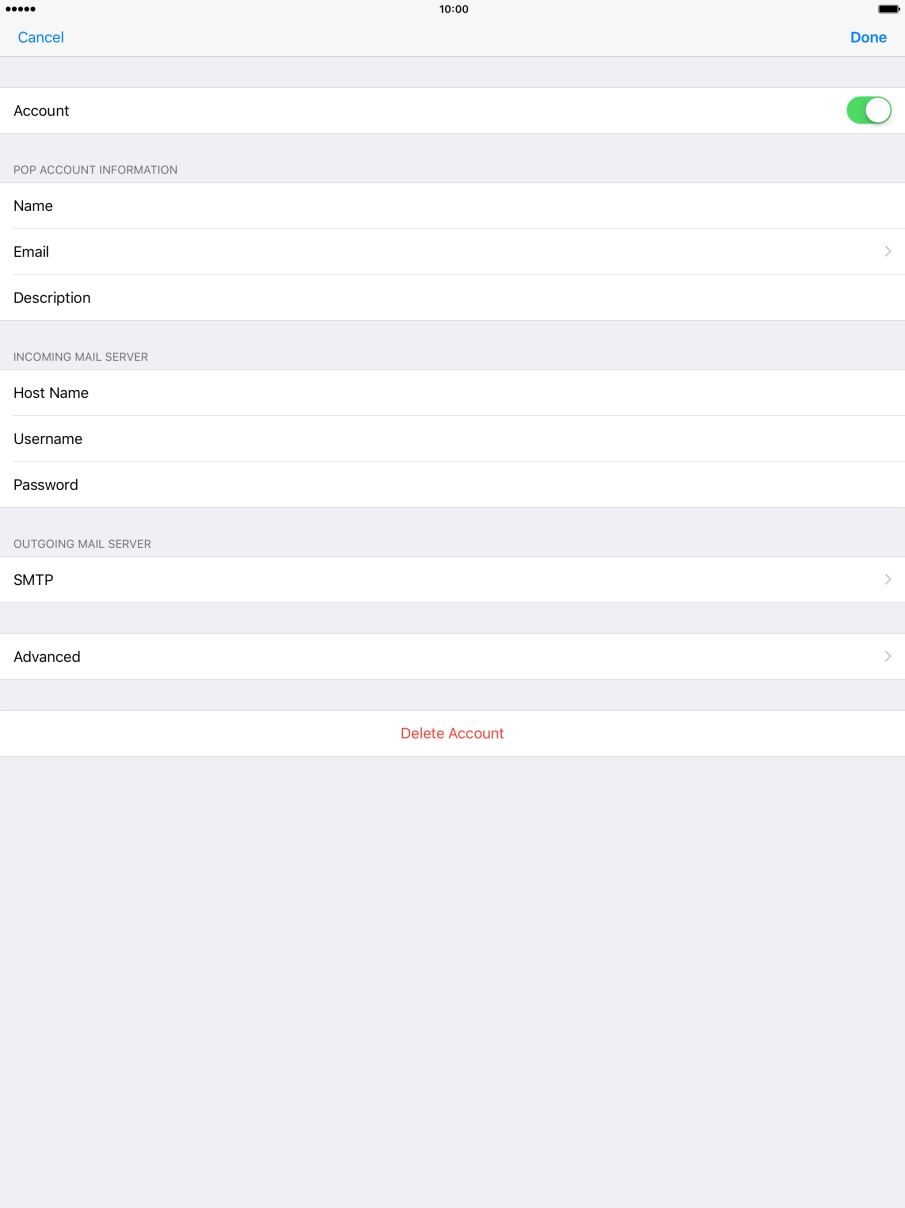
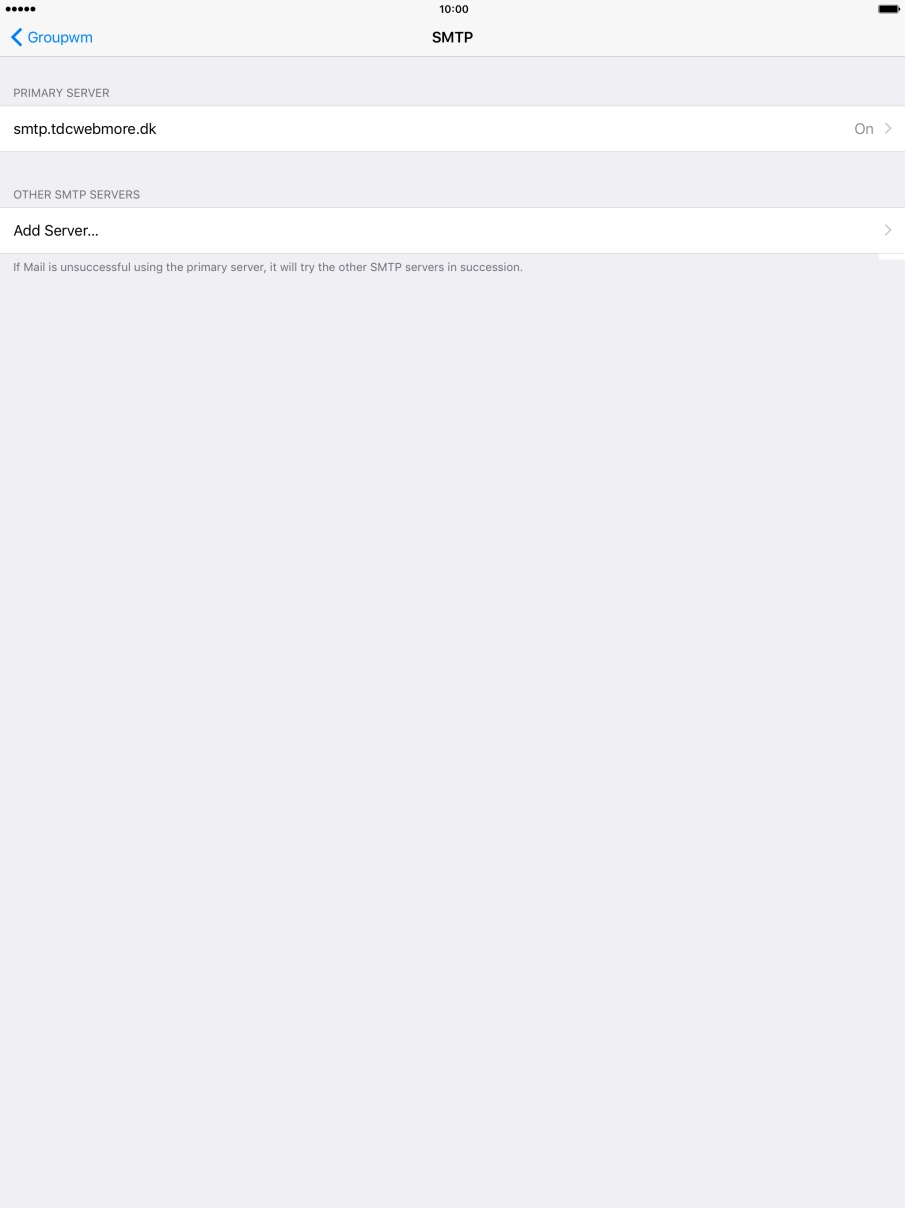
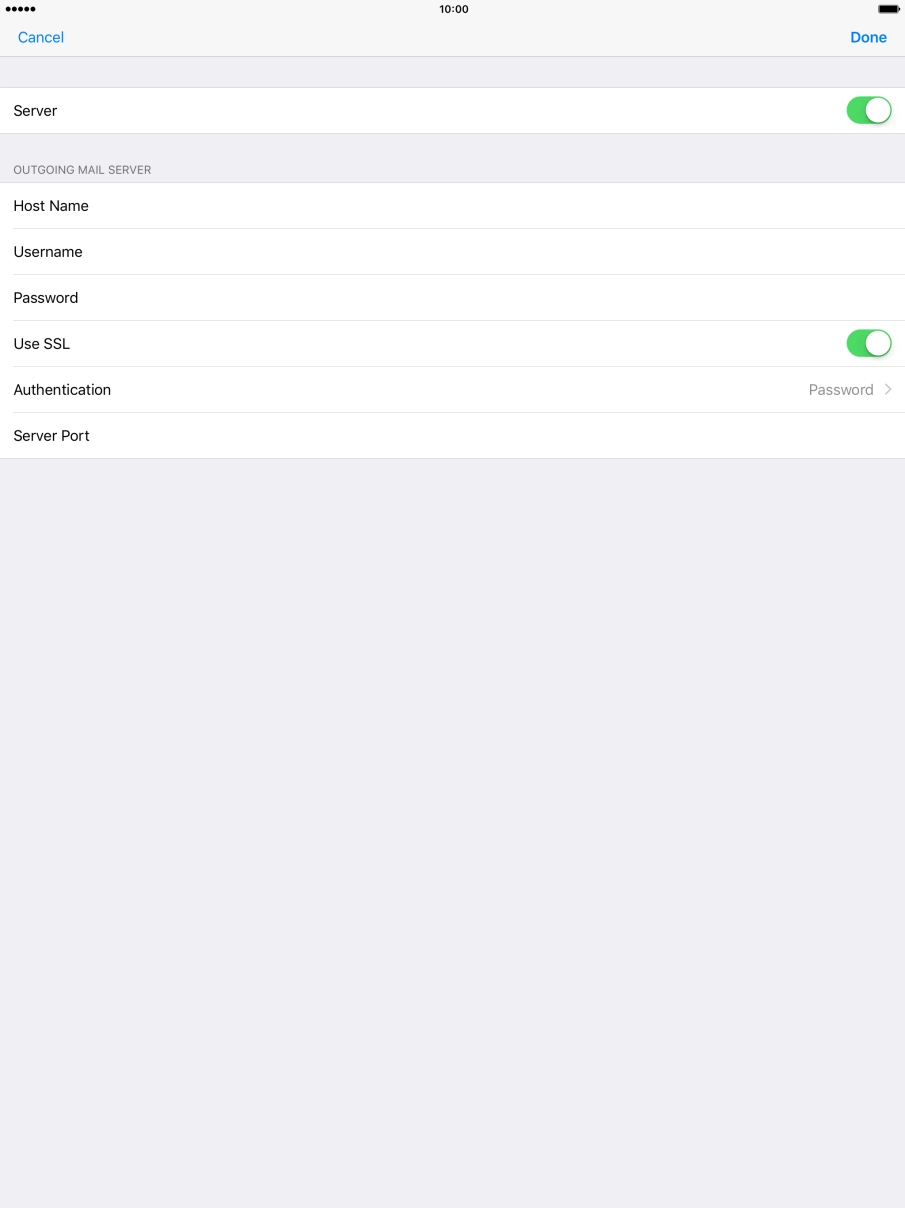
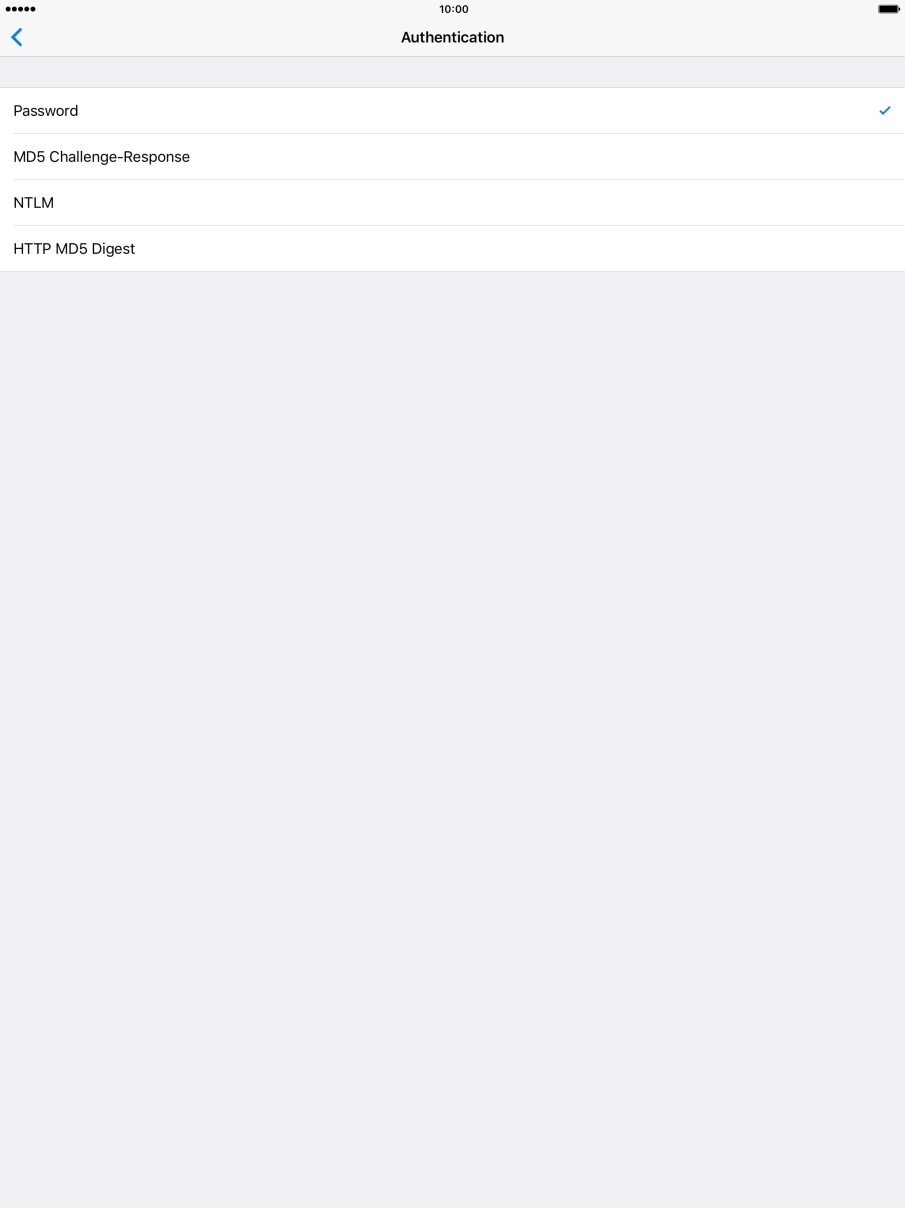
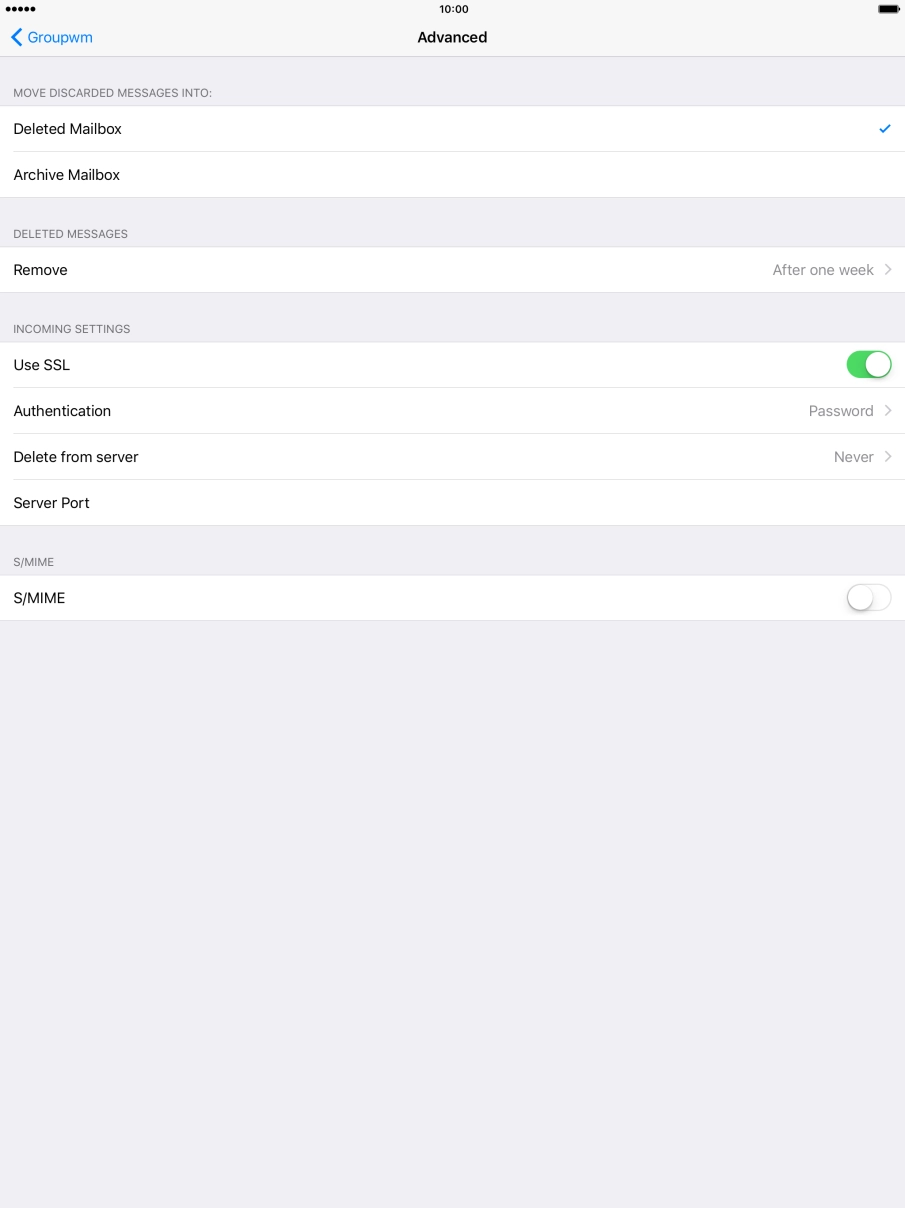
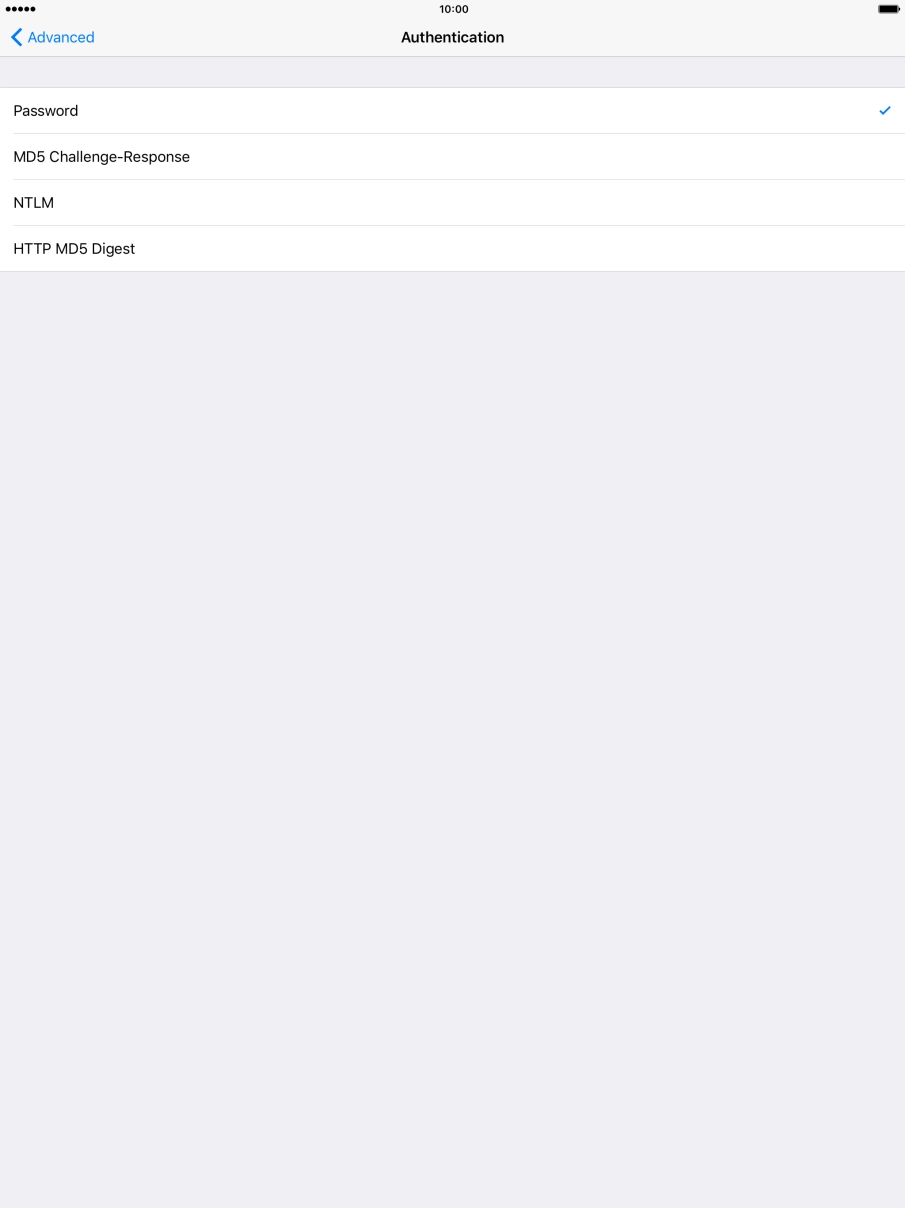
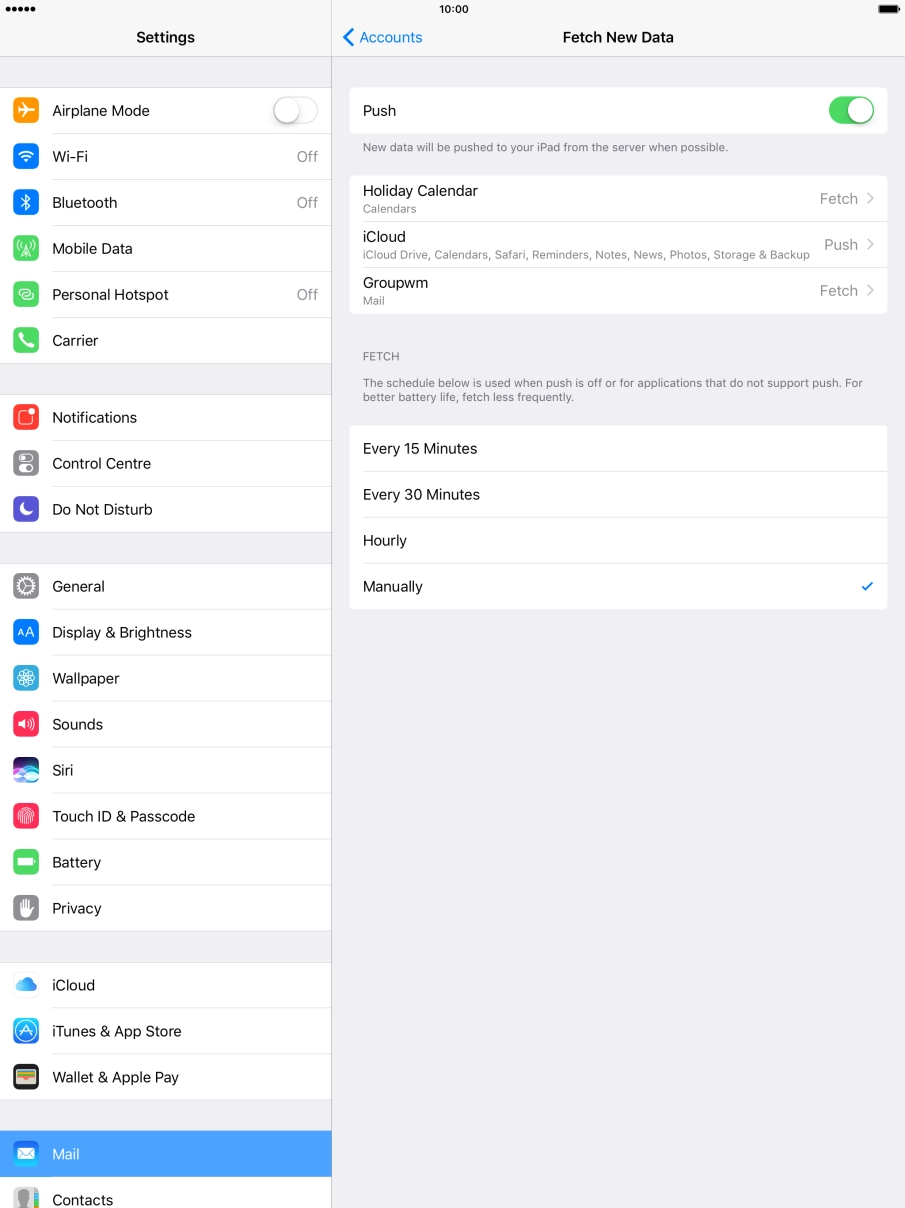
Set up your tablet for POP3 email
You can set up your tablet to send and receive email from your email accounts. Using POP3, your email are retrieved and stored locally on your tablet and at the same time they're deleted from the server. It is therefore not possible to access your email from different devices. To set up your tablet for POP3 email, you need to set up your tablet for internet.
Select an alternative email configuration:
- Set up your tablet for Telstra Mail
- Set up your tablet for IMAP email
- Set up your tablet for Exchange email
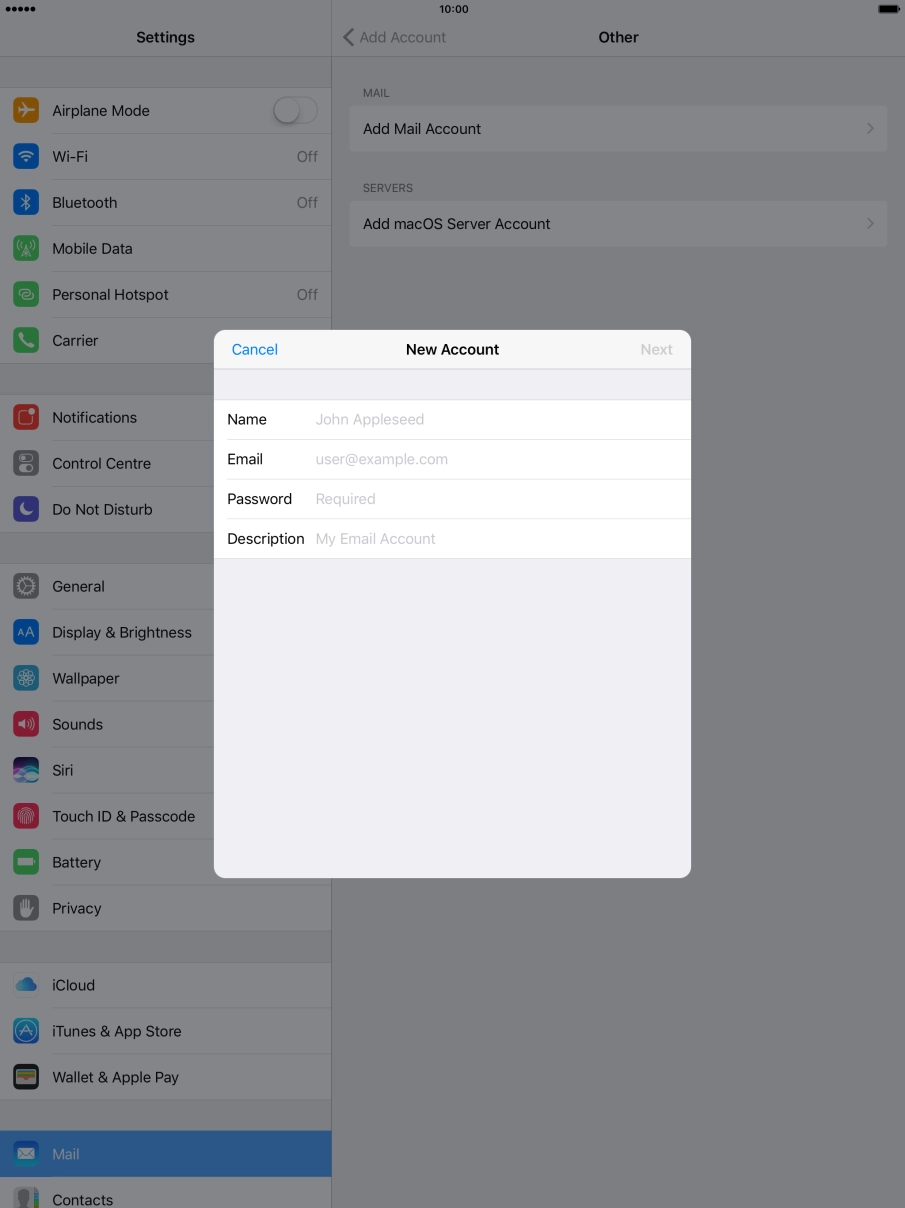
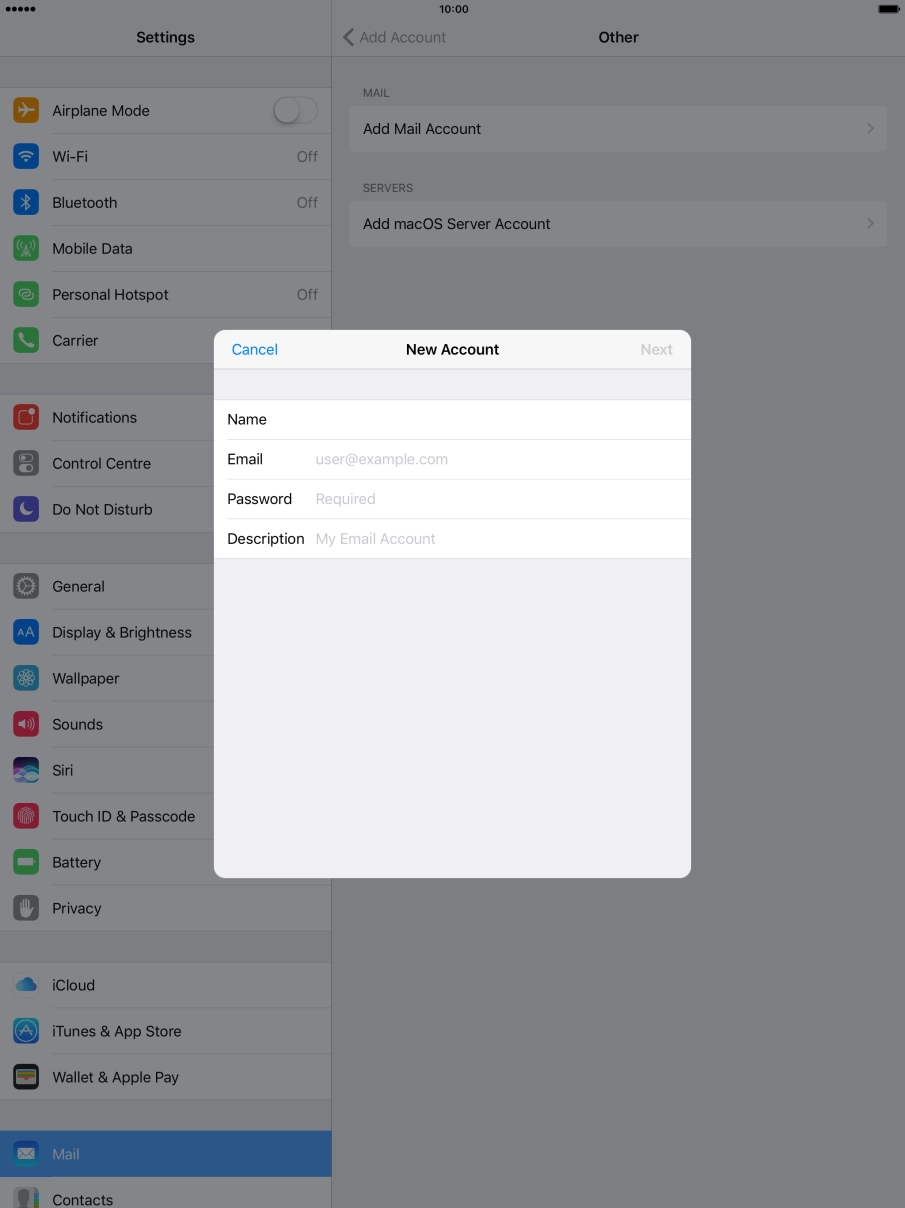
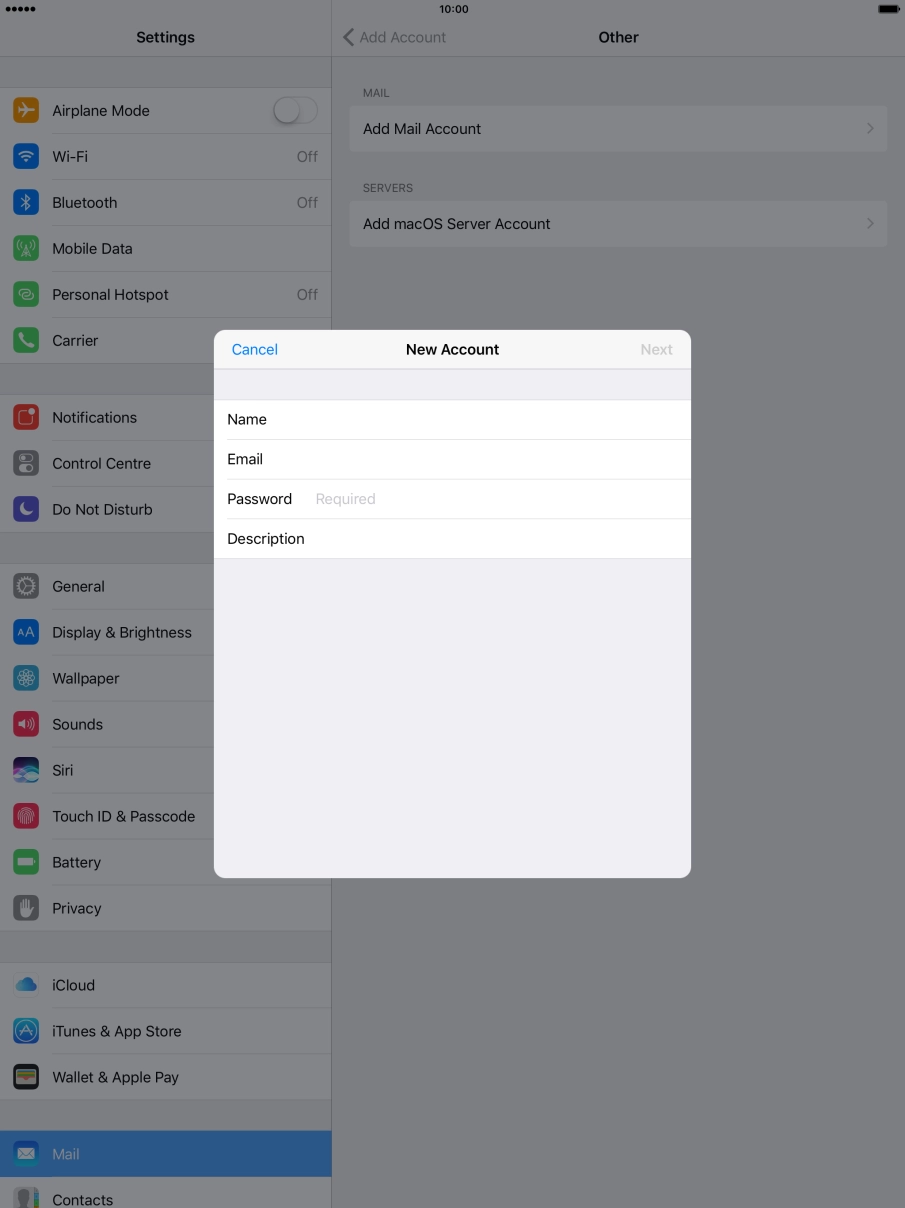
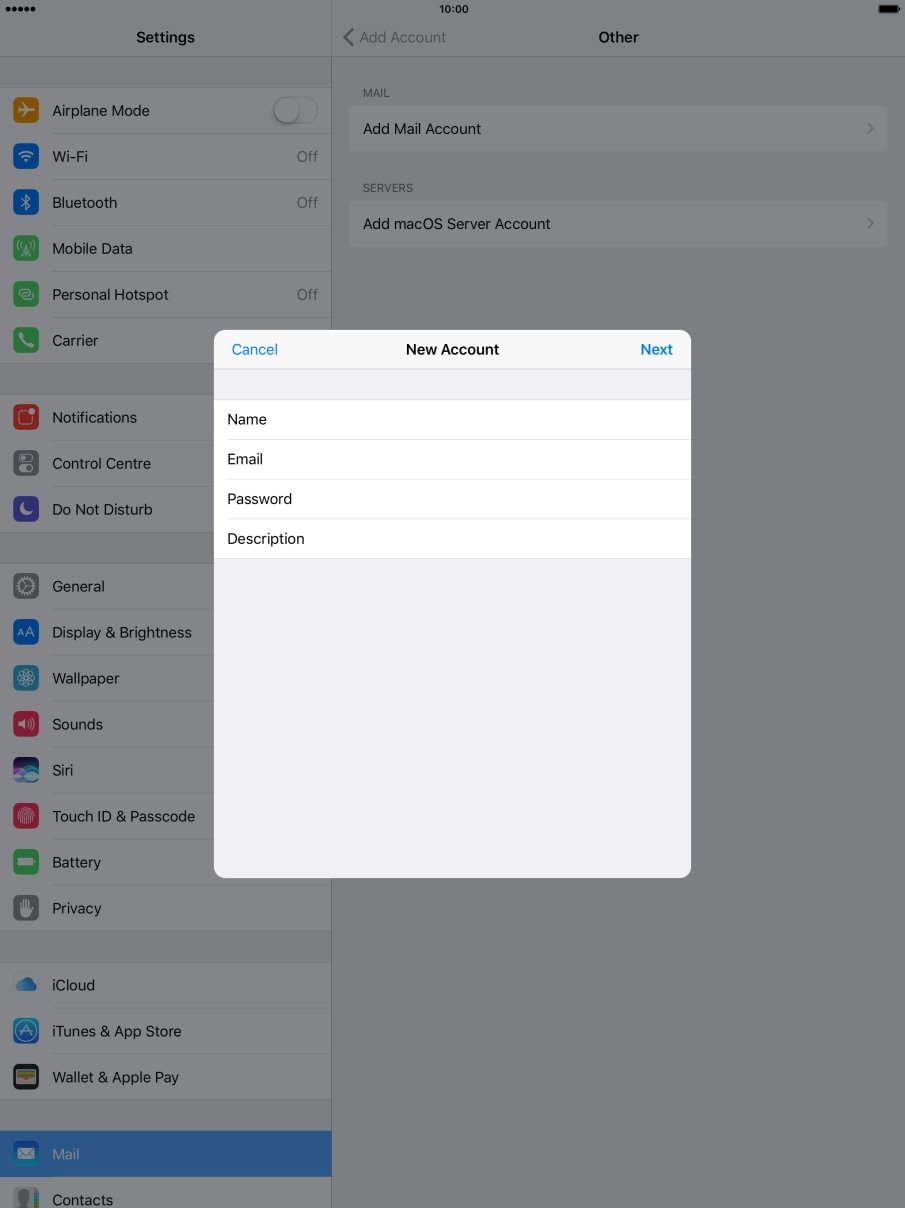
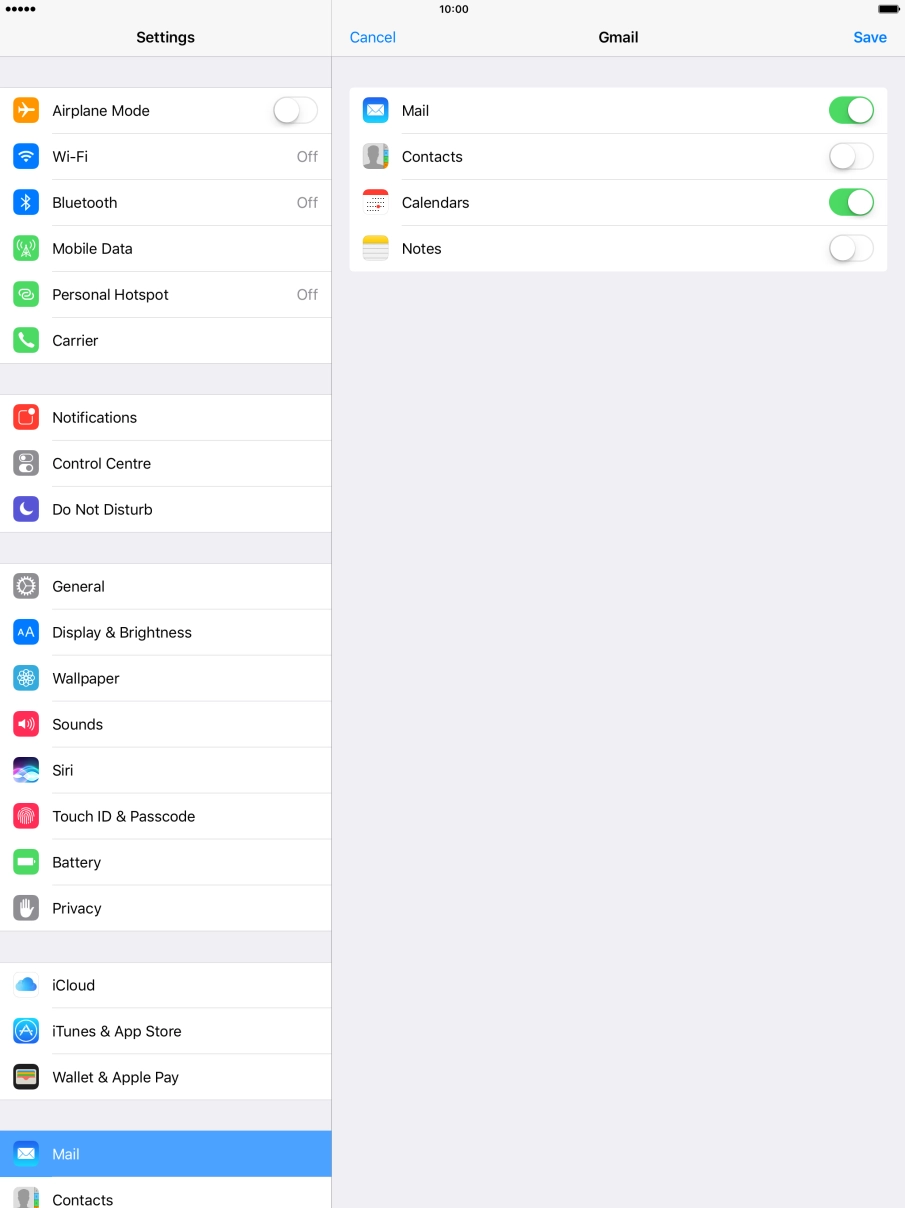
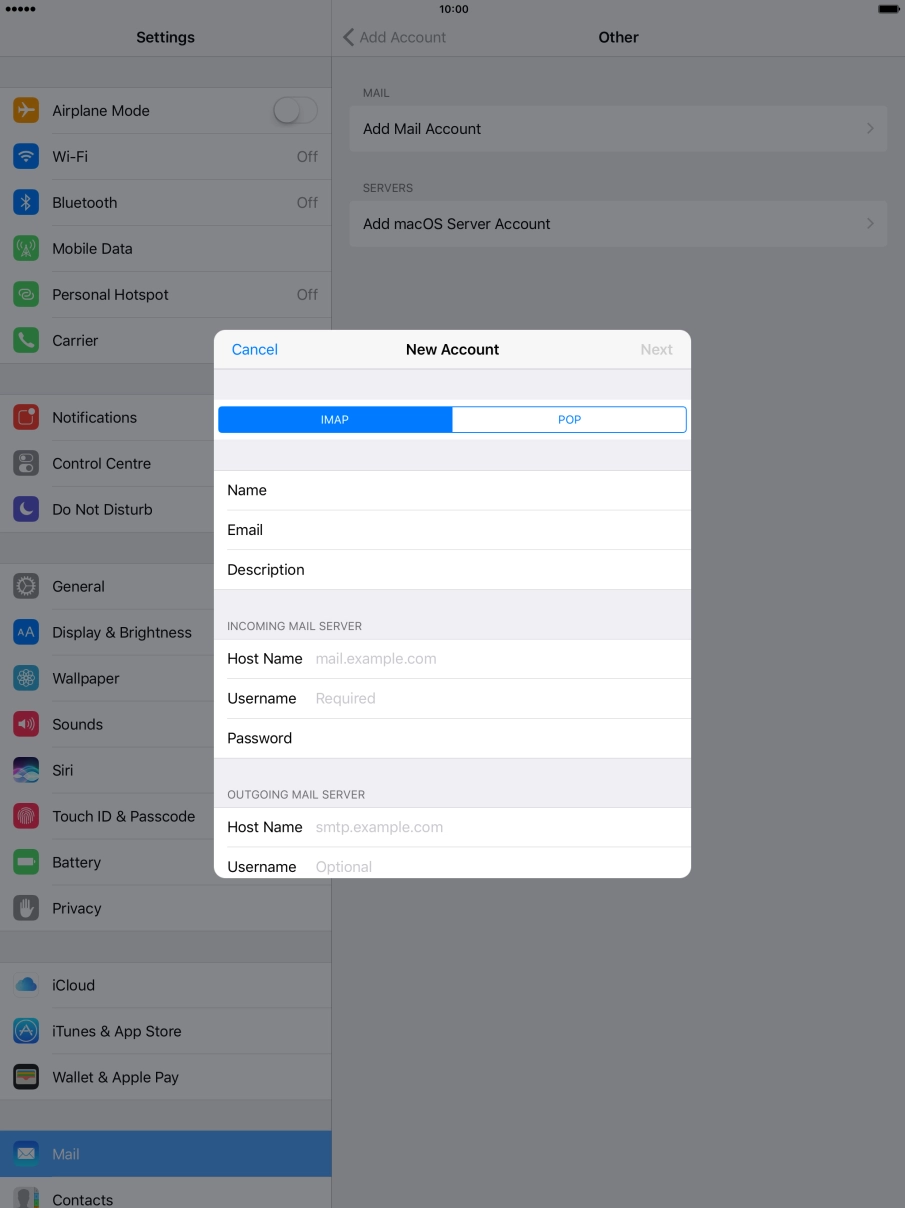
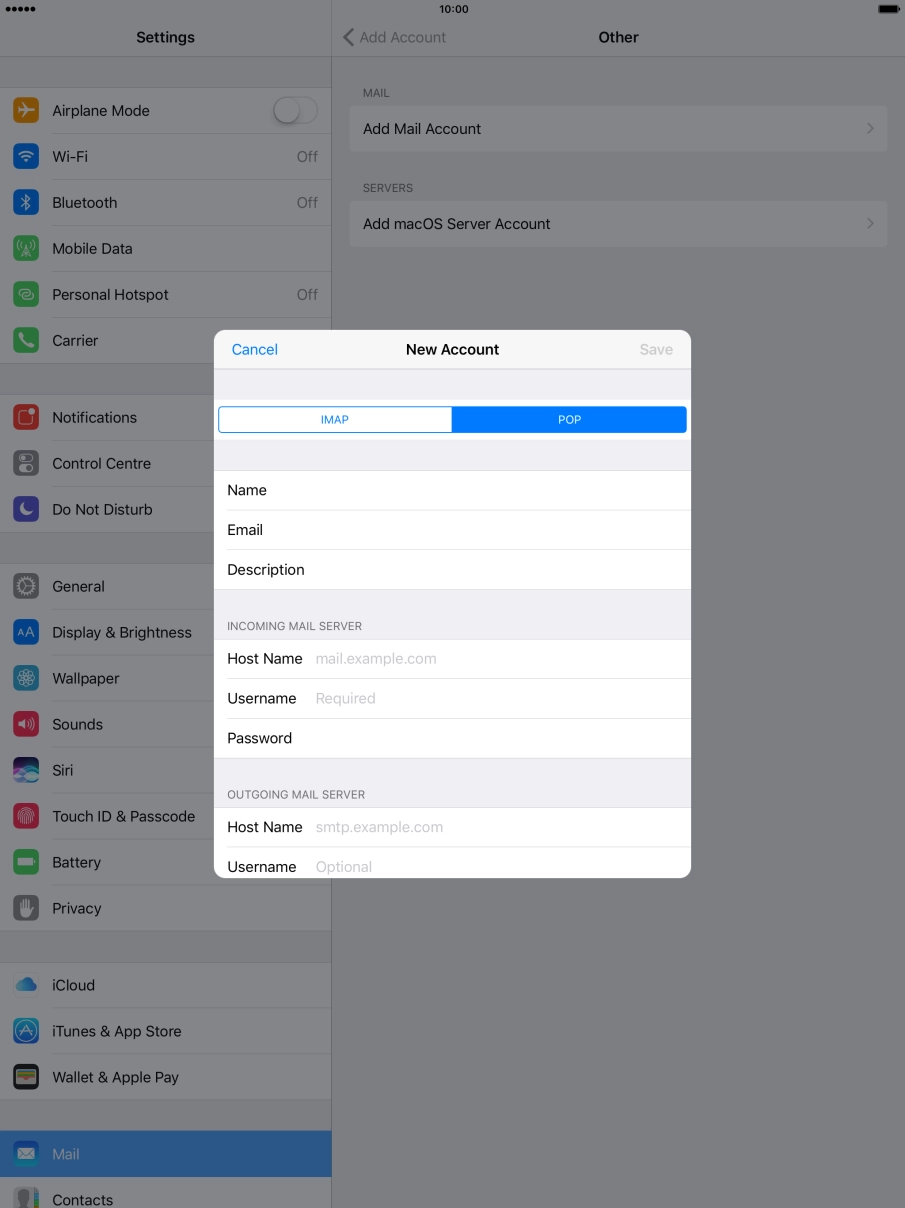
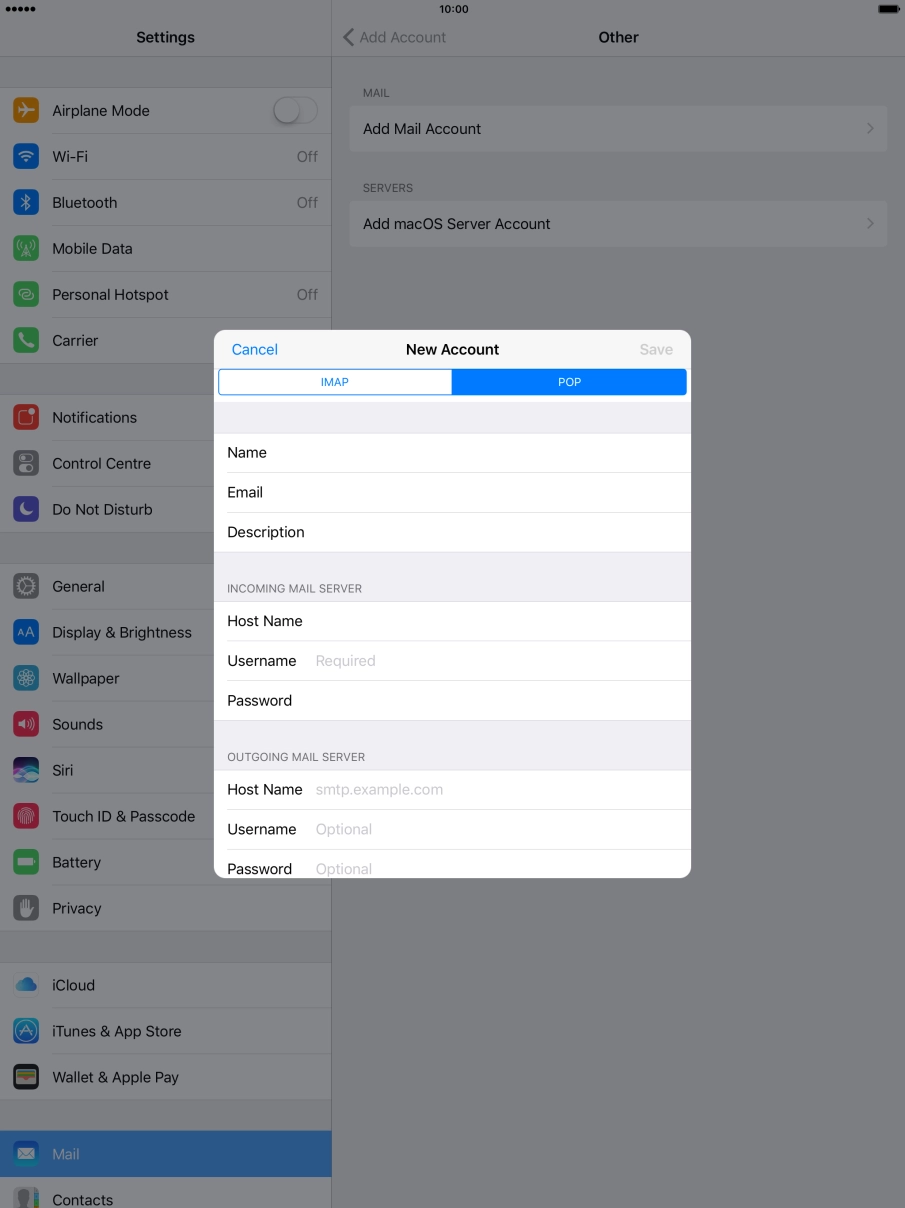
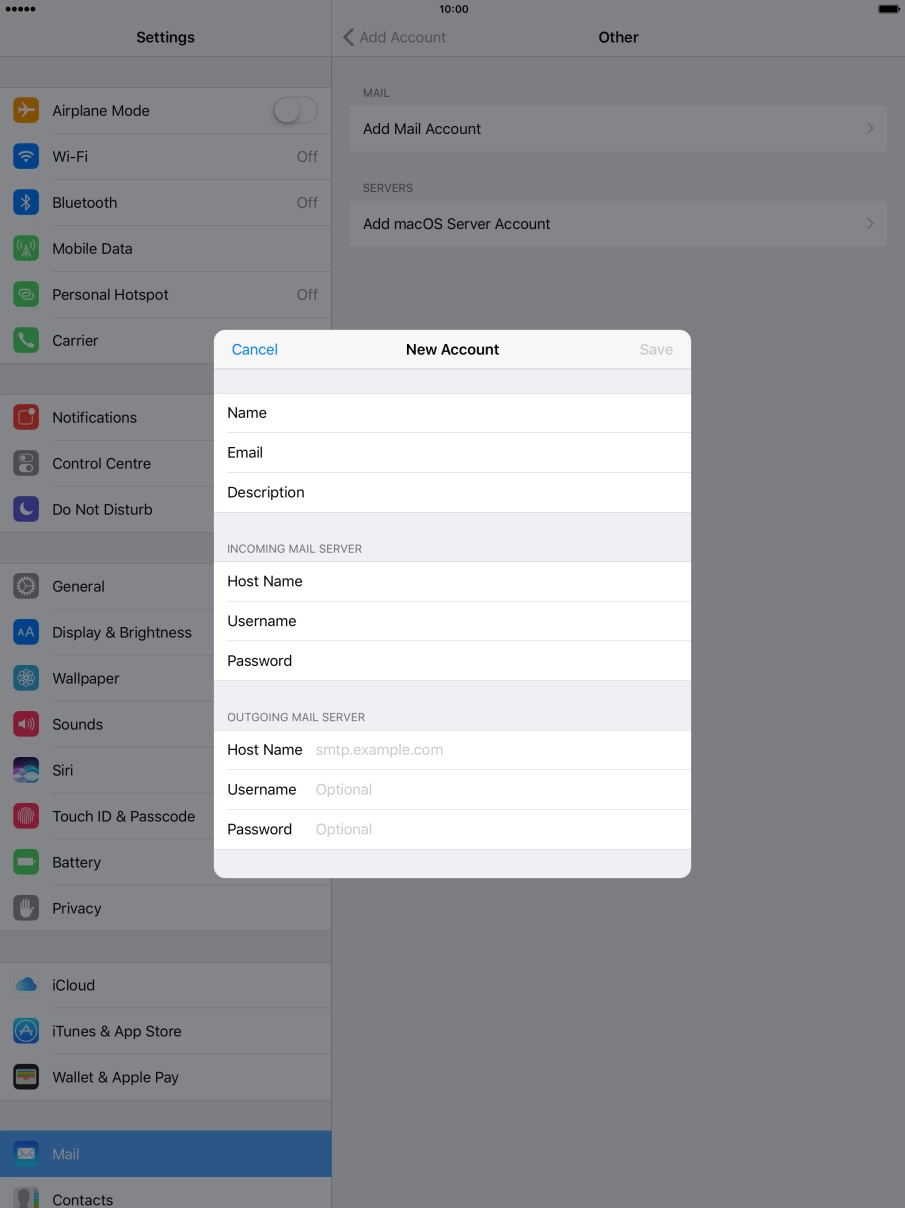
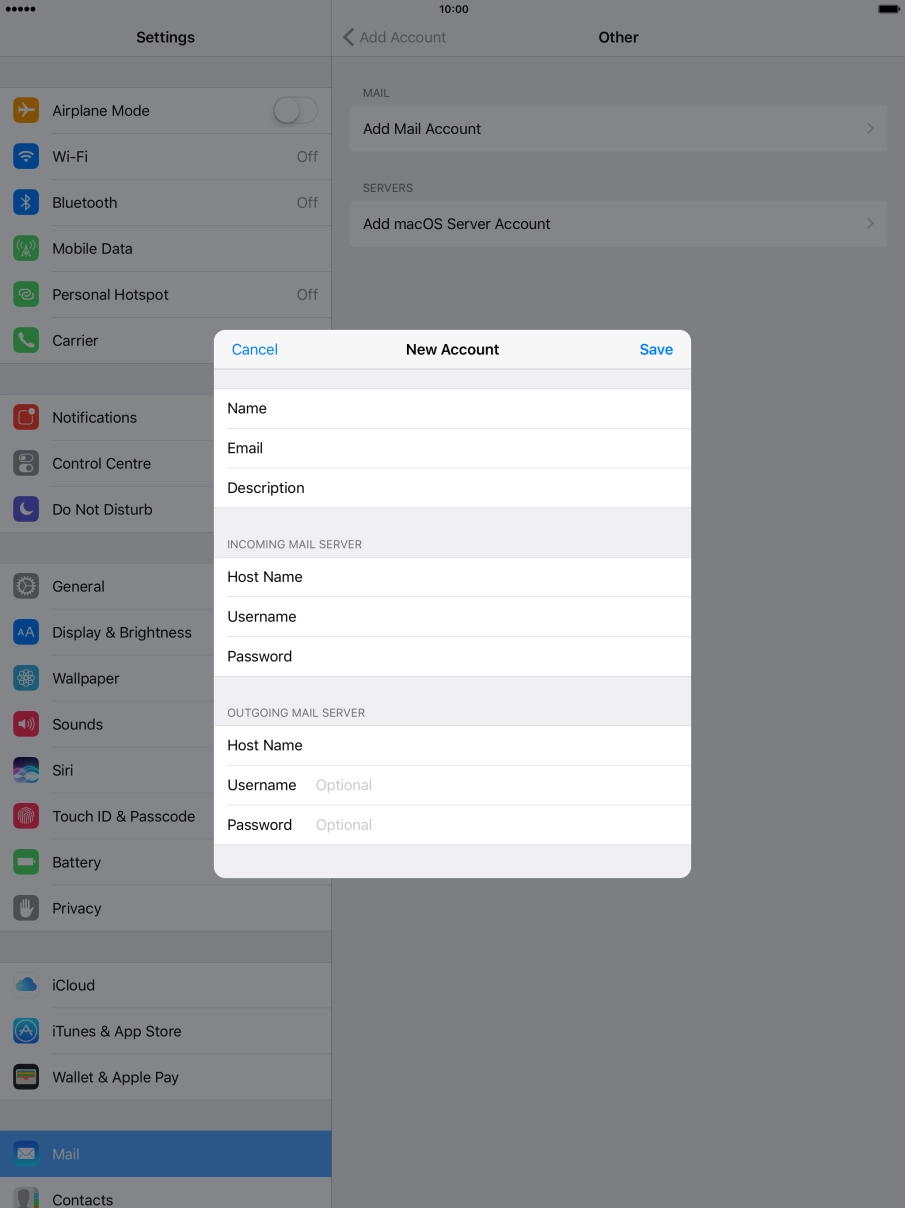
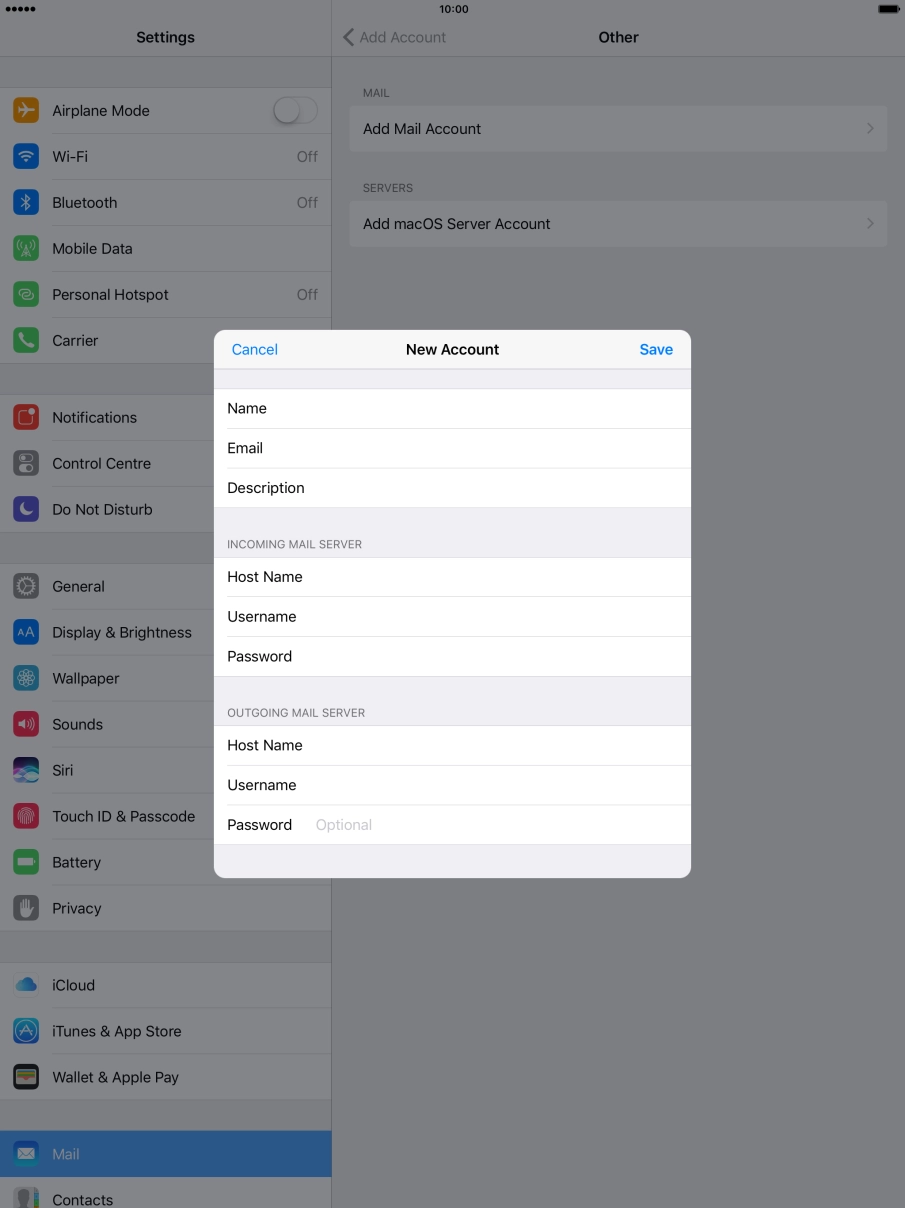
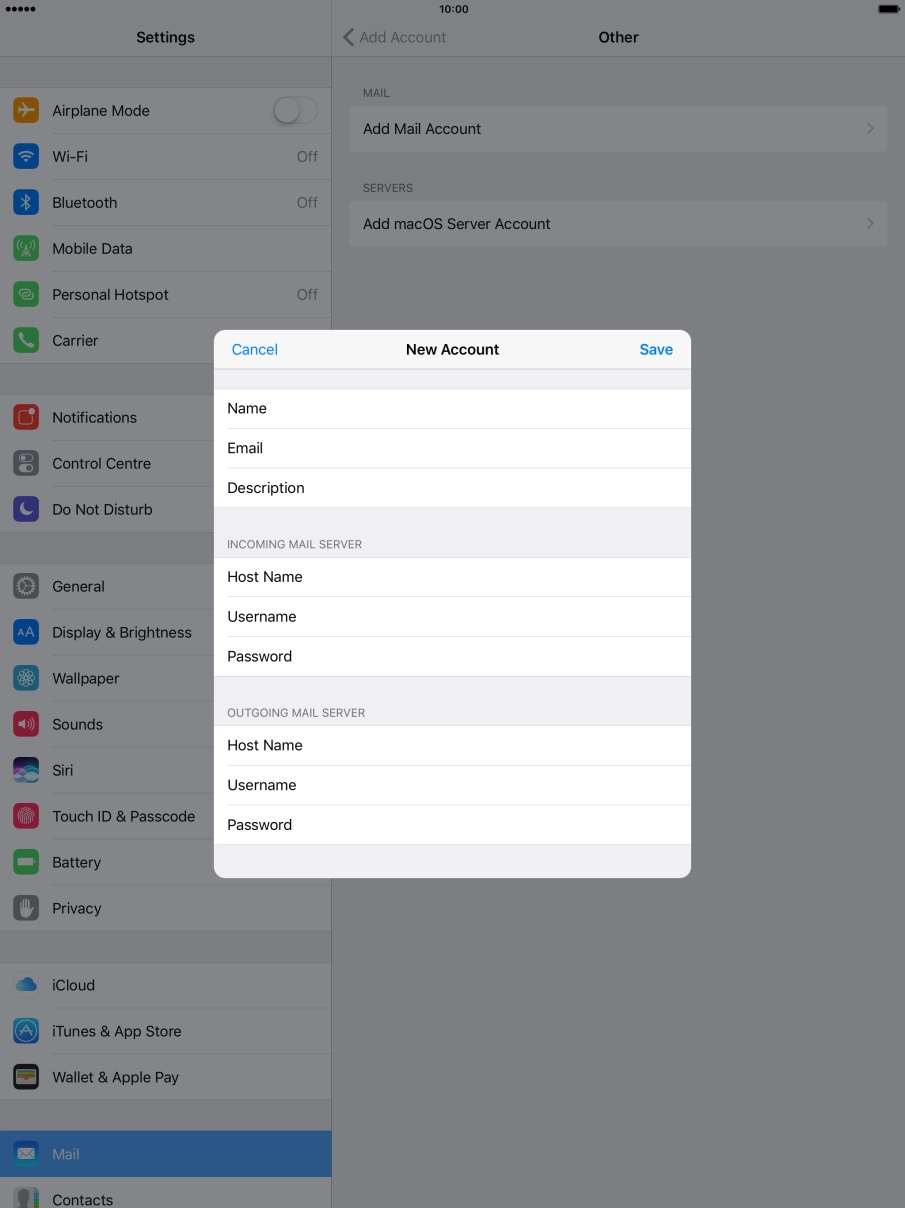
Step 1 of 42
Step 1 of 42
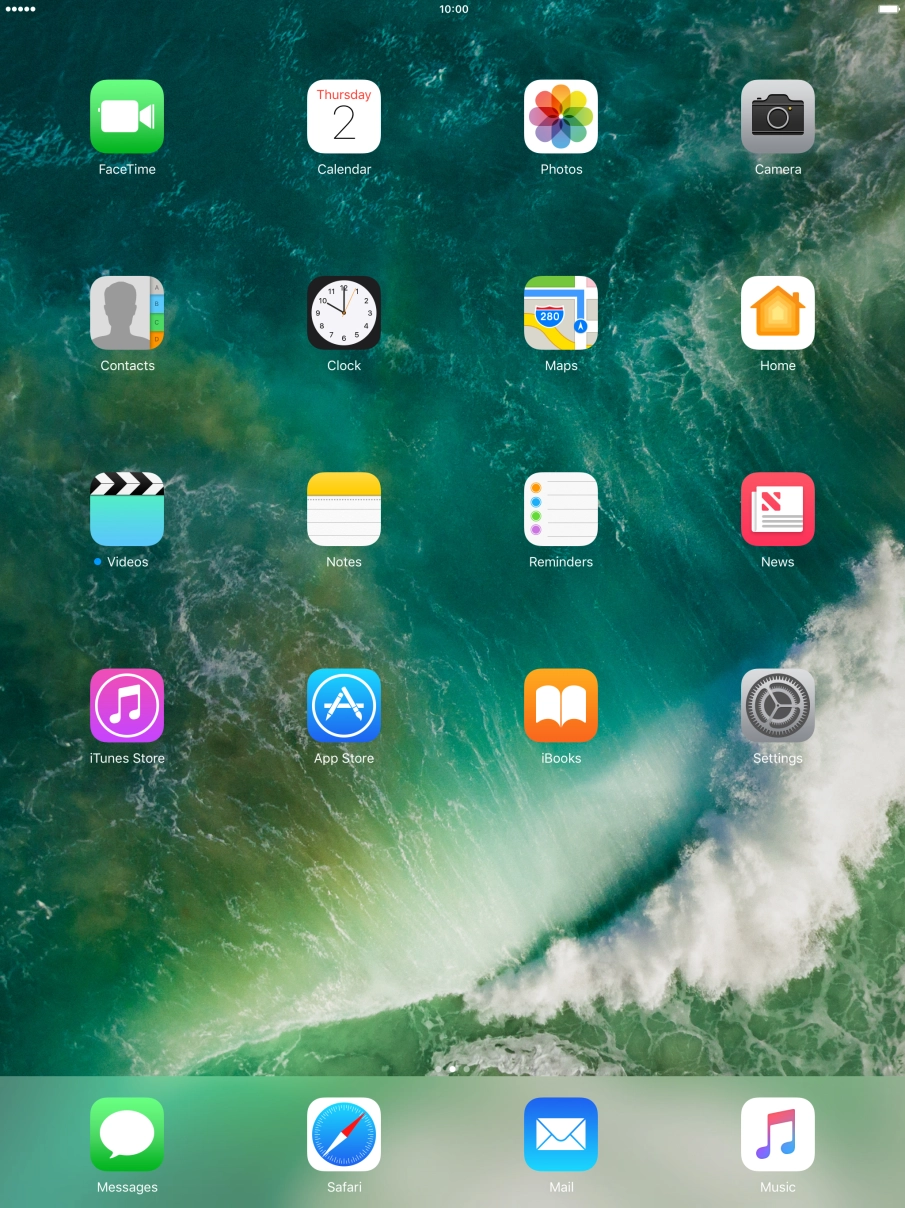
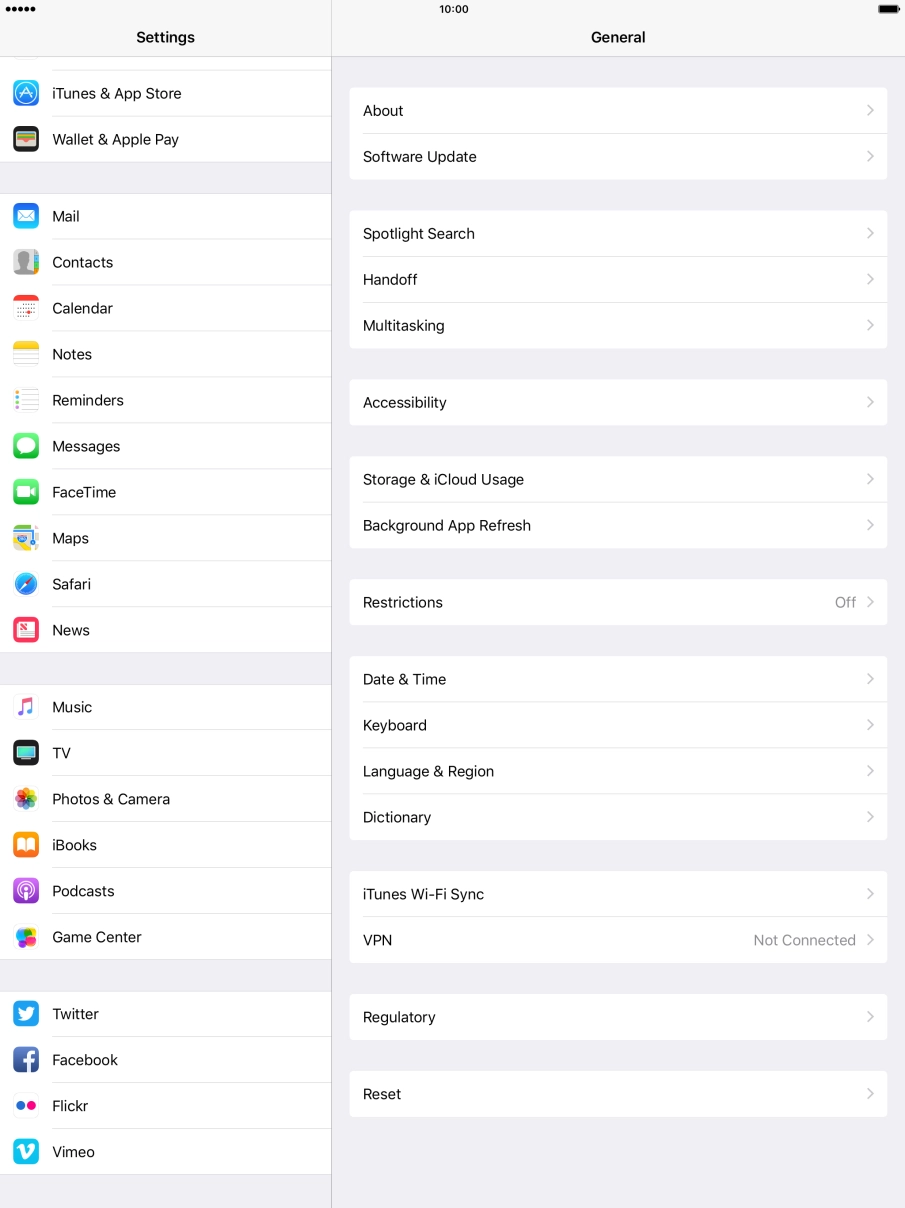
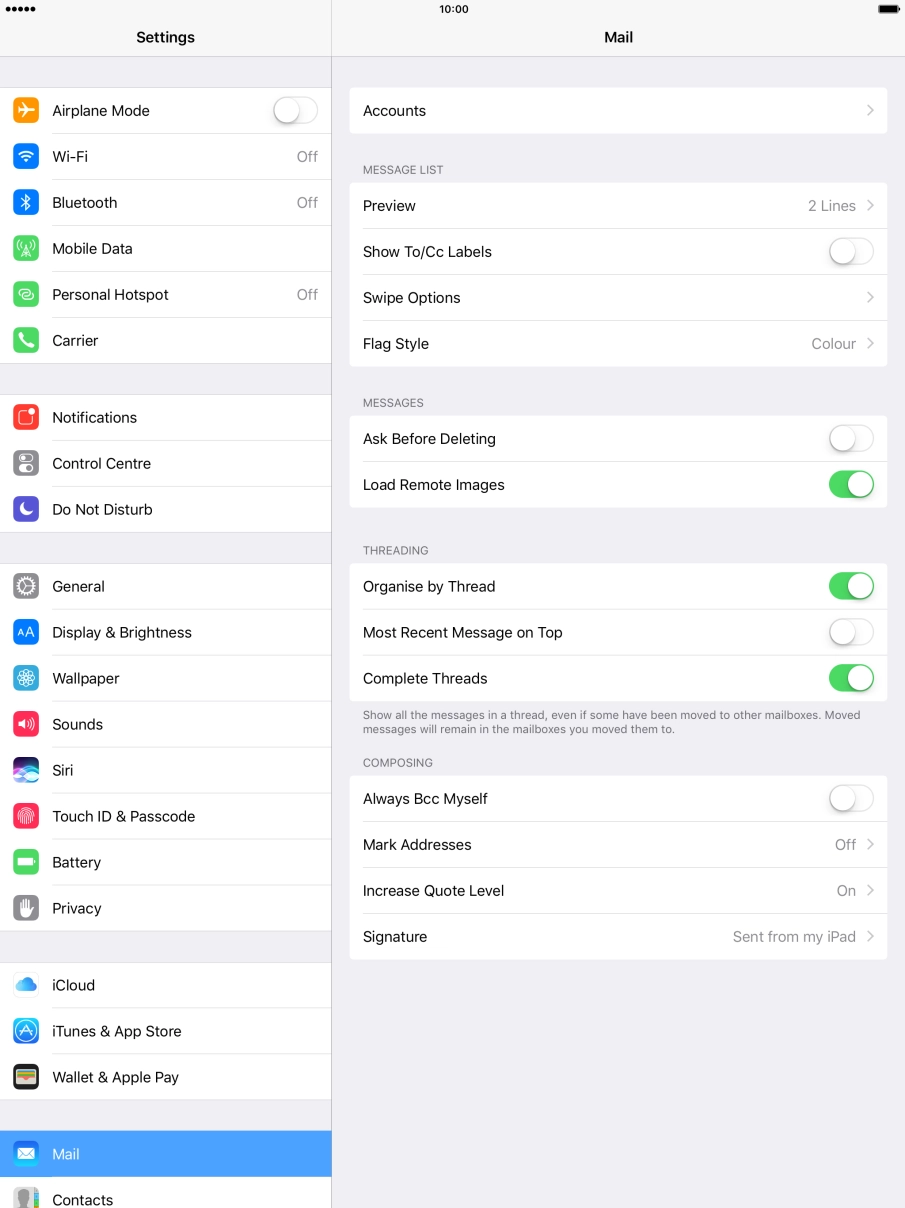
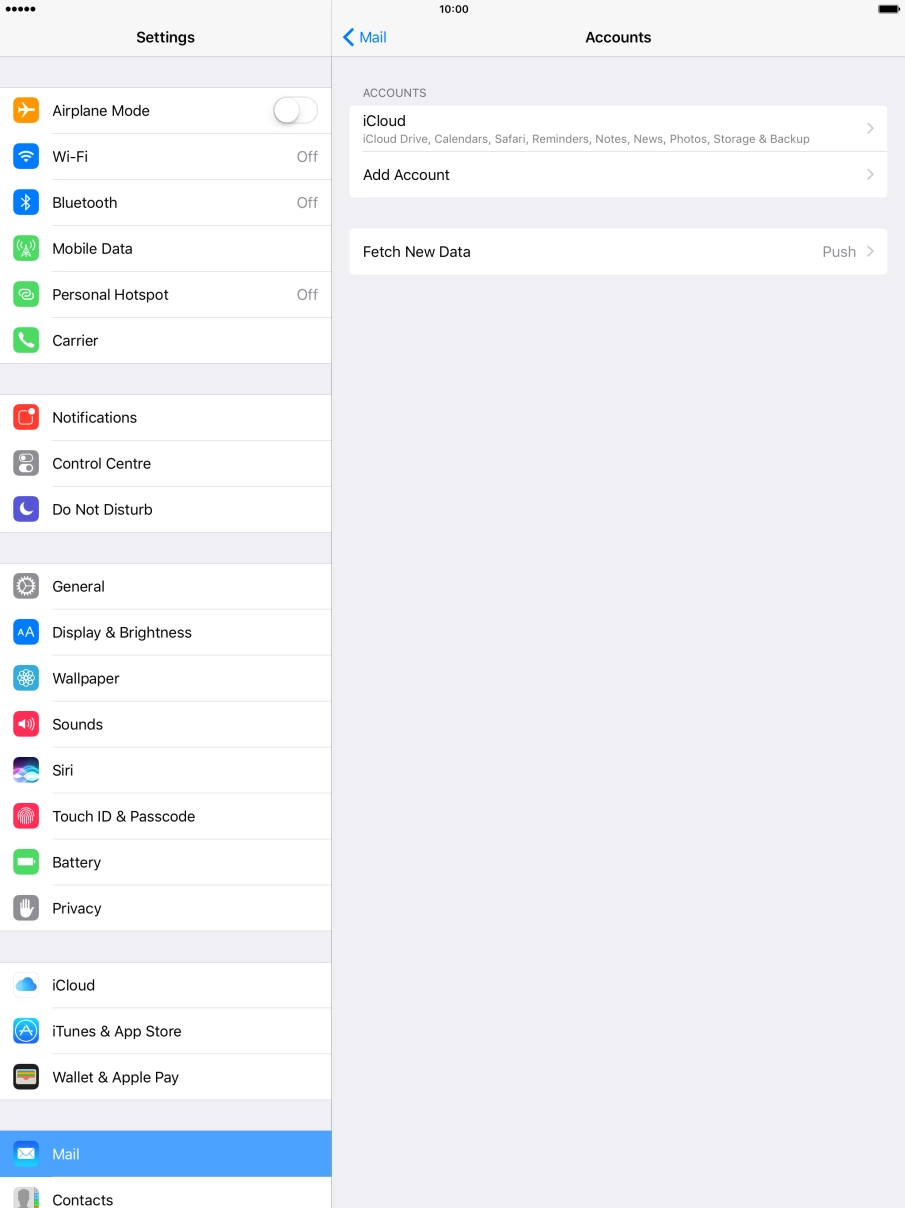
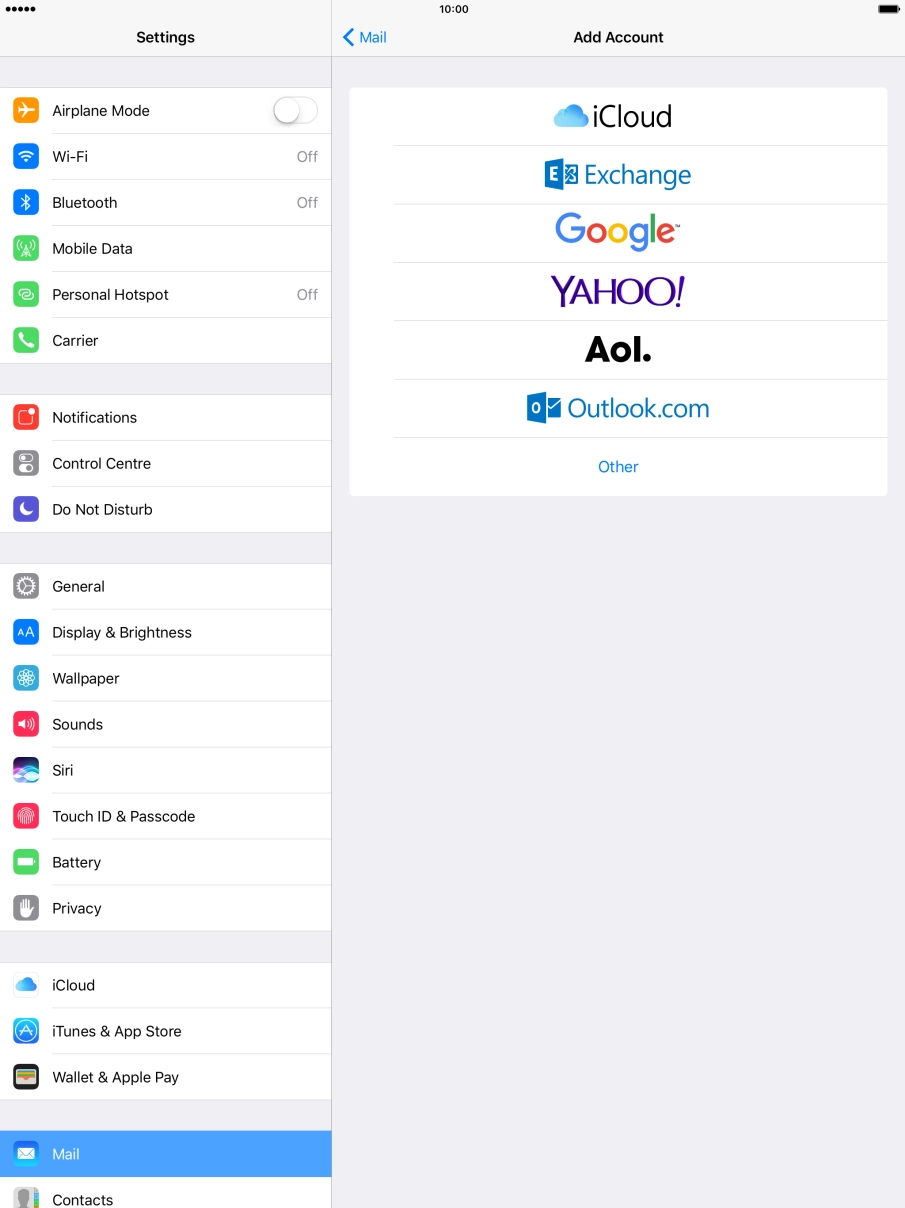
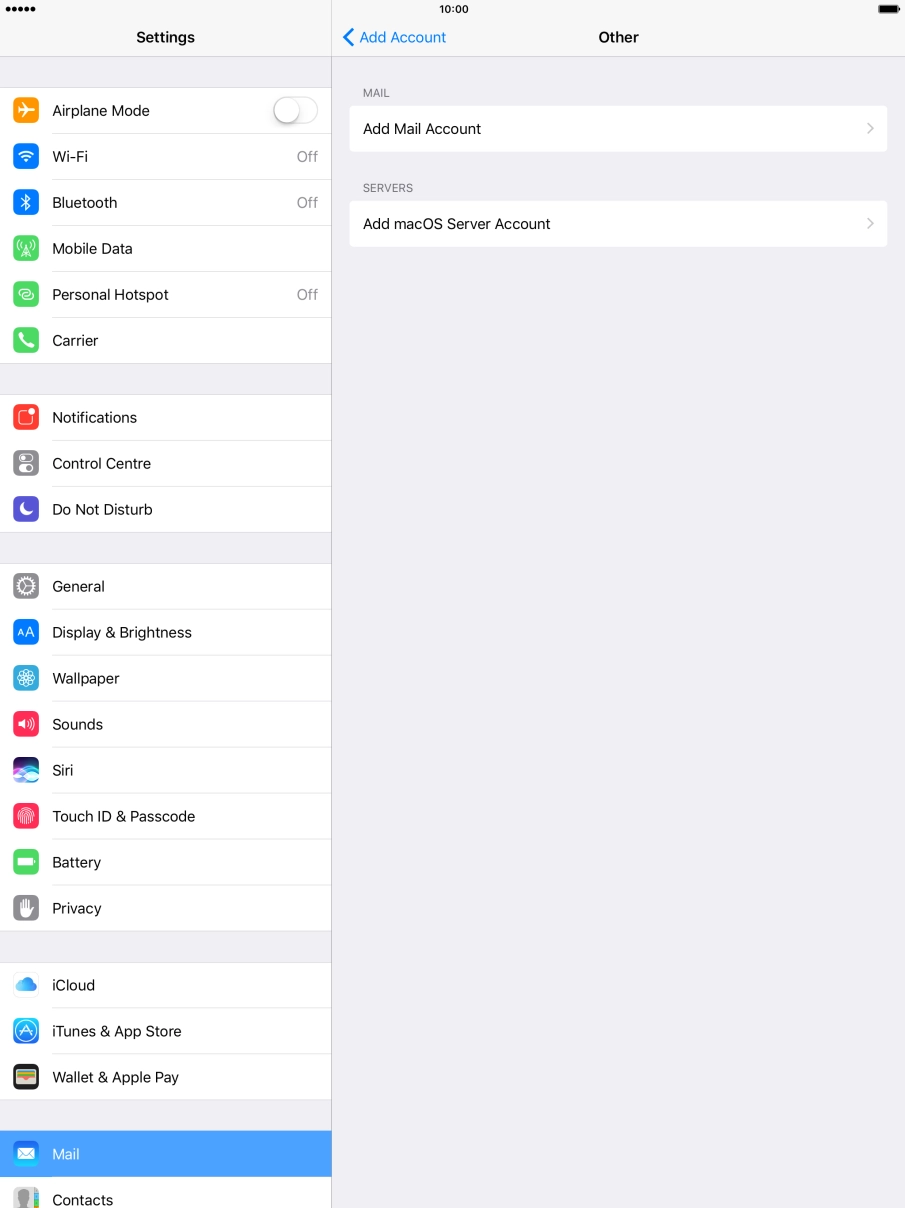
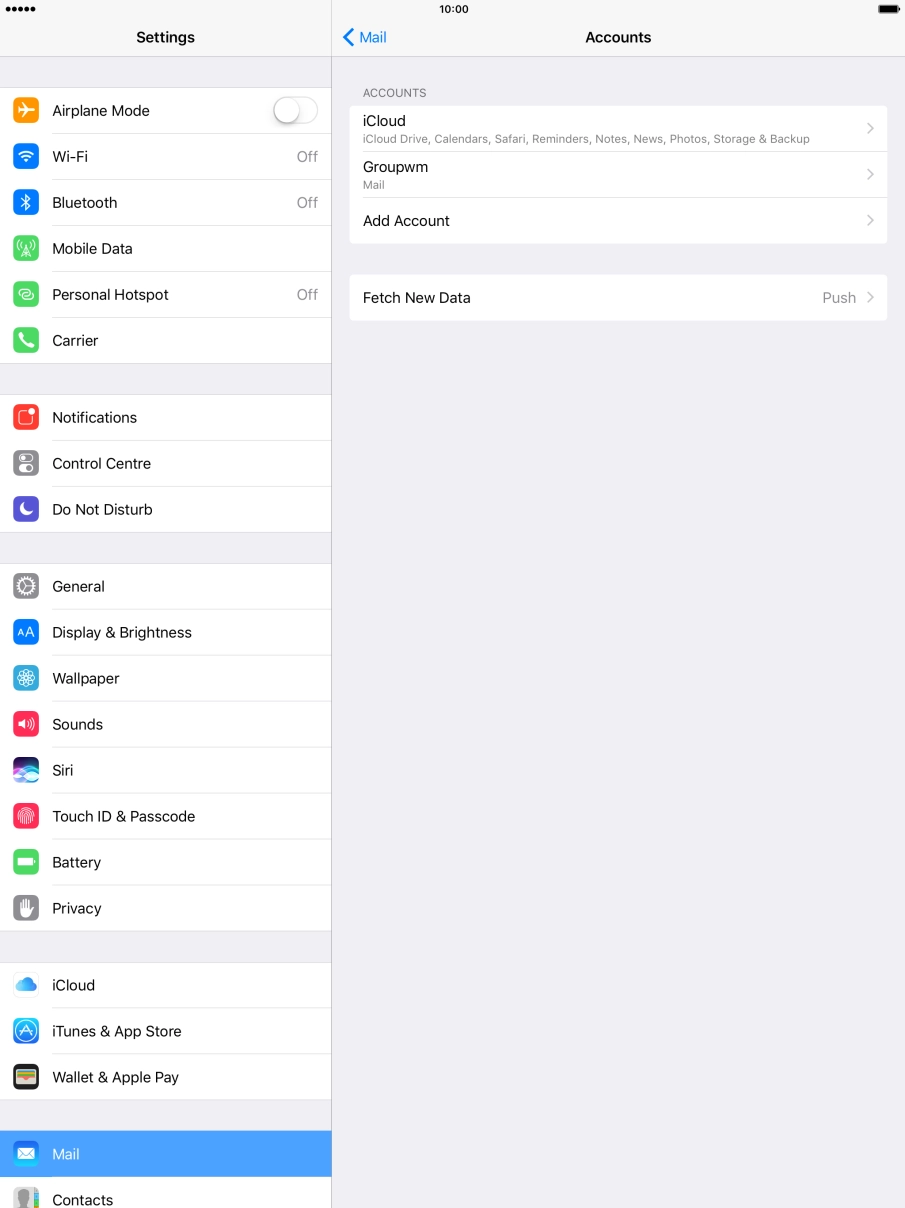
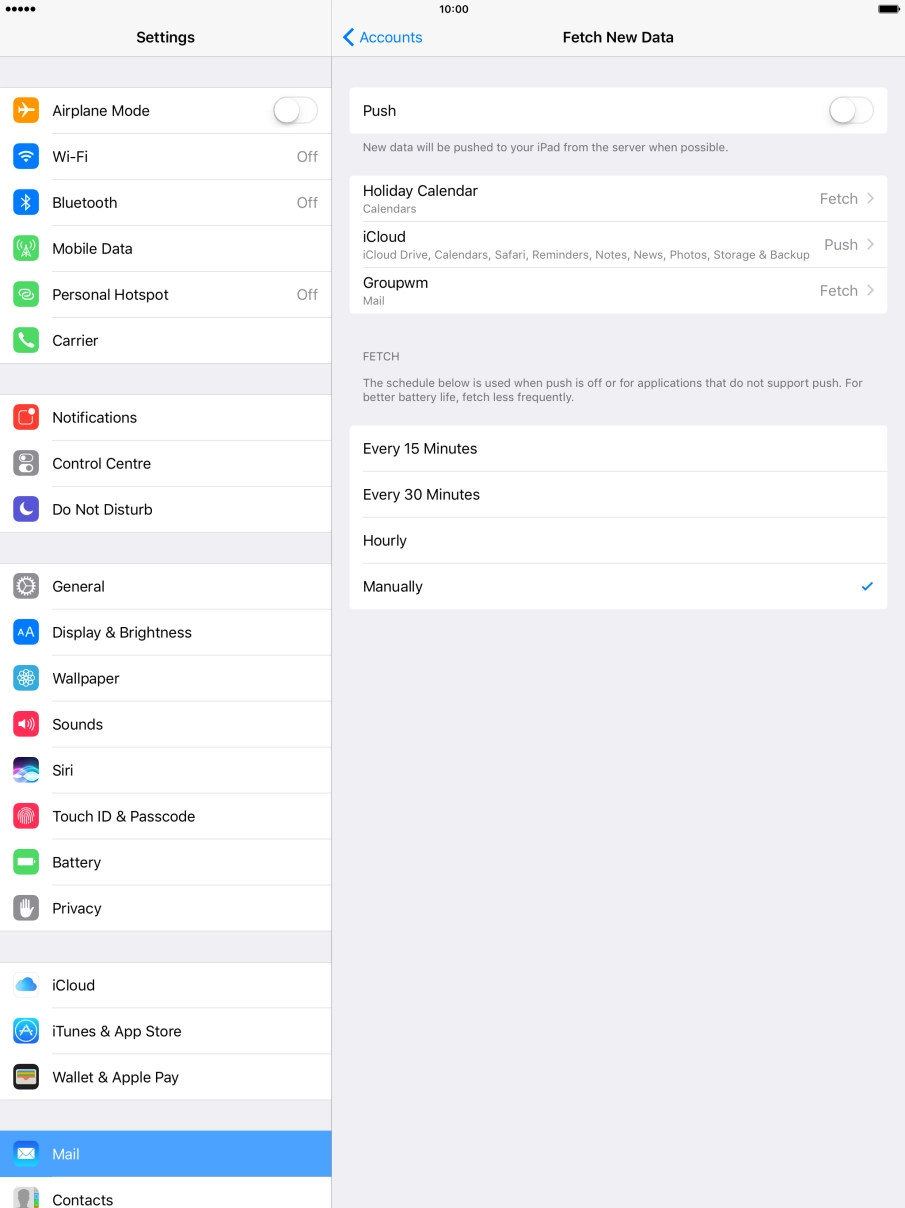
1. Find "Mail"
Press Settings.