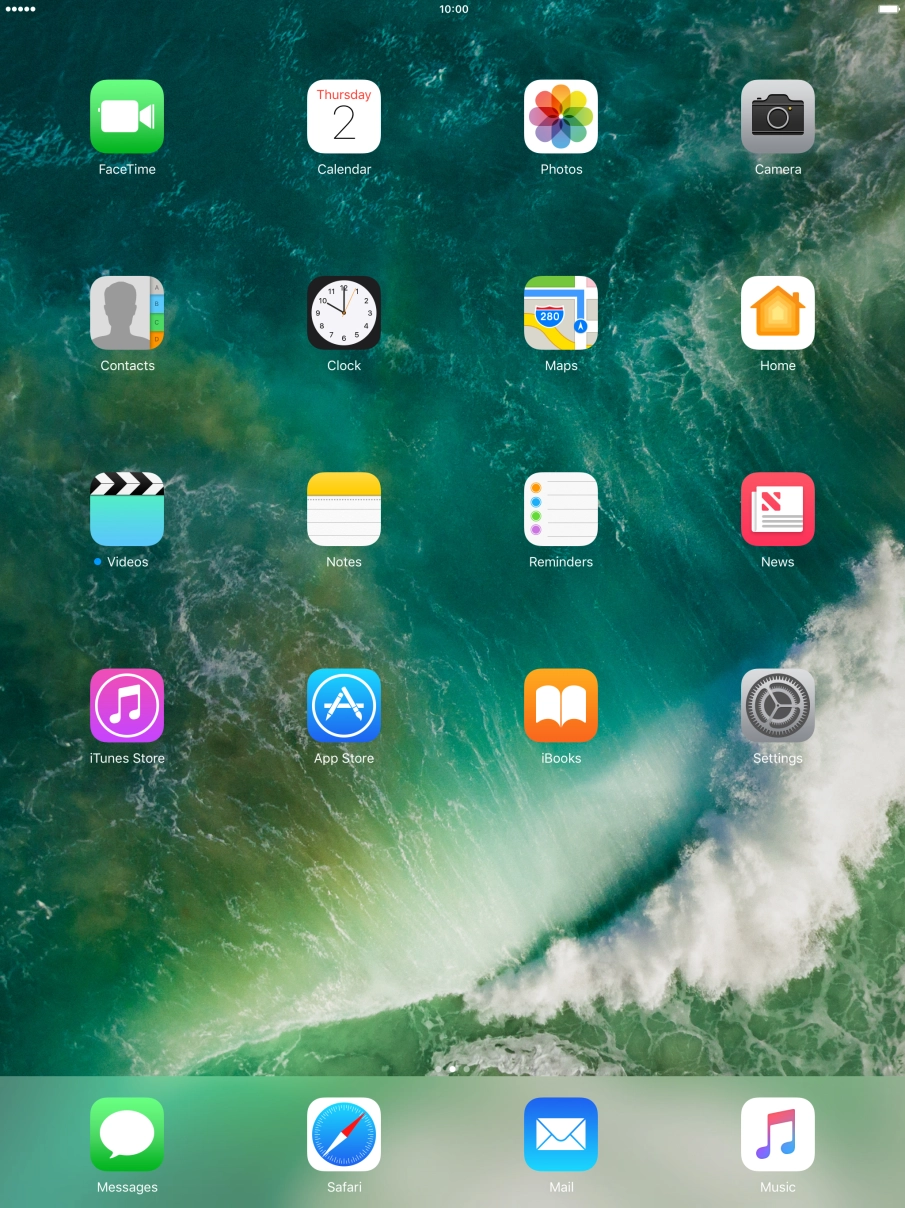
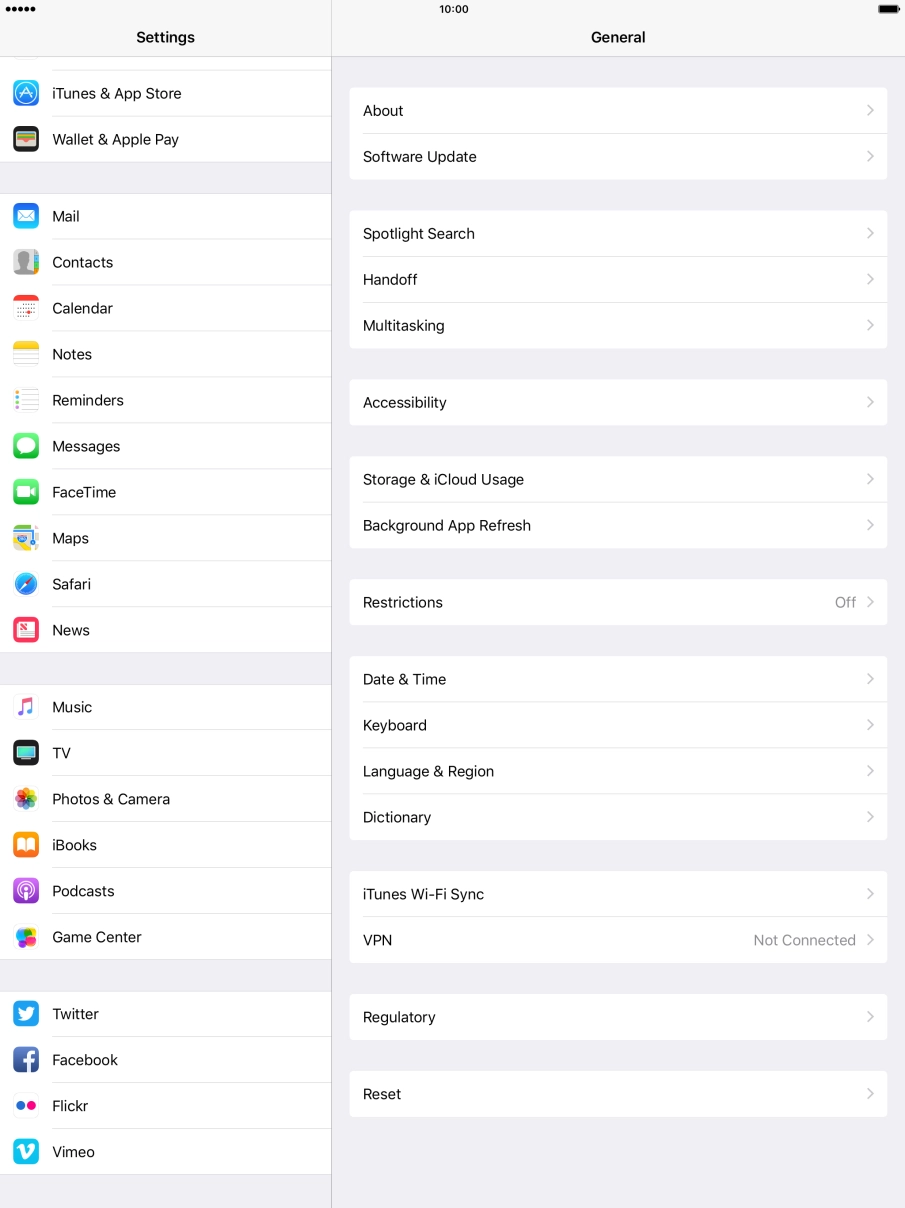
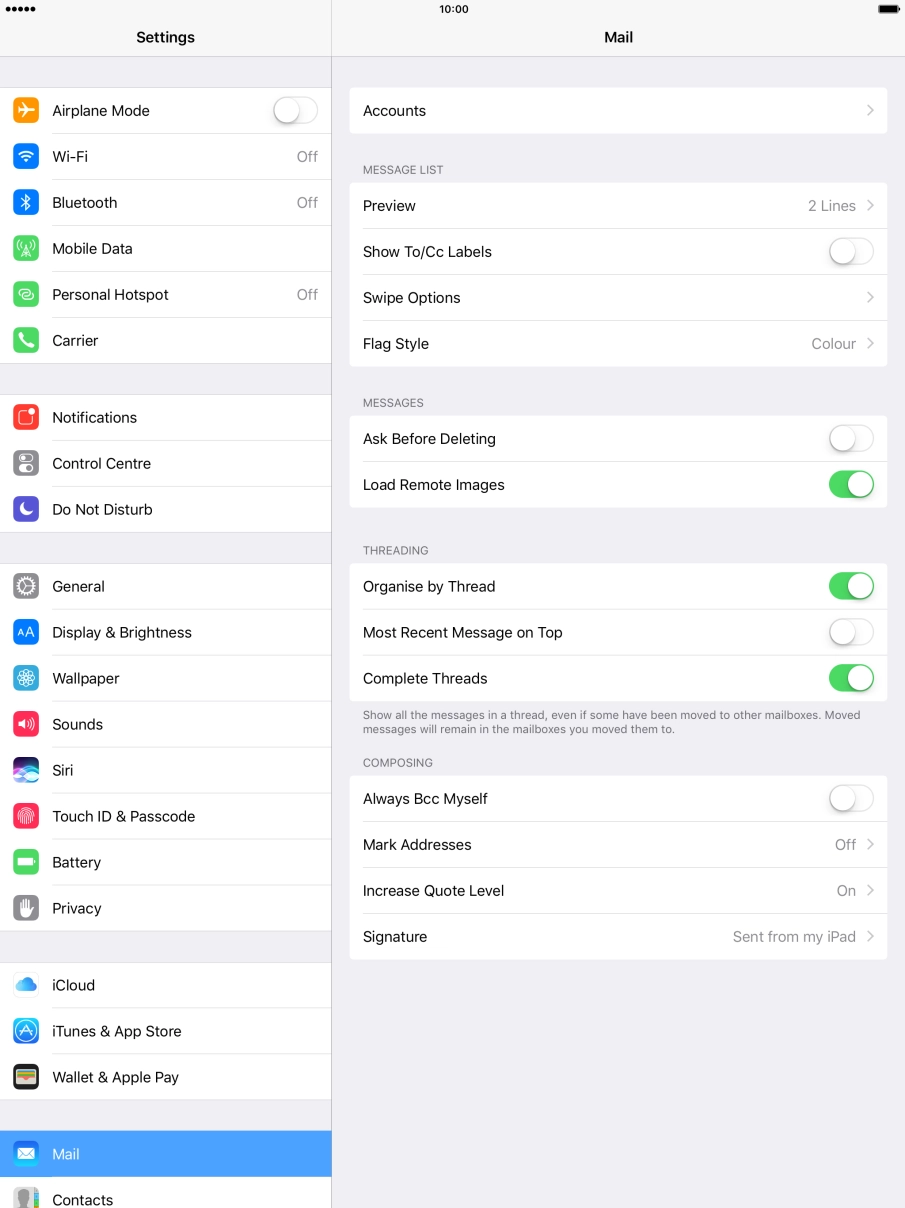
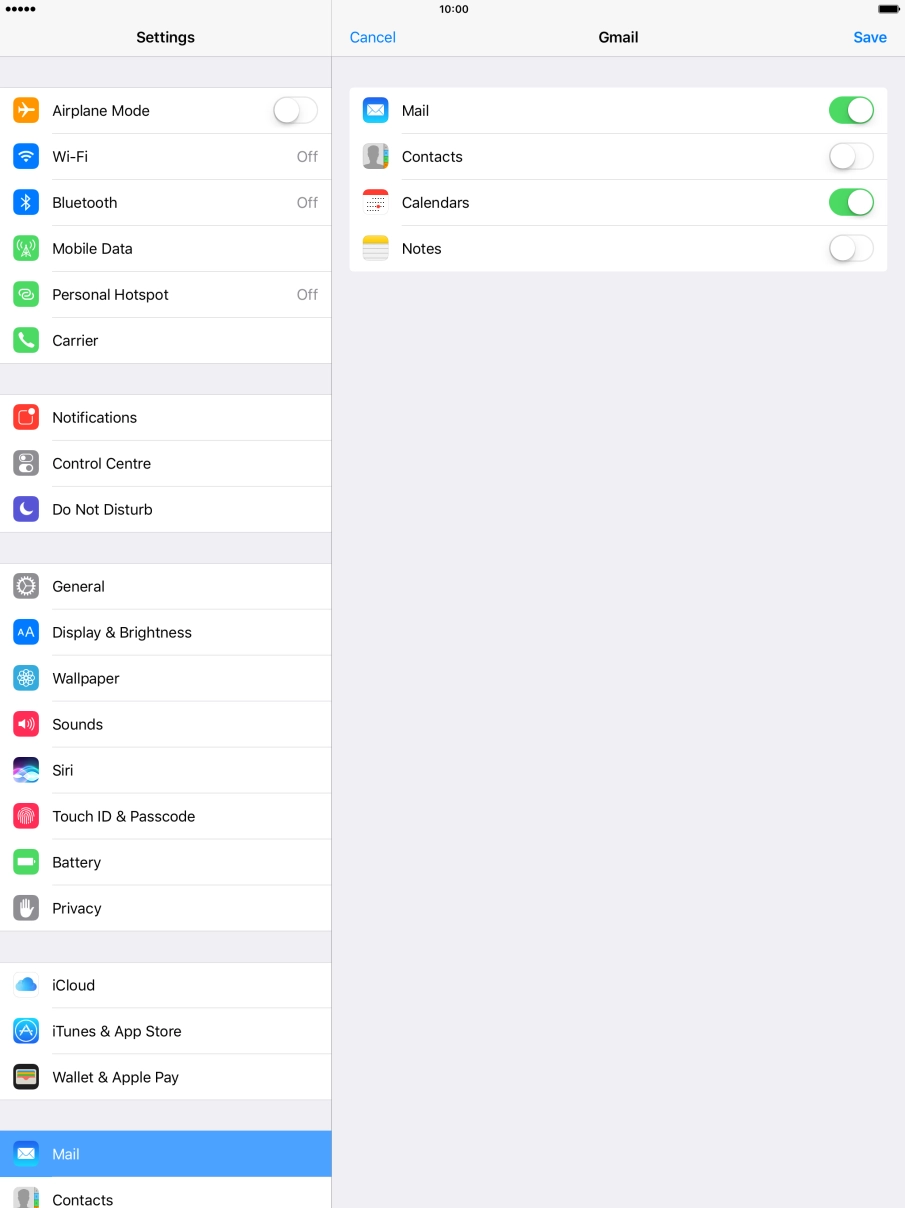
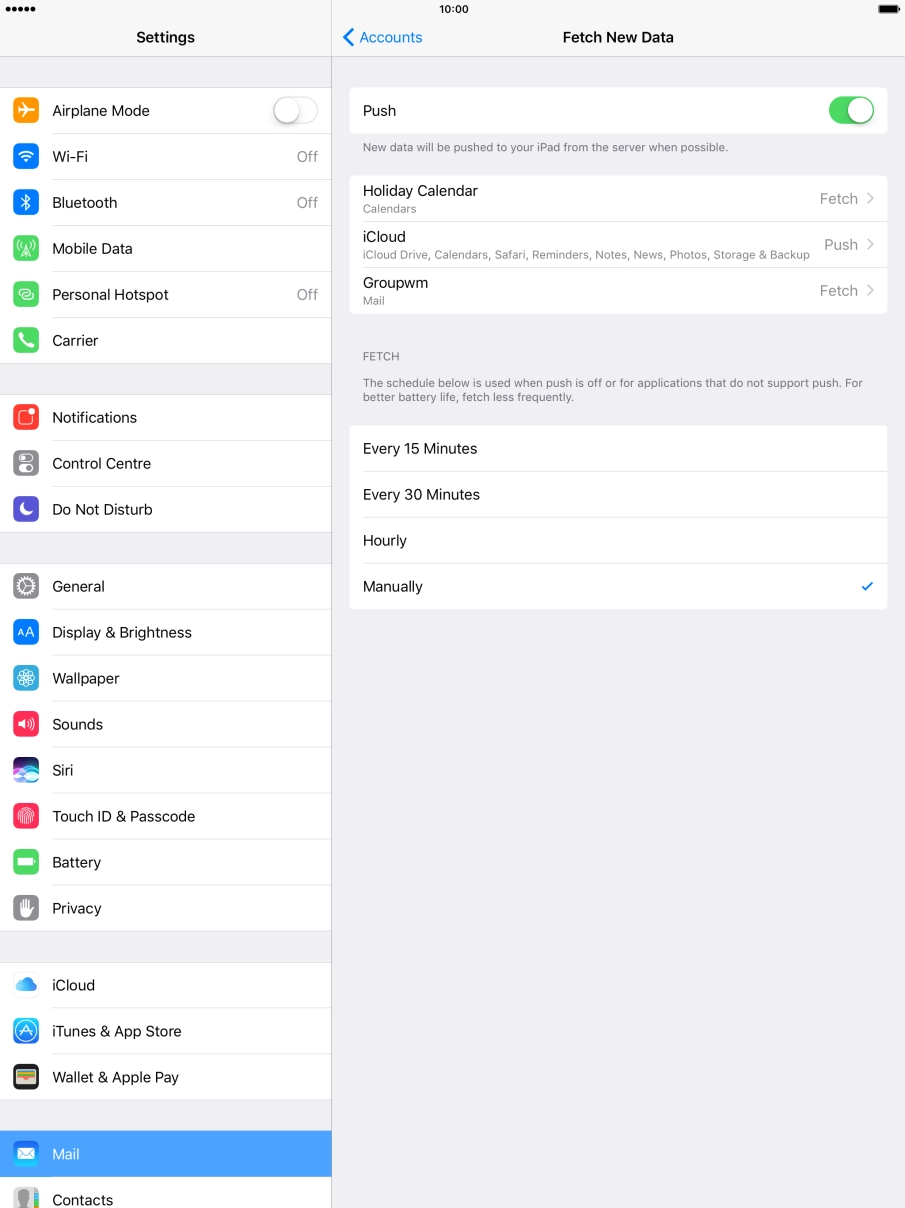
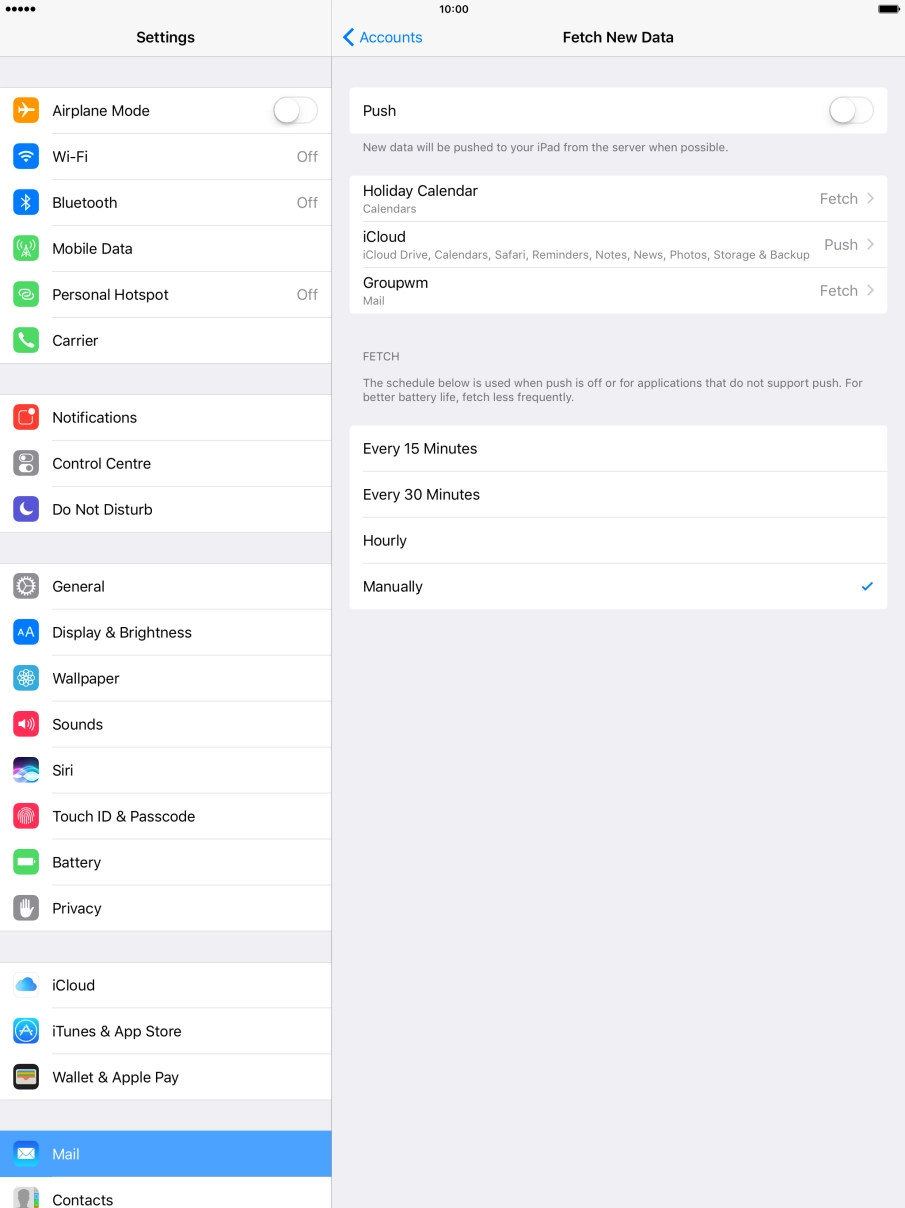
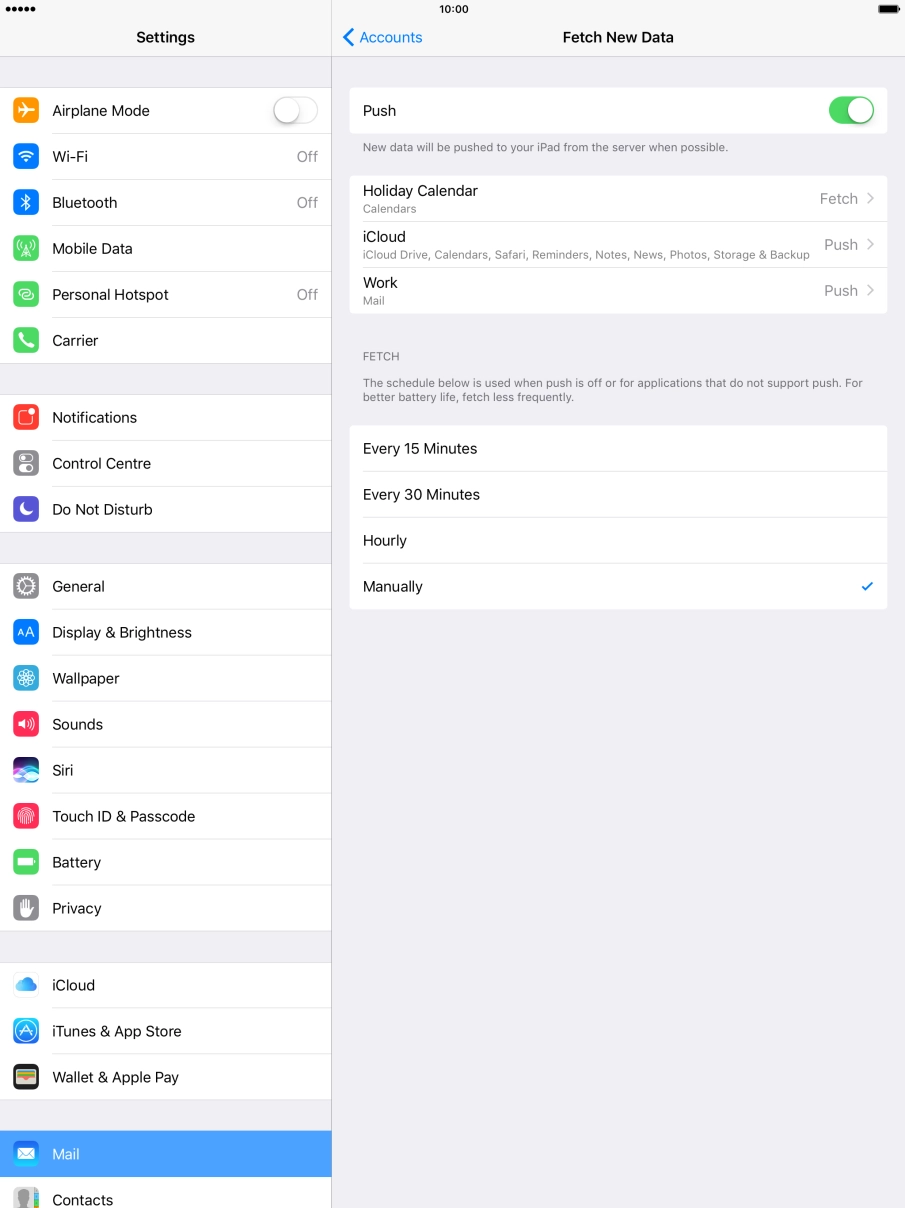
Press Settings.
Press Mail.
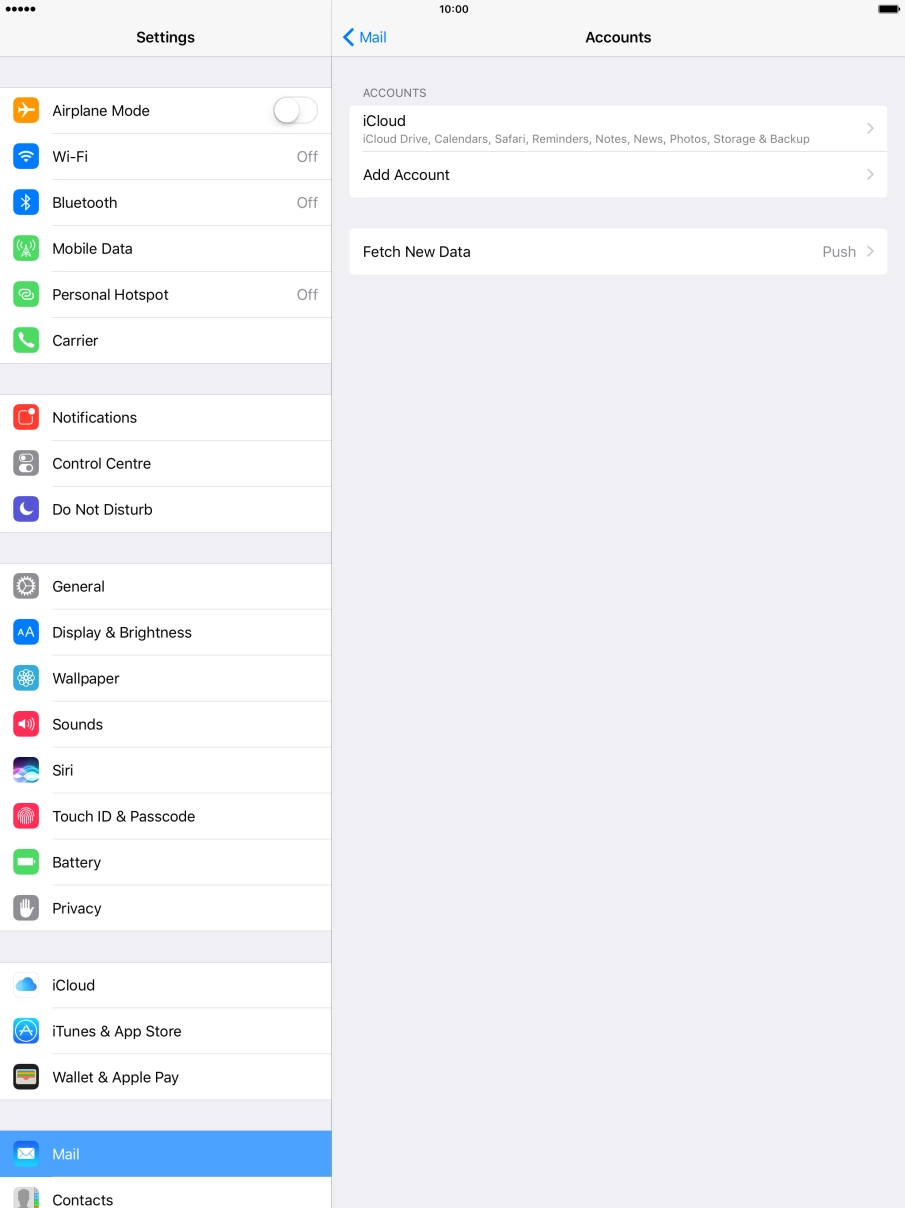
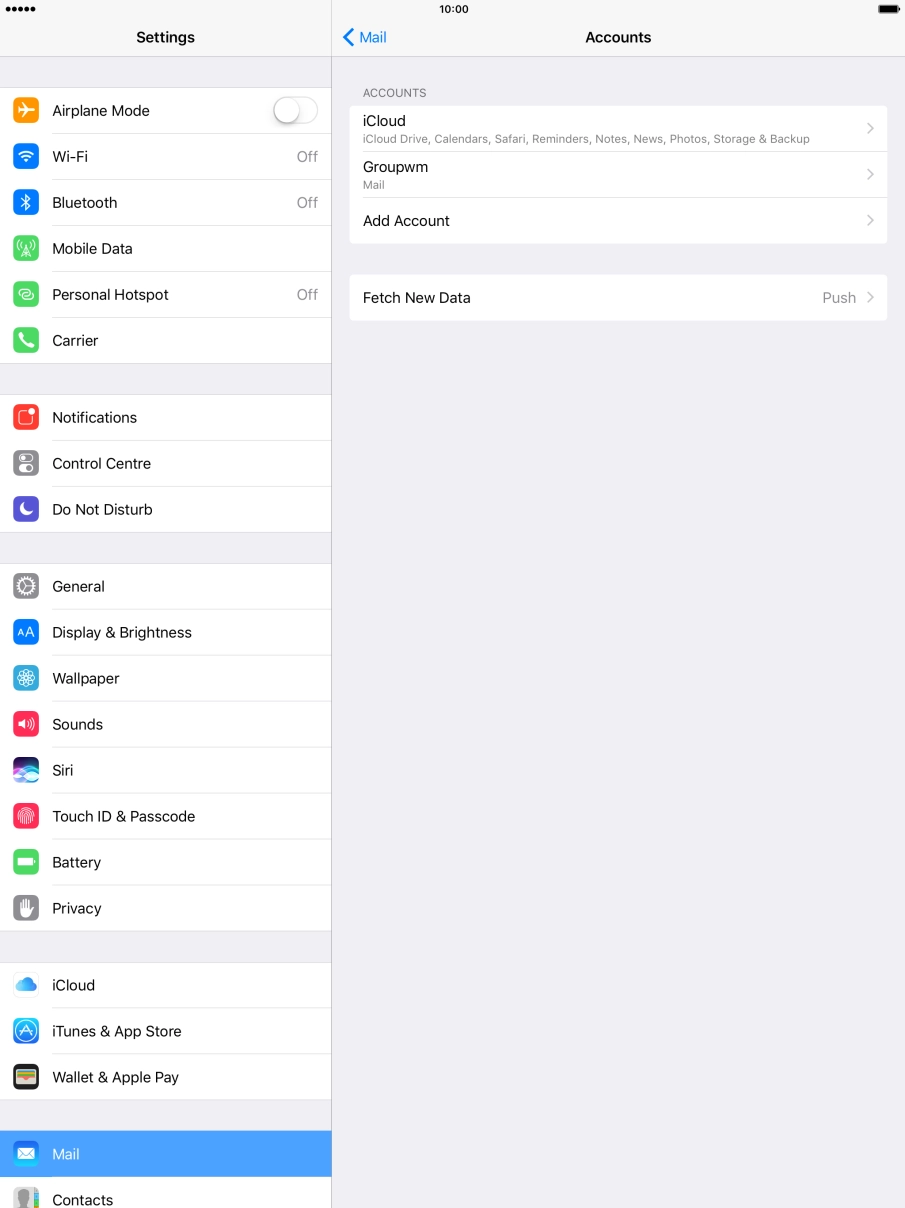
Press Accounts.
Press Add Account.
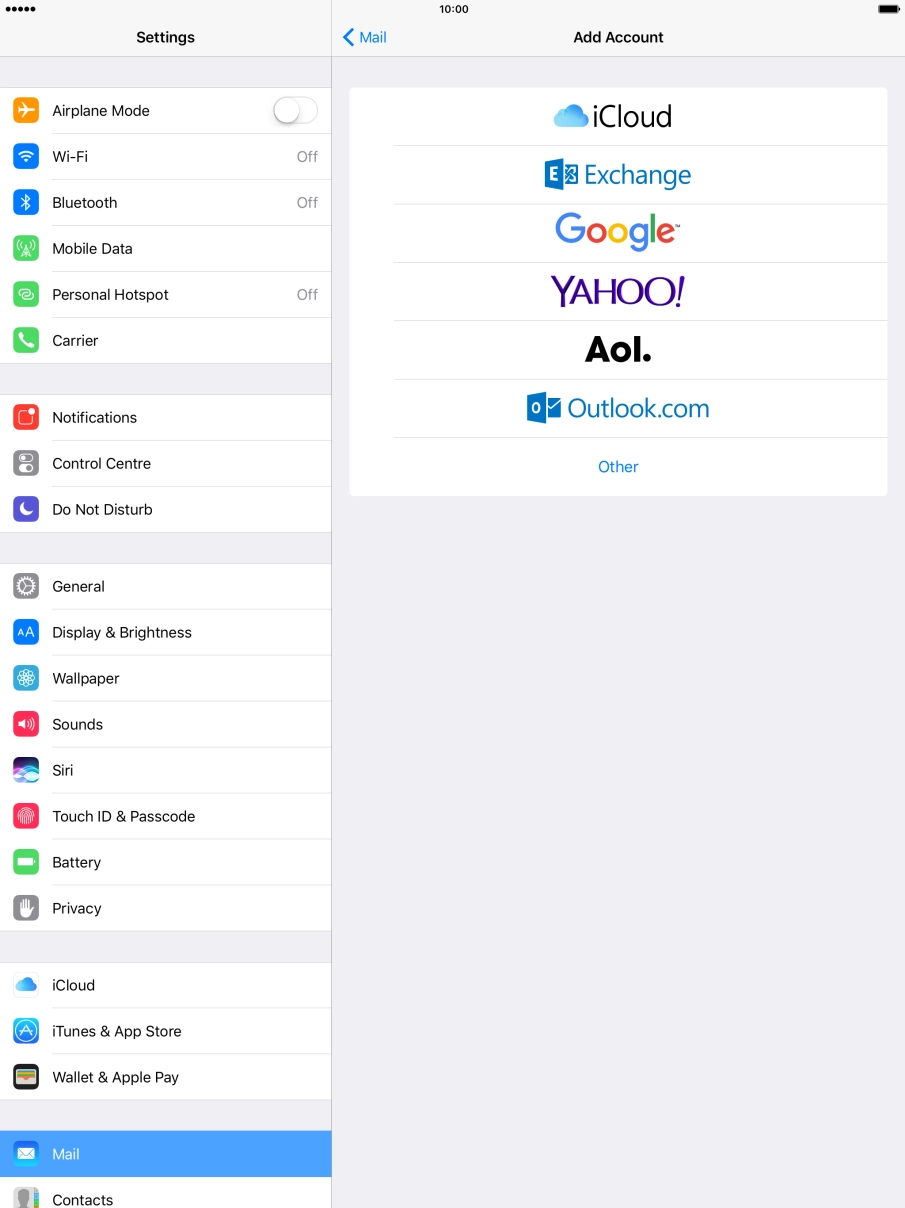
Press Other.
If the name of your email provider is on the list, press this instead.
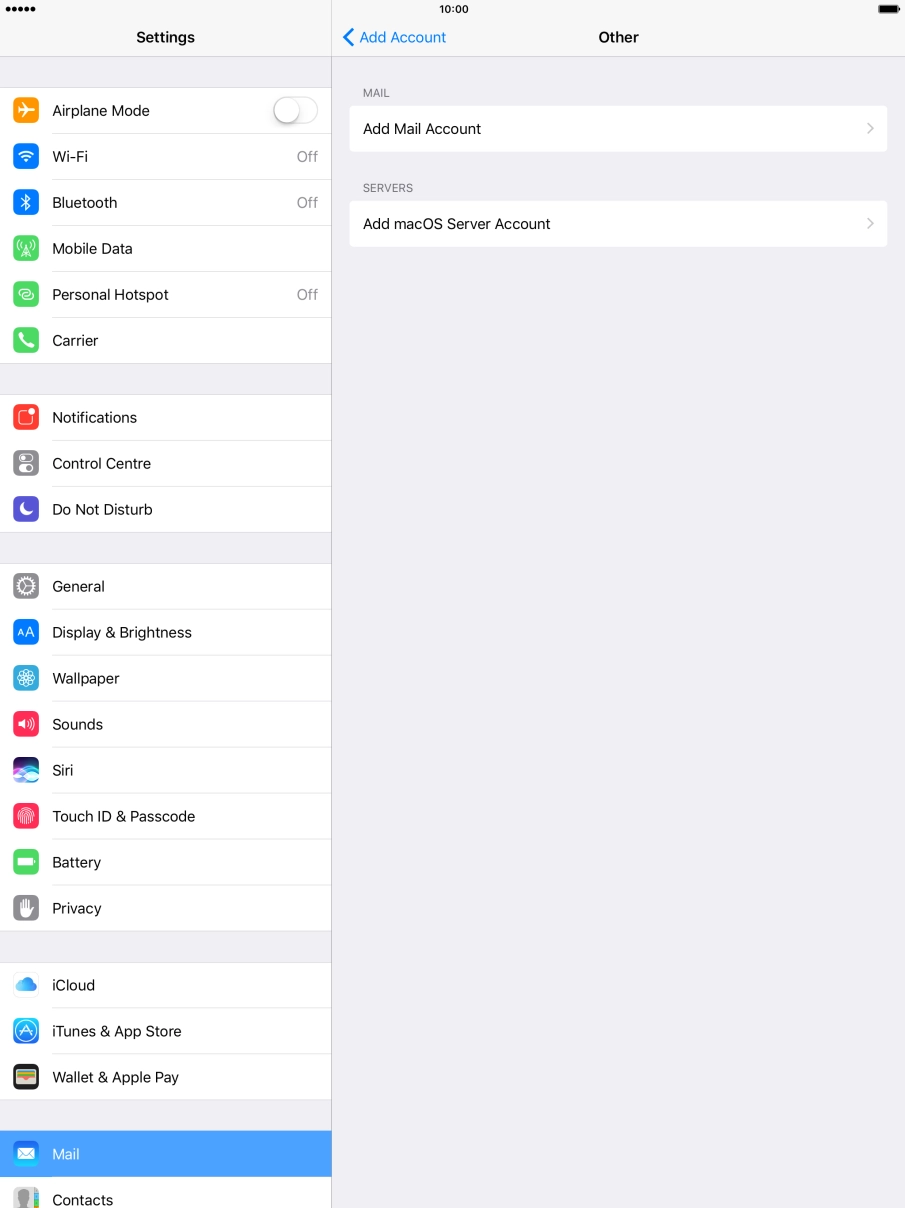
Press Add Mail Account.
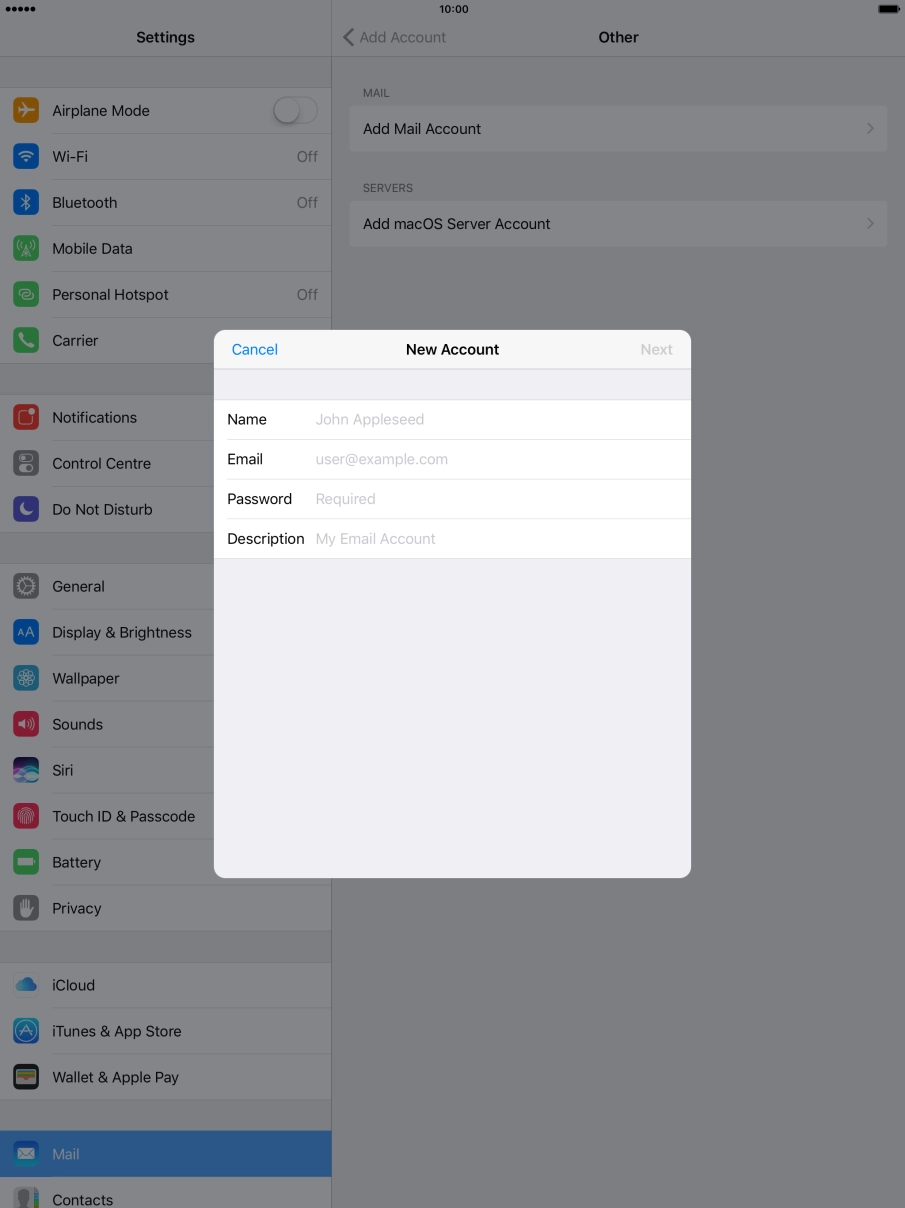
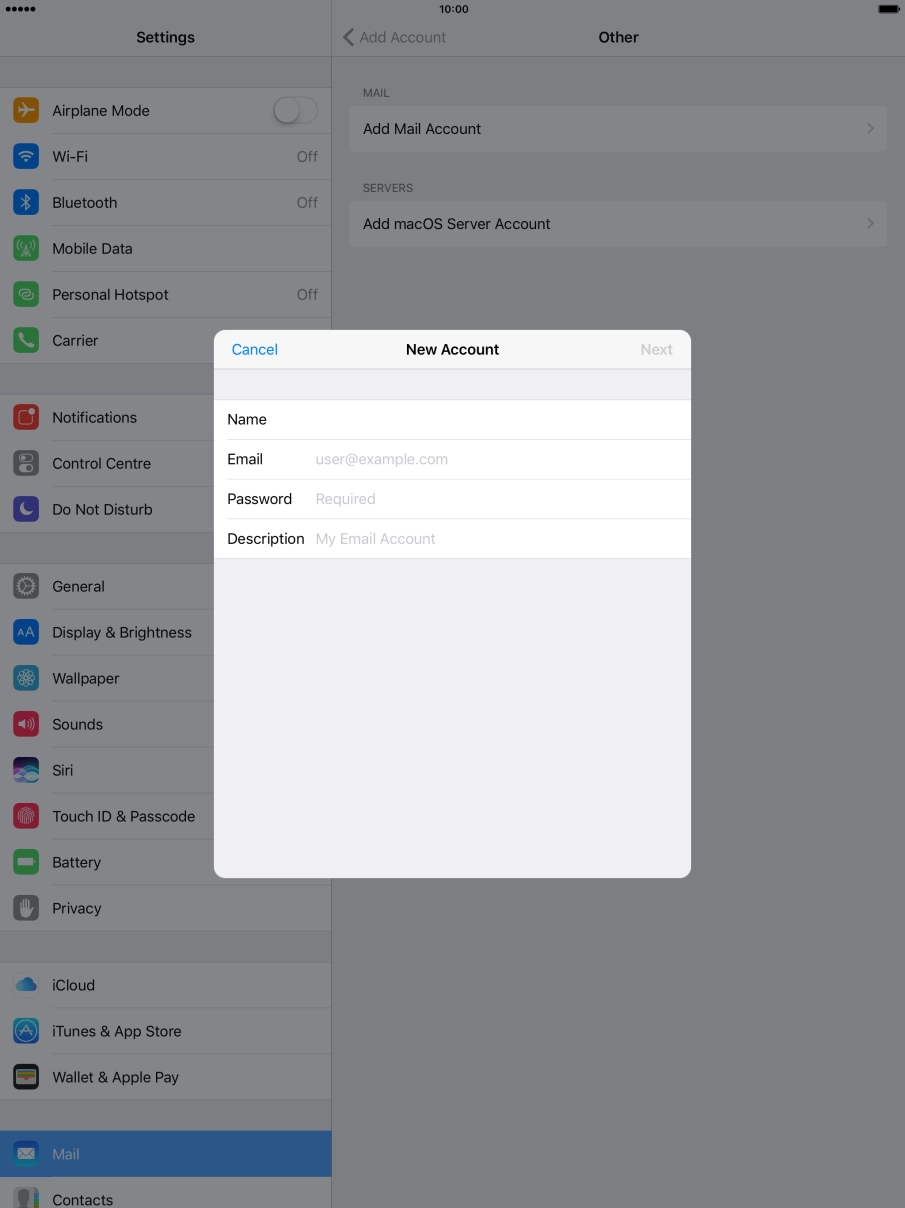
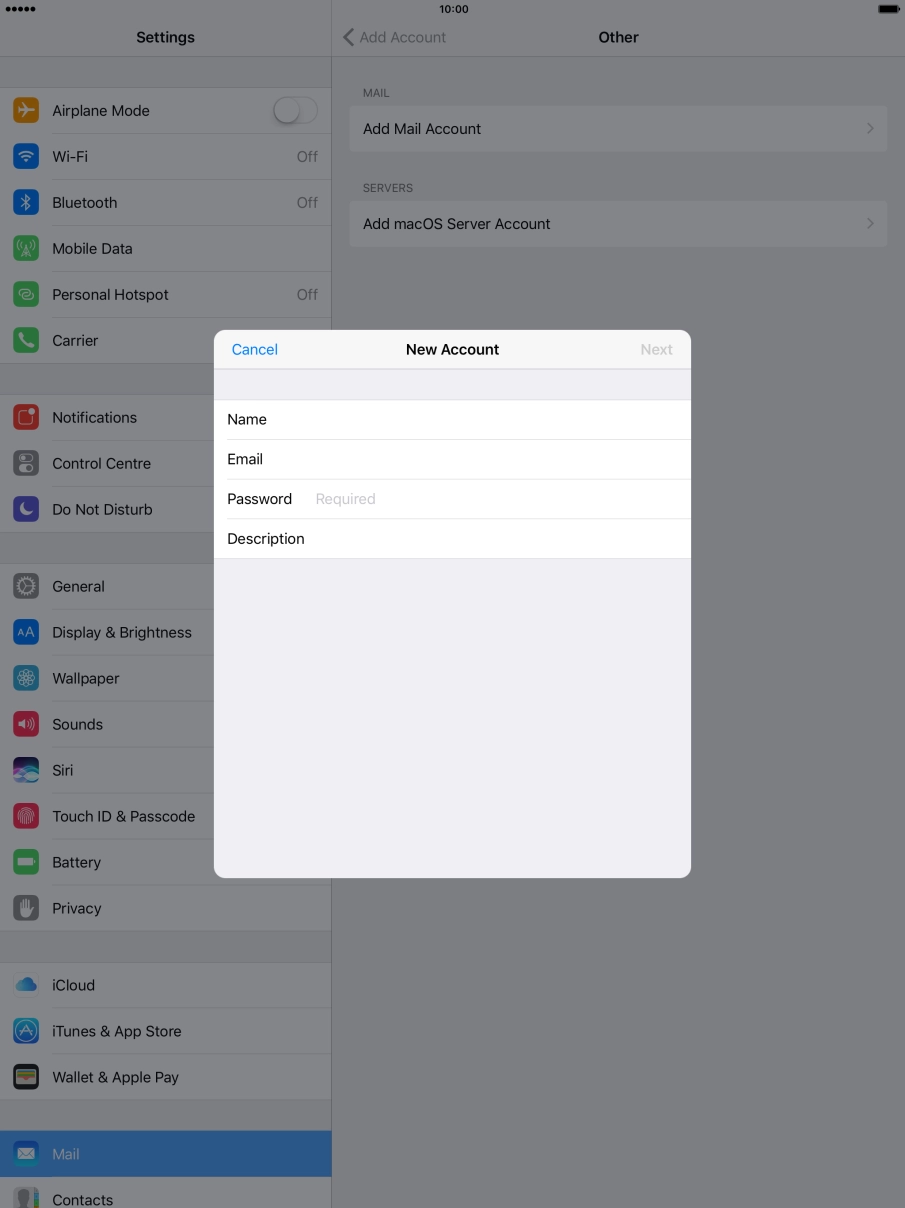
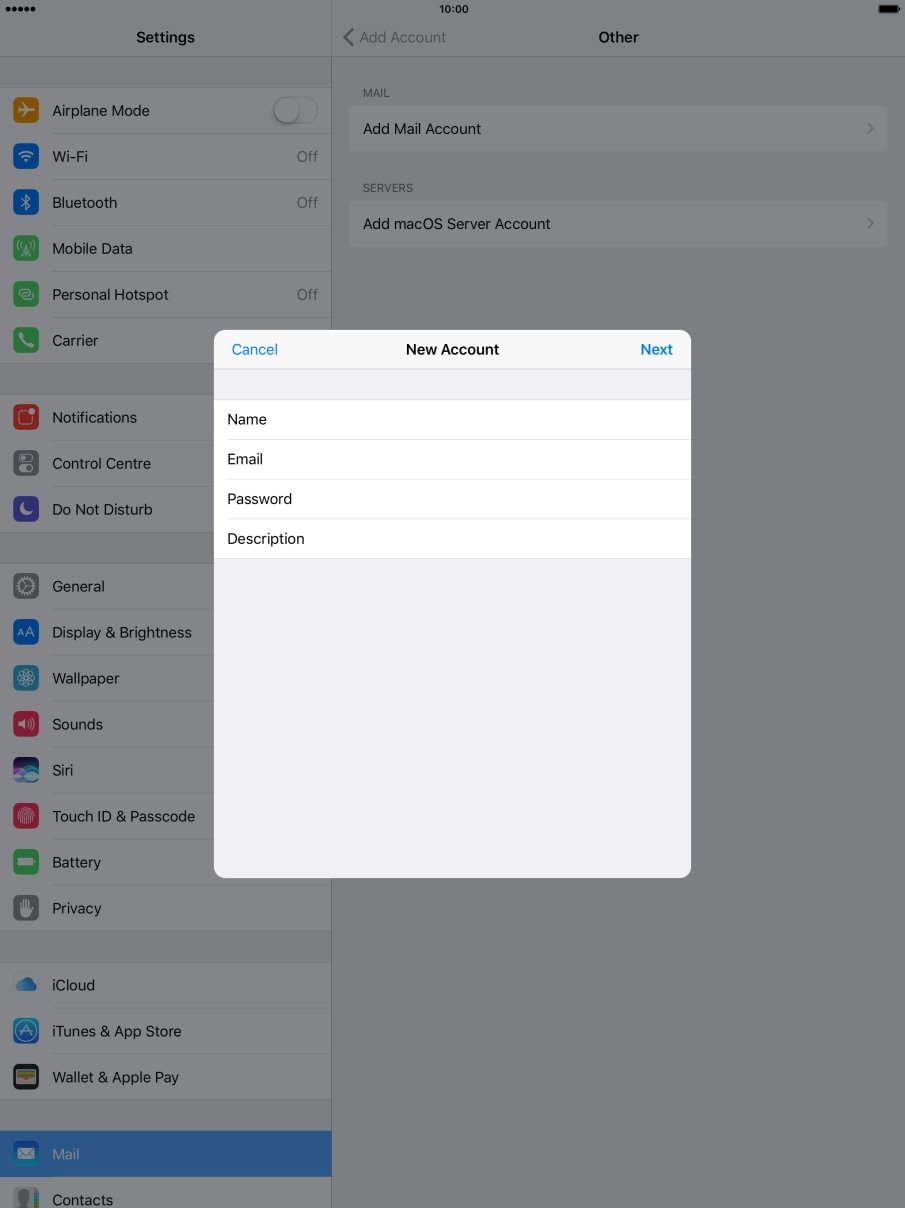
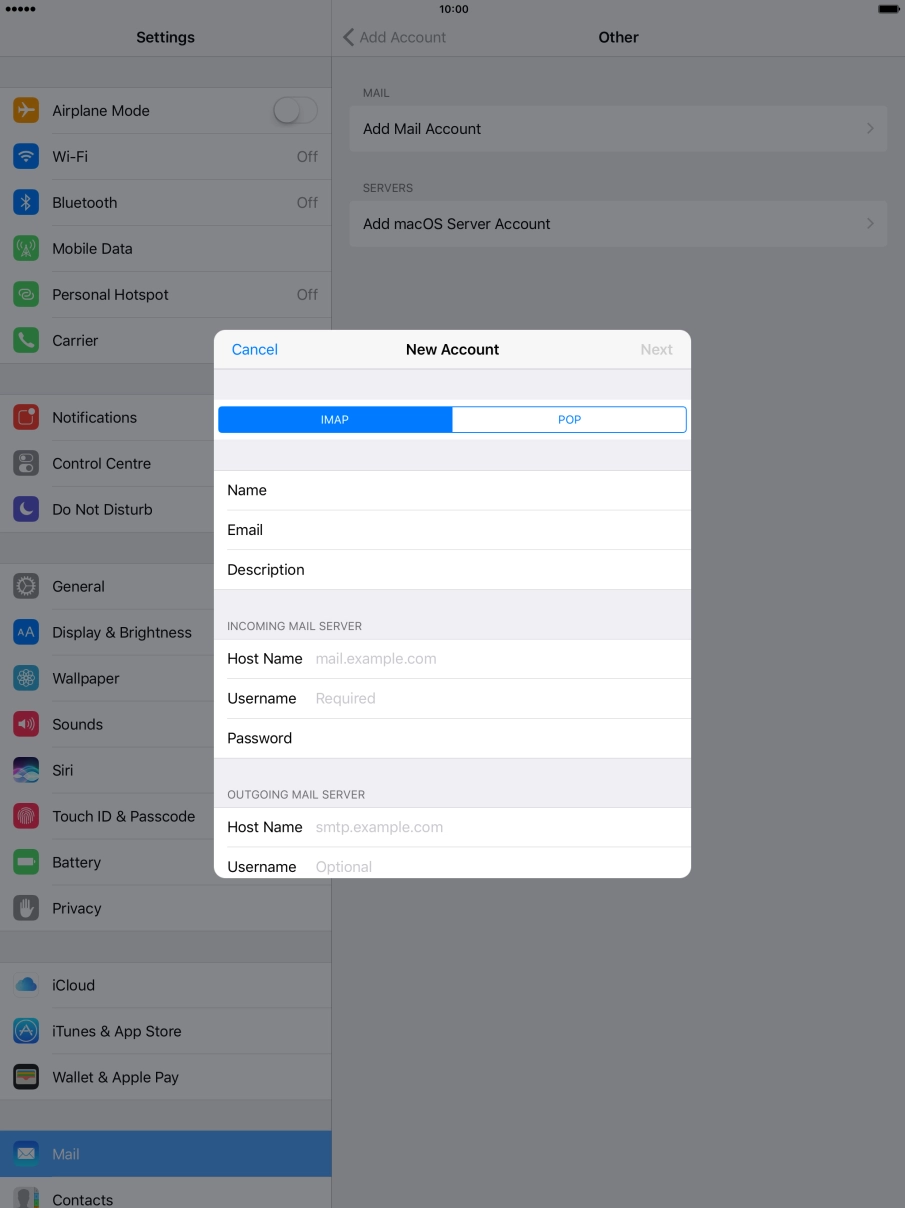
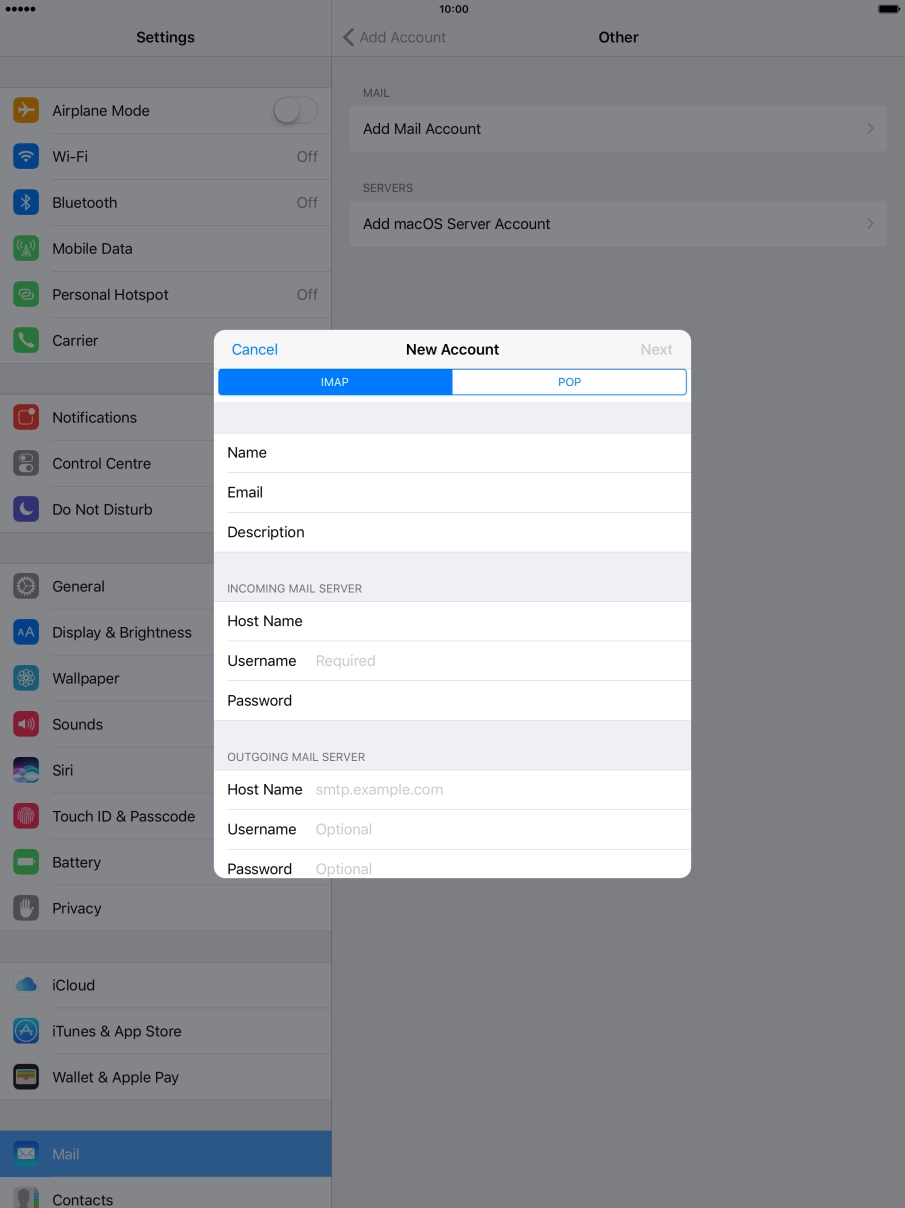
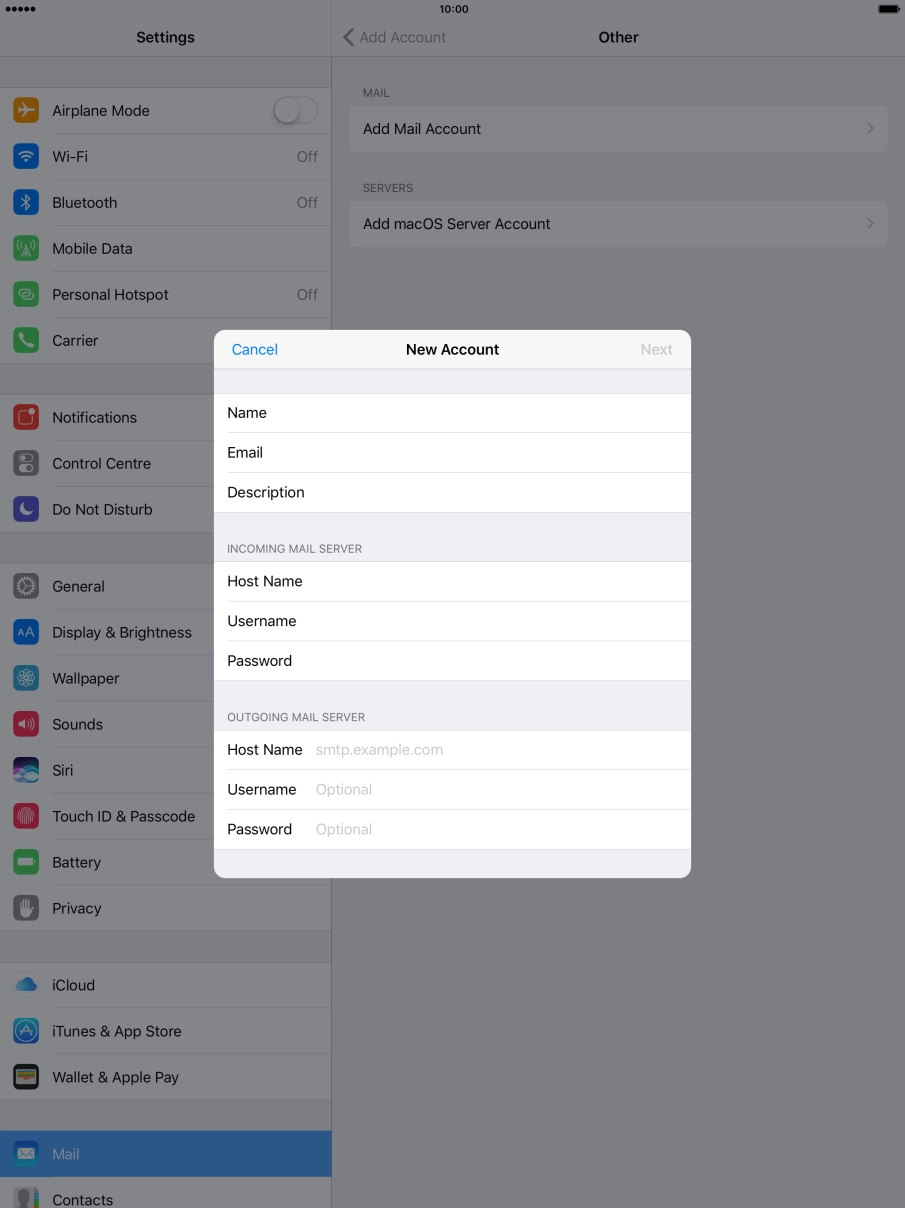
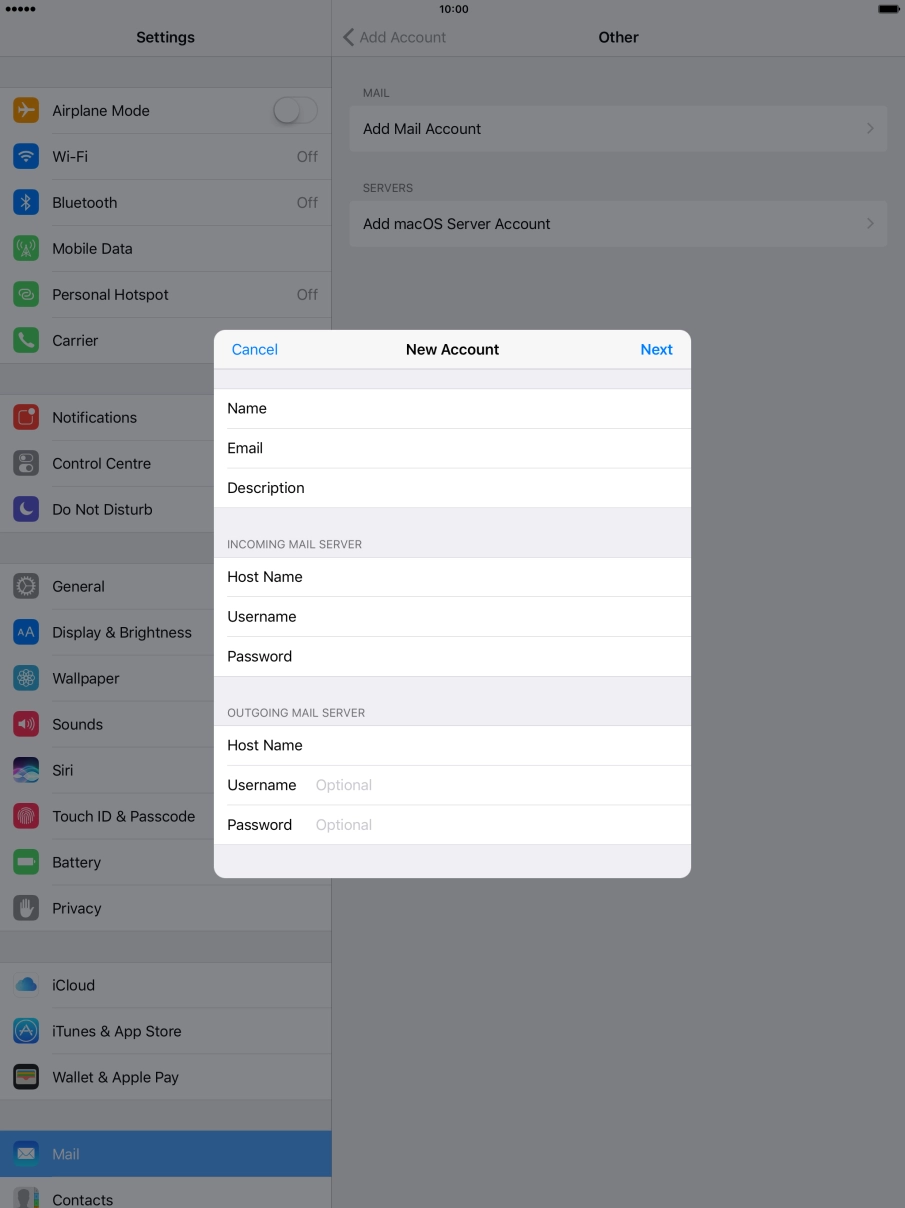
Press Name and key in the required sender name.
Press Email and key in your Telstra email address.
E.g. user@bigpond.com, user@bigpond.net.au or user@telstra.com.
Press Password and key in the password for your Telstra email account.
Press Description and key in the required name.
Press Next.
If this screen is displayed, you email account has been recognised and set up automatically. Follow the instructions on the screen to key in more information and finish setting up your tablet.
Press IMAP.
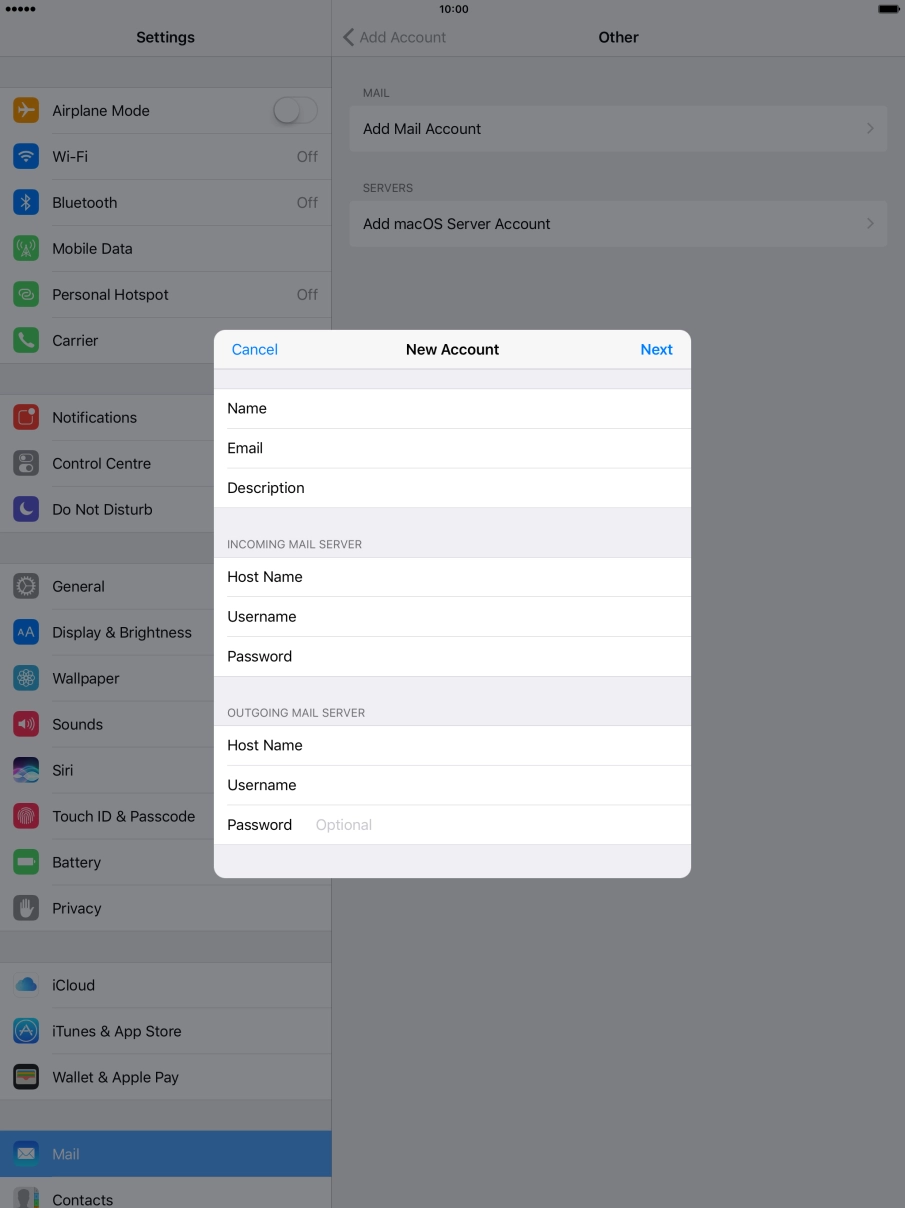
Press Host Name and key in imap.telstra.com.
Press Username and key in the username for your Telstra email account.
The username for your Telstra email account is your email address, e.g. user@bigpond.com, user@bigpond.net.au or user@telstra.com.
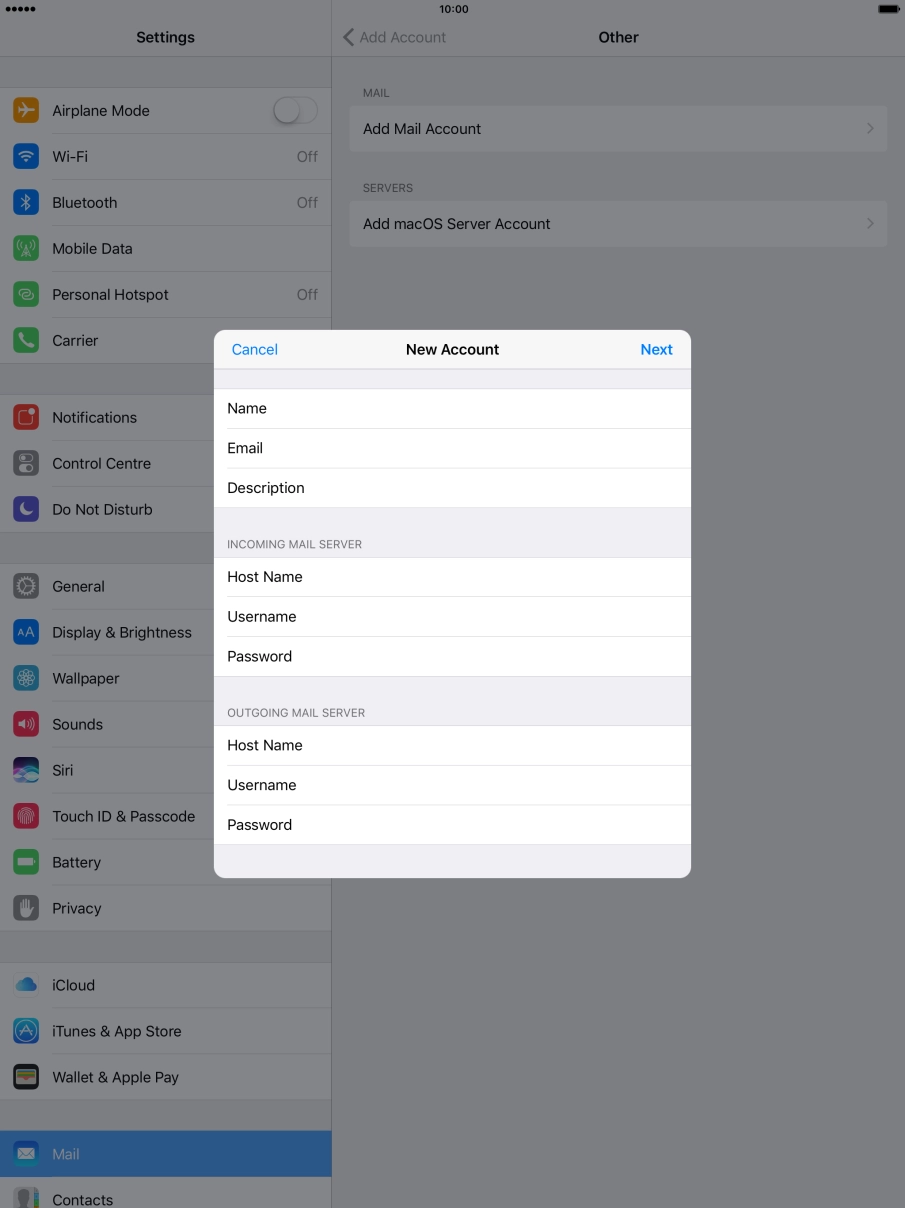
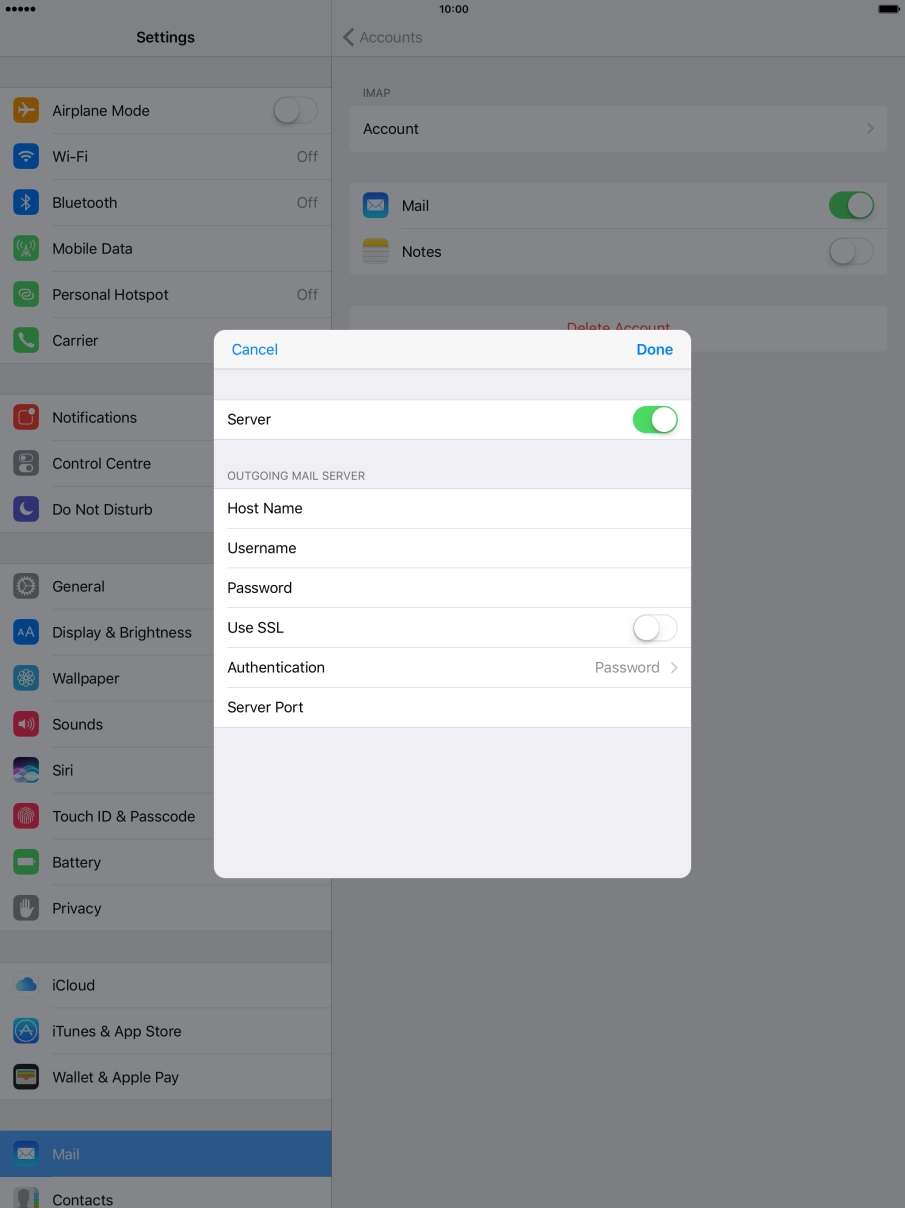
Press Host Name and key in smtp.telstra.com.
Press Username and key in the username for your Telstra email account.
The username for your Telstra email account is your email address, e.g. user@bigpond.com, user@bigpond.net.au or user@telstra.com.
Press Password and key in the password for your Telstra email account.
Press Next.
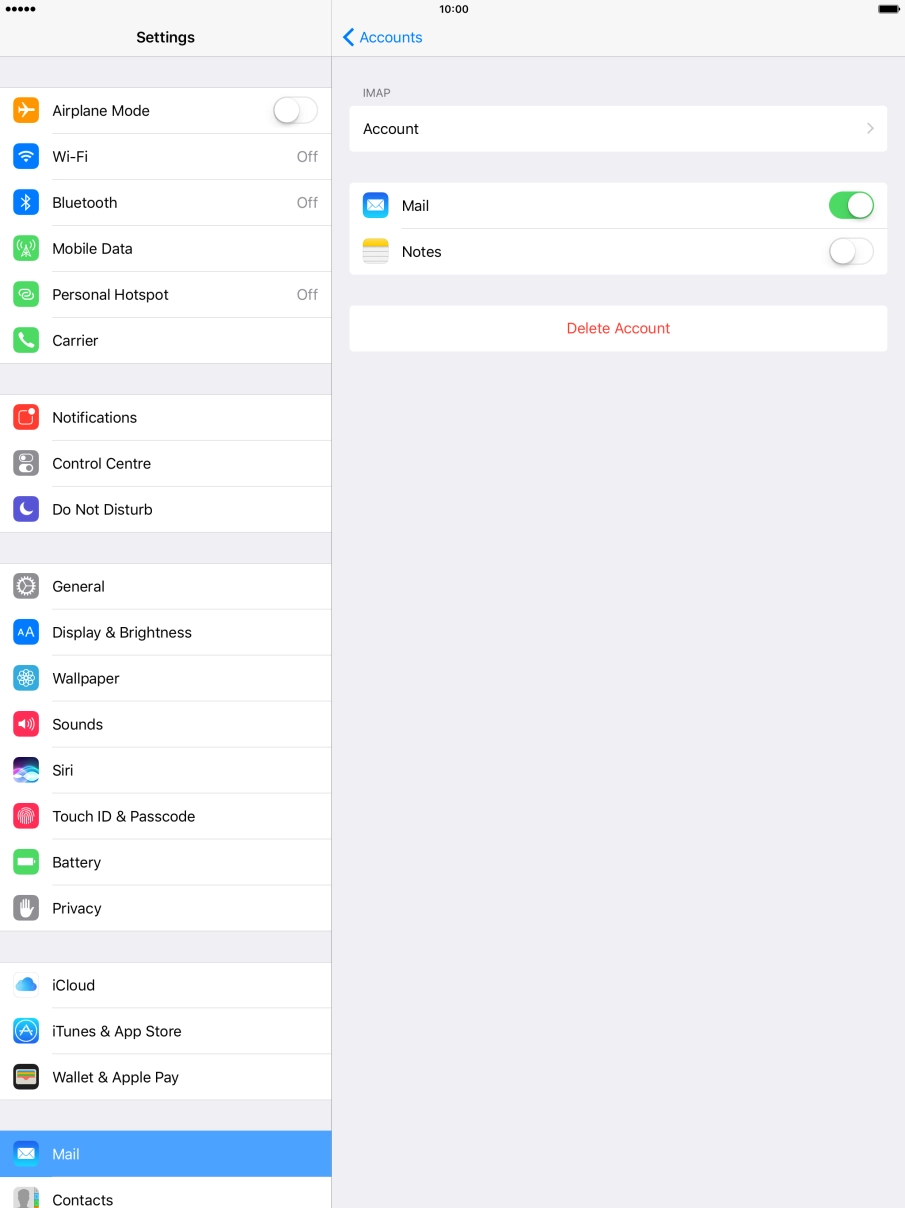
Press the name of the email account you've just set up.
Press Account.
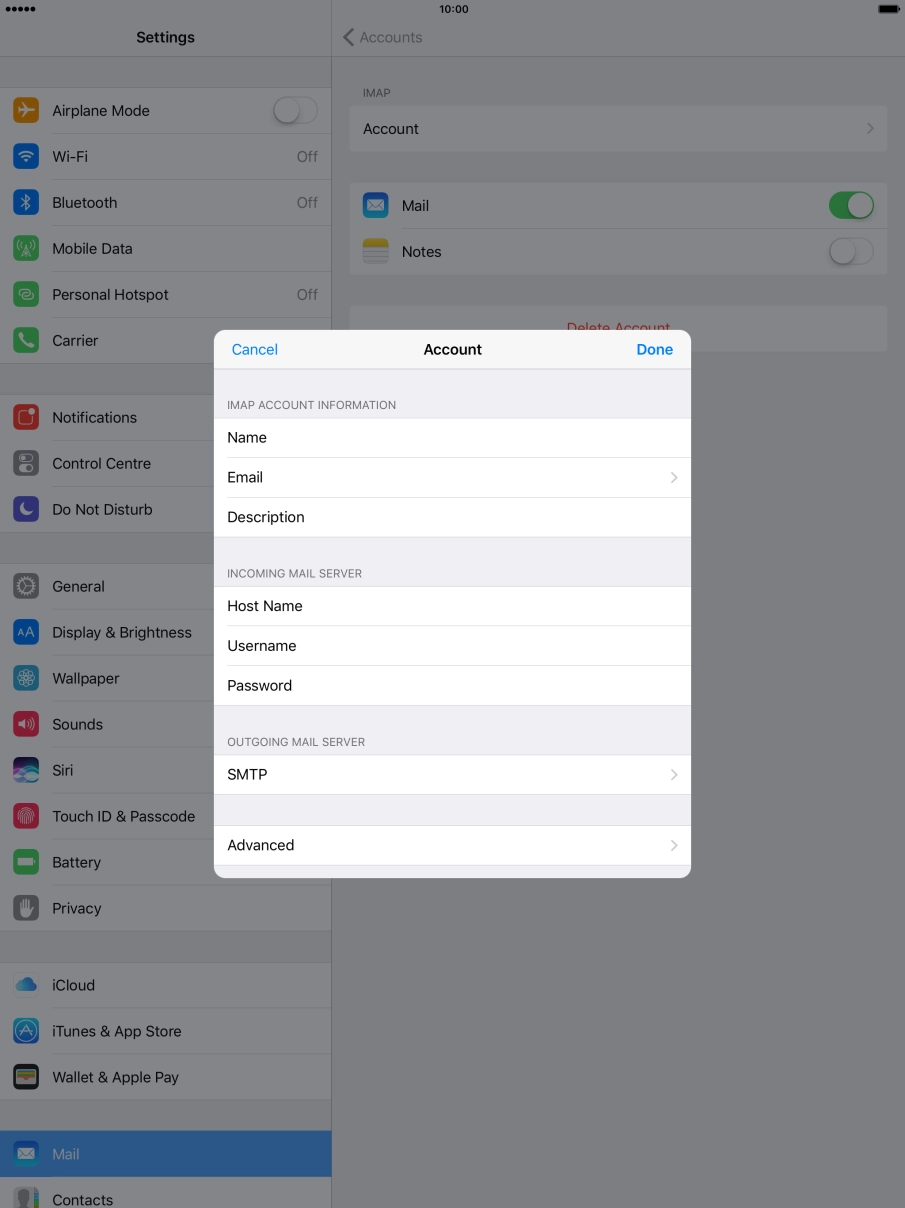
Press SMTP.
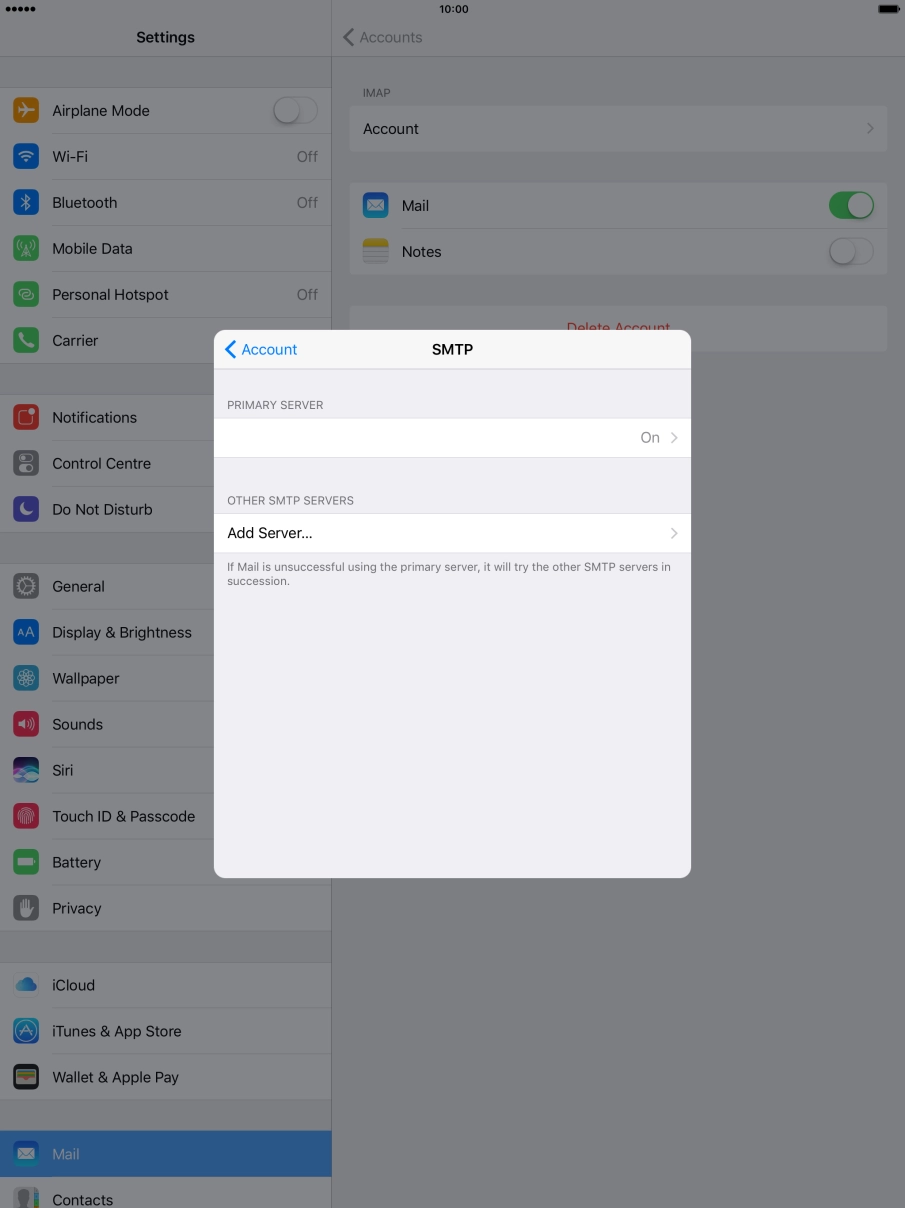
Press the field below "PRIMARY SERVER".
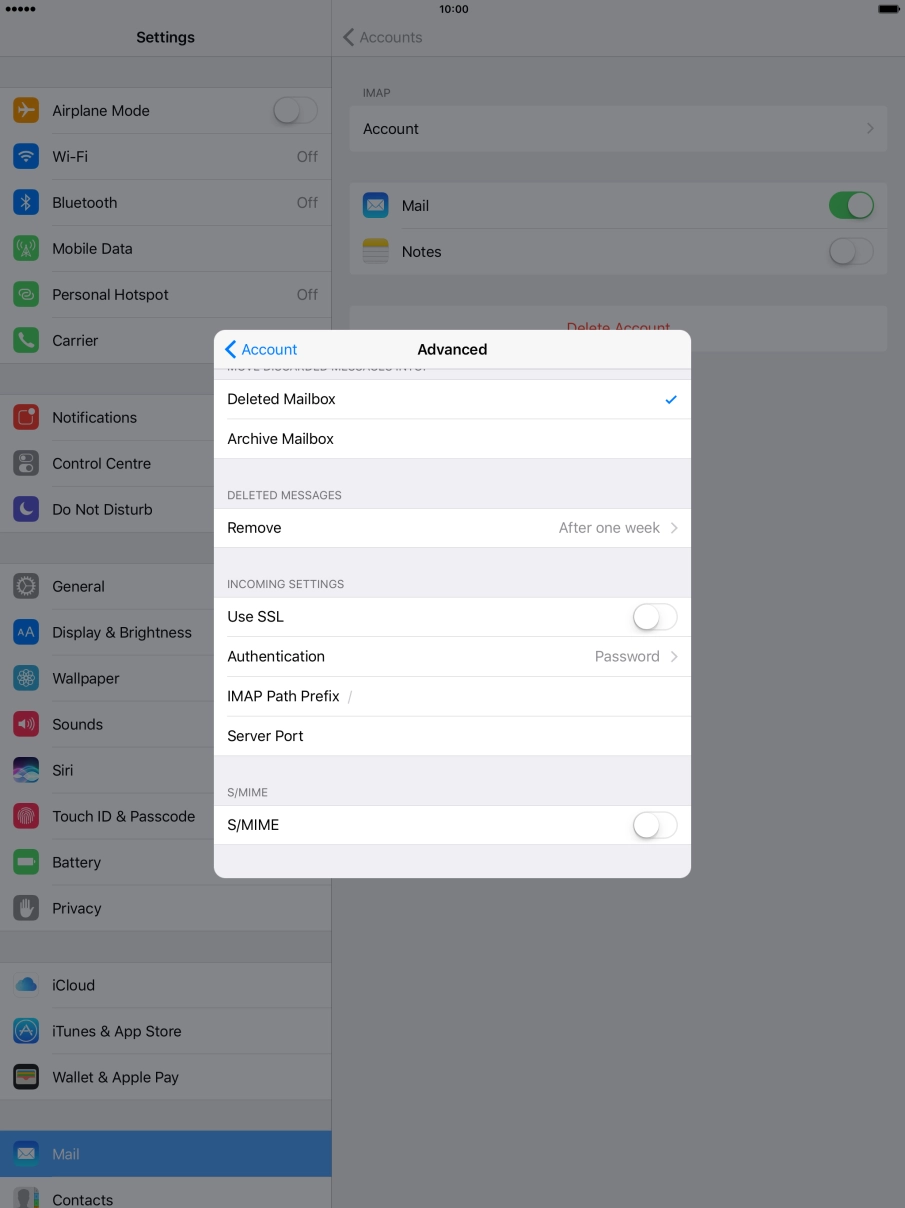
Press the indicator next to "Use SSL" to turn on the function.
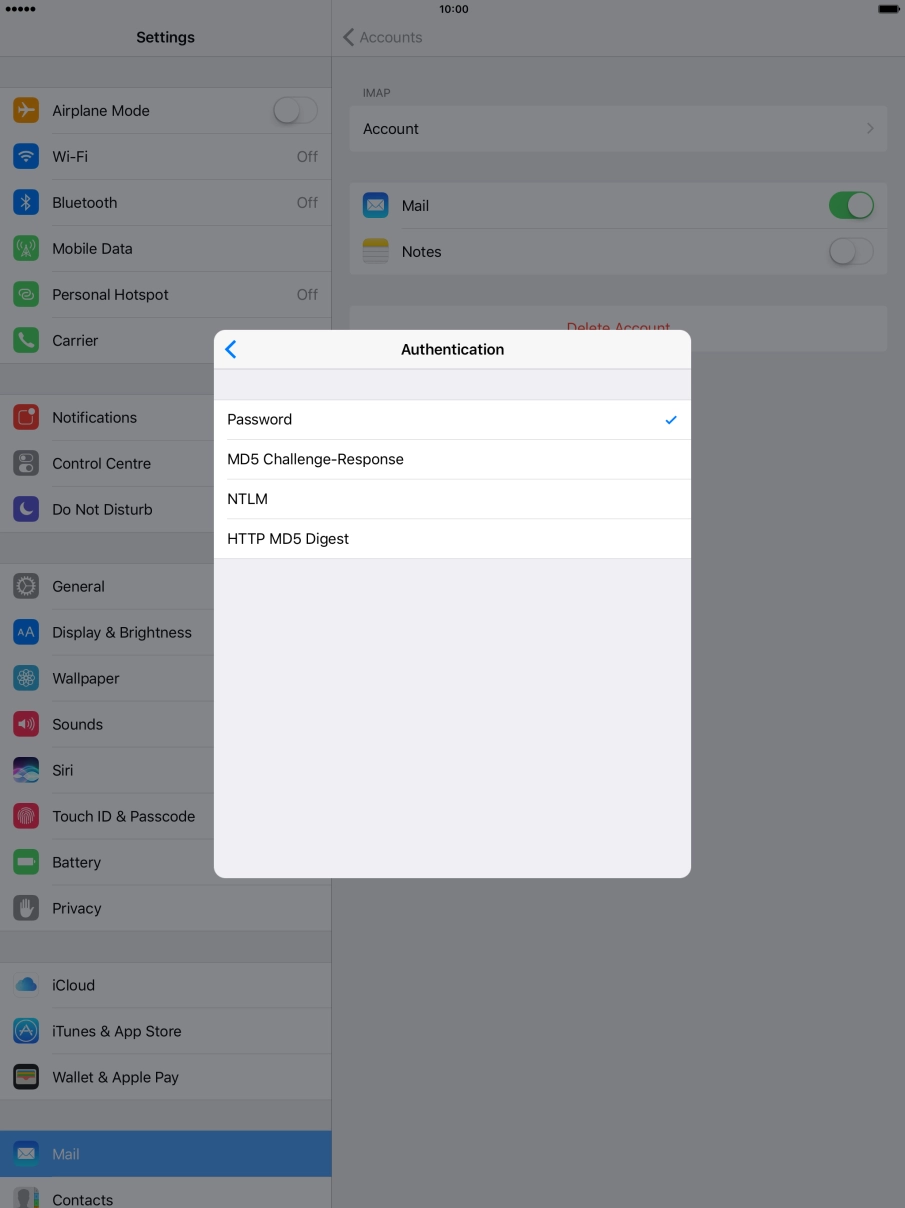
Press Authentication.
Press Password.
Press arrow left.
Press Server Port and key in 25.
Press Done.
Press arrow left.
Press Advanced.
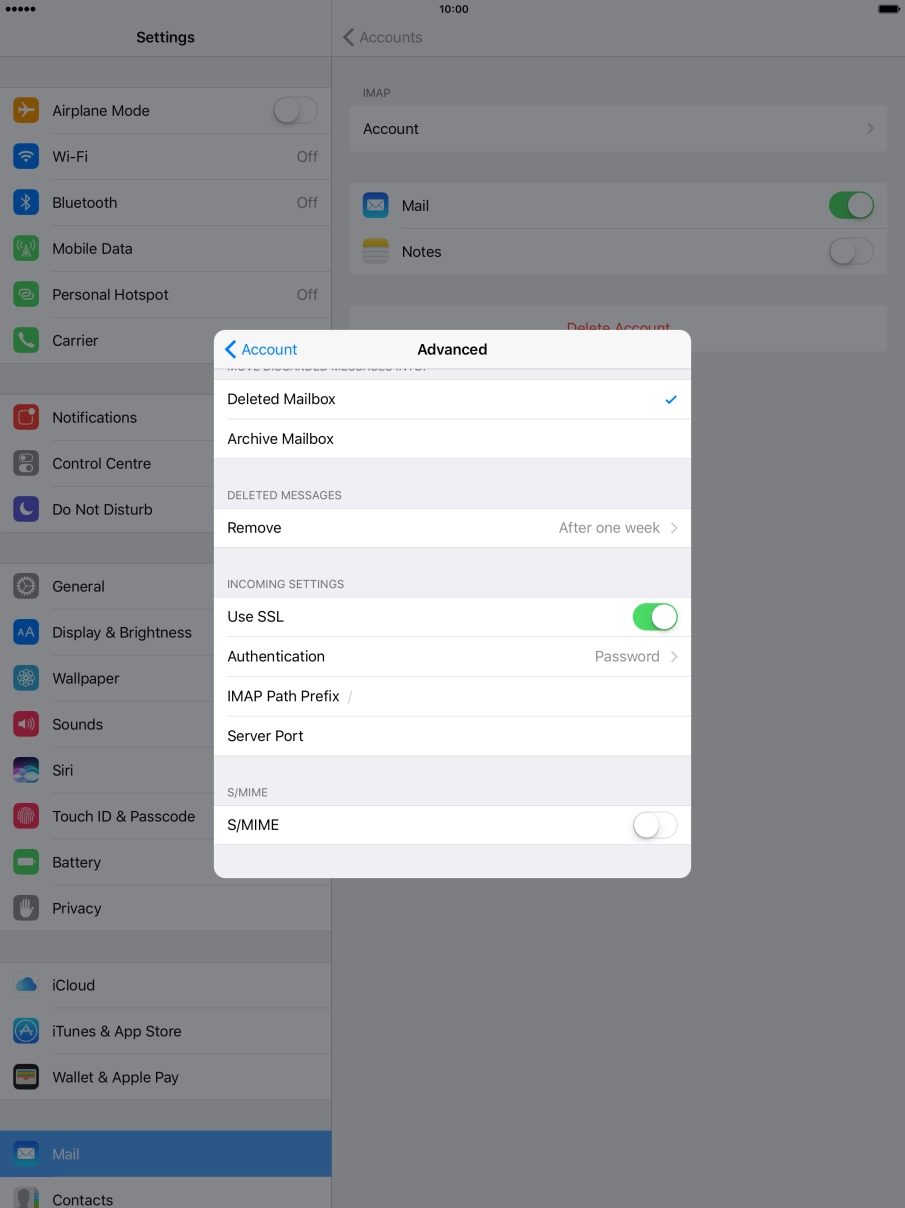
Press the indicator next to "Use SSL" to turn on the function.
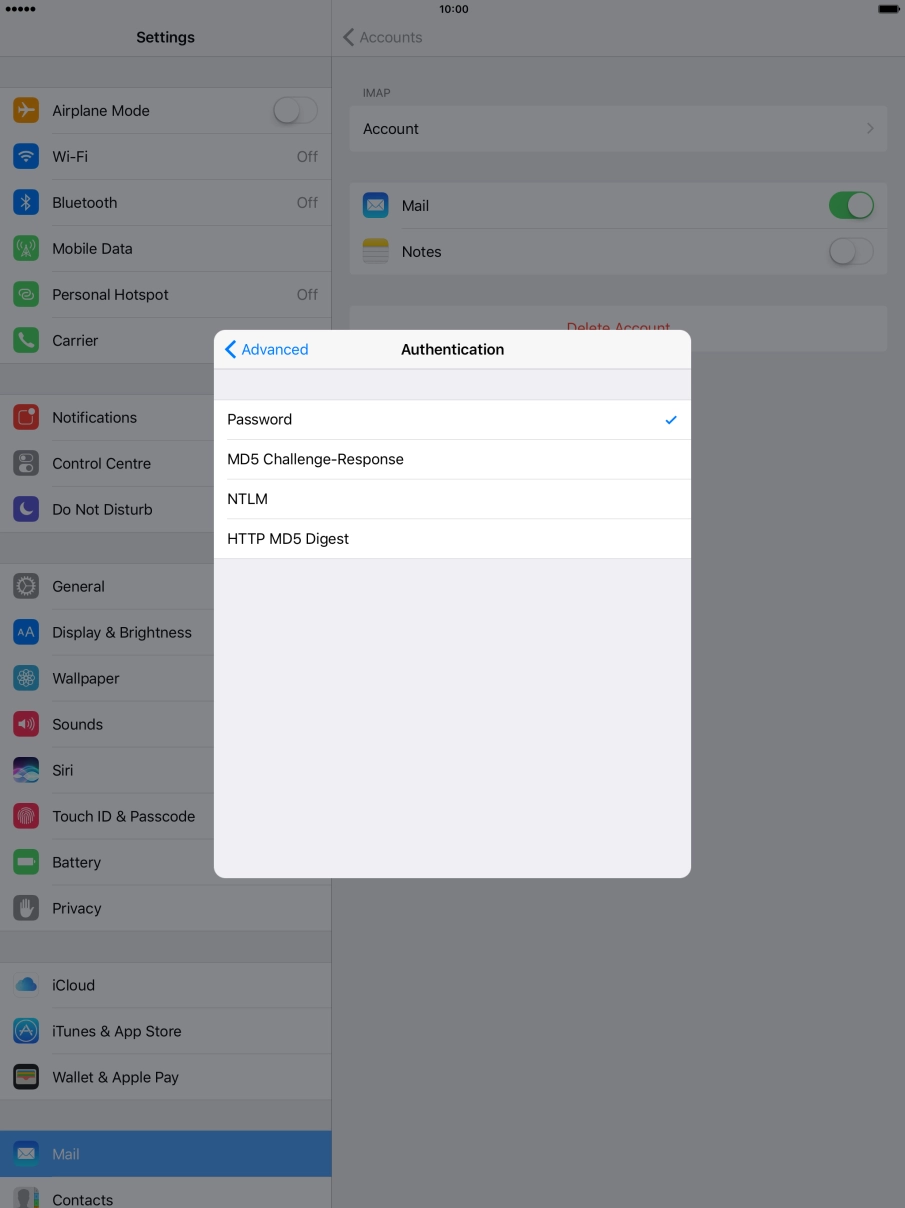
Press Authentication.
Press Password.
Press arrow left.
Press Server Port and key in 143.
Press arrow left.
Press Done.
Press Fetch New Data.
Press the indicator next to "Push" to turn the function on or off.
If you turn off the function, press the required setting.
Press the required email account and follow the instructions on the screen to select settings for the specific account.
Press the Home key to return to the home screen.