If you've used many apps on the phone, it may get slow because the apps keep running in the background.
Solution: End running applications
1. End running applications
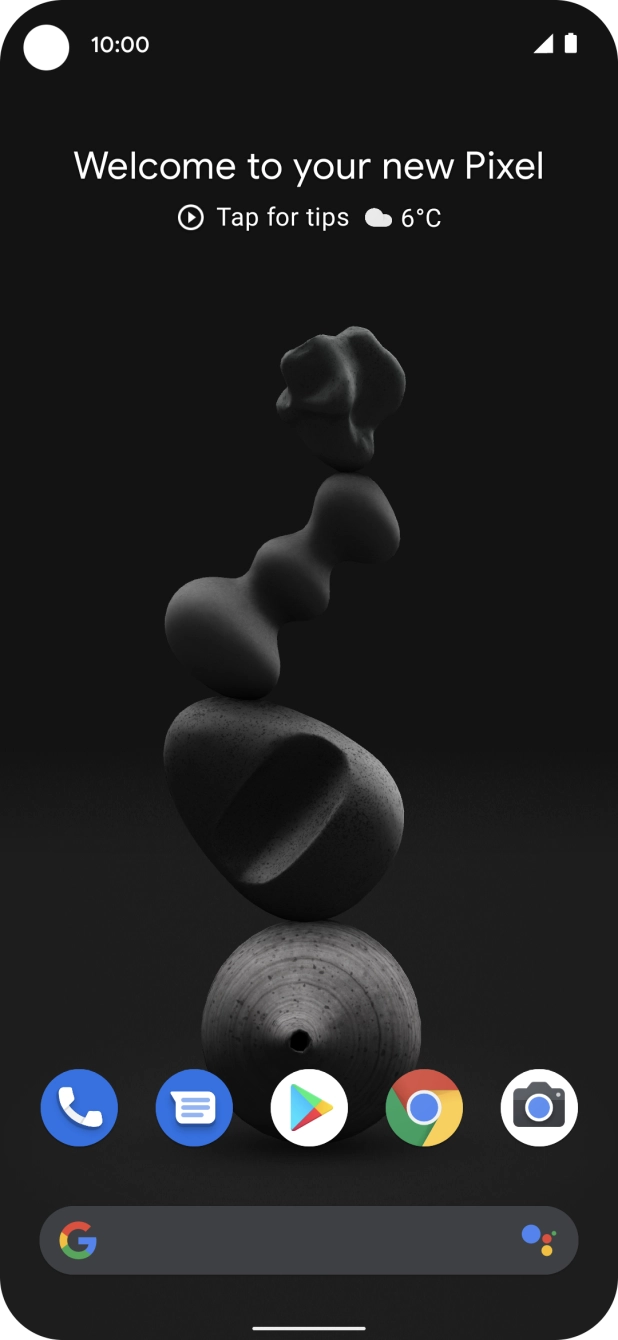
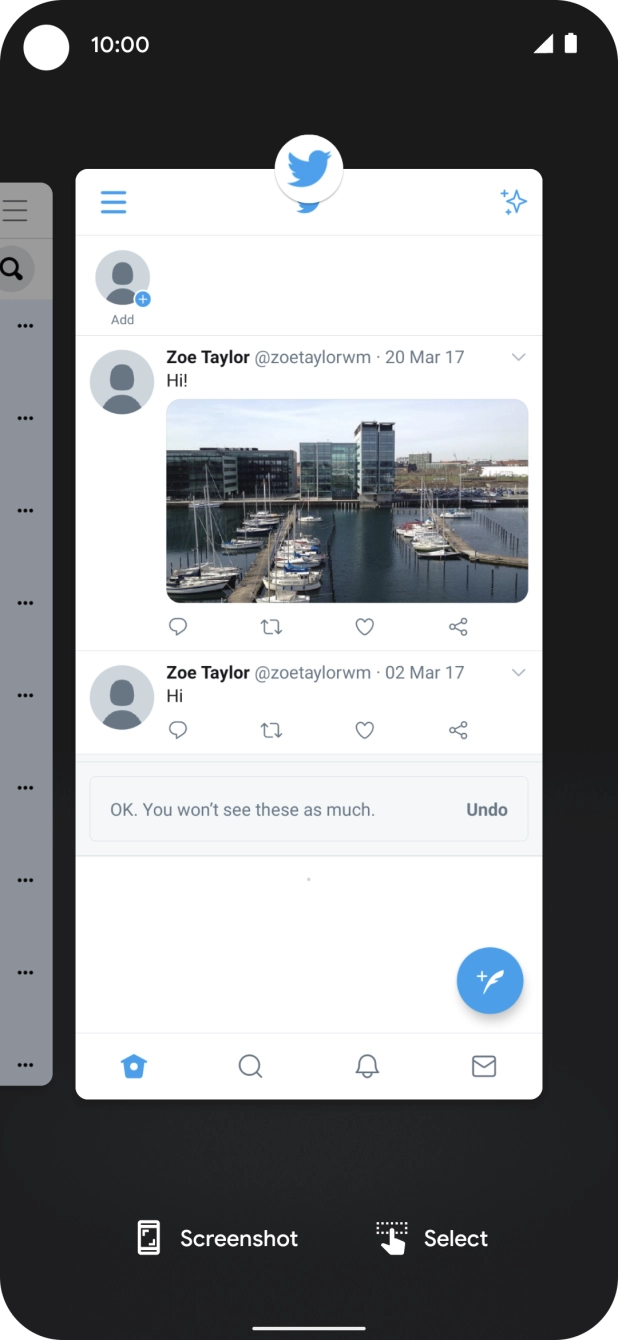
Slide your finger slowly upwards starting from the bottom of the screen until the list of running applications is displayed.
Slide your finger slowly upwards starting from the bottom of the screen until the list of running applications is displayed.
To end one running application, slide your finger upwards on the required application.
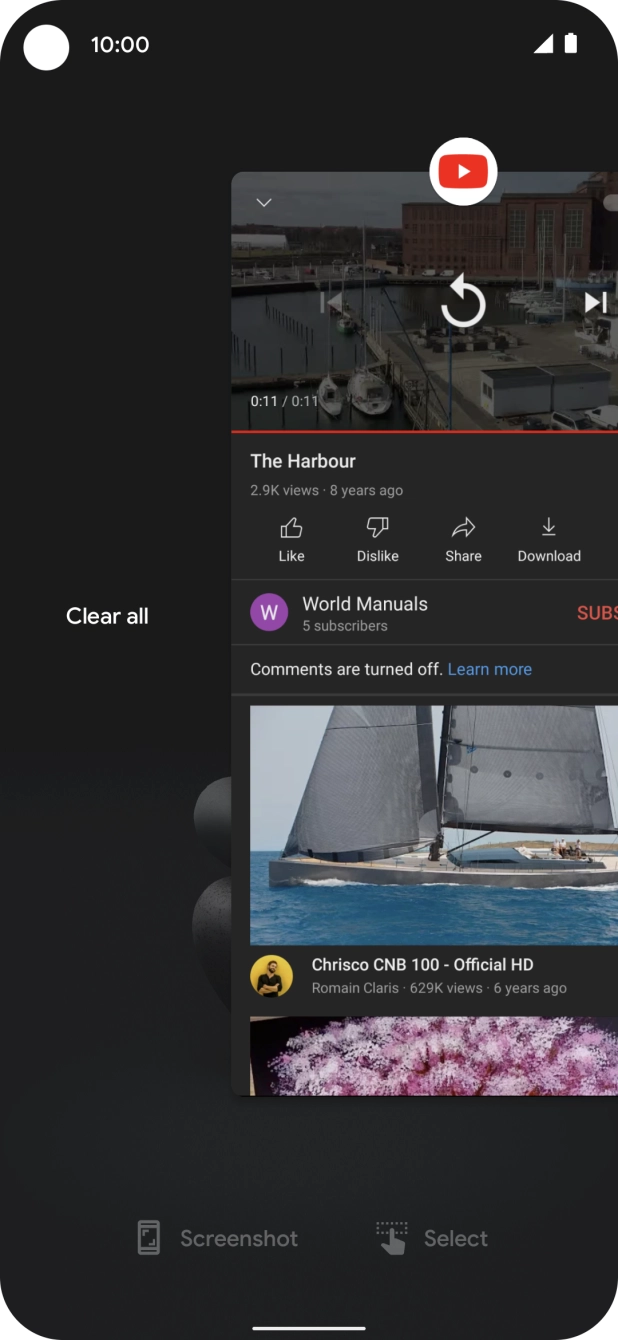
To end all running applications, slide your finger right from the left side of the screen.
Press Clear all.