If temporary data takes up too much memory, the phone memory fills up quickly when e.g. taking pictures or downloading music.
Solution: Delete temporary data
1. Find "Apps and notifications"
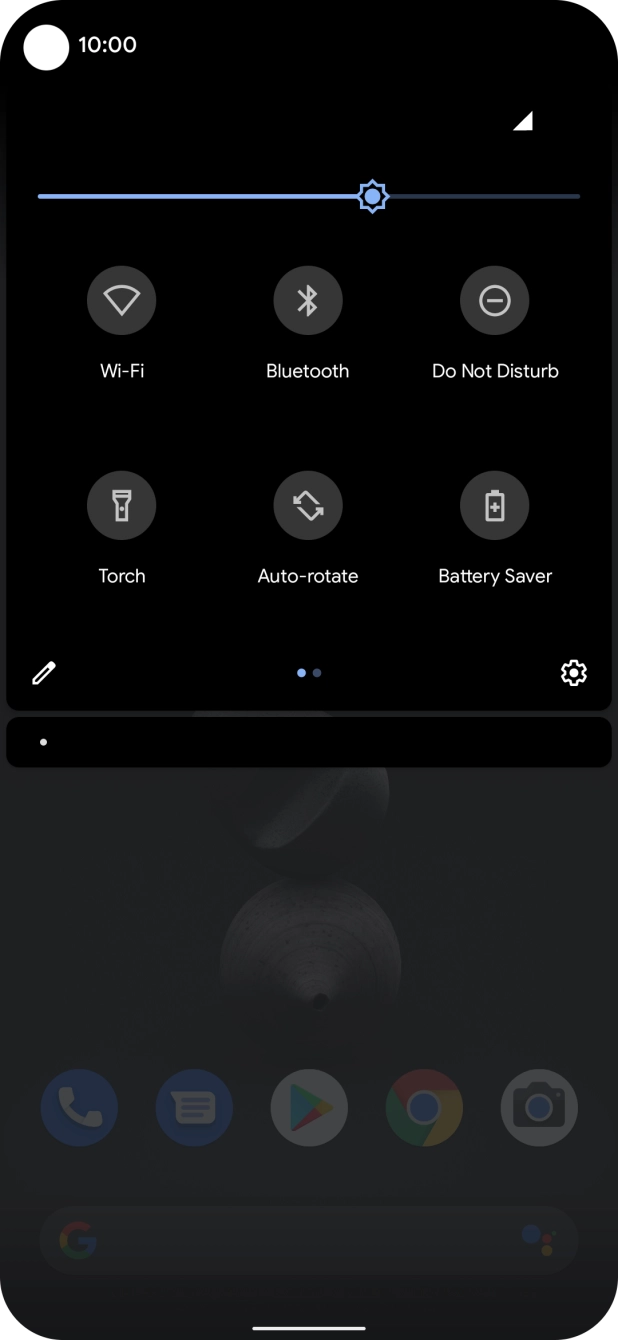
Slide two fingers downwards starting from the top of the screen.
Slide two fingers downwards starting from the top of the screen.
Press the settings icon.
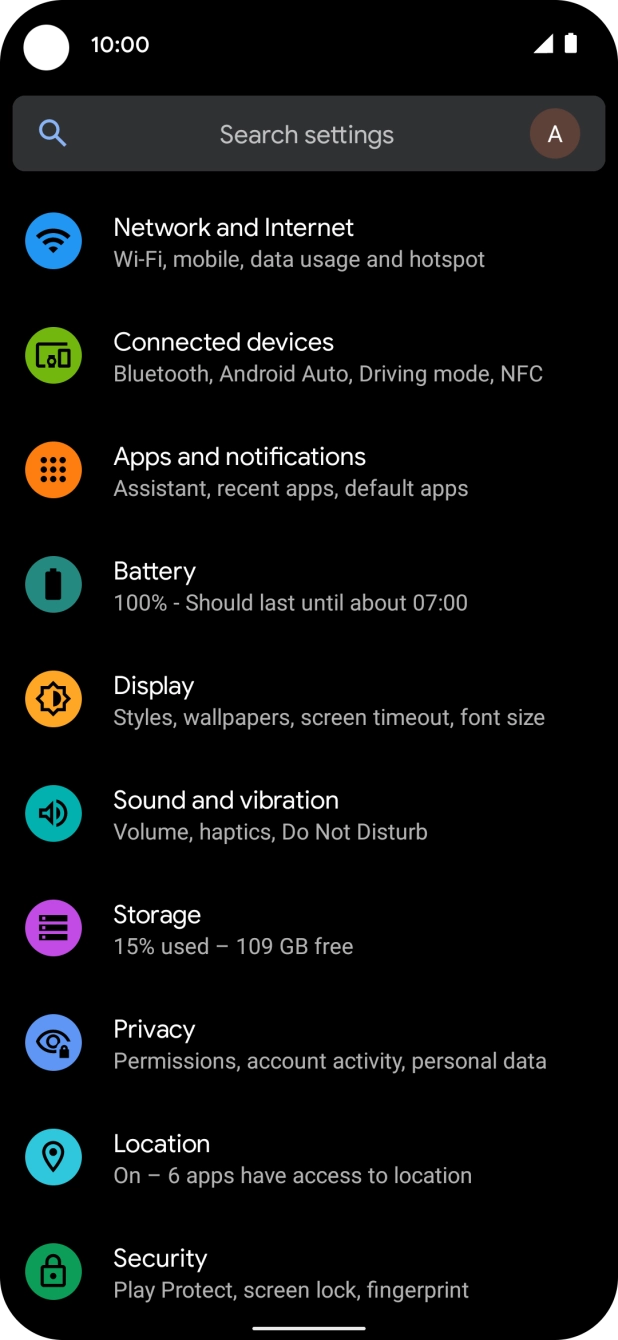
Press Apps and notifications.
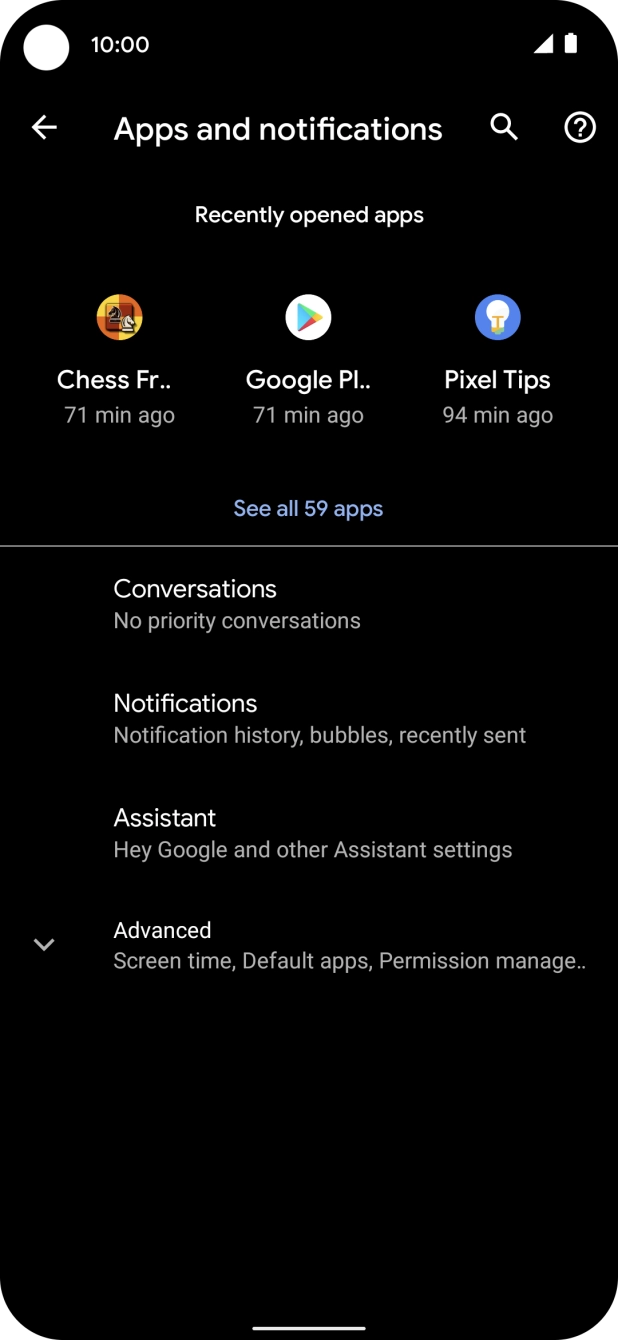
Press See all apps.
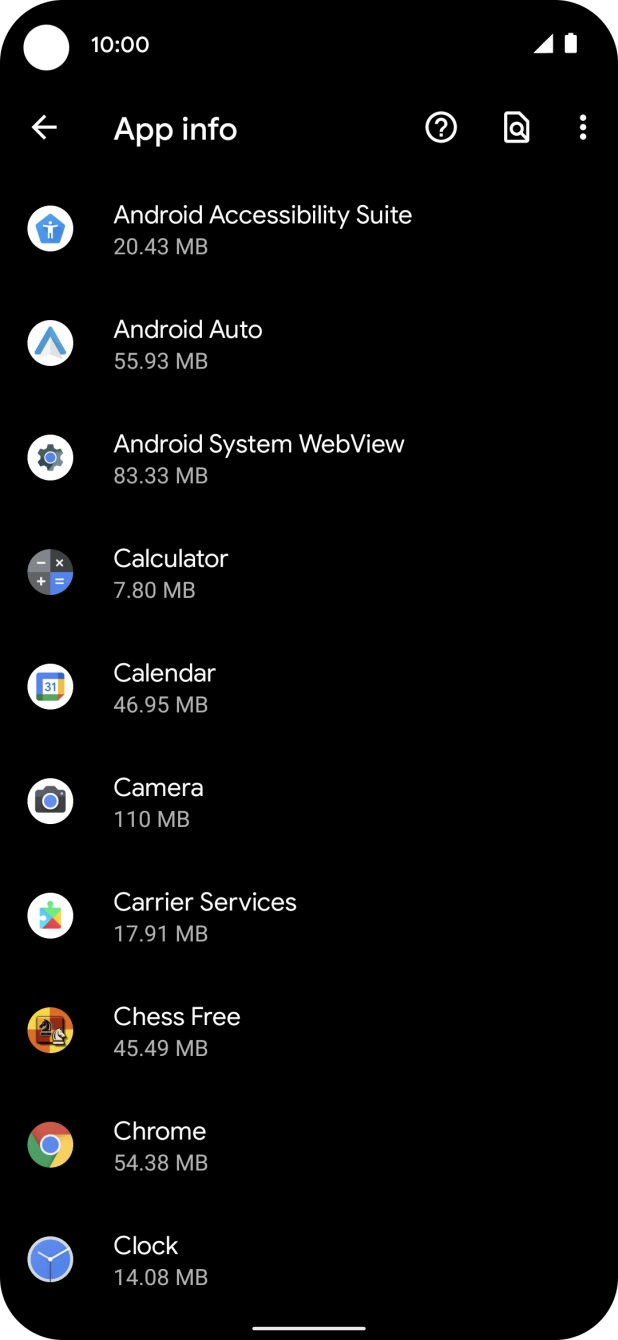
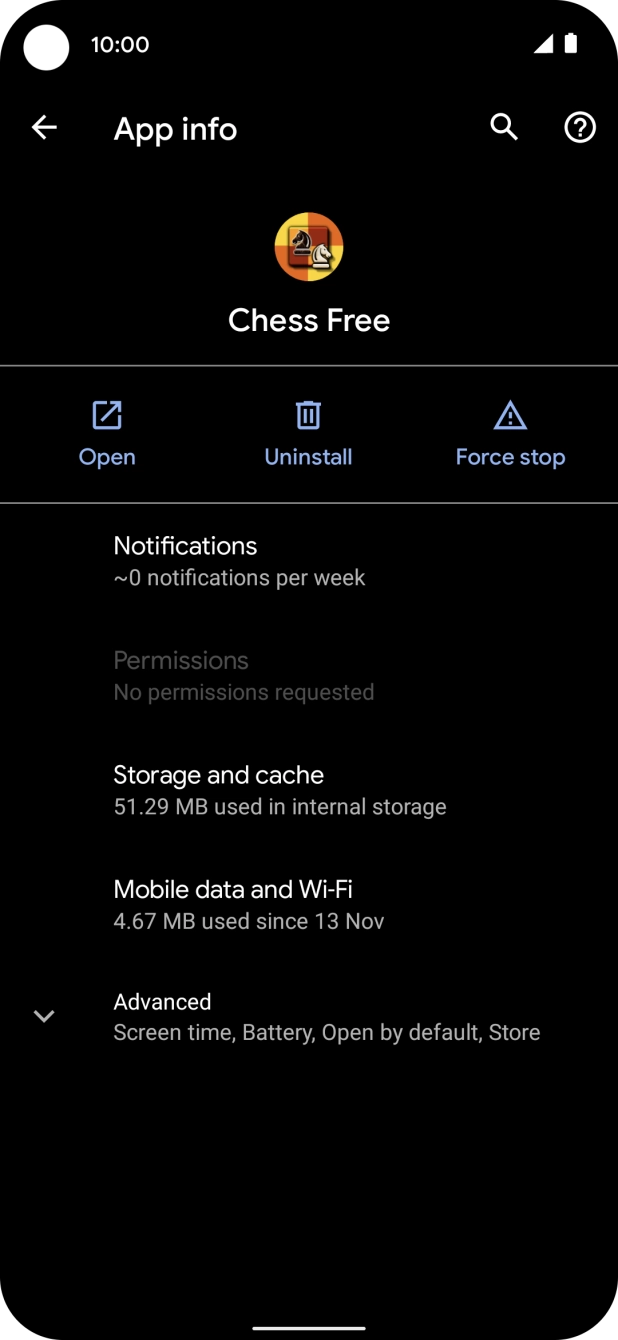
Press the required app.
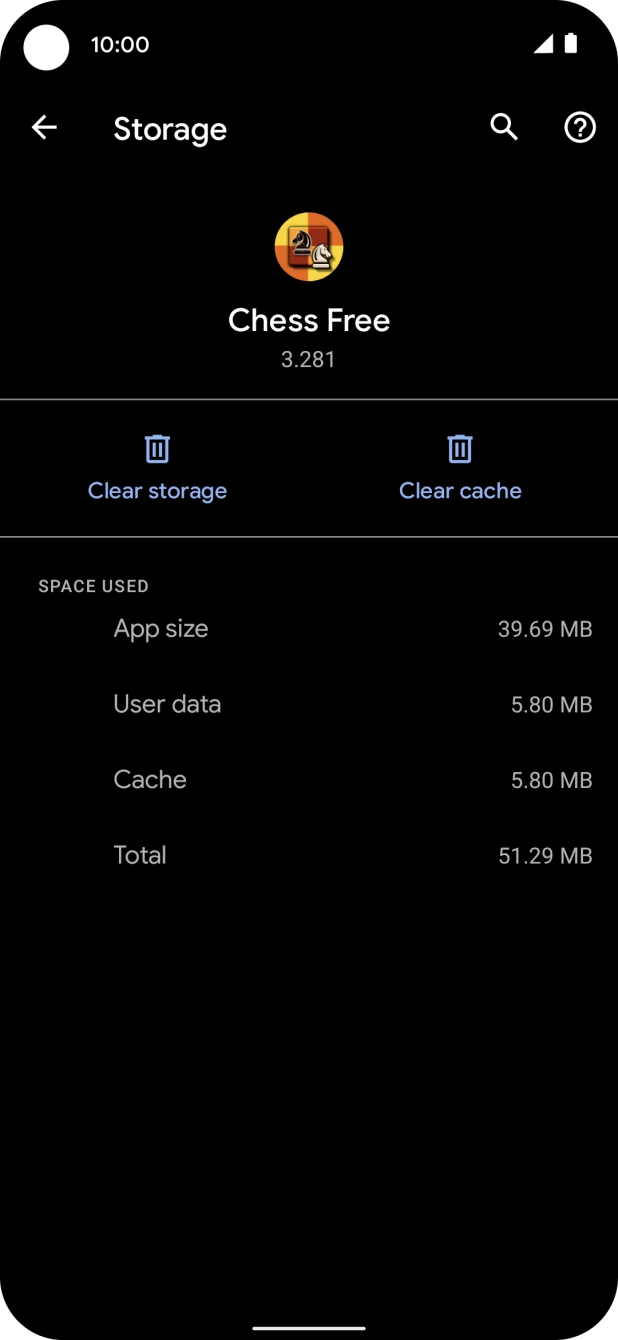
Press Storage and cache.
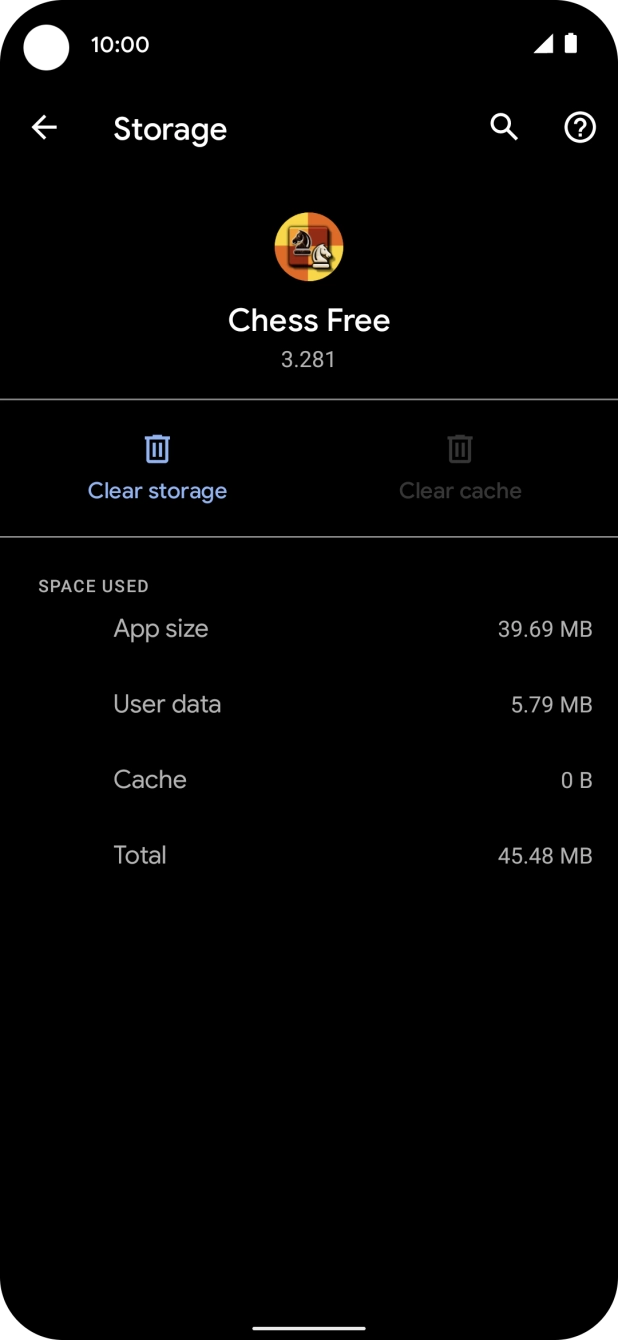
Press Clear cache.
Slide your finger upwards starting from the bottom of the screen to return to the home screen.