Browse via device topic
I can't check my MessageBank®
If you can't check your MessageBank®, there may be several causes of the problem.
To use a shortcut key to call your MessageBank®, the MessageBank® number needs to be saved in the phone.
Solution: Save MessageBank® number
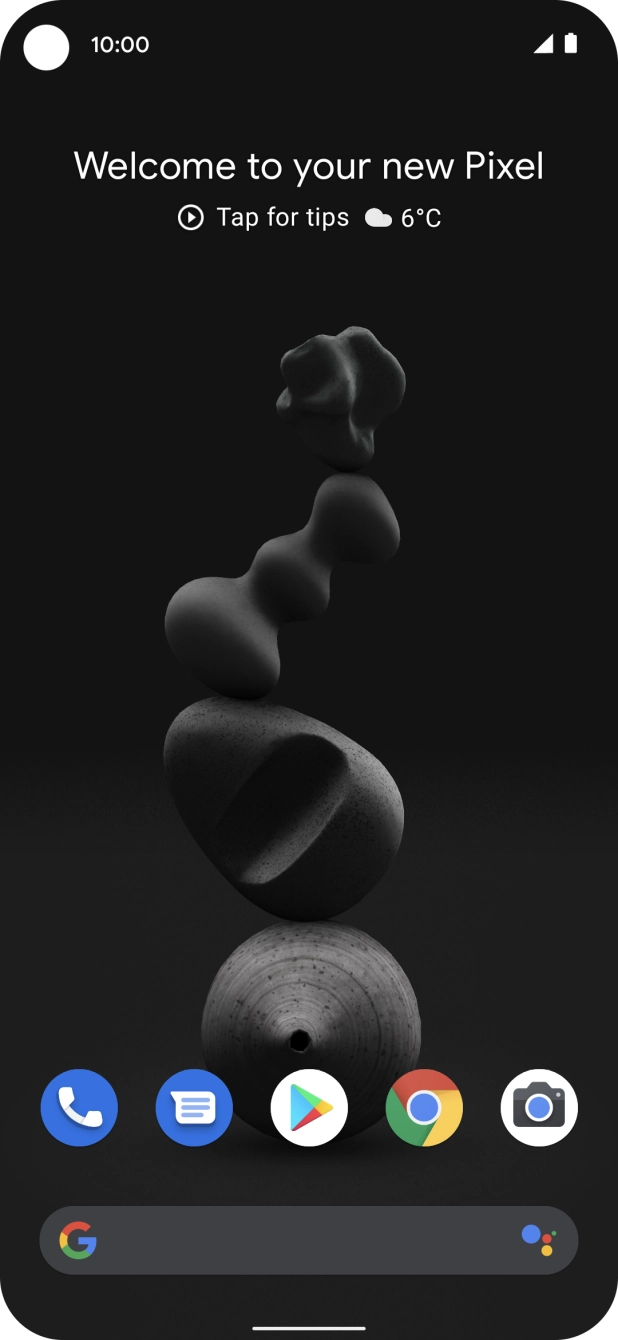


1. Find "Voicemail number"
Press the phone icon.
The default MessageBank® number can only be used if you're calling from your own phone.
Solution: Dial your own number from another phone. When you hear your MessageBank® greeting, press #. You'll be prompted for your PIN. Please note that you need to set a PIN before you can check your MessageBank® from another phone.
To check your voice messages, you need to activate your MessageBank®.
Solution: Dial 101 from your phone and follow the instructions to activate MessageBank®.
The default MessageBank® number can only be used if you're calling from your home network.
Solution: Dial your own number from another phone. When you hear your MessageBank® greeting, press #. You'll be prompted for your PIN. Please note that you need to set a PIN before you can check your MessageBank® when abroad.