Home
/
Device Help
/
HTC
/
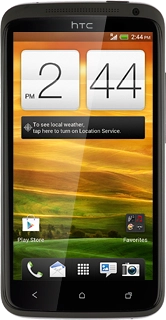
HTC One XL
Choose another device
Search for a solution
Search suggestions will appear below the field as you type
Slide 1 is active
Quick links to popular guides
Turn NFC on or off
Set up your phone for internet
Turn Bluetooth on or off
Set date and time
Use browser
Divert calls to alternative number
Browse via device topic
Help & support guides for your HTC One XL
Getting started
Basic functions
Calls, contacts & calendar
Messaging & email
Internet & entertainment
Data & wireless
Popular apps
Troubleshooting
Data & wireless
Connecting phone and computer
Use tethering
Wi-Fi
Turn Wi-Fi on or off
Connect to Wi-Fi network
Use your phone as a Personal Hotspot
Bluetooth
Turn Bluetooth on or off
Select Bluetooth settings
Connect Bluetooth devices
Transfer files via Bluetooth
NFC
Turn NFC on or off
Read NFC tag
Data usage
View data usage
Activate or deactivate data connections
Turn data roaming on or off
Rather get in touch? Let’s get you connected
Online help & support
Get help
Chat with our team
Contact us
My Telstra app
Download My Telstra