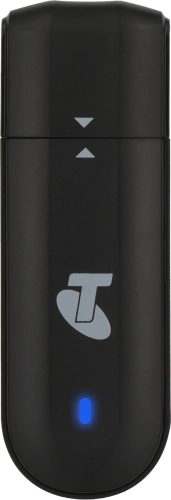
Home
/
Device Help
/
Telstra
/
Telstra 4GX USB Modem 2
Select operating system
Windows 11
Choose another device
Search for a solution
Search suggestions will appear below the field as you type
Slide 1 is active
Quick links to popular guides
Update the USB modem firmware
Start using your USB modem
Establish a connection to the USB modem web interface
Set up your USB modem for internet
Restore factory default settings
Insert SIM
Browse via device topic
Help & support guides for your Telstra 4GX USB Modem 2
Getting started
Connectivity
Messages
Security
Specifications
Messages
Write and send text messages
Previous step
Next step
Step 1 of 5
Step 1 of 5
1. Create new text message
Click
Messages
.
Click
Messages
.
Click
Add
.
Click
the recipient input field
and key in the number of the recipient.
Click
the text input field
and write the text for your text message.
Click
Send
when you've written your text message.
Rather get in touch? Let’s get you connected
Online help & support
Get help
Chat with our team
Contact us
My Telstra app
Download My Telstra