Search suggestions will appear below the field as you type
Browse via device topic
Guide to the router screen
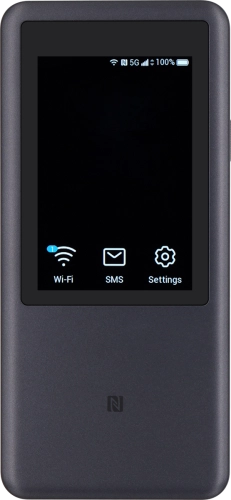
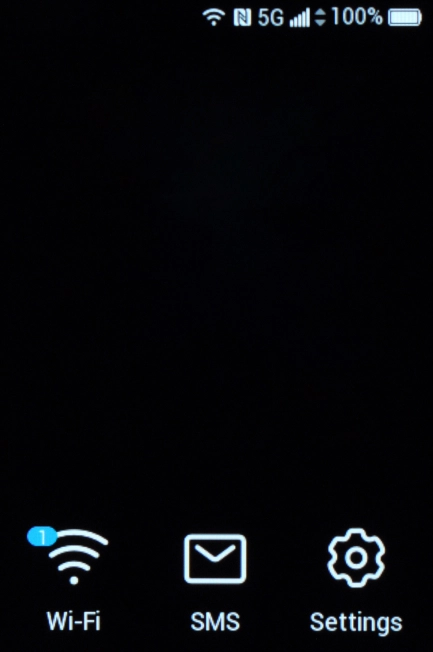
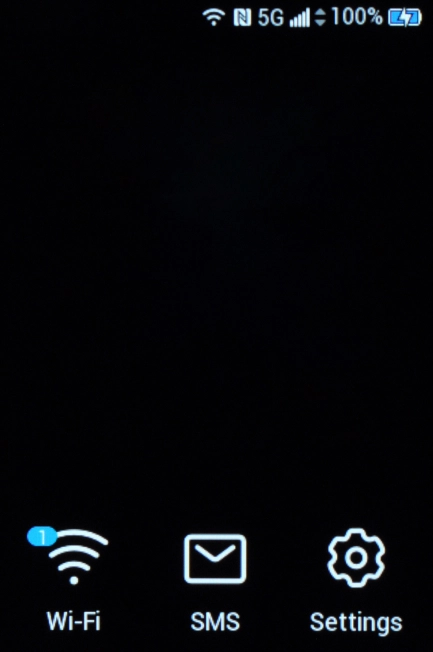
Your router's screen shows different settings and events.
Step 1 of 8
Step 1 of 8
1. Battery
The battery icon shows the remaining battery power. The larger the coloured section of the icon, the more remaining battery power. You can also see the battery power level in percentages.
See how to charge the battery.