Home
/
Device Help
/
Telstra
/
Telstra Smart Modem 4
Select operating system
Mac OS Sonoma
Choose another device
Search for a solution
Search suggestions will appear below the field as you type
Slide 1 is active
Quick links to popular guides
Establish a connection to the modem web interface
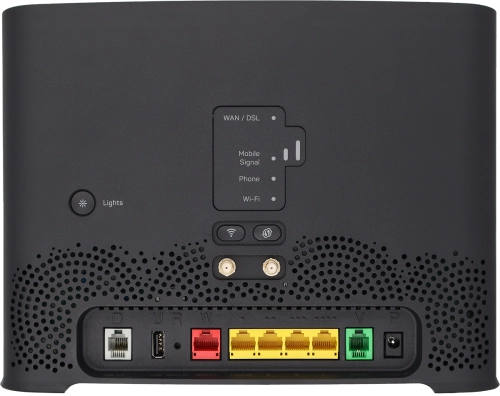
Guide to modem keys and sockets
View connected devices
View modem information
Guide to the modem web interface
Start using your modem
Browse via device topic
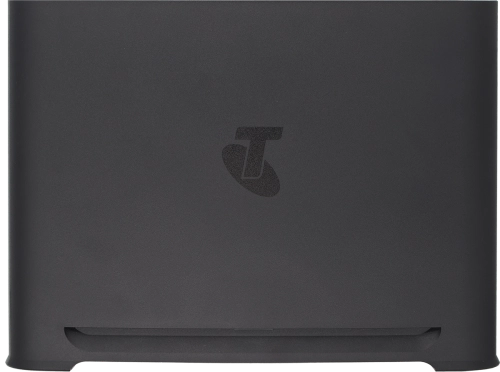
Help & support guides for your Telstra Smart Modem 4
Installation
Connectivity
Specifications
Connectivity
Troubleshooting
I can't use my modem as a Wi-Fi hotspot
The speed of the internet connection is lower than expected
I can't use my internet browser
I can't establish a wireless connection to my modem
The internet connection is intermittent
Connection settings
Change Wi-Fi hotspot name
Change Wi-Fi hotspot channel
Change Wi-Fi hotspot password
Optimise Wi-Fi signal
Block web pages
Set up port forwarding
Set up guest network
Establish a wireless connection to the internet
Establish a connection to the modem web interface
View internet connection information
View Wi-Fi hotspot password
View connected devices
Rather get in touch? Let’s get you connected
Online help & support
Get help
Chat with our team
Contact us
My Telstra app
Download My Telstra