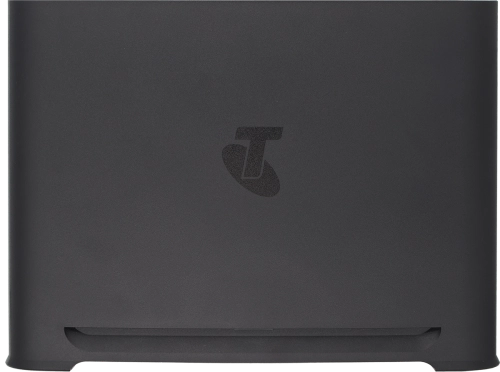
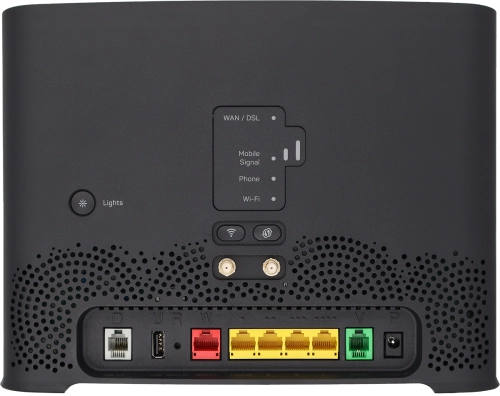
Telstra Smart Modem 4

Choose another device

Browse via device topic

I can't use my modem as a Wi-Fi hotspot

If you have problems using your modem as a Wi-Fi hotspot, there may be several causes of the problem.
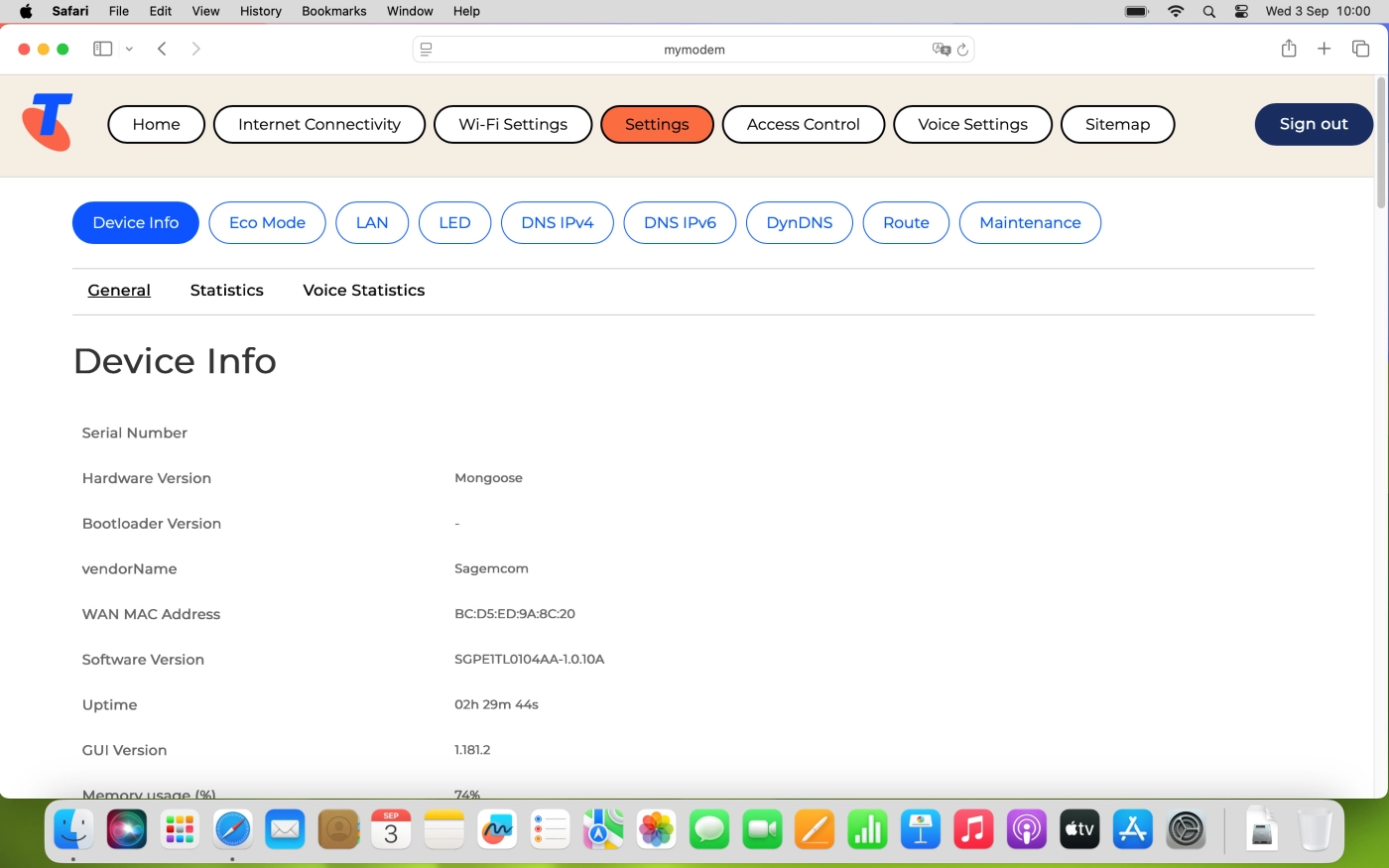
If you've keyed in an incorrect password for the Wi-Fi hotspot, you can't use your modem as a Wi-Fi hotspot.

Solution: View Wi-Fi hotspot password

Click Wi-Fi Settings.

Step 1 of -

Step 1 of -

Slide 1 is active

If your wireless connection is unstable, you can't use your modem as a Wi-Fi hotspot.

Solution: Change Wi-Fi hotspot channel

Click Wi-Fi Settings.

Step 1 of -

Step 1 of -

Slide 1 is active

If you can't use your modem as a Wi-Fi hotspot, it may help restoring the factory default settings.

Solution: Restore factory default settings

Click Settings.

Step 1 of -

Step 1 of -

Slide 1 is active

If you can't use your modem as a Wi-Fi hotspot, it may help restarting your modem and the connected devices.

Solution: Restart modem

Disconnect the power supply from the power plug to turn off your modem. Wait for 30 seconds.

Step 1 of -

Step 1 of -

Slide 1 is active

Rather get in touch? Let’s get you connected

Online help & supportGet help
Chat with our teamContact us
My Telstra appDownload My Telstra